MechCommander
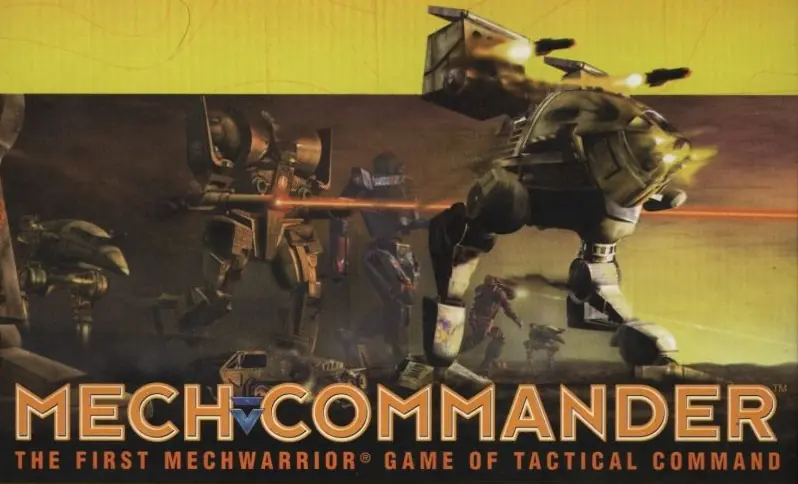
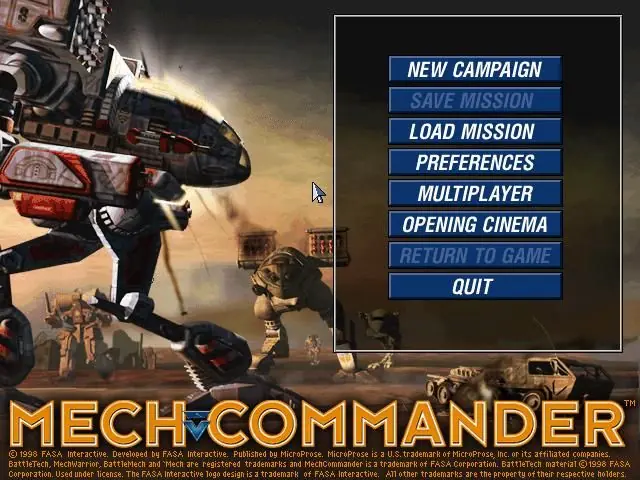
MechCommander is a 1998 strategy game developed by FASA Studio and published by MicroProse.
MechCommander is a 1998 strategy game developed by FASA Studio and published by MicroProse.
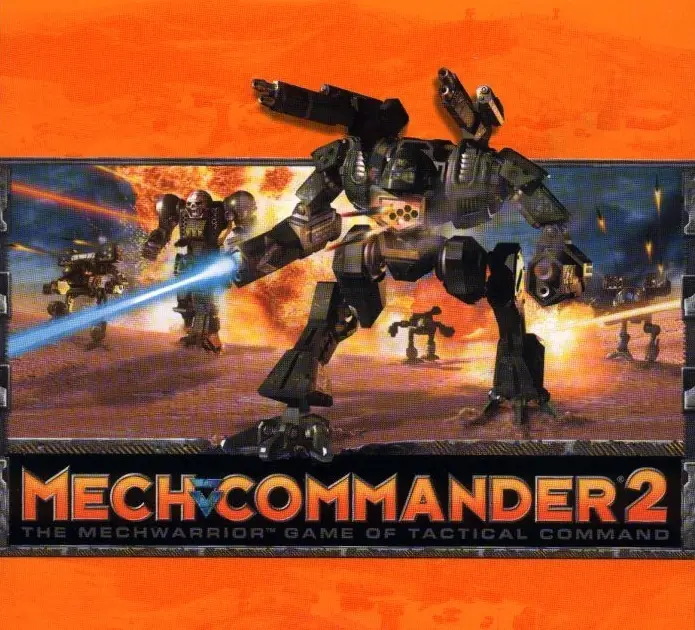
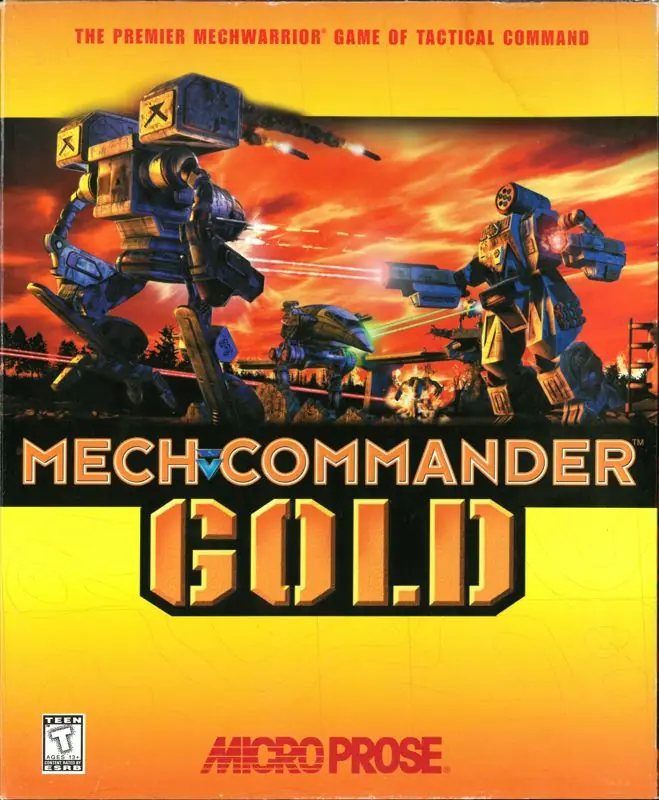
MechCommander is the second real-time tactics (RTT) video game based on FASA's BattleTech/MechWarrior franchise (though often being called a real-time strategy game), developed by FASA Interactive and distributed by MicroProse. MechCommander was released in 1998. It had an expansion which was later combined with the original title and released as MechCommander Gold. A sequel also exists (distributed by Microsoft)—MechCommander 2.
MechCommander, in being a squad-based RTT, is more along the lines of X-COM: Apocalypse than RTS games like Age of Empires or StarCraft.
The player assumes the role of the commander of Zulu company from the Federated Commonwealth's First Davion Guards, a member of the Inner Sphere (IS). The planet Port Arthur must be taken back from the Clan Smoke Jaguar. The game's campaign progresses through 30 different missions broken into 5 operations with 6 missions apiece. Each mission consists of a number of objectives which may include destroying enemy units, capturing or defending enemy units, protecting friendly units, and capturing and defending bases. Some missions must be completed within a certain time limit.
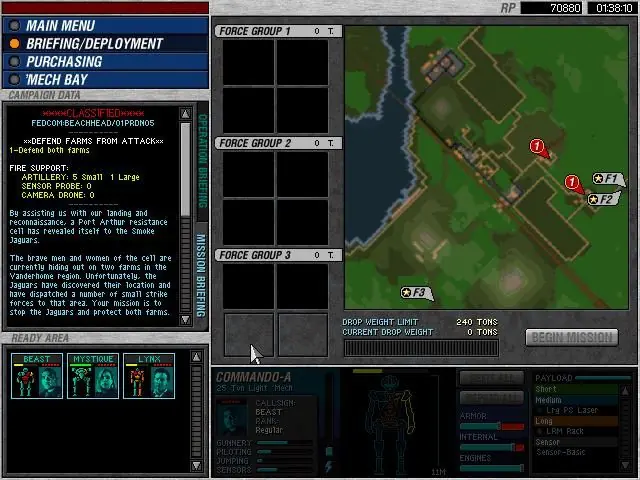
In each mission, the player controls a limited number of units which are either mechs or support vehicles. Each mission restricts both the combined tonnage and the number of units allowed. Briefings supplied before each mission list the objectives and other relevant information. A wide range of strategies and tactics may be used on any given mission, and the player can customize his or her forces for each one.
In between missions the player can repair and refit mechs, assign MechWarriors to each mech and purchase mechs, vehicles, MechWarriors, and components. These items are purchased with Resource Points which are awarded for completing previous mission objectives. Few mechs, vehicles, mech pilots, and components can be purchased at the beginning of the campaign, but more become available as the game progresses. However, only IS technology can be purchased. Clan technology such as weaponry and new mechs must be salvaged from the battlefield. Salvaging equipment is an important feature of the game.
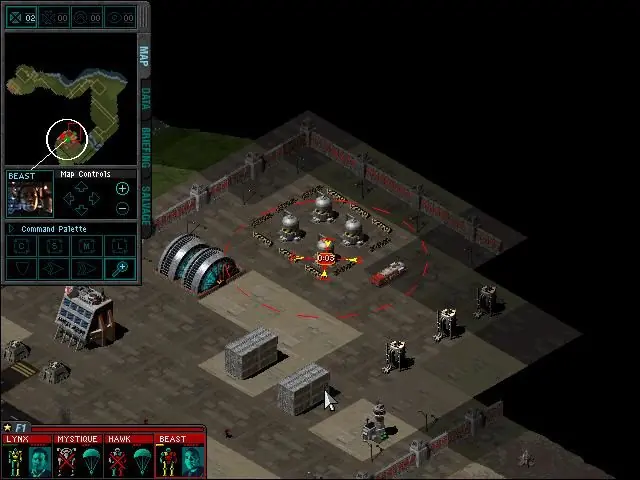
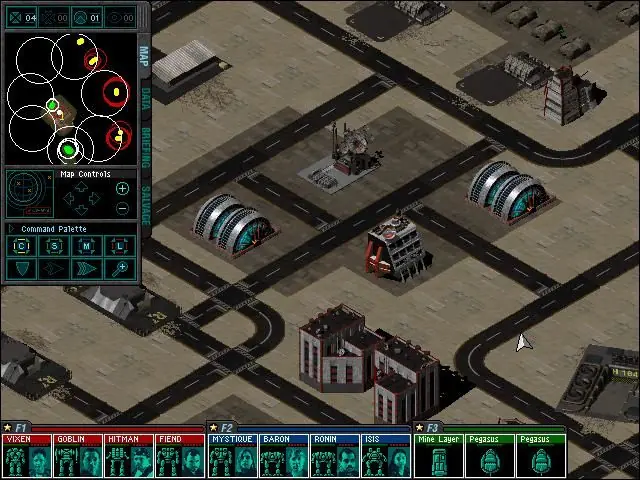
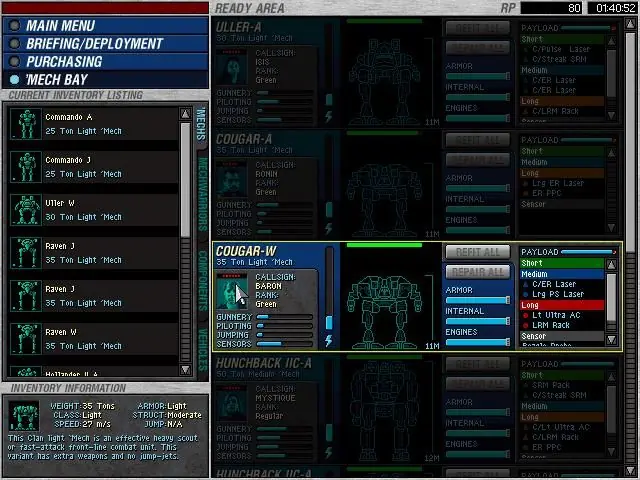
MechCommander is abandonware and no longer sold or supported by its publishers. Files are archived here for these platforms:
How to play on Windows






1 thought on “MechCommander”