Home » Games » LEGO Island

LEGO Island

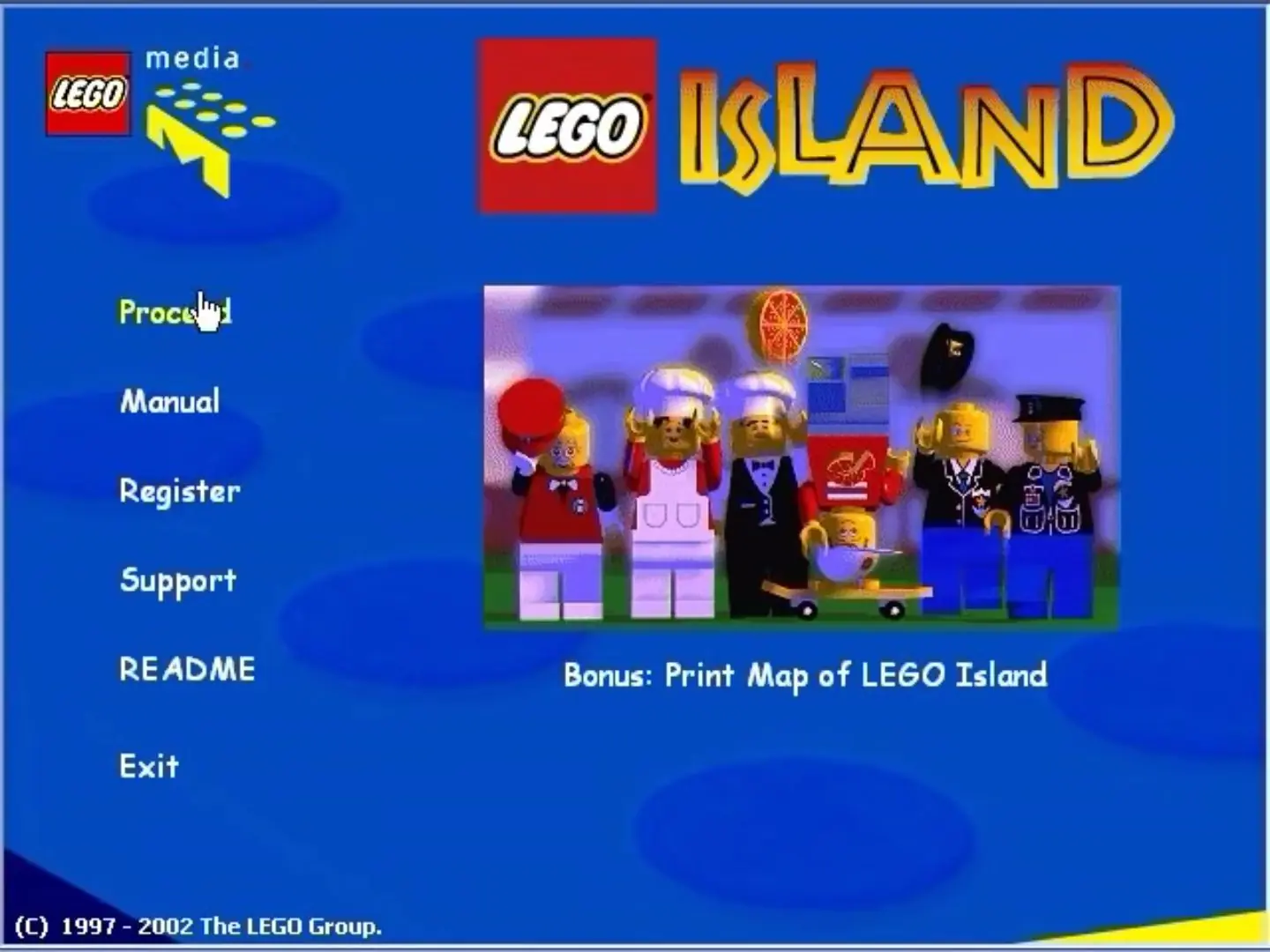
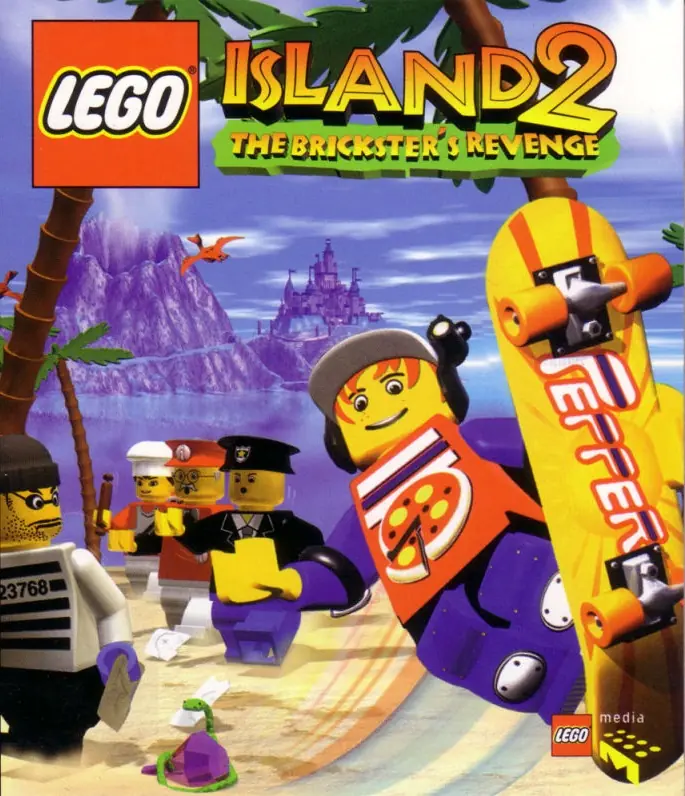
LEGO Island Game Cover
4.7/5 - 153 votes

LEGO Island is a 1997 action game developed and published by Mindscape.

Other Titles

Isola LEGOA Ilha LEGOAbenteuer auf der LEGO InselAdventures on LEGO IslandAventures sur L'Ile LEGOL'Ile LEGOLEGO InselLa Isla LEGOレゴアイランドの大冒険 ~ブリックスターをつかまえろ!!~Aventures sur l'île LegoPanik på LEGO Øen

Genres
,
Publishers
Developers
Released
Platforms
Download

About LEGO Island

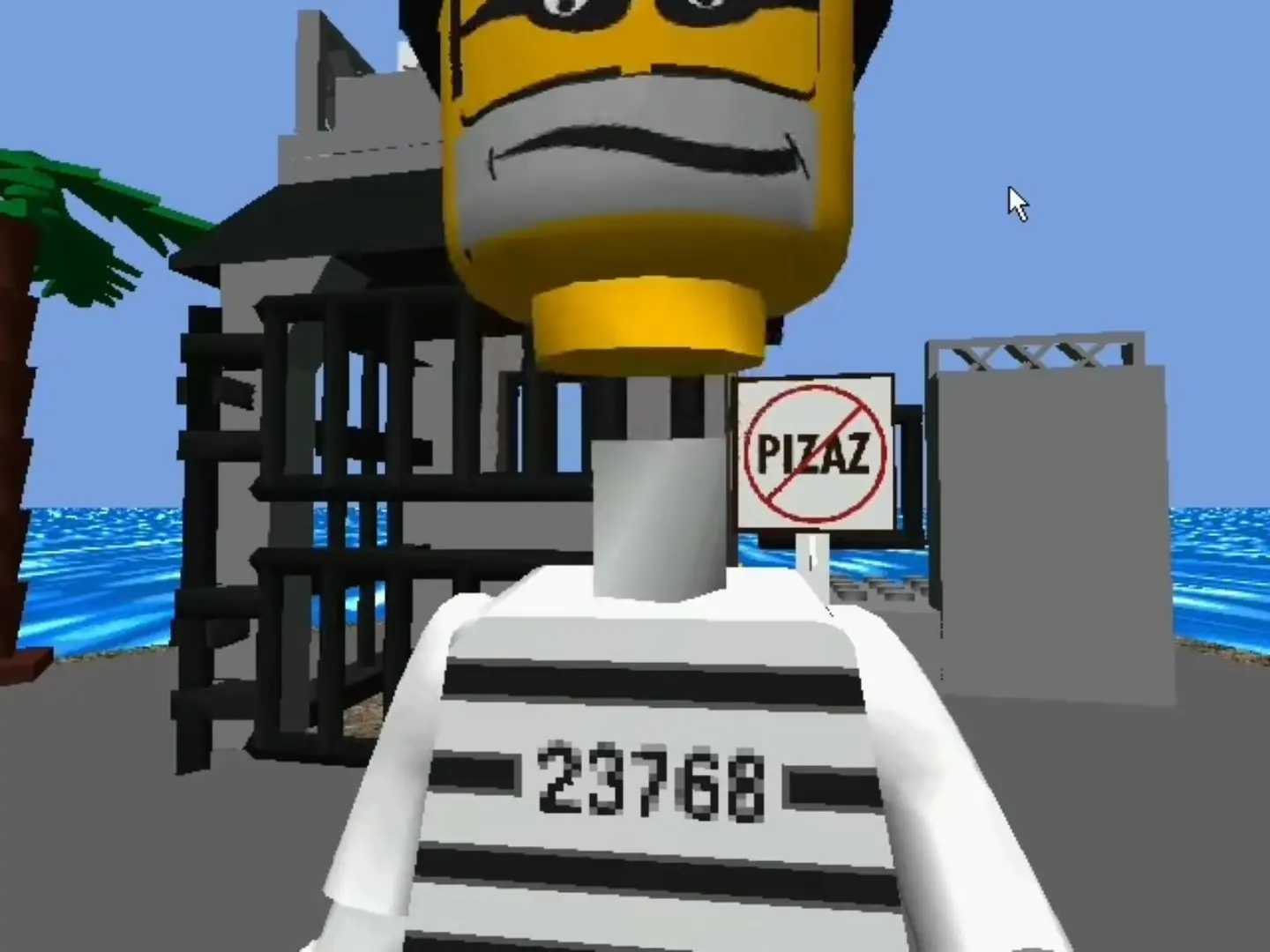
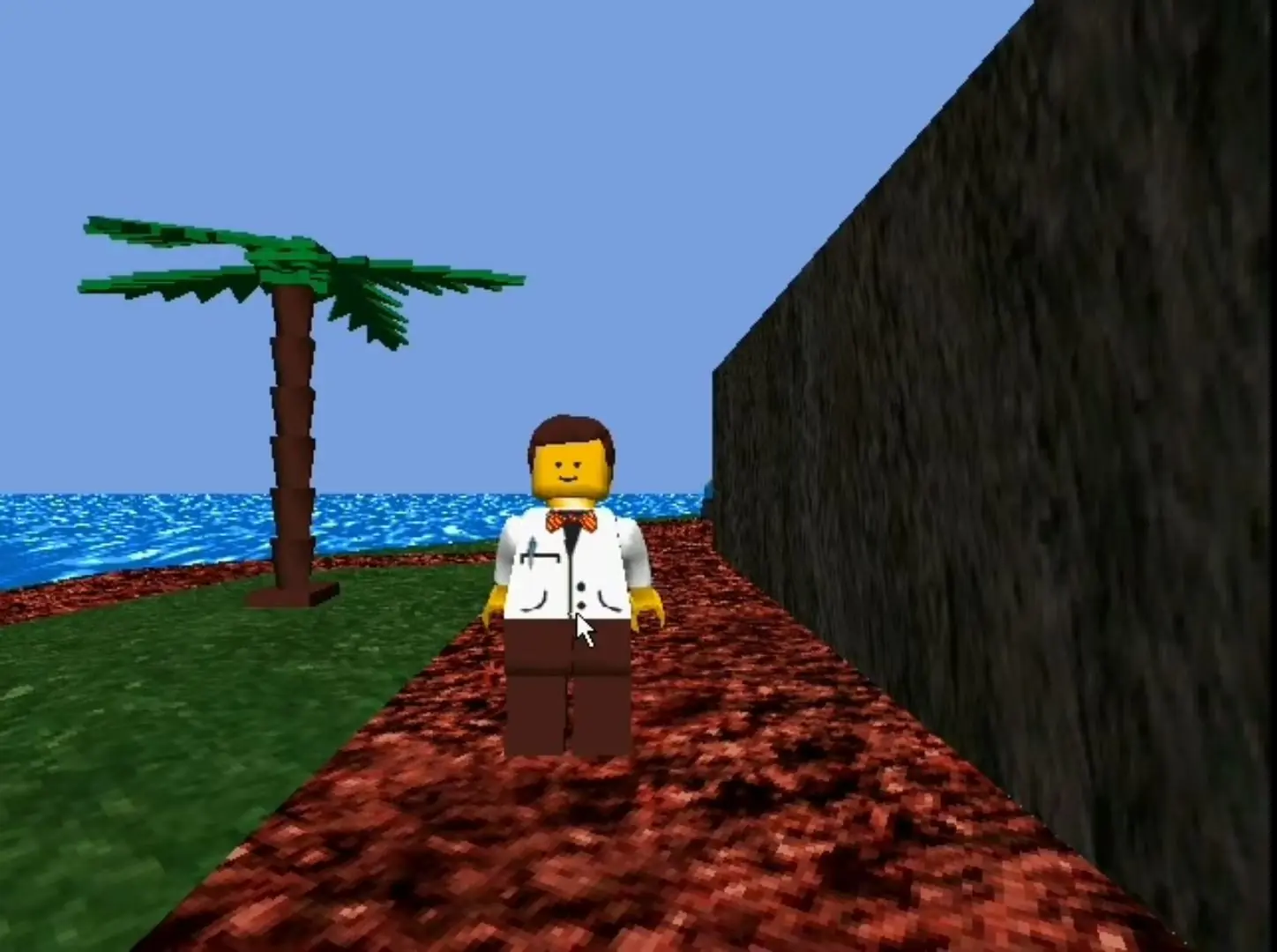
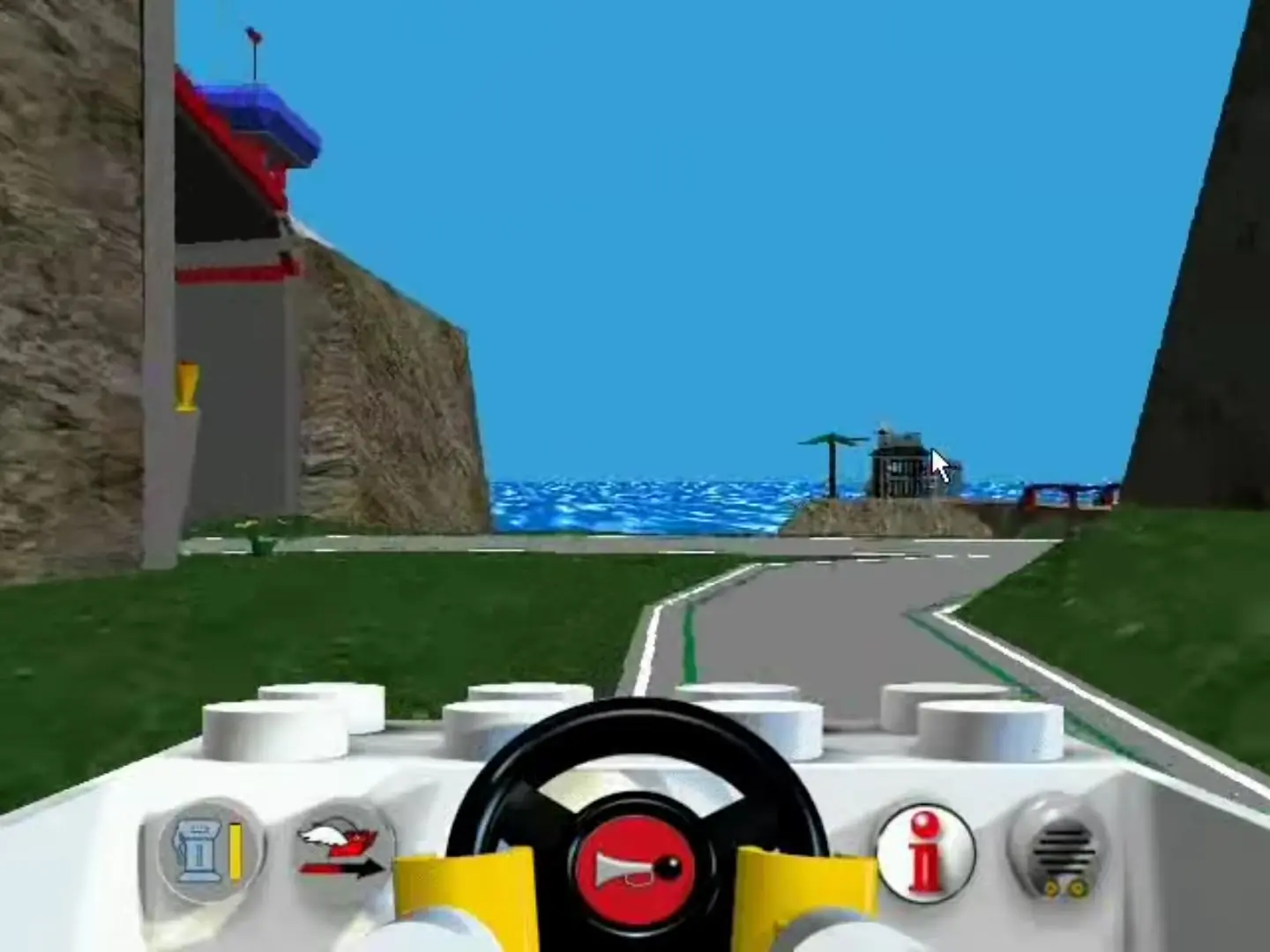
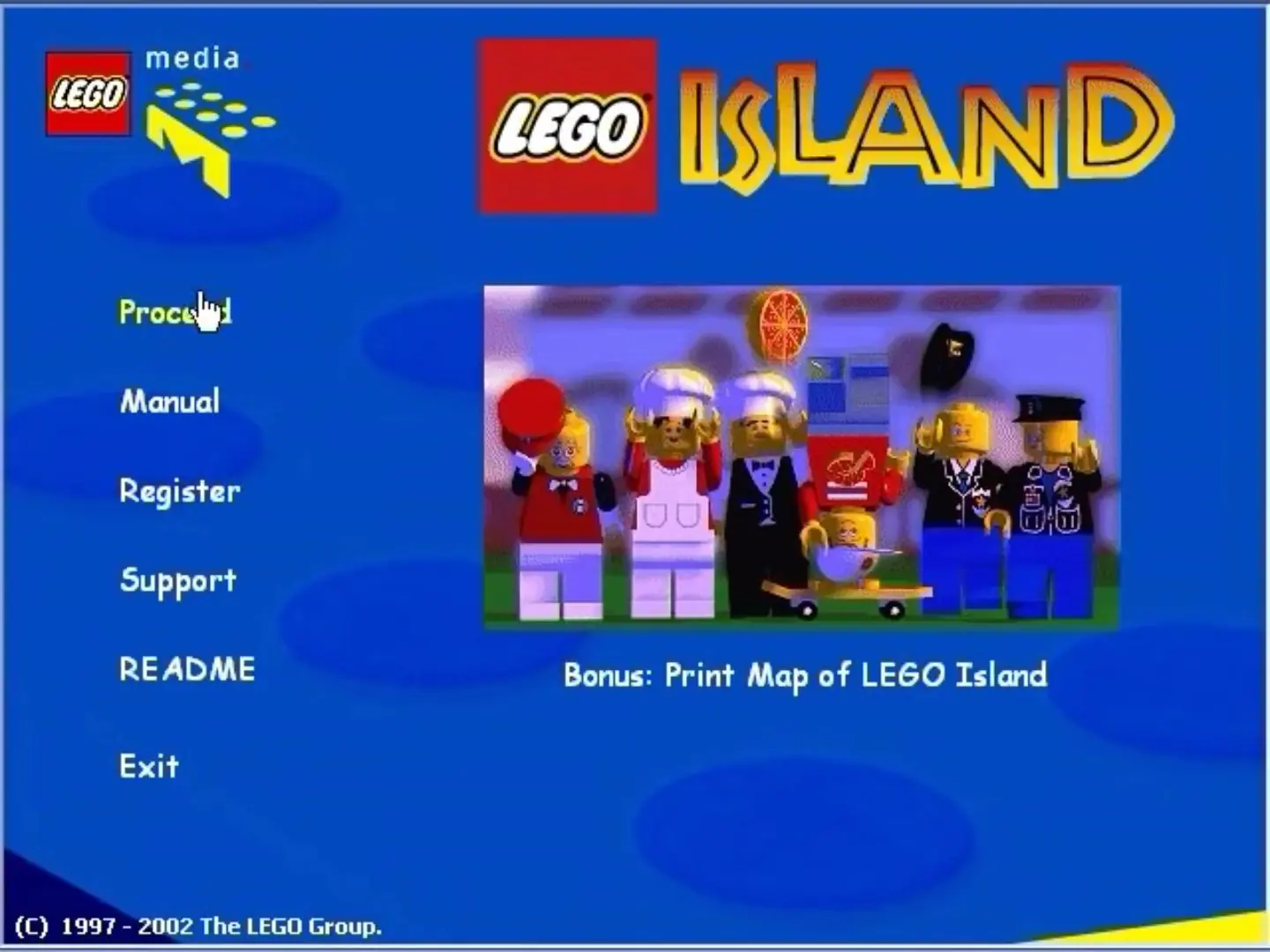
Lego Island is a Lego-themed open world action-adventure game developed and published by Mindscape. It was released for Windows on September 26, 1997, as the second Lego video game overall and the first one outside Japan. In the "proto-open world" game, players explore the eponymous island as one of five unique minifigure characters, and can build vehicles and complete side quests; the game's main story involves Pepper Roni, a pizza delivery boy, and his efforts to stop an escaped prisoner known as the Brickster from destroying the island.

Lego Island was the first video game developed after the Lego Group began efforts to gain a foothold in the video game industry. The game's main characters are each modeled after an intelligence type according to the theory of multiple intelligences. The development team studied how children engaged with Lego bricks to help shape the game's scope and gameplay.
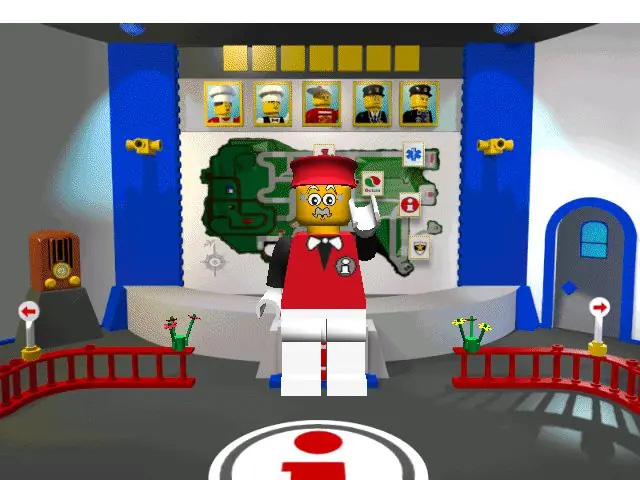
Screenshots

Windows

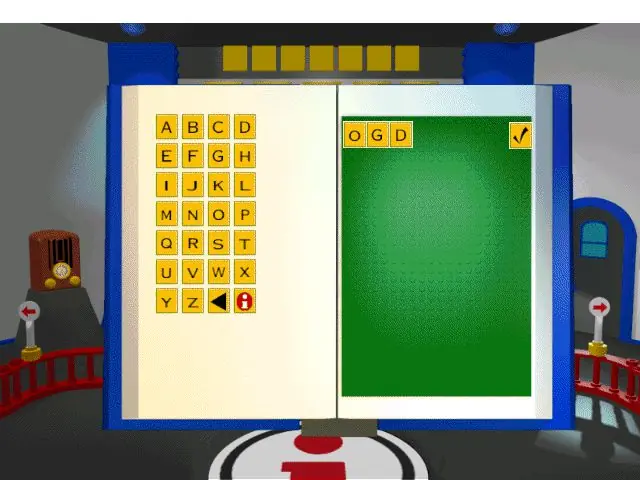
LEGO Island — Windows screenshot 1LEGO Island — Windows screenshot 2LEGO Island — Windows screenshot 3LEGO Island — Windows screenshot 4LEGO Island — Windows screenshot 5LEGO Island — Windows screenshot 6

Download LEGO Island

LEGO Island is abandonware and no longer sold or supported by its publishers. Files are archived here for these platforms:

Windows (1997)

  • LEGO_Island_Win_ISO_EN.zipEN435.23 MB
  • Instructions LEGO_Island_Win_ISO_EN.zip

    How to play on Windows 10

    1. Download and Extract LEGO_Island_Win_ISO_EN.zip
    2. Open the "Game Files" folder
    3. Mount OGD_Lego_Island.iso
    4. Download "LEGO_Island_Fixed_Installer_Win_EN.exe" (see additional files) and run the .exe
    5. Follow on-screen instructions and finish installing the game
    6. Play the game

Additional files, patches and fixes

Manuals and readmes

Comments

37 thoughts on “LEGO Island”

  1. 0
    Followed the installation instructions, but when I try to launch the game, it says, “Lego Island failed to start. Please close all other applications and try again.”
    Reply
  2. 0
    i changed a setting in the config file and now everything in the game is purple and i cant open the config file anymore. i uninstalled and reinstalled everything and its still like this what do i do please.
    Reply
  3. 0
    when i rode on the ambulance, or police motorcycle, it doesn’t let me drive it. It stays in the last place i visited. For example, I am doing an emergency, picking up patients, and when i loaded up onto the ambulance, it hung inside the hospital. Doesn’t show the road/island. How am I supposed to do my mission? 🙁
    Reply
  4. 0
    I tried doing everything I could while following directions and also just opening applying the directions from other games I’ve downloaded and nothing works at all for my Windows 11
    Reply
  5. -2
    hey idiots you all that all having errors and crap, just use PCEM windows 98 to 95 rum that is why nothing is working dumbass
    Reply
  6. 0
    I just tried to download it multiple times. I went through the files and each application and even went into the system files to boot up the exe file from there. No dice, it just won’t load. Is this a windows 11 issue or is there a way that the installation could be updated to run from windows 11?
    Reply

Similar games