Home » Games » LEGO Rock Raiders

LEGO Rock Raiders

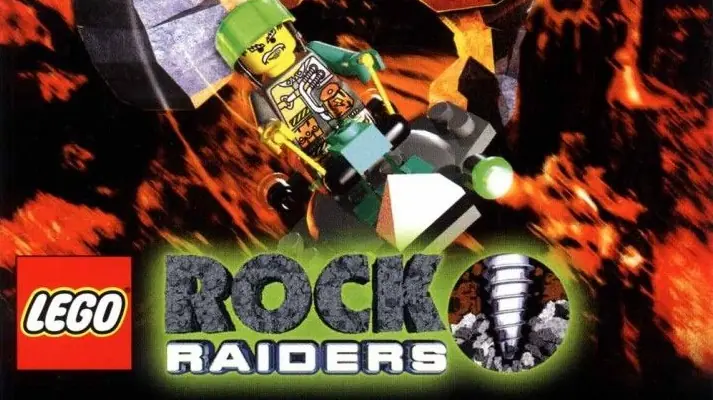
LEGO Rock Raiders Game Cover
4.8/5 - 258 votes

LEGO Rock Raiders is a 1999 action game developed by Data Design Interactive and published by Lego Media.

Genres
,
Publishers
Released
Platforms
Download

About LEGO Rock Raiders

Take Command! Protect and rescue the Rock Raiders team as you mine energy crystals that power the LMS Explorer to take you and your team safely home. High adventure deep underground. Explore, tunnel and excavate in the underground tunnels of an unexplored planet, light years from home. Take command! You and the Rock Raiders team are stranded deep underground. Your mission is to collect precious crystals buried deep beneath the surface. Your actions will ultimately aid your efforts to return home. However, get ready to rock with unstable underground conditions and a looming Rock Monster!
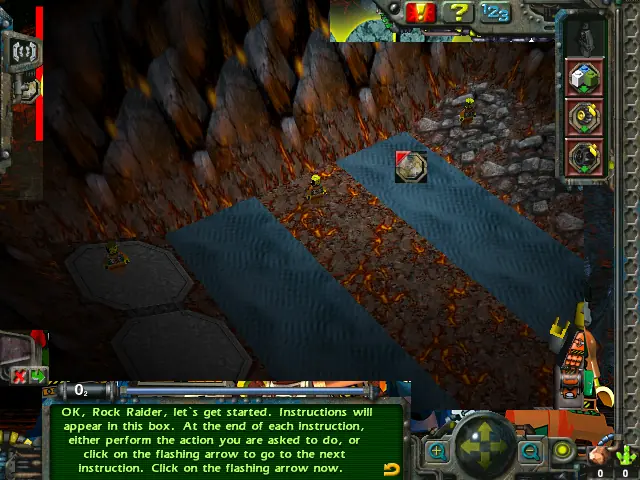
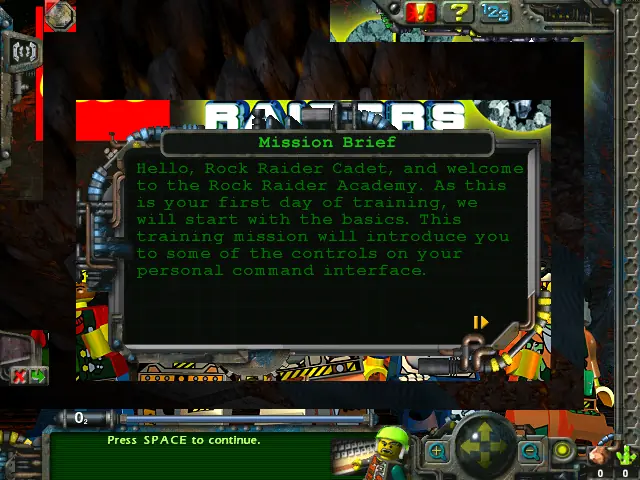
Screenshots

Windows

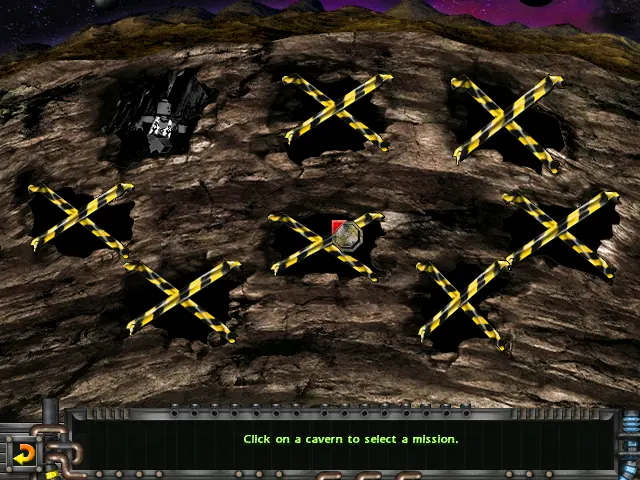
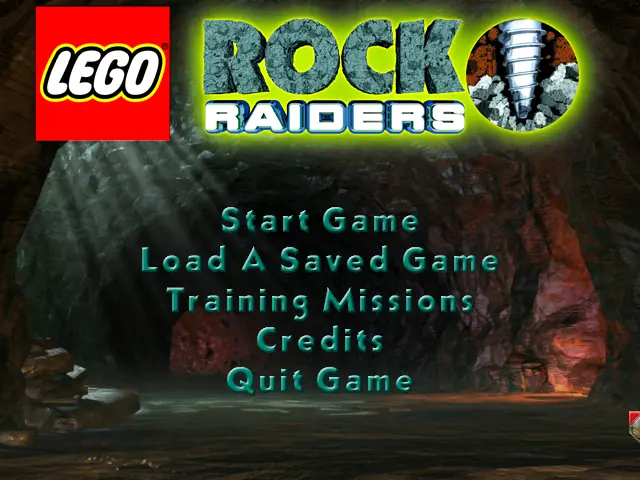
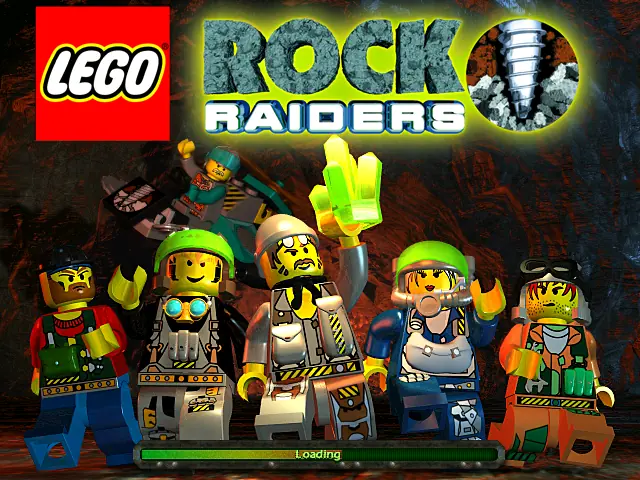
LEGO Rock Raiders — Windows screenshot 1LEGO Rock Raiders — Windows screenshot 2LEGO Rock Raiders — Windows screenshot 3LEGO Rock Raiders — Windows screenshot 4LEGO Rock Raiders — Windows screenshot 5

Download LEGO Rock Raiders

LEGO Rock Raiders is abandonware and no longer sold or supported by its publishers. Files are archived here for these platforms:

Windows (1999)

  • LEGO_Rock_Raiders_Win_Files_EN.7zEN396.74 MB
  • Instructions LEGO_Rock_Raiders_Win_Files_EN.7z

    How to play on Windows - compatible with modern Windows OS

    1. Download and Extract LEGO_Rock_Raiders_Win_Files_EN.7z
    2. Open the game files folder and launch LegoRR.exe as an administrator
    3. Play the game
  • LEGO_Rock_Raiders_Win_ROM_EN.7zEN506.15 MB
  • Instructions LEGO_Rock_Raiders_Win_ROM_EN.7z

    How to play on Windows - compatible with Windows XP and previous Windows

    1. Download and Extract LEGO_Rock_Raiders_Win_ROM_EN.7z
    2. Mount ROCKRAIDERS.bin and run Setup.exe
    3. Follow on-screen instructions to finish installing
    4. Launch the game using the desktop shortcut

Comments

44 thoughts on “LEGO Rock Raiders”

  1. 0
    Spot on! Everything you said resonates. ai ghost mannequin covers ai ghost mannequin with the same level of accuracy.
    Reply
  2. 0
    In the mission “back to Basics” is an anoying bug that isent in the origenal. When slugs suck energy they suck all the energy in stead of just one. Also when the rock rayders shoot the rock monster with the laser gun all energycrystals beome exausted.
    Reply
    • 0
      Right click and click Properties. Click compatibility. Try Compatibility mode for Windows XP (Service Pack 3), Reduced color mode (16-bit), and Run this program as administrator. You can also try to lower your screen resolution to 800 x 600 (in System > Display).
      Reply
  3. 0
    Hey, when i try to open the setup.exe nothing happens. Has anybody an Idea what i can do else? System is Windows 10 and i use Daemon tools for the bin. file
    Reply
  4. 0
    Hey, if anyone sees this the game boots up fine for me, but unfortunately the main menu is an almost completely blank white screen that occasionally has one spot play a clip- which I now realize is how dynamic main menu screens worked and THAT’S cool- but that also means I cannot play the game as-is. Anyone know what I’m doing wrong? I’m on Windows 11, latest update as of today, and I’ve tried it with the three modes I’m seeing here in the menu, all of which have slightly different but similar results.
    Reply
  5. 0
    For some reason the game crashes for me when i use dynamite, it also sometimes crashes due to monsters appearing, anyway to fix this?
    Reply
      • 0
        AH! It’s not a fix per-se, but I got my fix!
        I downloaded manic miners. Thought it was a rip-off/SCAM at first, but I was totally surprised to see its not just a remake, but a REMASTER of the game. SO far I’m 3 levels in and it’s so good. It’s level for level the same as the original, but with better graphics. Just not called LEGO rockraiders due to the Lego Copyright I guess. Same game though!

        https://baraklava.itch.io/manic-miners

        Reply
  6. 0
    I couldn’t get this working easily on Ubuntu 22.04 + Wine 9.0, might try again later. Often there are some dependencies / winetricks verbs
    Reply