Home » Games » Microsoft Flight Simulator for Windows 95

Microsoft Flight Simulator for Windows 95

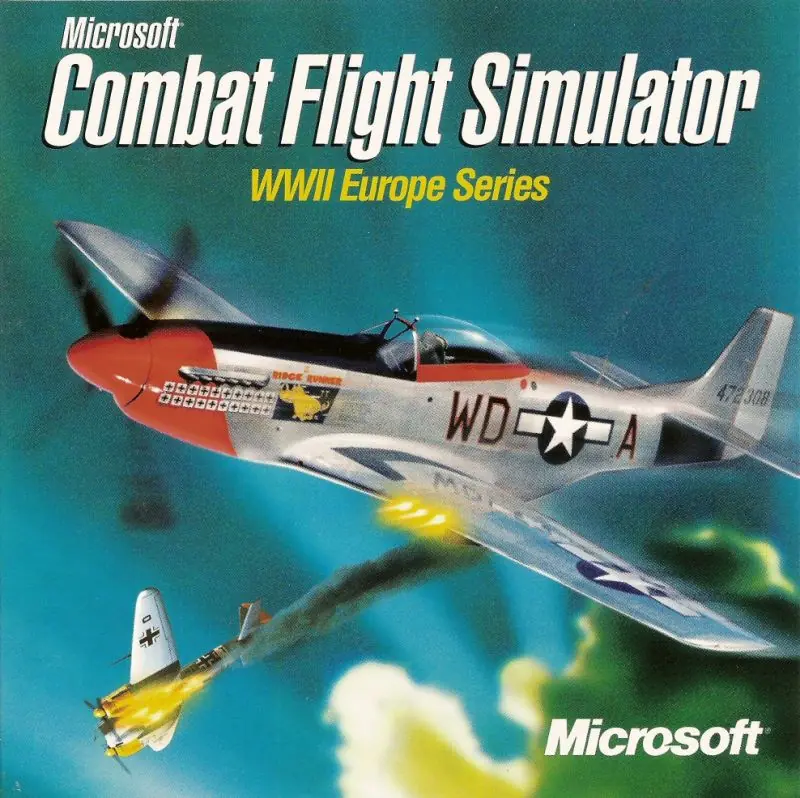
Microsoft Flight Simulator for Windows 95 Game Cover
4.4/5 - 16 votes

Microsoft Flight Simulator for Windows 95 is a 1996 simulation game developed and published by Microsoft.

Other Titles

模拟飞行95Microsoft Flight Simulator (v6.0)Microsoft Flight Simulator für Windows 95Microsoft Flight Simulator per Windows 95Microsoft Flight Simulator pour Windows 95Microsoft Flight Simulator for Windows 95: As Real as it GetsMicrosoft Flight Simulator 95

Genres
Publishers
Developers
Released
Platforms
Download

About Microsoft Flight Simulator for Windows 95

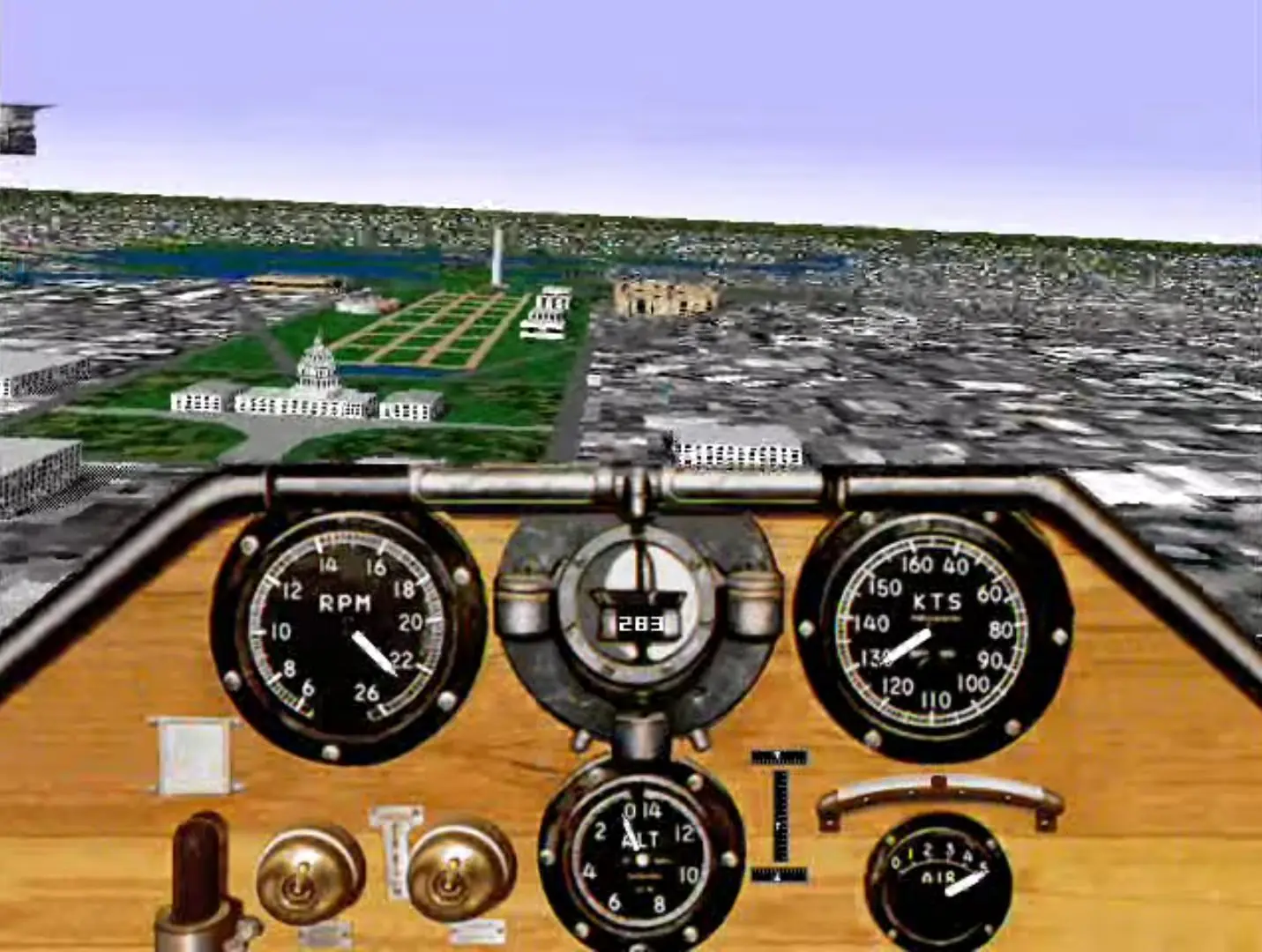
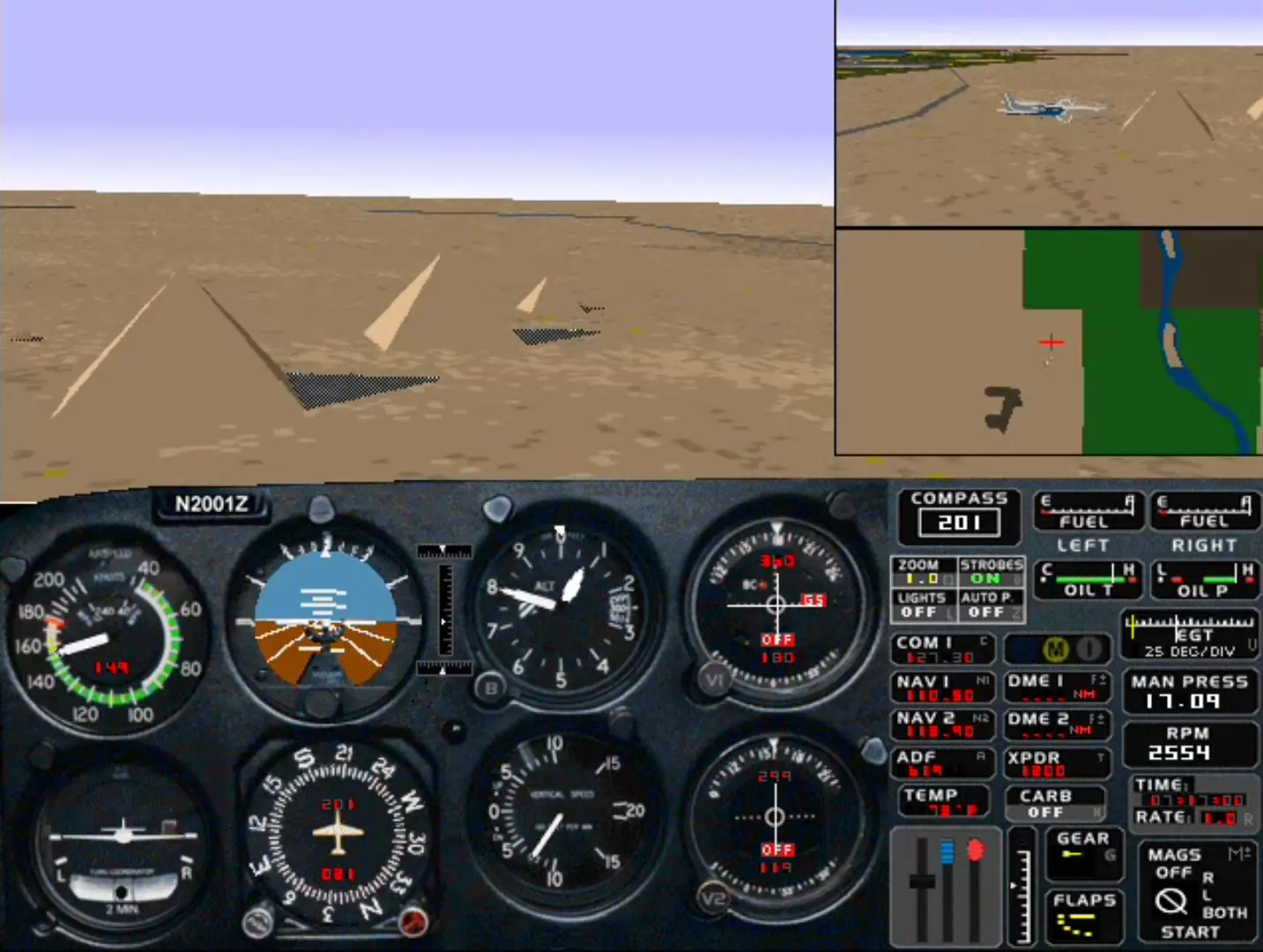
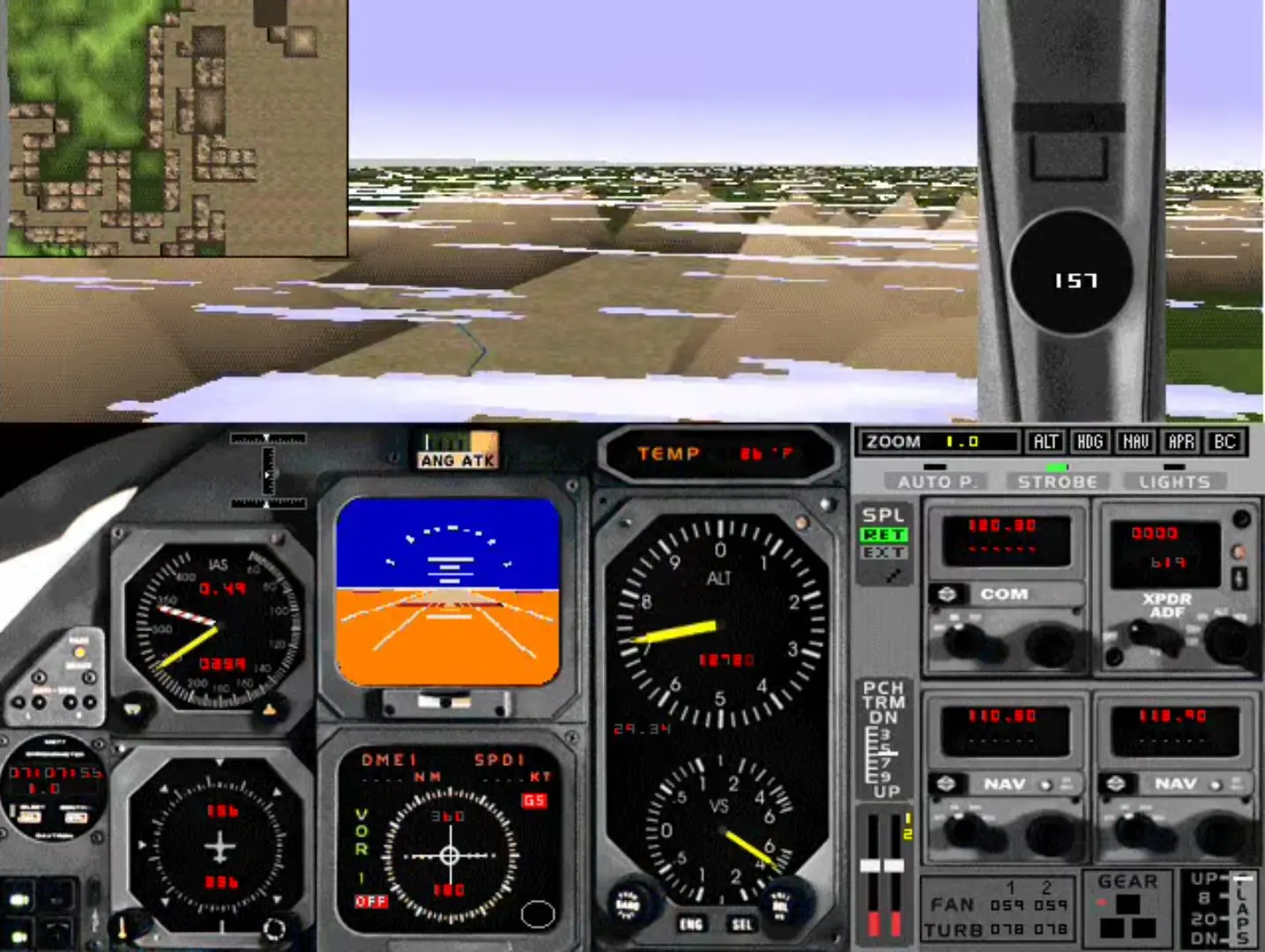
Microsoft Flight Simulator for Windows 95 continues the Microsoft Flight Simulator series with six real airplanes: the Boeing 737-400, the Extra 300S, the Cessna 182 RG, the Learjet 35A, the Schweitzer 2-32, and the Sopwith Camel. Players can fly over the 3D cities of San Francisco, London, Tokyo, New York, Paris, Chicago, and Seattle. Photo imaging of Martha's Vineyard, Chelan, Las Vegas, and other locations increases the realistic flying experience. Over 300 airports with famous landmarks are included. Players can learn the basics of flying through the in-flight tutorial, while the Flight School continue pilot's education through the advanced and complex details.

Screenshots

Windows

Microsoft Flight Simulator for Windows 95 — Windows screenshot 1Microsoft Flight Simulator for Windows 95 — Windows screenshot 2Microsoft Flight Simulator for Windows 95 — Windows screenshot 3Microsoft Flight Simulator for Windows 95 — Windows screenshot 4

Download Microsoft Flight Simulator for Windows 95

Microsoft Flight Simulator for Windows 95 is abandonware and no longer sold or supported by its publishers. Files are archived here for these platforms:

Windows (1996)

  • Microsoft_Flight_Simulator_for_Windows_95_Win_ROM_EN.zipEN256.62 MB
  • Instructions Microsoft_Flight_Simulator_for_Windows_95_Win_ROM_EN.zip

    How to play on Windows

    1. Download and Extract Microsoft_Flight_Simulator_for_Windows_95_Win_ROM_EN.zip
    2. Open the “Game Files” folder and mount Microsoft_Flight_Simulator_95_CD.img to a virtual drive.
    3. Open the mounted file and run SETUP.EXE
    4. Follow on screen instructions and finish installing
    5. Play the game

Comments

1 thought on “Microsoft Flight Simulator for Windows 95”