My Disney Kitchen
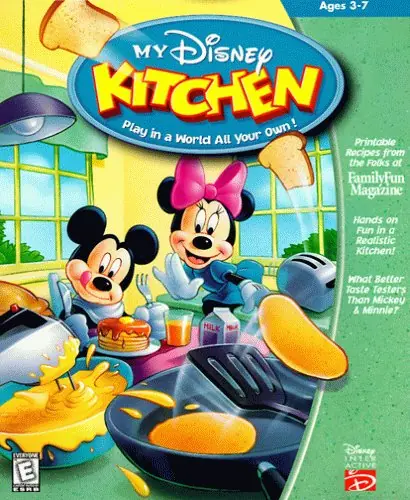
My Disney Kitchen is a 2002 educational game developed and published by Atlus.
Genres
Publishers
Developers
Released
Platforms
My Disney Kitchen is a 2002 educational game developed and published by Atlus.
My Disney Kitchen is a video game distributed by Disney Interactive and developed by Atlus for the PlayStation. Atlus published the Japanese version, while BAM! Entertainment published the North American release. It was released in Japan on February 7, 2002 and in North America on November 5, 2002. The game is designed for young children to expand creativity and observation skills (in addition to learning how to cook). The game contains several cooking appliances and food items, as well as a breakfast station and a cake-making station. The player can also decorate the kitchen, change the wallpaper and decorations like the tablecloth.
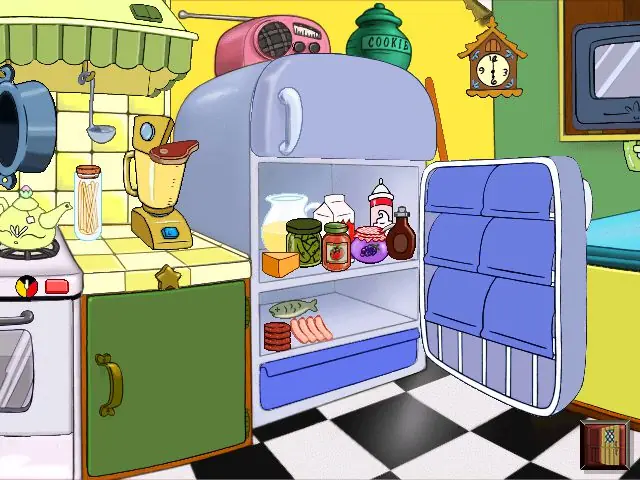
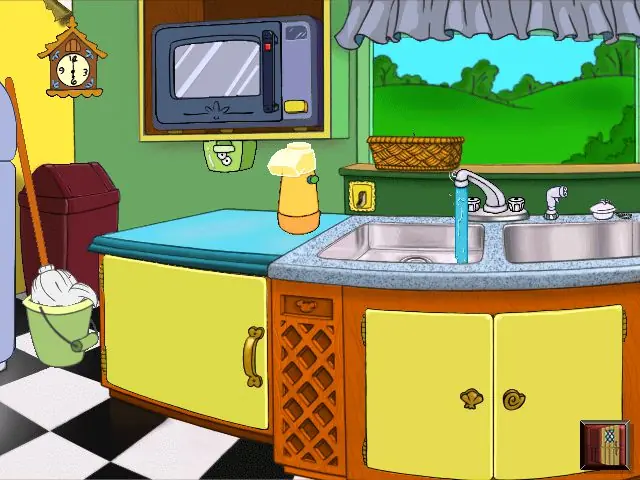
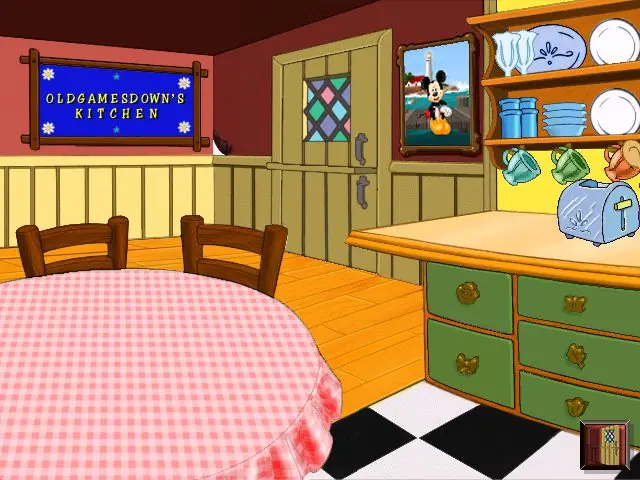
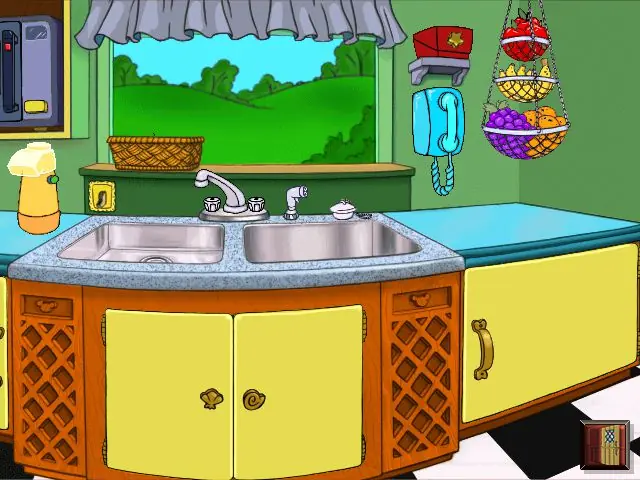
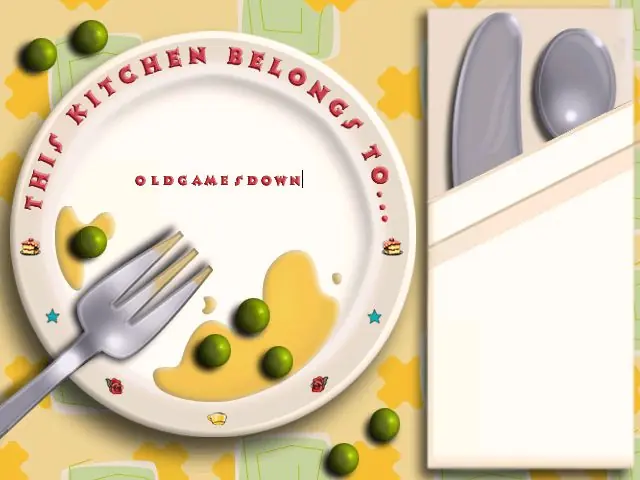
My Disney Kitchen is abandonware and no longer sold or supported by its publishers. Files are archived here for these platforms:
How to play on Windows








Some of my prints: https://br.pinterest.com/pin/1099230221536457228/
https://br.pinterest.com/pin/1099230221536541195/
https://br.pinterest.com/pin/1099230221536541095/
https://br.pinterest.com/pin/1099230221536541648/
https://br.pinterest.com/pin/1099230221536541532/
First install the WinCDEMu program. It is capable of running CD-ROM files and you can use them to run other games of this type here on the site.
Here is the link: https://wincdemu.sysprogs.org/download/
After that, install the game file here from the website. It’s a ZIP file, so extract the files.
A folder will be created, click on it. Then go to > Games Files.
There you will find the file > Clone CD CD/DVD.
Right click on the file > Select Drive Letter and Mount.
The WinCDEMu program will mount the files in CD-ROM format for you. A small window will appear with some options. Select > Keep Drive after Restart so you don’t have to do this process every time you want to play. Click > Ok.
You will be able to see that a CD drive has been created on your computer. Go to > Computer.
There you will find the MDKitchen CD drive (with Mickey’s picture). Right-click on the image and select > Open.
Inside the folder, look for file > Setup.
Click and install the game. Click > Yes and Next on all options. When the game asks you to register, click > Register Later. 𝗔𝗳𝘁𝗲𝗿 𝘁𝗵𝗮𝘁 𝘁𝗵𝗲 𝗴𝗮𝗺𝗲 𝘄𝗶𝗹𝗹 𝘀𝘁𝗮𝗿𝘁 𝗮𝘂𝘁𝗼𝗺𝗮𝘁𝗶𝗰𝗮𝗹𝗹𝘆.
If you want to know how to open it later, just click on > Computer then click on the > MDKitchen CD Drive (with Mickey’s picture) and a window will open with the > Play option.
If you want to know where the game’s executable file (MDKitchen) is located within the folders on your computer, go to > Local Disk > Program Files > Disney Interactive > My Disney Kitchen > and find the MDKitchen file (with Mickey’s picture). Click to open the game or create a shortcut to the home screen if you prefer.
You can do this process for any CD-ROM game, as this type of file only works if it is mounted as a disc on your computer. I hope it helps!