Home » Games » My Disney Kitchen

My Disney Kitchen

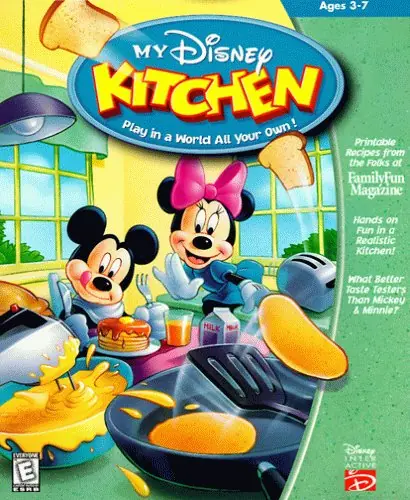
My Disney Kitchen Game Cover
4.6/5 - 162 votes

My Disney Kitchen is a 2002 educational game developed and published by Atlus.

Genres
Developers
Released
Platforms
,
Download

About My Disney Kitchen

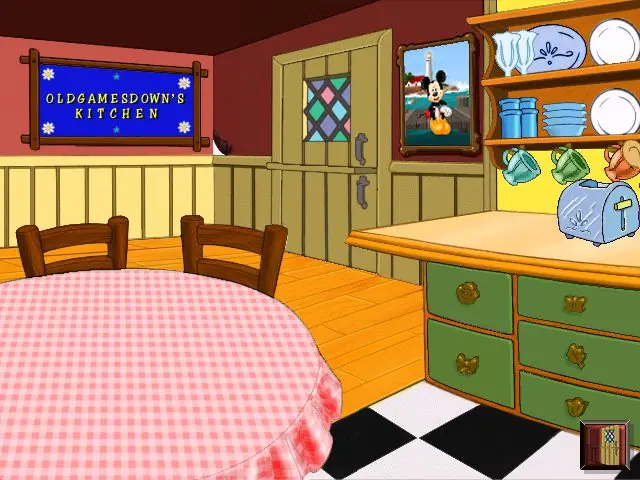
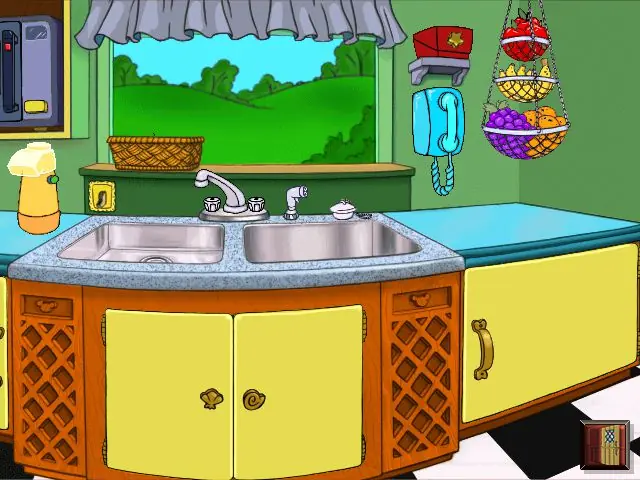
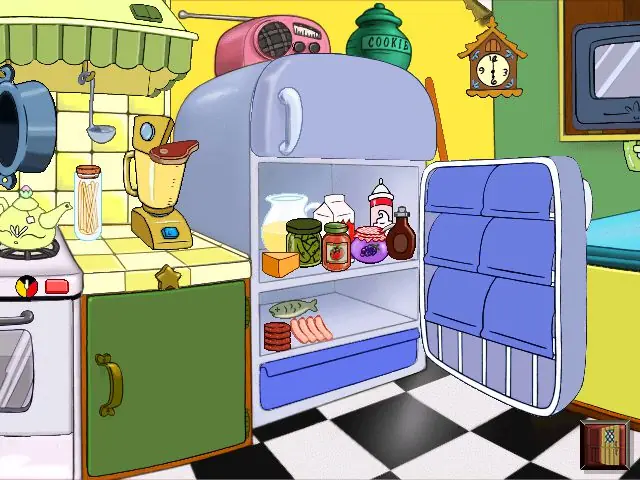
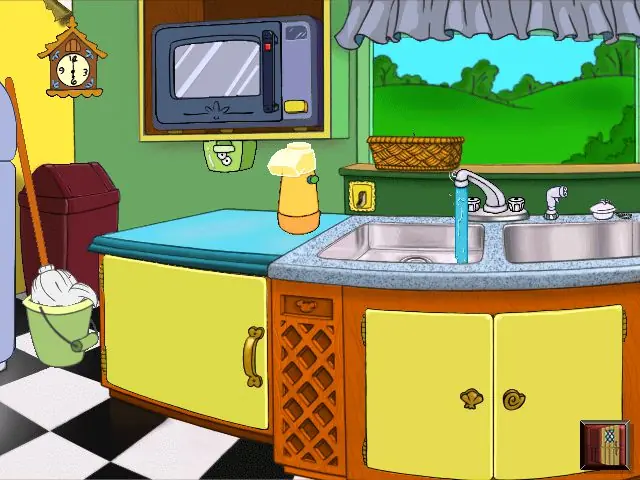
My Disney Kitchen is a video game distributed by Disney Interactive and developed by Atlus for the PlayStation. Atlus published the Japanese version, while BAM! Entertainment published the North American release. It was released in Japan on February 7, 2002 and in North America on November 5, 2002. The game is designed for young children to expand creativity and observation skills (in addition to learning how to cook). The game contains several cooking appliances and food items, as well as a breakfast station and a cake-making station. The player can also decorate the kitchen, change the wallpaper and decorations like the tablecloth.
Screenshots

Windows

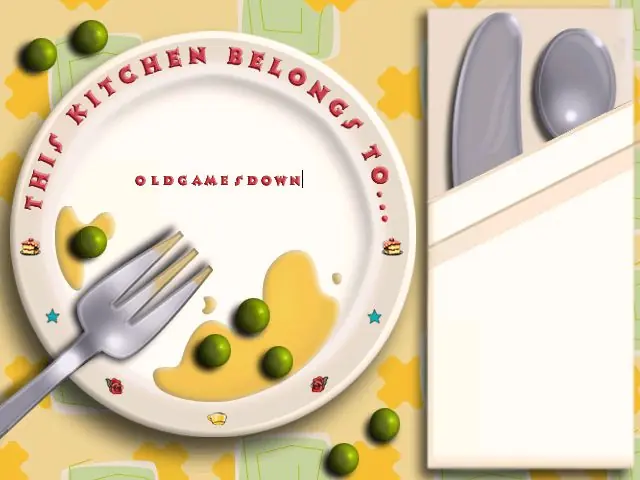
My Disney Kitchen — Windows screenshot 1My Disney Kitchen — Windows screenshot 2My Disney Kitchen — Windows screenshot 3My Disney Kitchen — Windows screenshot 4My Disney Kitchen — Windows screenshot 5

Download My Disney Kitchen

My Disney Kitchen is abandonware and no longer sold or supported by its publishers. Files are archived here for these platforms:

PlayStation (2002)

Tutorial: How to play PlayStation games on Windows

Windows (2002)

  • My_Disney_Kitchen_Win_ROM_EN.7zEN407.52 MB
  • Instructions My_Disney_Kitchen_Win_ROM_EN.7z

    How to play on Windows

    1. Download and Extract My_Disney_Kitchen_Win_ROM_EN.7z
    2. Mount "My Disney Kitchen.img" and run SETUP.exe as an administrator
    3. Follow on-screen instructions to finish installing the game (when they tell you that your system is incompatible, just choose to proceed with the setup)
    4. Go to the folder where you installed the game and launch "MDKitchen.exe"
    5. Play the game

Comments

28 thoughts on “My Disney Kitchen”

  1. 0
    I tried to mount it, and it says the disc image file is corrupted. Tried downloading and using WINCDEmu, that didn’t work either and ended with the same result. Setup.exe does not exist in the folder. Please help.
    Reply
  2. 0
    script error pop up will happen if mouse leaves the game window, select yes and stay within the frame in order to avoid the pop up
    selecting no will close the game
    Reply
  3. 0
    (what worked for me) download virtual clone drive
    download game, create new folder, extract to new folder via winrar
    after that, right click both my disney kitchen SSD & my disney kitchen cue, and click “open with…” it should then give you the option to mount with vcd
    it will create a mounted folder
    open file explorer > this PC > bd-rom drive > click MDKitchen folder > right click MDKitchenexe > run as administrator
    it will pop up cant find the default boot file
    select MDKitchen folder > assets > bootfile.boot > open > yes
    and finally should launch!!!!
    hope this helps!
    Reply
  4. 0
    tried to play this but got stuck after mounting it, SETUP.exe won’t work, I ran it with administrator so I have no idea what to do next.
    Reply
  5. 0
    I turned off my antivirus, downloaded it, I mounted it with Daemon tools, opened on the My Disney Kitchen CUE file, ran program, installed it, accepted the terms, continue without windows compatibility, no to changing the settings and everything but I open the MDKitchen.exe and it says to choose another boot file, I choose the only one there and it says that it is in use. I am not so sure what to do.
    Reply
  6. 0
    When I press “setup” or “autoplay”, and “yes”, nothing happens. is there anything im doing wrong? 🙁 I am using Daemon Tools Lite to mount.
    Reply
  7. 0
    Use Daemon Tools Lite it works mount the game to any drive and go to setup.exe and install and play it if you mount other game and launch it the game will say insert disk and mount the file and launch it again to start 🙂
    Reply
  8. 0
    It keeps saying to read the readme and download a different version of Directx when I try to launch the game..
    Reply

Similar games