Need for Speed: Underground 2

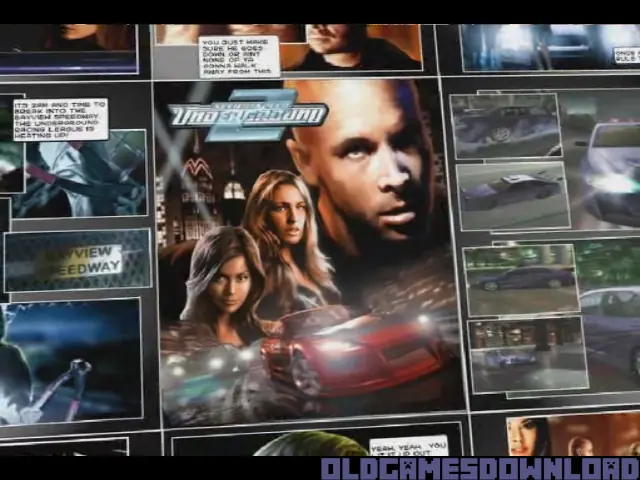
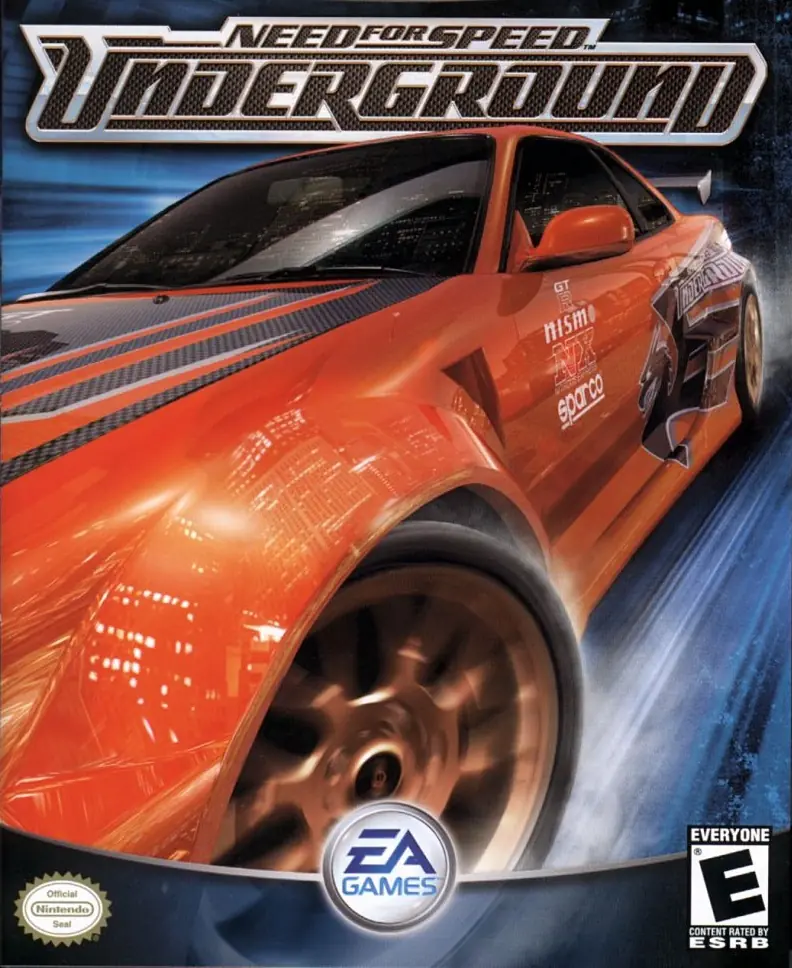
Need for Speed: Underground 2 is a 2004 racing game developed by EA Black Box and published by EA Games.
Genres
Publishers
Developers
Released
Platforms
Need for Speed: Underground 2 is a 2004 racing game developed by EA Black Box and published by EA Games.
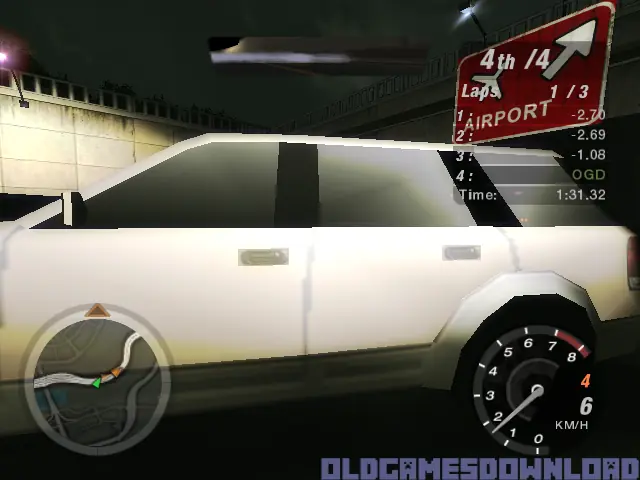
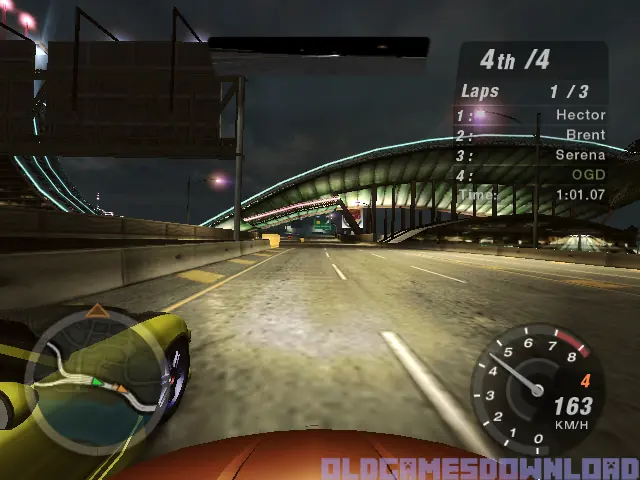
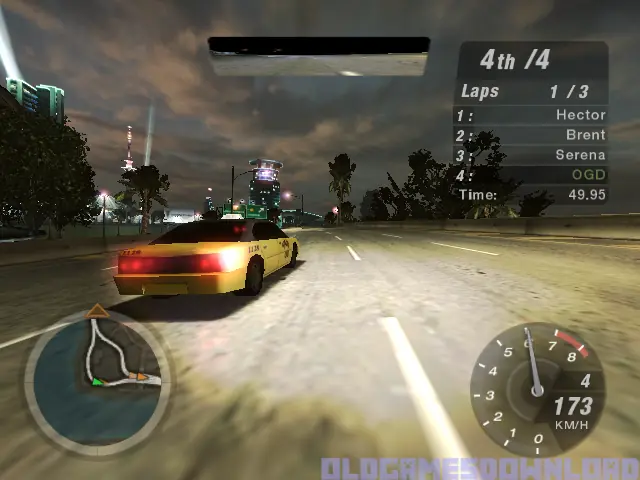
Discover the living, breathing world of Need for Speed Underground 2. Taking place in a massive, free-roaming city featuring five distinct interconnected neighborhoods, Need for Speed Underground 2 delivers an immersive game world where reputation is everything. As you explore the city, you’ll encounter rival racers who will school you in the ways of the underground and tip you off to the hottest racing spots in town. With the most comprehensive tuning options, all-new game modes, and the industry’s most sought-after cars, Need for Speed Underground 2 delivers the most authentic tuner experience ever.
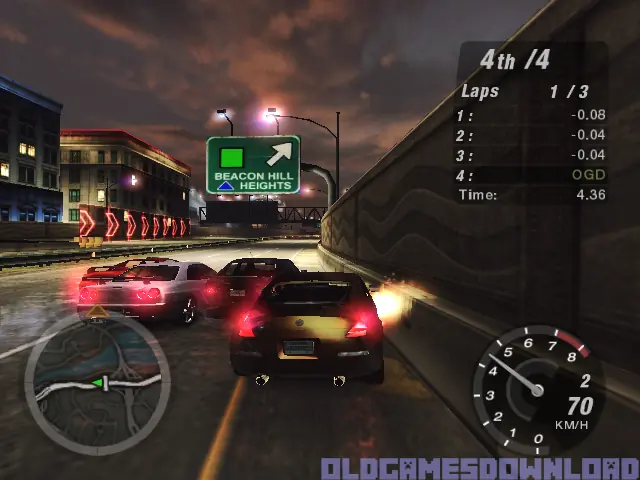
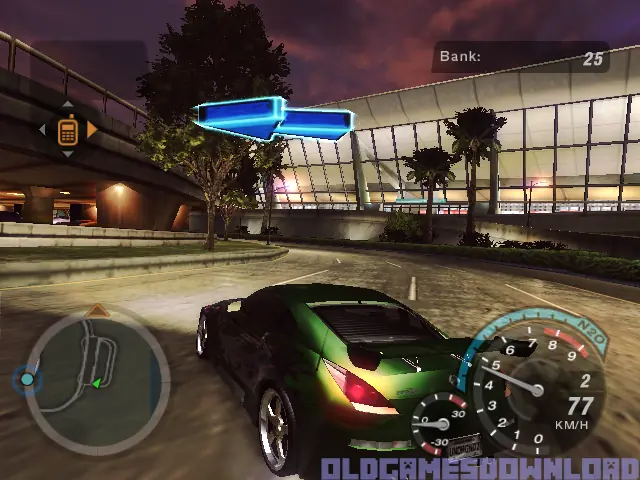
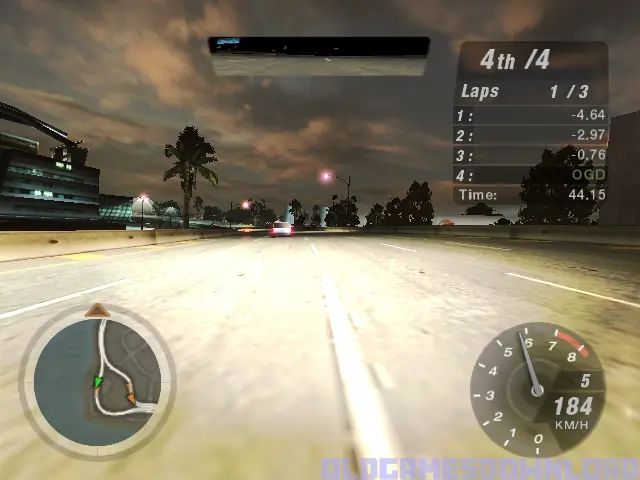
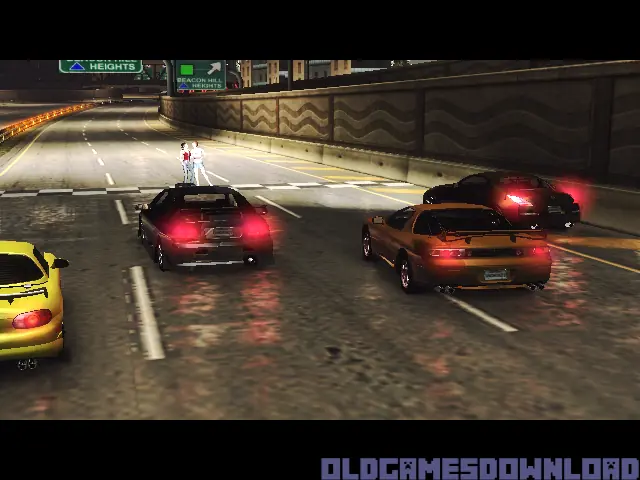
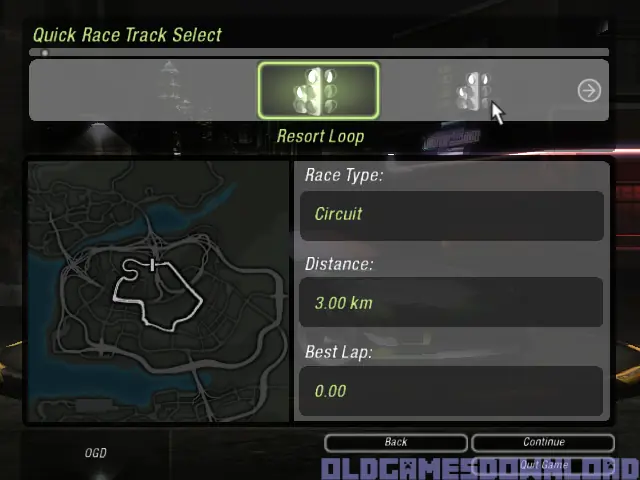
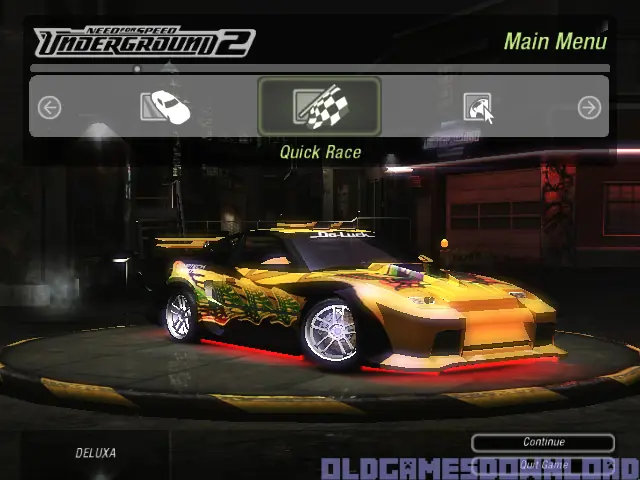
Need for Speed: Underground 2 is abandonware and no longer sold or supported by its publishers. Files are archived here for these platforms:
How to play on Windows (NFS_Underground_2_v102_Win_Setup_EN.rar





I personally didn`t download from this site “first”, i downloaded from arealgamer, the game was running perfectly but was very compressed i.e. missing sound, vinyls etc.
So i came to this site and selected archive.org version and downloaded through ‘Free download Manager’ (a must have downloader). Then i followed the installation instructions on this page and the game installed without errors.
Now i had 2 working NFS UG 2s (installed in separate folders), so i launched the one which i had downloaded from this site and it ran perfectly, all sounds, vinyls are present, also the save game files from other version merged as well.
So i deleted the arealgamer NFS UG2 version because NFS UG2 from this site is running happily 😉
please get back to me on this.
(Just download Poweriso to mount the CD: https://www.poweriso.com/download.php)
(Just download Poweriso to mount the CD: https://www.poweriso.com/download.php)
Game is V1.0 and the cd crack that comes with it is incorrect. You will need to find the 1.0 crack for it. Works, but after getting to the first shop, the game had some issues.
I connected my controller with my PC and the buttons do respond ingame, but I cannot configure them (atleast not ingame).