Home » Games » Need for Speed: Underground 2

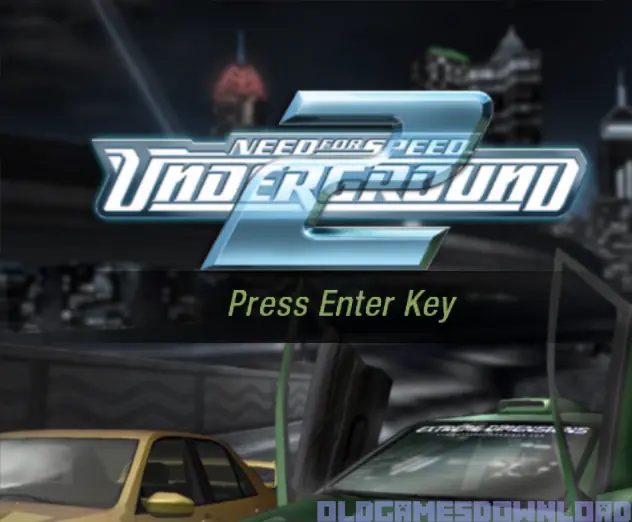
Need for Speed: Underground 2

Need for Speed: Underground 2 Game Cover
4.6/5 - 2,724 votes

Need for Speed: Underground 2 is a 2004 racing game developed by EA Black Box and published by EA Games.

Other Titles

NFSU2极品飞车: 地下狂飙2极品飞车:地下车会2NFS Underground 2NFSUG2니드 포 스피드: 언더그라운드 2Тизлеккә сусау: Баз 2جنون سرعت: مسابقات زیرزمینی ۲نيد فور سبيد: أندرجراوند 2نيد فور سبيد: اندرجراوند 2ニード・フォー・スピード アンダーグラウンド2极品飞车:地下狂飙2極速快感:飆風再起2

Genres
Publishers
Released
Platforms
Download

About Need for Speed: Underground 2

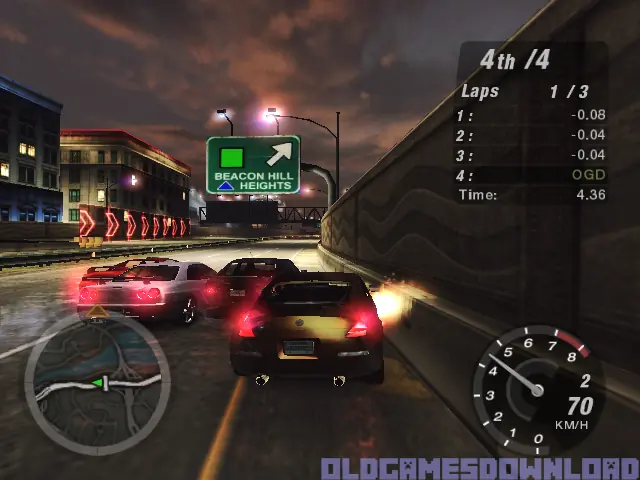
Discover the living, breathing world of Need for Speed Underground 2. Taking place in a massive, free-roaming city featuring five distinct interconnected neighborhoods, Need for Speed Underground 2 delivers an immersive game world where reputation is everything. As you explore the city, you’ll encounter rival racers who will school you in the ways of the underground and tip you off to the hottest racing spots in town. With the most comprehensive tuning options, all-new game modes, and the industry’s most sought-after cars, Need for Speed Underground 2 delivers the most authentic tuner experience ever.
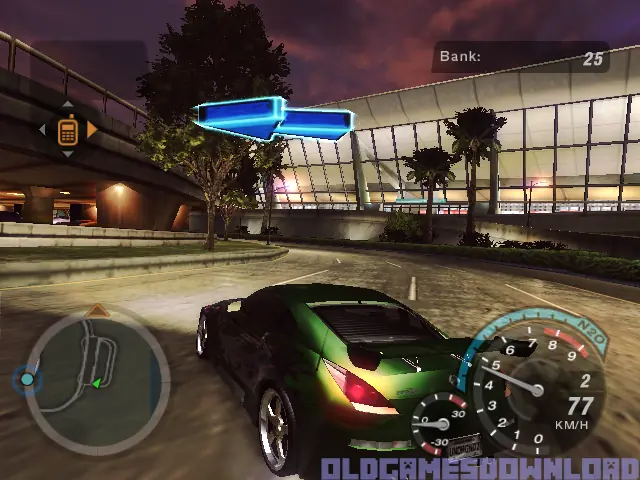
Screenshots

Windows

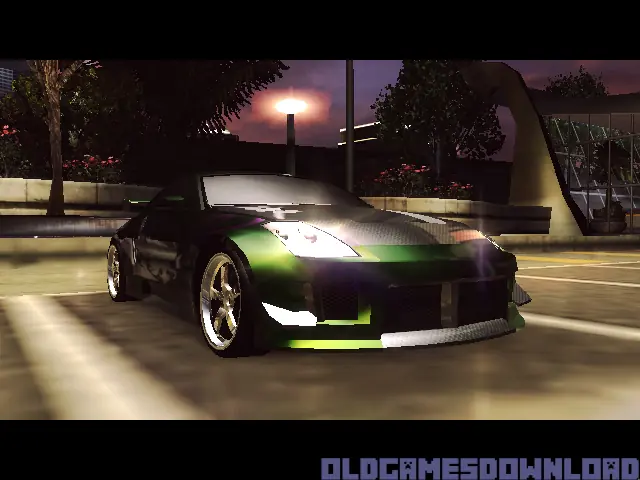
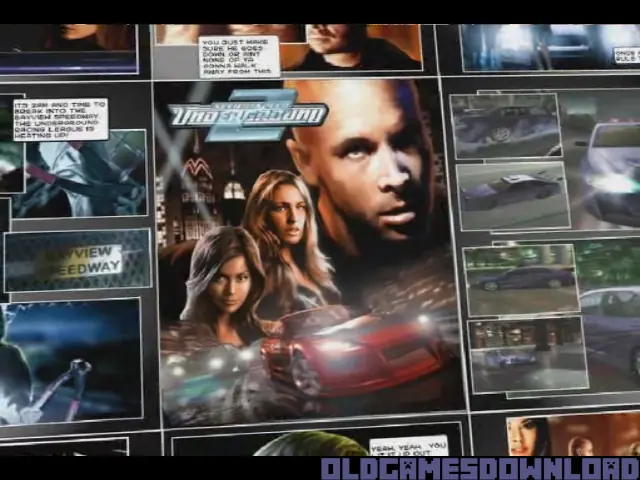
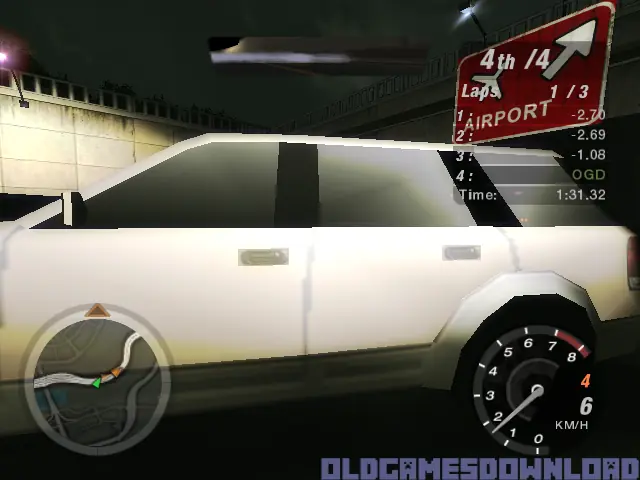
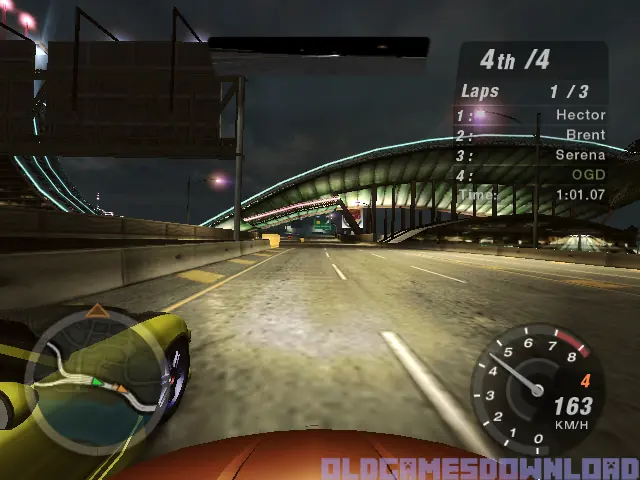
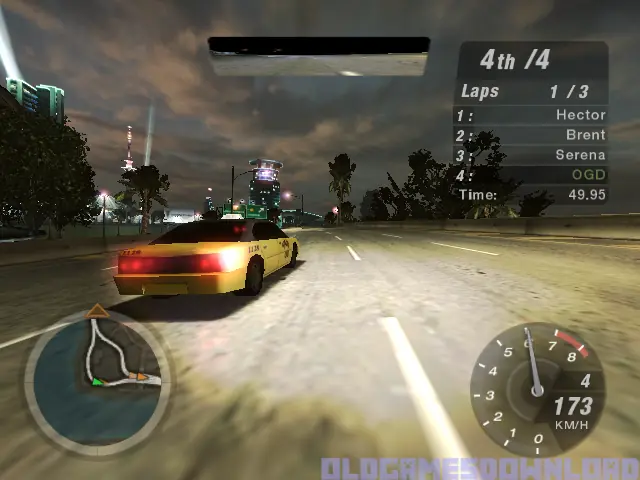
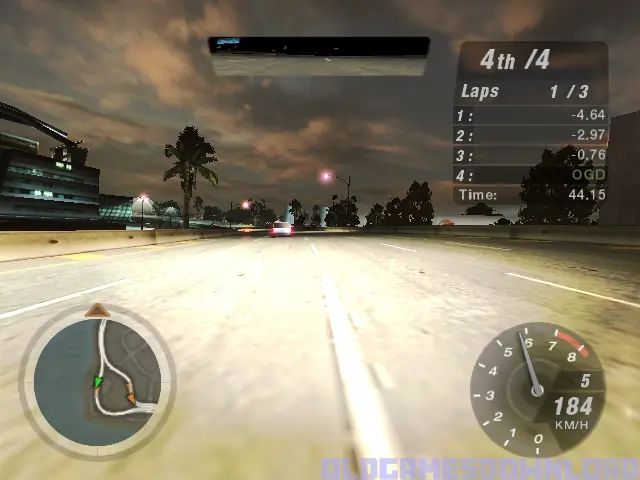
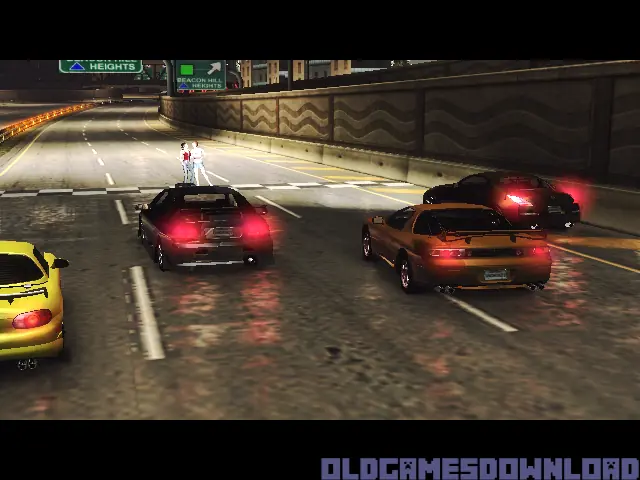
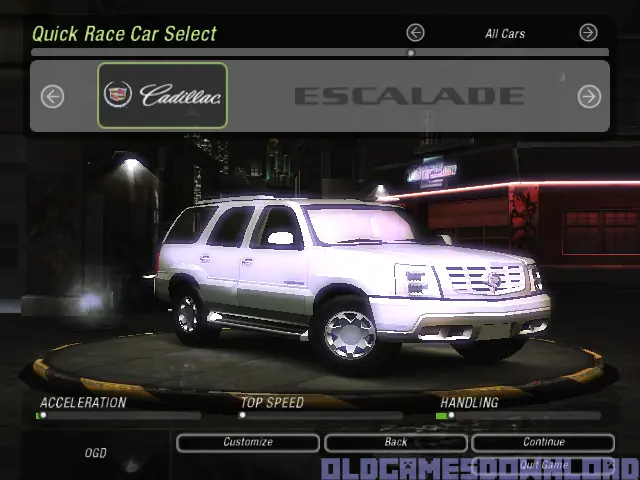
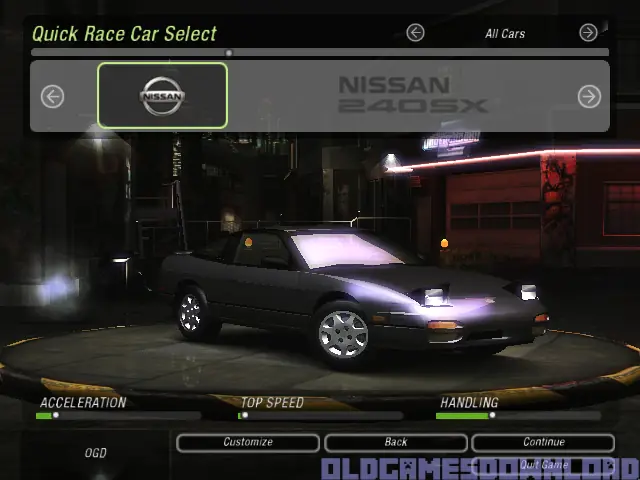
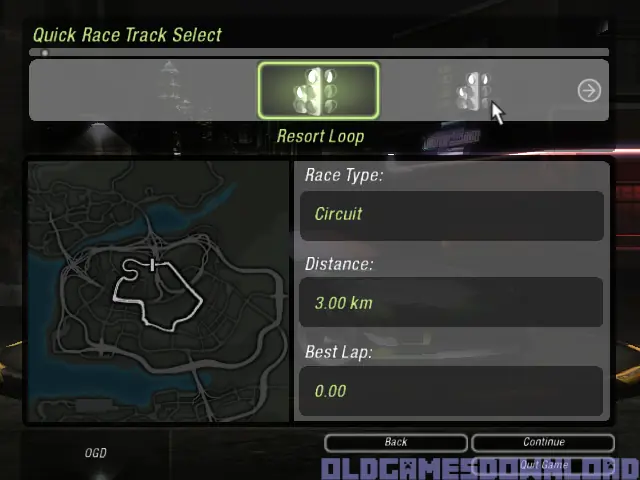
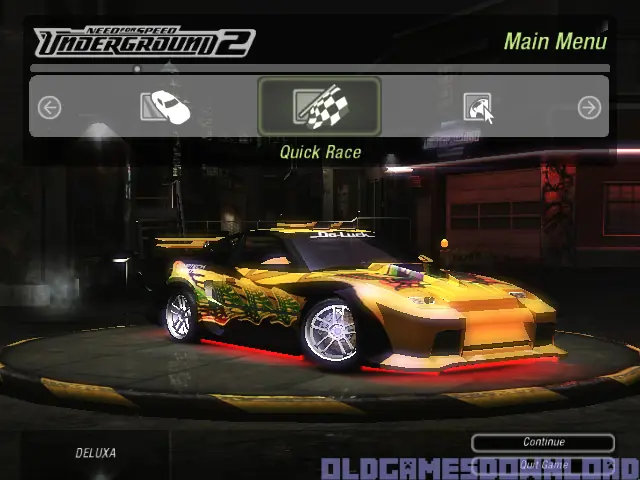
Need for Speed: Underground 2 — Windows screenshot 1Need for Speed: Underground 2 — Windows screenshot 2Need for Speed: Underground 2 — Windows screenshot 3Need for Speed: Underground 2 — Windows screenshot 4Need for Speed: Underground 2 — Windows screenshot 5Need for Speed: Underground 2 — Windows screenshot 6Need for Speed: Underground 2 — Windows screenshot 7Need for Speed: Underground 2 — Windows screenshot 8Need for Speed: Underground 2 — Windows screenshot 9Need for Speed: Underground 2 — Windows screenshot 10Need for Speed: Underground 2 — Windows screenshot 11Need for Speed: Underground 2 — Windows screenshot 12Need for Speed: Underground 2 — Windows screenshot 13Need for Speed: Underground 2 — Windows screenshot 14Need for Speed: Underground 2 — Windows screenshot 15

Download Need for Speed: Underground 2

Need for Speed: Underground 2 is abandonware and no longer sold or supported by its publishers. Files are archived here for these platforms:

Windows (2004)

  • Need_for_Speed_Underground_2_Win_Setup_EN.zipEN1.06 GB
  • Instructions Need_for_Speed_Underground_2_Win_Setup_EN.zip

    How to play on Windows (NFS_Underground_2_v102_Win_Setup_EN.rar
    1. Download and extract Need_for_Speed_Underground_2_Win_Setup_EN.zip
    2. Inside the extracted folder, open the folder called “Game Files” and in there, you want to double click on the file called “NFSUnderground2_1.2_setup.exe”. The game setup should launch. You can leave all options at default
    3. To launch the game, go into the installation directory of the game. By default, this is “C:\Program Files (x86)\NFS Underground 2″ and then double click on the file called “SPEED2.exe”. The game should now launch.
    4. Enjoy the game!

Other resources

Comments

743 thoughts on “Need for Speed: Underground 2”

  1. 0
    i played the gamed on my laptop then when i shut the laptop down and then opened the game to play again it didt open and asked for insert cd 2 what is the solution
    Reply
    • 0
      It says it has been already cracked but it still requires the CD..Which is weird..I’ve read it somewhere in the files but can’t find it anywhere..And can’t find it on the web for a place to download the “crack” folder..
      Reply
  2. 0
    hello, i download and did all as written here, but game asks to insert CD 2 and there is no iso or any other kind cd file in the folder, what to do?
    Reply
  3. 0
    Hello!
    After downloading and extracting the file of the setup when trying to open it it says that it is unable to open archive file.
    Reply
  4. 0
    Hi, I’ve tried to install and I’m getting the ‘please insert disk2’ error that others are having.
    I’ve tried to mount the drive – but the download doesn’t seem to have come with the file, or I can’t find it anyway.
    Tried the ‘foobar’ method too but no luck!
    Please help! I loved this game when it first came out! Thanks
    Reply
    • 0
      First you have to mount the iso file then install the game, when you want to enter the game you have to have the iso file opened every time you want to join because of “please insert disk 2” error
      Reply
        • 0
          If you install from other sources you need to mount the iso file, otherwise create an file called “foobar” in the game installation and it works!
        • 0
          The “foobar” file is created by first allowing to see the extensions and then making a new “.txt” file on desktop and deleting all the text, leaving only “foobar” and then moving it to the “SPEED2” folder, ie the root folder of need for speed.
  5. 0
    Hey!

    Anyone get the game flickering? Like on top of the map theres a square always flickering, or in the cutscenes there’s always some “lagging”.
    I tried installing D3X 9.0 and C++ redist, but it didn’t solve the issue.
    Any ideas?

    Reply
  6. 0
    hello, Today i Download the game for my Window PC But after installng the Game when i click on the application it shows “insert Disc 2”. Do you have any solution for that??????
    Reply
      • 0
        i know this sounds stupid but it works 100%.. go into the game file directory and right click > New > Text Document. name it foobar just like that and removed the .txt from it you will get a promt saying if u change the file extension it might not work just hit yes. After that relaunch the game and have fun 🙂
        Reply
    • 0
      you need to install powerISO and shut down the pc, then you turn it on and open powerISO, press the botton that says mount, and select disc 1, and then open the game 🤝🏽
      Reply

Similar games