Need for Speed: Underground 2

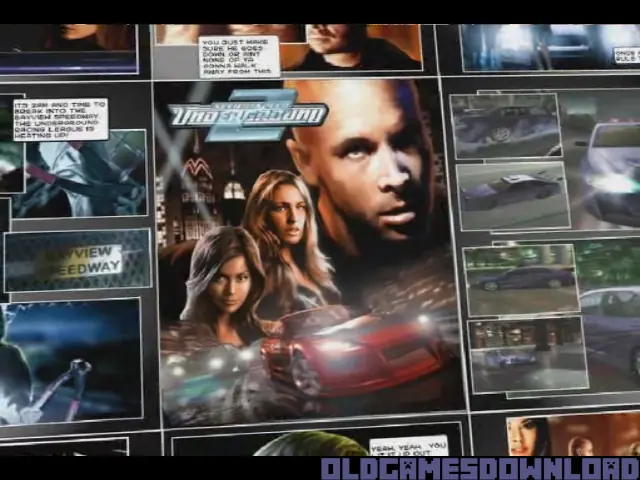
Need for Speed: Underground 2 is a 2004 racing game developed by EA Black Box and published by EA Games.
Genres
Publishers
Developers
Released
Platforms
Need for Speed: Underground 2 is a 2004 racing game developed by EA Black Box and published by EA Games.
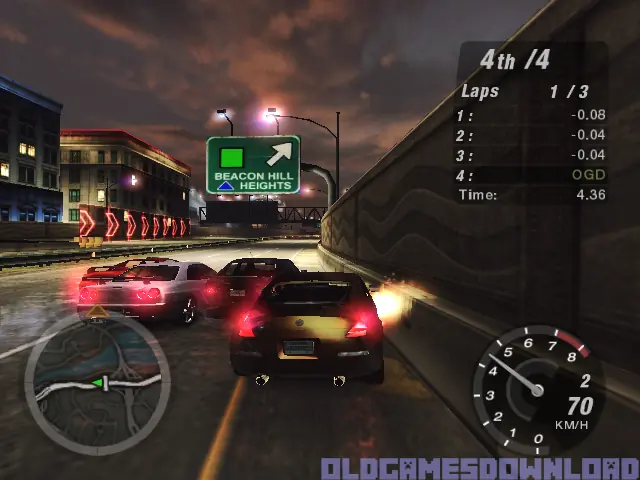
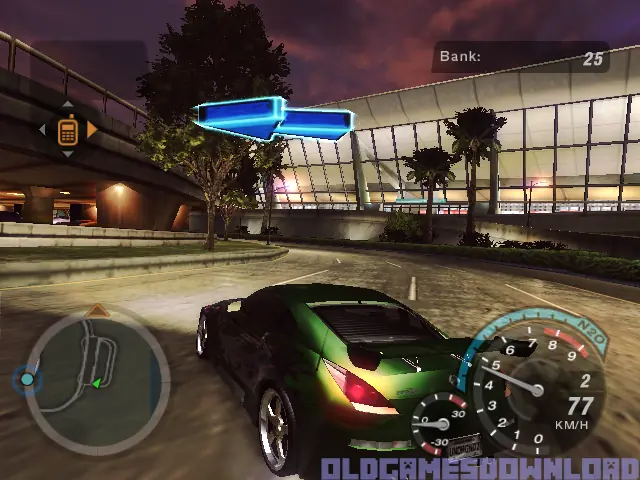
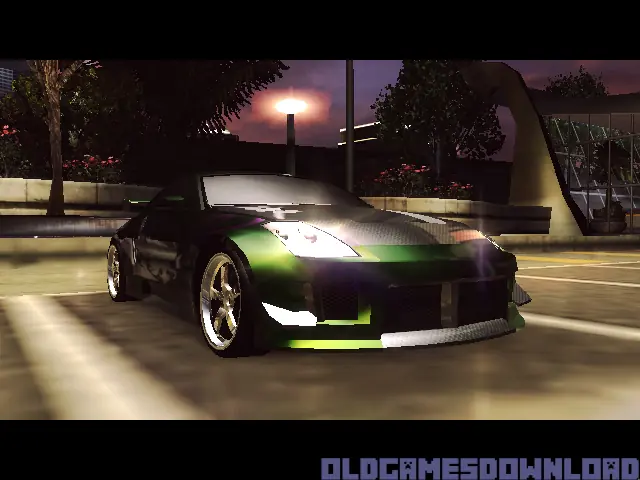
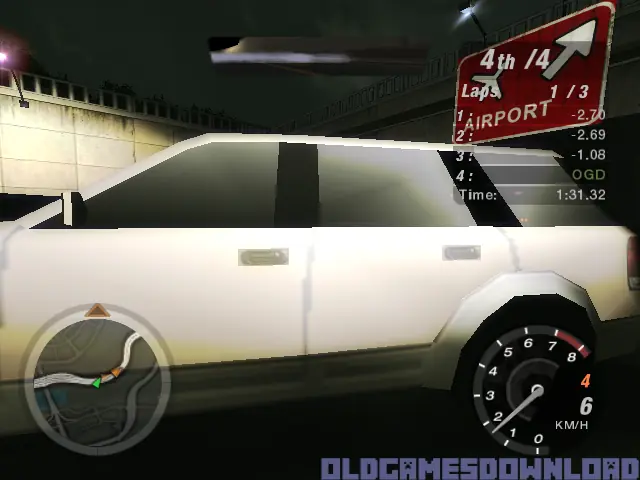
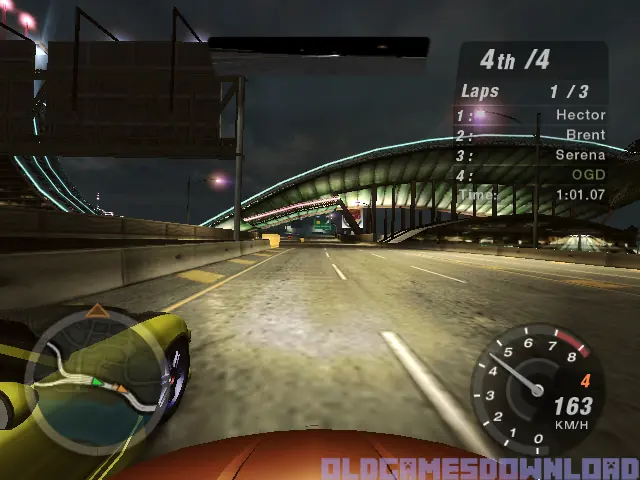
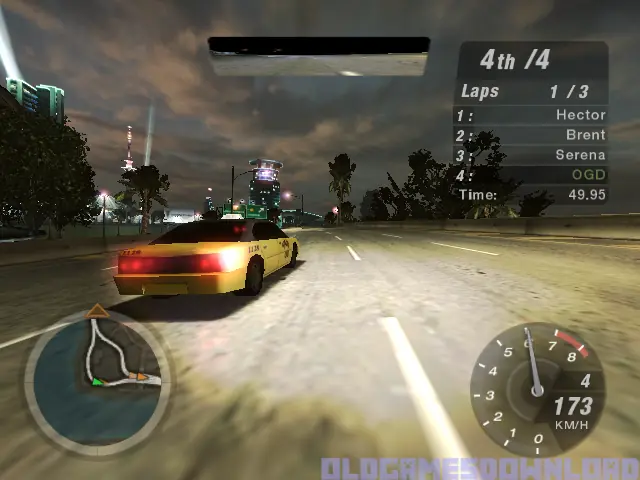
Discover the living, breathing world of Need for Speed Underground 2. Taking place in a massive, free-roaming city featuring five distinct interconnected neighborhoods, Need for Speed Underground 2 delivers an immersive game world where reputation is everything. As you explore the city, you’ll encounter rival racers who will school you in the ways of the underground and tip you off to the hottest racing spots in town. With the most comprehensive tuning options, all-new game modes, and the industry’s most sought-after cars, Need for Speed Underground 2 delivers the most authentic tuner experience ever.
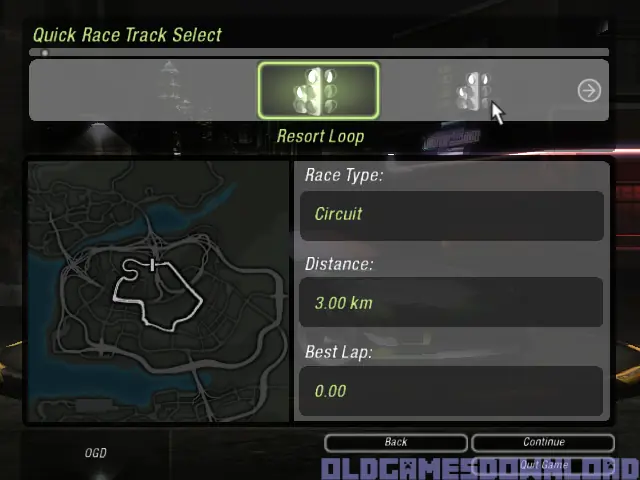
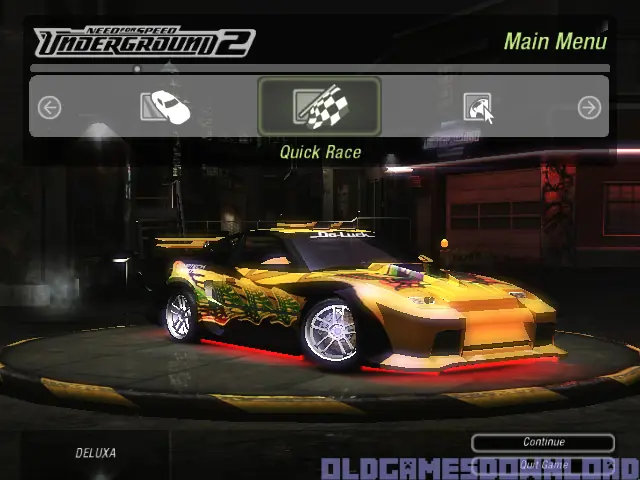
Need for Speed: Underground 2 is abandonware and no longer sold or supported by its publishers. Files are archived here for these platforms:
How to play on Windows (NFS_Underground_2_v102_Win_Setup_EN.rar







https://www.gameburnworld.com/dl/gpf.php?file=NeedForSpeedUnderground2v1.0NoCDFixedexeEng.rar
Substitua o arquivo automático do SPEED.
Utilizando Windows 11 64 bits
Rodou liso
Alguem help?
This worked for me:
1. Go to your games directory (where your SPEED”.exe is)
2. Create a new text file.
3. Rename it to “foobar” without .txt
4. Accept that it might be unusable.
Your game should now start normaly.
Here is a youtube video:
https://www.youtube.com/watch?v=8bKFBFIa75U&t=17s
a real hero
why, how did you figure this out?
i just, i dont understand. LOL
Thank you for your held
2. Create a new text file.
3. Rename it to “foobar” without .txt
4. Accept that it might be unusable.
Your game should now start normaly.
Here is a youtube video:
https://www.youtube.com/watch?v=8bKFBFIa75U&t=17s
Ed una volta che vado a rinominare il nuovo documento io non trovo la dicidura “txt”
Grazie
what can i do ?
what can i do ?