Need for Speed: Underground 2

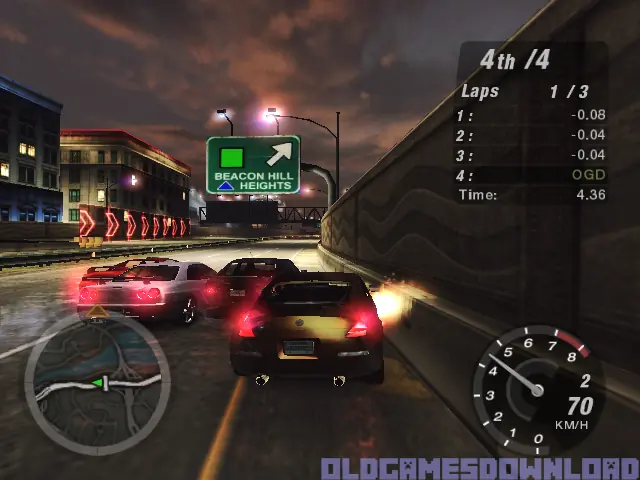
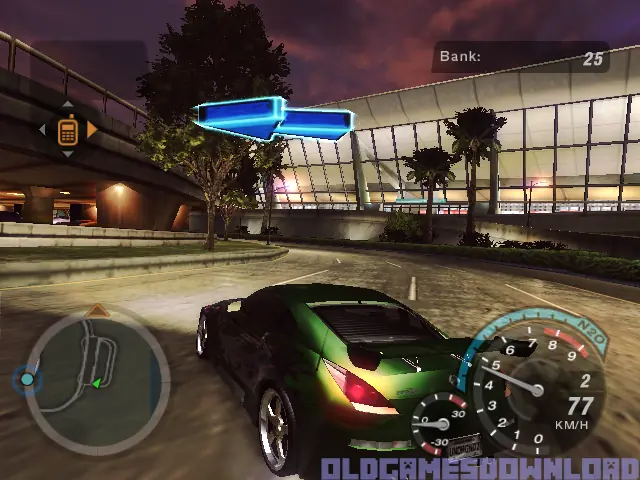
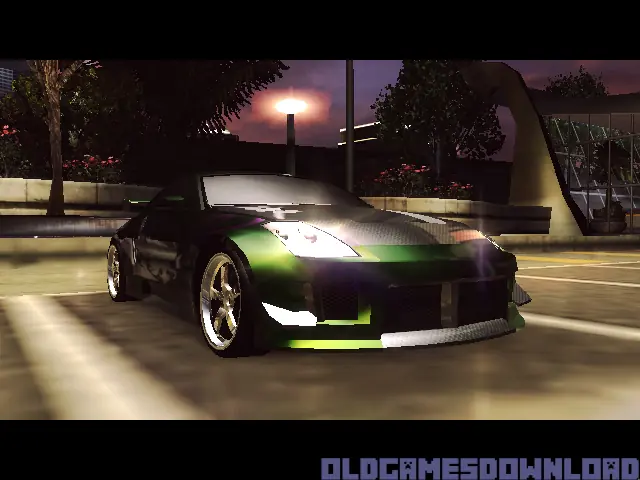
Need for Speed: Underground 2 is a 2004 racing game developed by EA Black Box and published by EA Games.
Genres
Publishers
Developers
Released
Platforms
Need for Speed: Underground 2 is a 2004 racing game developed by EA Black Box and published by EA Games.
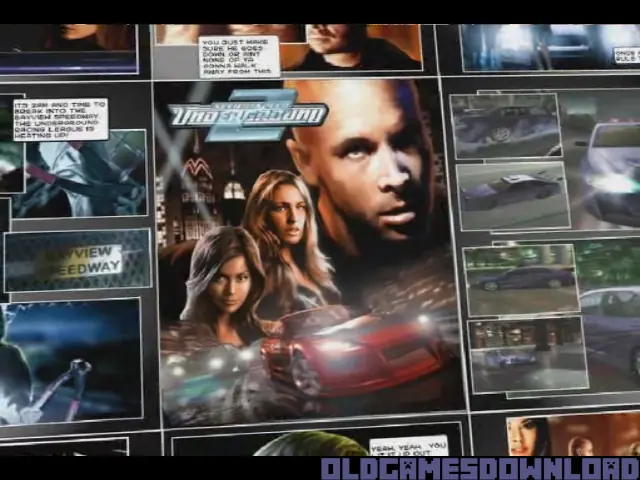
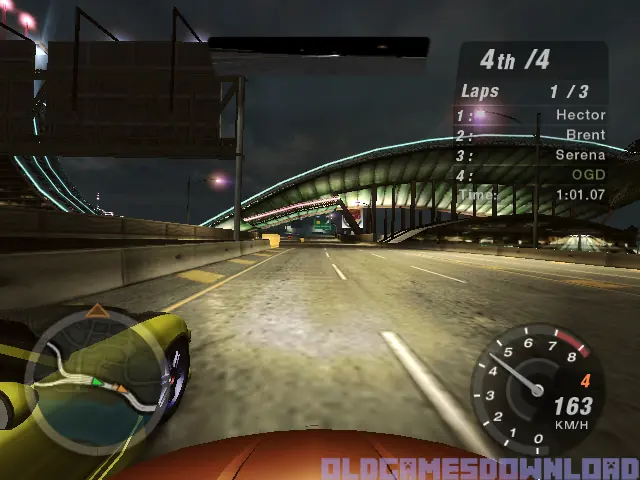
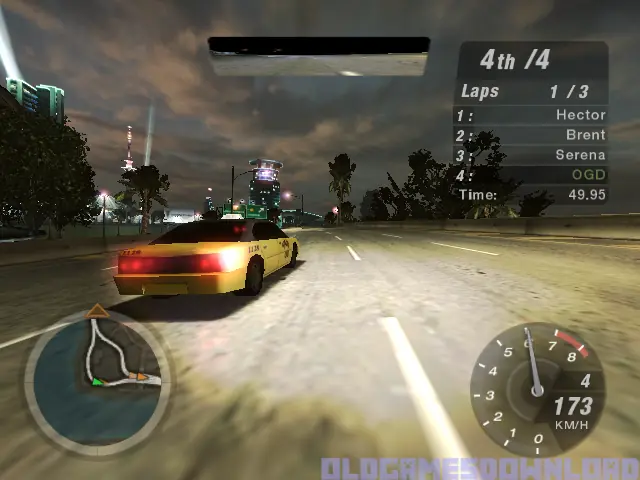
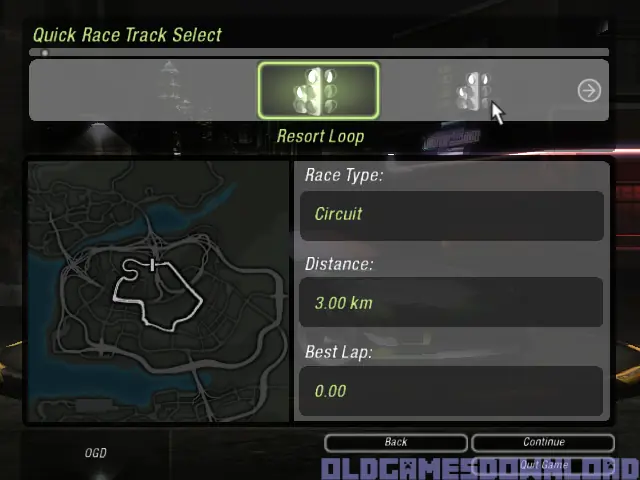
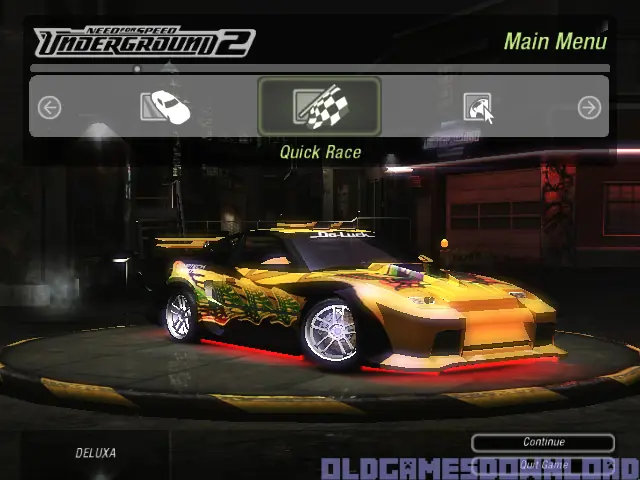
Discover the living, breathing world of Need for Speed Underground 2. Taking place in a massive, free-roaming city featuring five distinct interconnected neighborhoods, Need for Speed Underground 2 delivers an immersive game world where reputation is everything. As you explore the city, you’ll encounter rival racers who will school you in the ways of the underground and tip you off to the hottest racing spots in town. With the most comprehensive tuning options, all-new game modes, and the industry’s most sought-after cars, Need for Speed Underground 2 delivers the most authentic tuner experience ever.
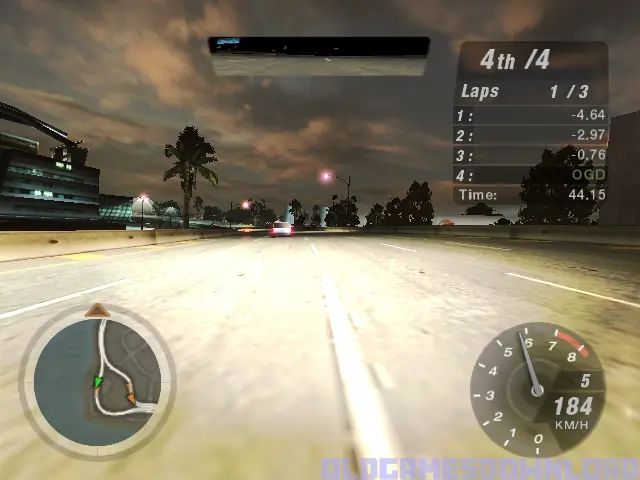
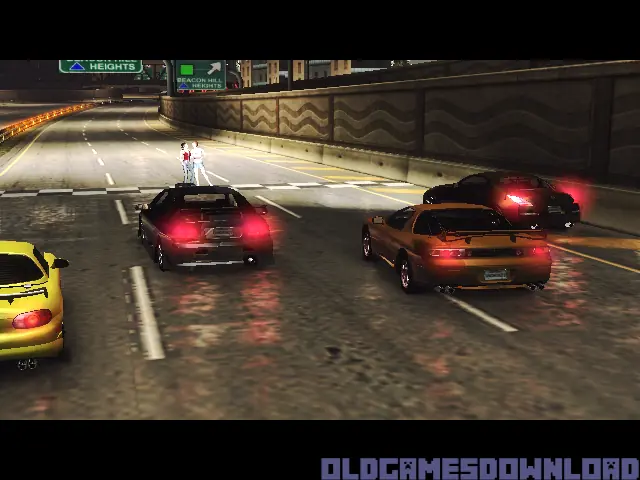
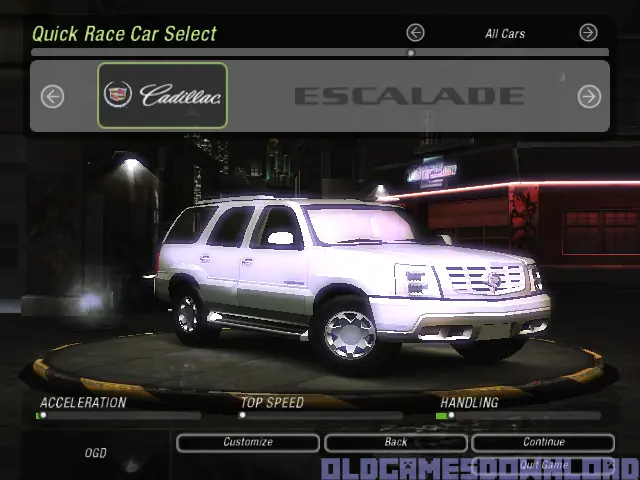
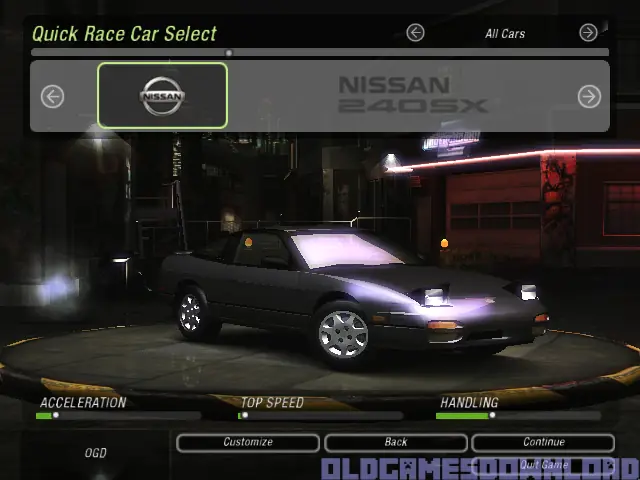
Need for Speed: Underground 2 is abandonware and no longer sold or supported by its publishers. Files are archived here for these platforms:
How to play on Windows (NFS_Underground_2_v102_Win_Setup_EN.rar






try this…
Use compatibility mode
Open Properties from SPEED2.EXE
Go to Compatibility Tab
Set “Run this program in compatibility mode for: Windows XP (Service Pack 2)
Click OK
excerpt from
https://www.pcgamingwiki.com/wiki/Need_for_Speed:_Underground_2
hope that helps…
I installed the game and everything is ok, but when i lunch the game i faced this message “Please insert disc 2” !!!!
Why, i think you should to present good servise but really it’s bad.
Please need advise to solve this issue.
Thanks
or just download from google nocd and patch v1.2 (us or uk version)
i believe for uk patch there is 2 bonus cars vauxhall corsa and peugeot 106
1.Navigate to your NFSU2 install folder.
2.Make sure you have option on to show file extensions in windows (Google it if you don’t know).
3. Right Click, Select New > Text File
4. Rename the text file FOOBAR making sure to delete the .txt file extension
5. Window will give you a prompt saying that you’re changing the file extension type (if you don’t get this, you did it wrong), just hit ok.
6. Should be able to launch the game
1.Navigate to your NFSU2 install folder.
2.Make sure you have option on to show file extensions in windows (Google it if you don’t know).
3. Right Click, Select New > Text File
4. Rename the text file FOOBAR making sure to delete the .txt file extension
5. Window will give you a prompt saying that you’re changing the file extension type (if you don’t get this, you did it wrong), just hit ok.
6. Should be able to launch the game
NOTE: this link not mine, i just found it in order to play this game.
“please insert disc 2”
NOTE: this link not mine, i just found it in order to play this game.
“please insert disc 2”