Home » Games » Peter Jackson’s King Kong
Peter Jackson’s King Kong

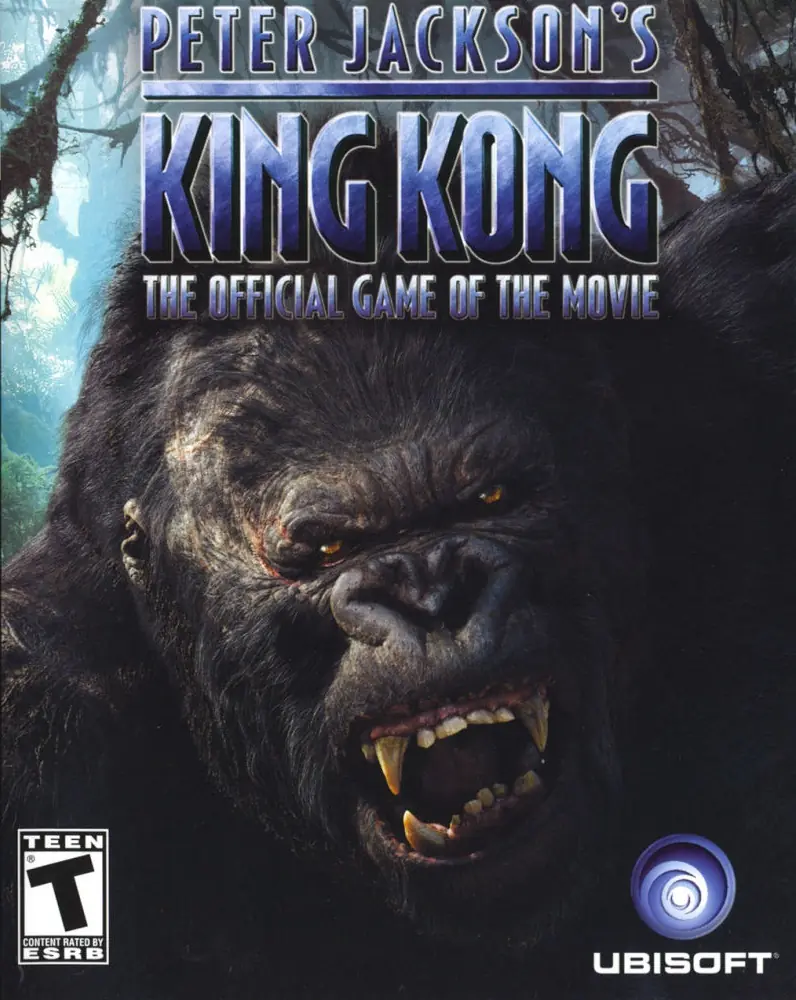
Peter Jackson's King Kong Game Cover
4.5/5 - 383 votes

Peter Jackson's King Kong (also known as Peter Jackson's King Kong: The Official Game of the Movie) is an action-adventure video game developed and published by Ubisoft, based on the 2005 film King Kong. The game was created in collaboration between the film's director Peter Jackson, and game designer Michel Ancel.

Other Titles

Peter Jackson's King Kong: The Official Game of the MoviePETER JACKSON'S キング・コング オフィシャル ゲーム オブ ザ ムービー金刚Jin GangKing Kongپيتير چاكسونس كينج كونجکینگ کۆنگ

Genres
,
Publishers
Developers
Released
Platforms
Download

About Peter Jackson’s King Kong

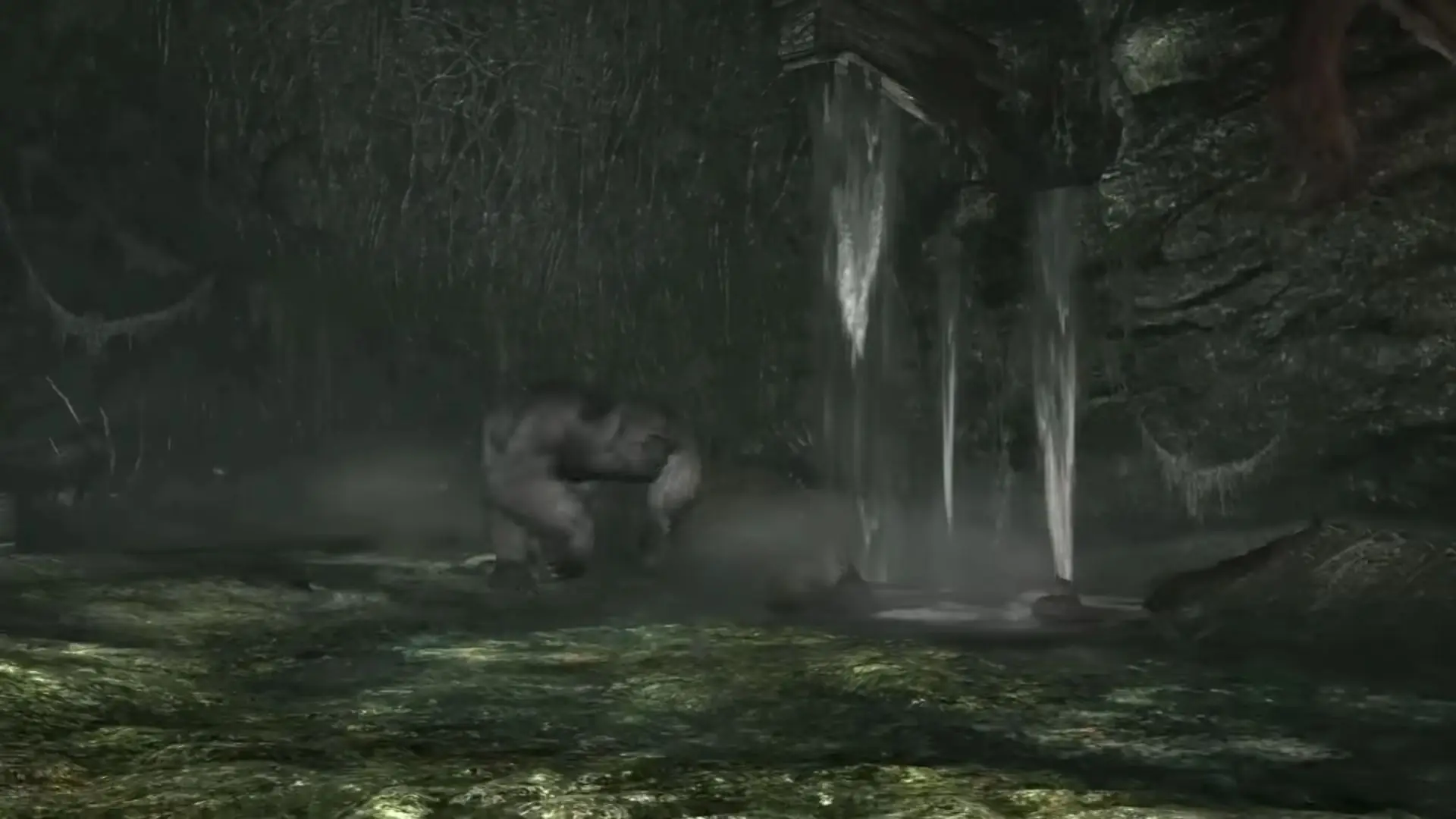
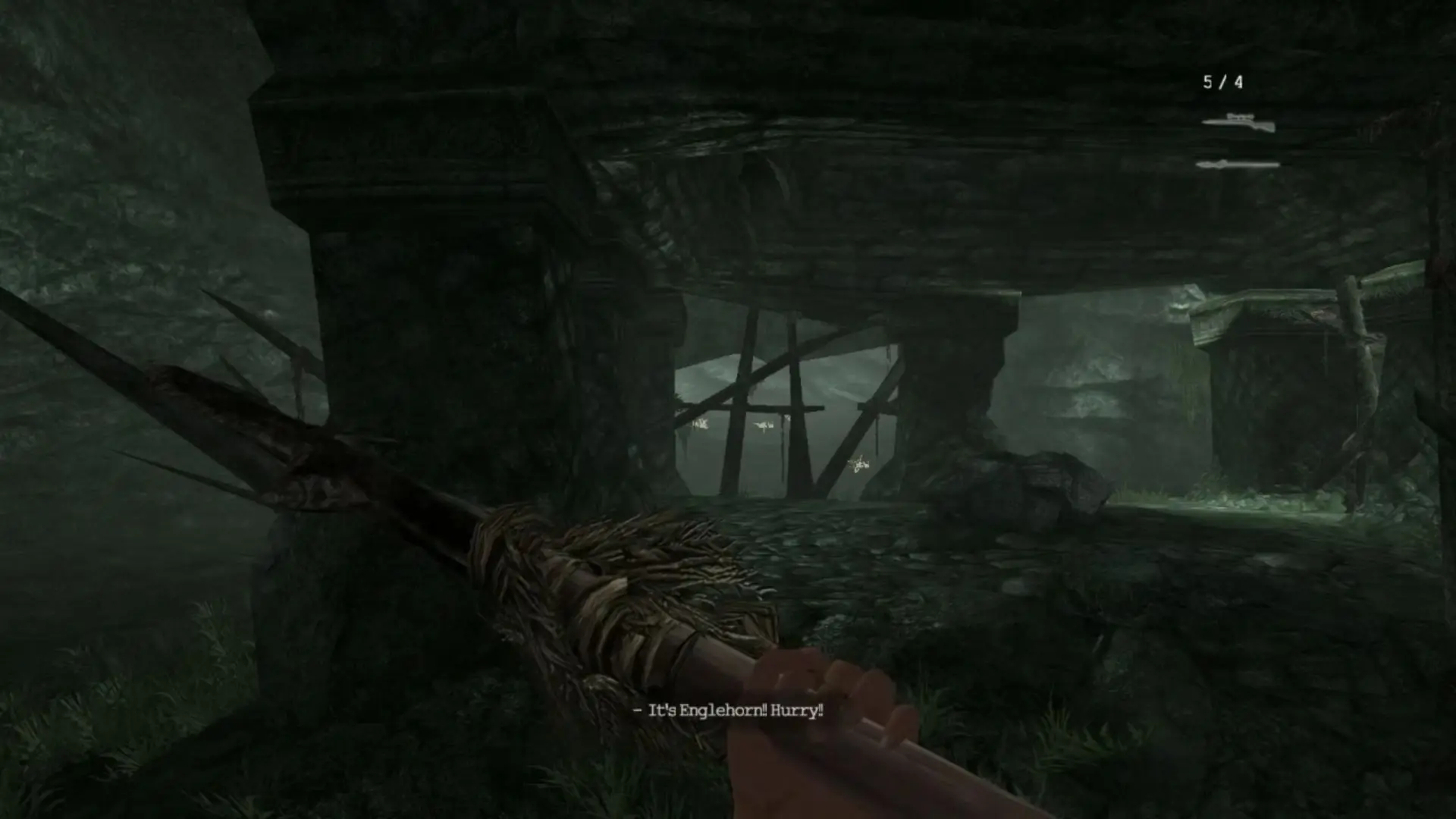
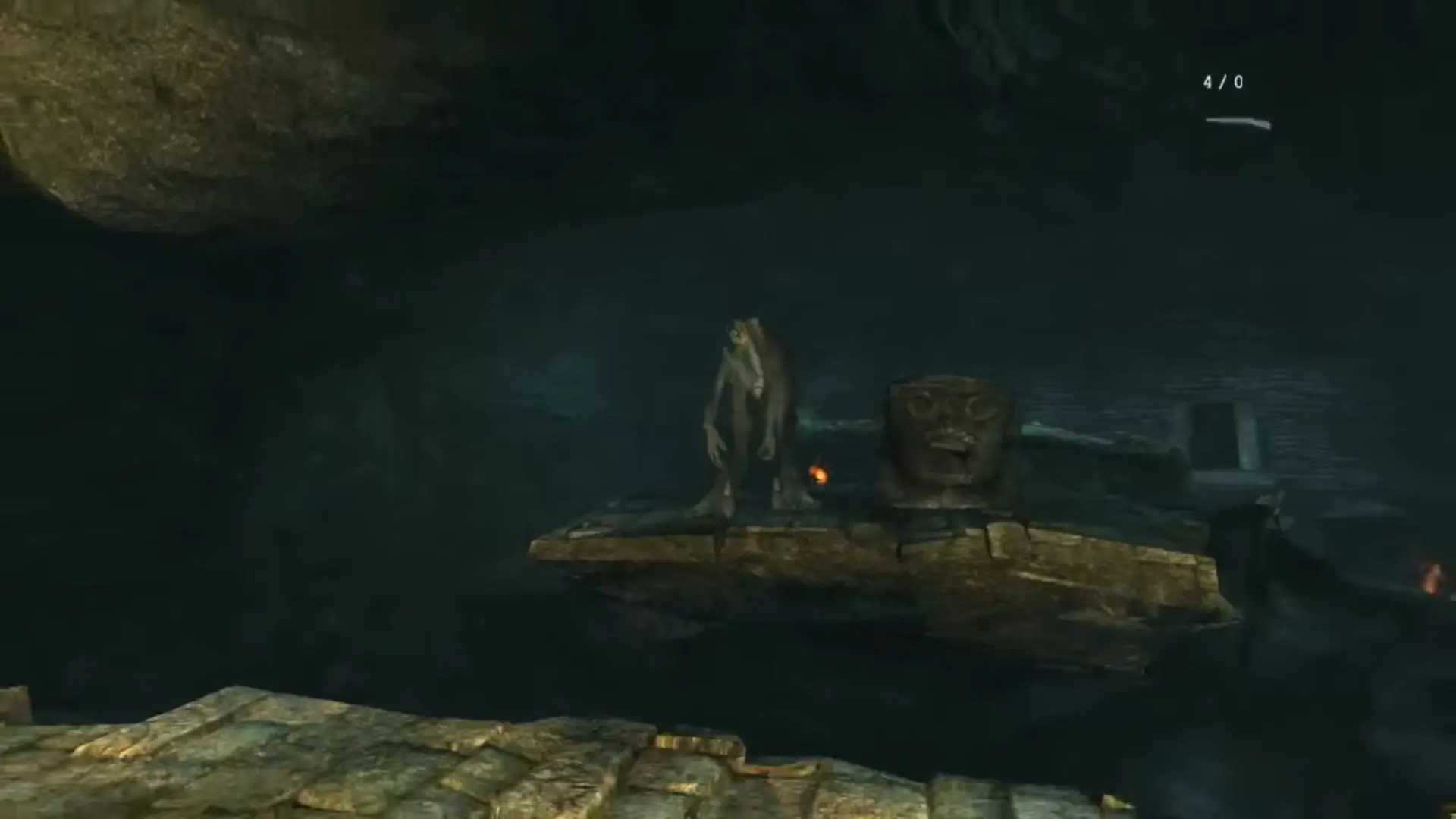
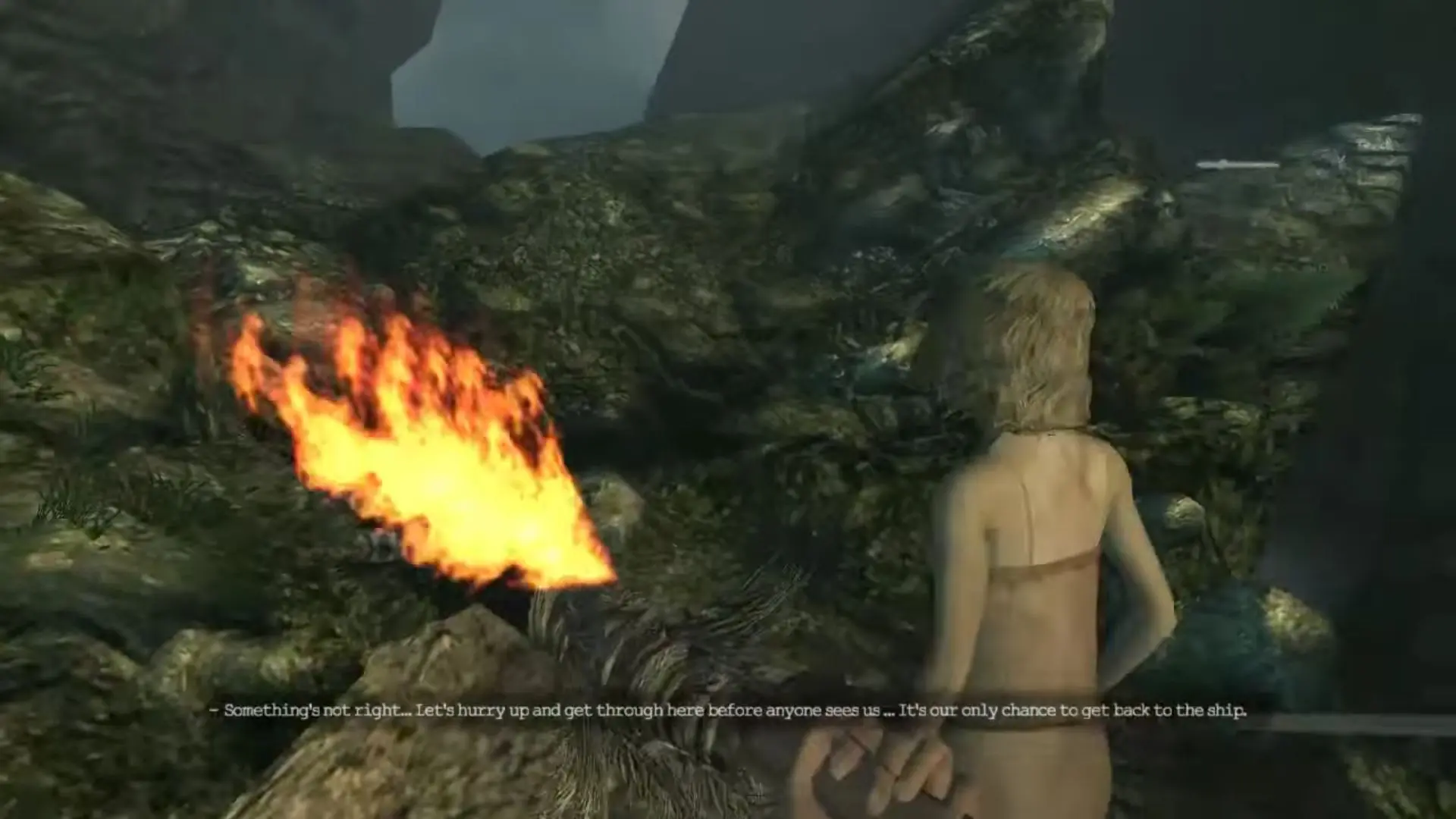
The game allows players to play as both Jack Driscoll and King Kong. Players use firearms and spears as Jack; and punch, grab and use objects/corpses as Kong, to defend against and fight creatures on Skull Island. The King Kong segments are played from a third-person perspective, while the Jack levels are played from a first-person perspective. The game de-emphasizes the role of a heads-up display (HUD), with the developers explaining that this conceivably would help players to get further immersed into the game (although the HUD can be turned on in the settings).

Screenshots

Windows

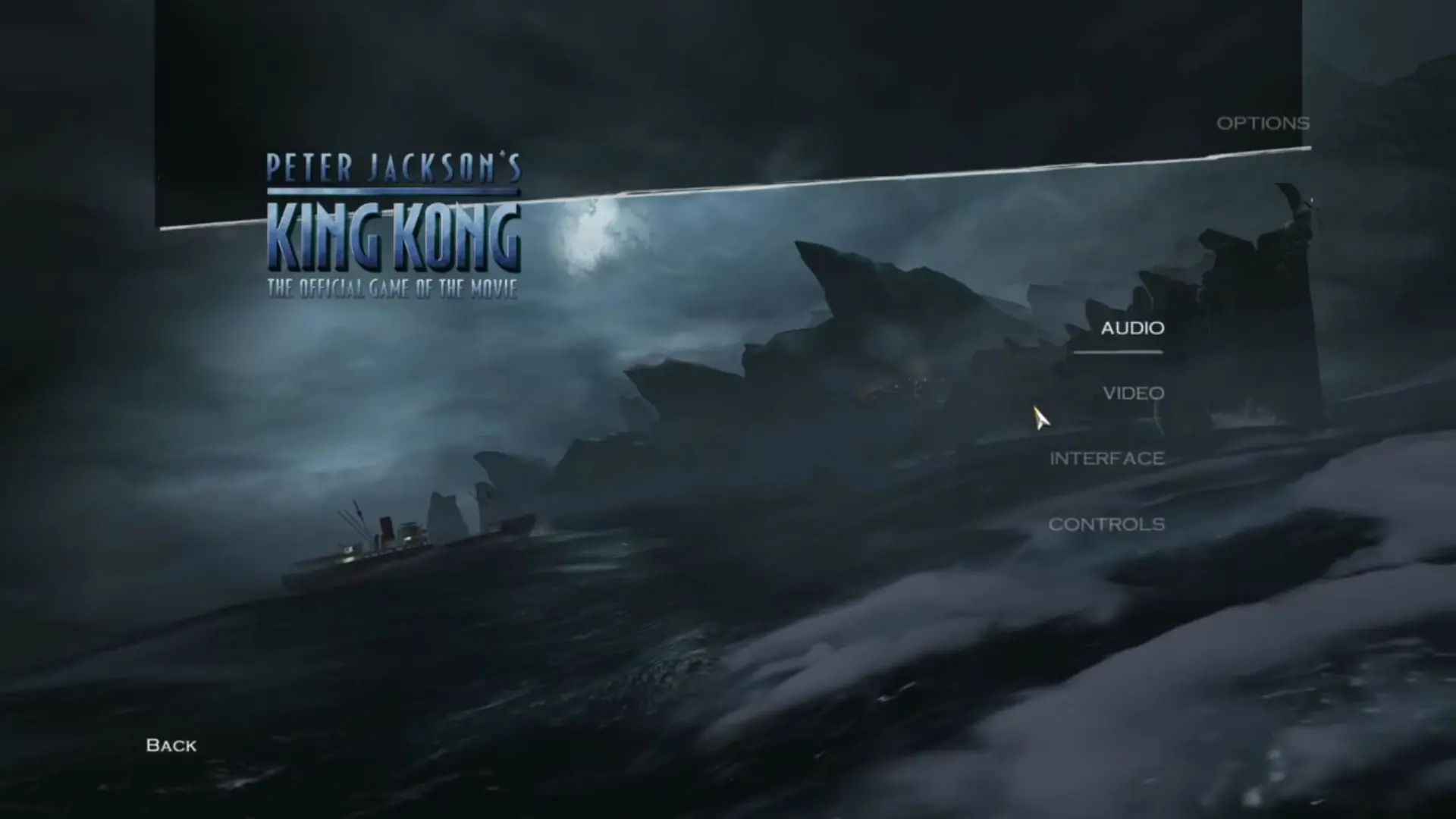
Peter Jackson’s King Kong — Windows screenshot 1Peter Jackson’s King Kong — Windows screenshot 2Peter Jackson’s King Kong — Windows screenshot 3Peter Jackson’s King Kong — Windows screenshot 4Peter Jackson’s King Kong — Windows screenshot 5Peter Jackson’s King Kong — Windows screenshot 6Peter Jackson’s King Kong — Windows screenshot 7

Download Peter Jackson’s King Kong

Peter Jackson’s King Kong is abandonware and no longer sold or supported by its publishers. Files are archived here for these platforms:

Windows (2005)

  • Peter_Jacksons_King_Kong_Win_Setup_EN.7zEN1.73 GB
  • Instructions Peter_Jacksons_King_Kong_Win_Setup_EN.7z

    How to play on Windows

    1. Download and Extract Peter_Jacksons_King_Kong_Win_Setup_EN.7z
    2. Open the "Game Files" folder and run setup.exe
    3. Finish installing the game.
    4. Launch the game using desktop shortcut. We recommend setting resolution to your display resolution and refresh rate to 144 Hz. Select "Play" when you're ready to launch the game.
    5. Enjoy!

Other resources

Comments

65 thoughts on “Peter Jackson’s King Kong”

  1. -5
    I can’t get past the part where Kong has to lift the pillar in front of the door, I was spamming the righ click button, but nothing happens. I also tried everything else like holding the button & spamming F12 & ctrl, but still nothing.
    Reply

Similar games