Home » Games » Ratatouille

Ratatouille

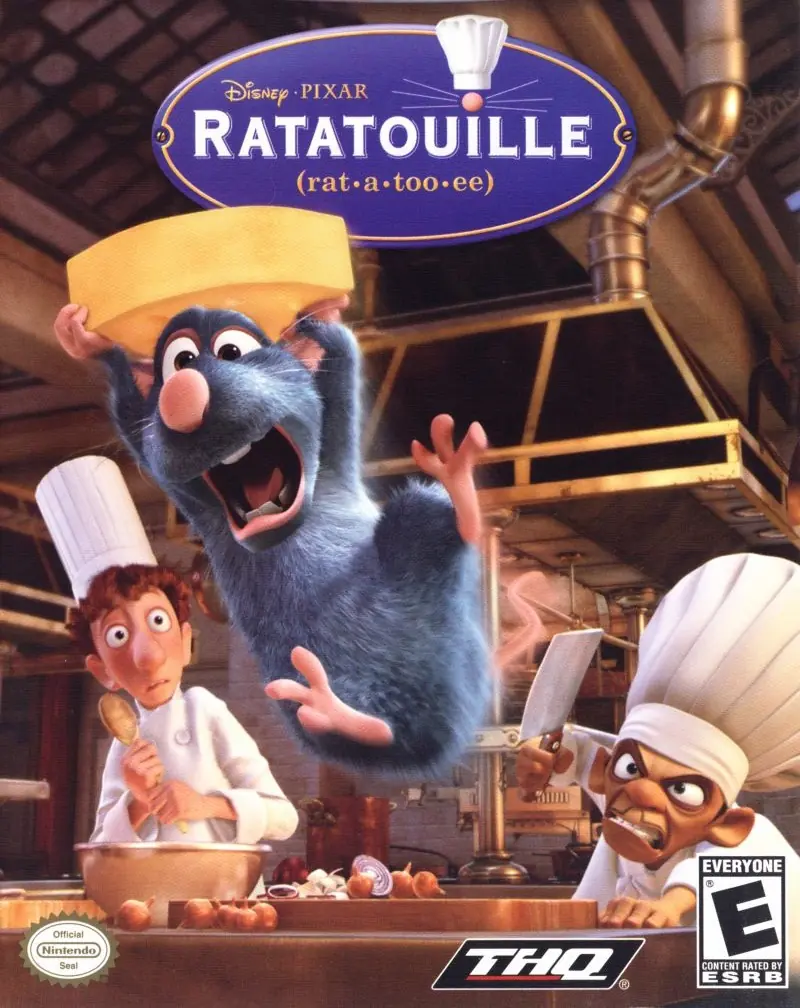
Ratatouille Game Cover
4.7/5 - 376 votes

Ratatouille is a 2007 action game developed by Asobo Studio and published by THQ.

Other Titles

Disney•Pixar Ratatouille라따뚜이Disney · Пиксар РататуйRatatuiRatatujרטטוי

Genres
Publishers
Released
Platforms
Download

About Ratatouille

Ratatouille lets you relive the most thrilling and hilarious moments from the Disney/Pixar film. Become Remy, a young rat with dreams of becoming a great French chef -- despite the obvious problem of being a rat! From the underground sewers to the bustling streets of Paris, Remy will dash, glide and slide through six action-packed, visually stunning worlds filled with dangerous enemies, intense heists and perilous missions. Go head-to-head with your friends in multiplayer mini-games or navigate your way through a sensational rat race that turns the culinary world of Paris upside down!
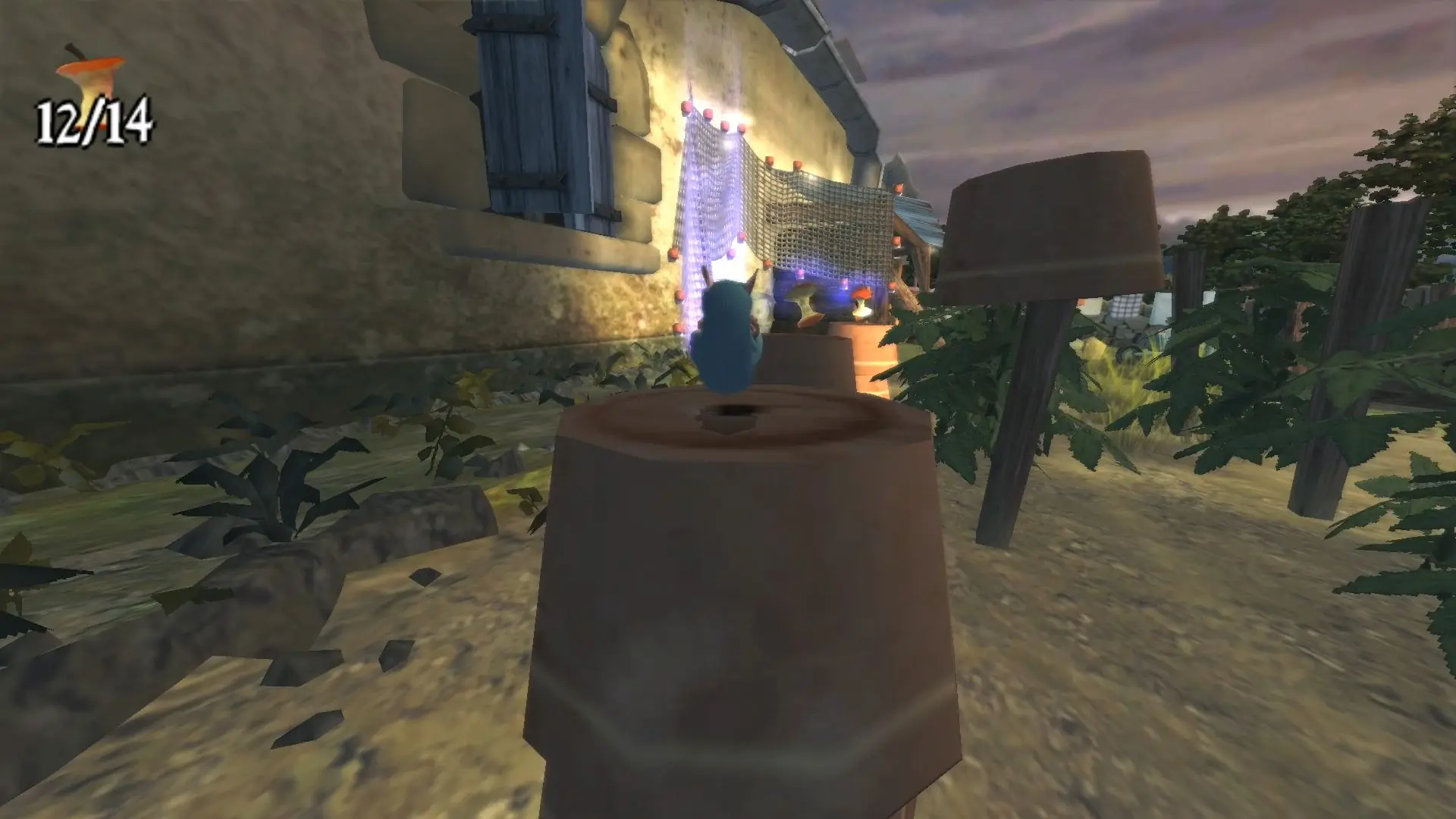
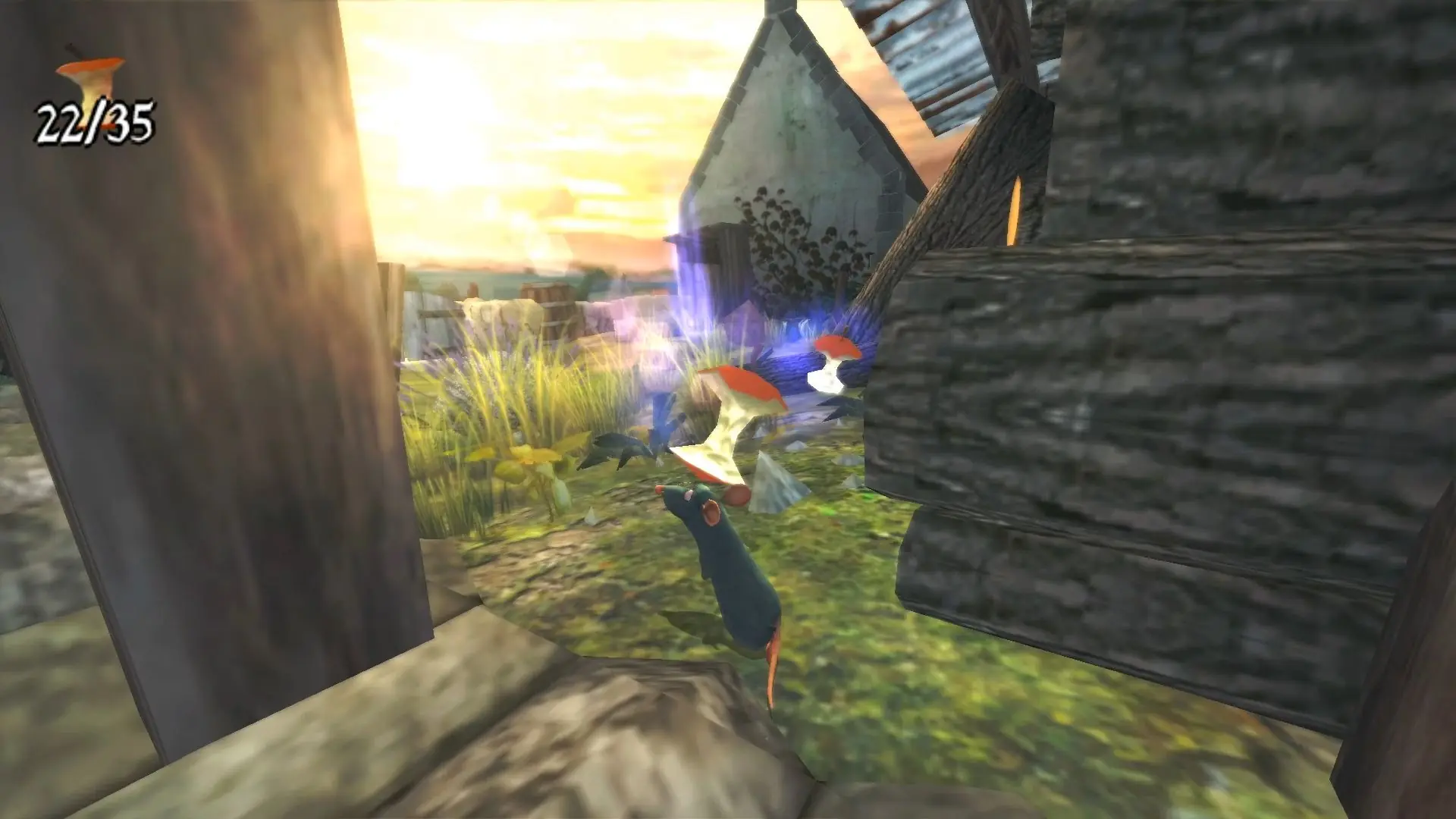
Screenshots

Windows

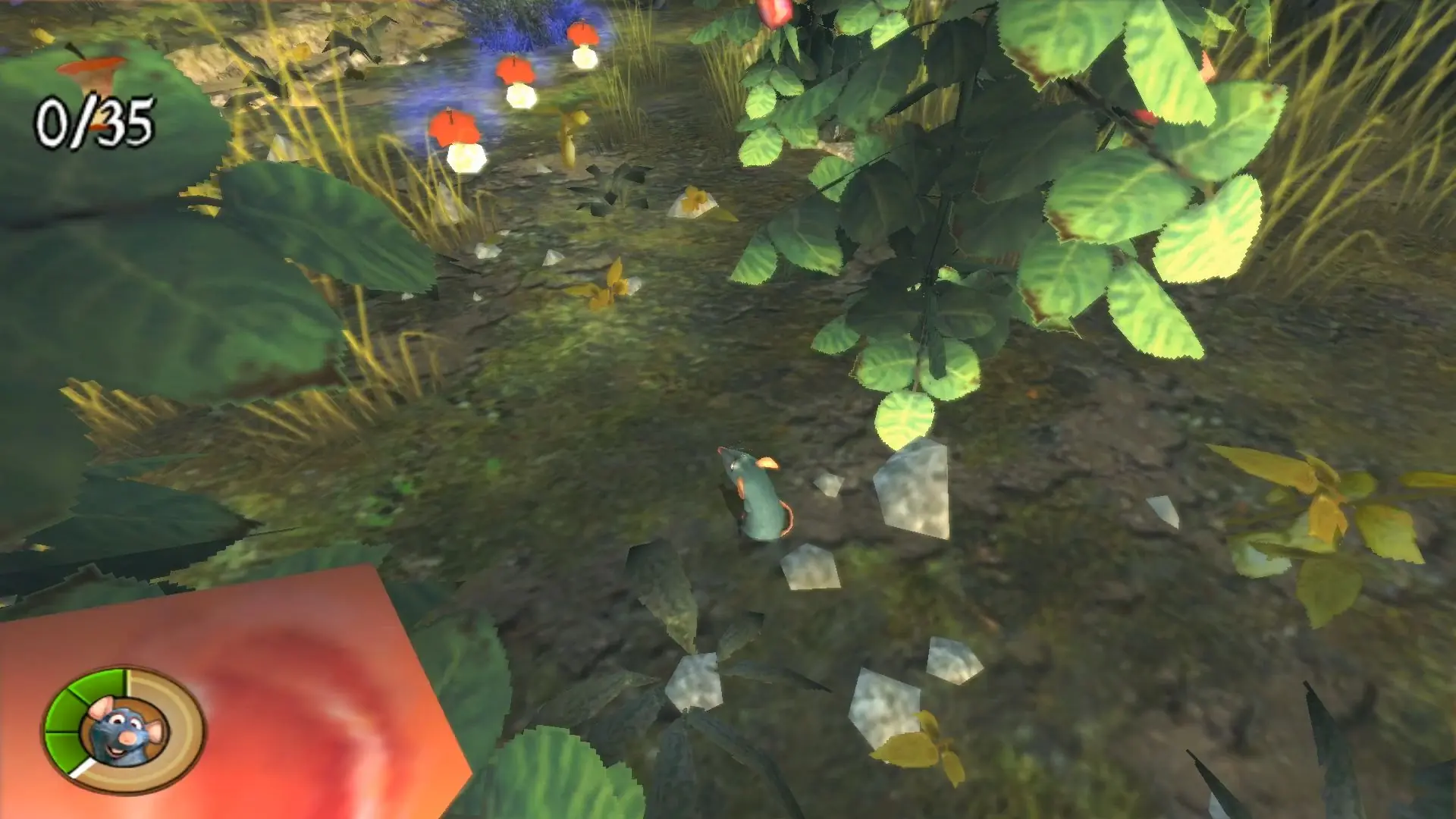
Ratatouille — Windows screenshot 1Ratatouille — Windows screenshot 2Ratatouille — Windows screenshot 3Ratatouille — Windows screenshot 4Ratatouille — Windows screenshot 5Ratatouille — Windows screenshot 6Ratatouille — Windows screenshot 7

Download Ratatouille

Ratatouille is abandonware and no longer sold or supported by its publishers. Files are archived here for these platforms:

Windows (2007)

  • Ratatouille_Win_ROM_EN.zipEN1.47 GB
  • Instructions Ratatouille_Win_ROM_EN.zip

    How to play on Windows

    1. Download and Extract Ratatouille_Win_ROM_EN.zip
    2. Mount rat1-jfkpc.cue and rat2-jfkpc.cue (CD 1 and CD 2) to different virtual drives. If you're not sure how to do this, you can read this guide.
    3. On the mounted CD1, run "autorun.exe" and select install. Follow on-screen instructions to install the game. When prompted to install CD 2, choose the drive which you mounted CD 2 to.
    4. To play the game, launch "autorun.exe" and select "Play". Note that you need to keep the discs mounted as you play.

Manuals and readmes

Comments

56 thoughts on “Ratatouille”

  1. 0
    before i downlode this game, since this game is a (PS2) game,dose that mean i can play in the ePSXe emulator??
    is it a (bin) file?
    Reply
  2. 0
    I got it to run! I used WinCDEmu to mount both BIN files, then navigated to the game files via
    C:Program Files (x86)THQDisney-PixarRatatouilleRat and ran the GameSetup application as administrator. It opens up a menu where you can then install the game and DirectX 9.0c. Close out of that after it’s all done, run it again as admin, and you’ll have the play option and a menu to change controls (which you cannot do in-game).
    Reply
    • 0
      Thank you so much BUT can you tell me how to change the control? like you said i cant change it in game so how? and i dont have a controller. Thank you <3
      Reply
  3. 0
    i finally managed to make it work! you have to mount the CDs, then click autorun.exe and follow the instructions to install it. And after you finish this, you play the game by going into this file directory: C:Program Files (x86)THQDisney-PixarRatatouilleRat
    and then you click the application ‘GameSetup’ and then click play and it will all work! Good luck <3
    Reply
  4. 0
    to all the ones who can’t manage to run the game after installing it, you have to open it while having both the discs mounted, and to do so I converted the BIN files to ISO, that solved the problem for me!
    Reply
  5. 0
    Hello, I have managed to mount the to CDs on different virtual drives, and download the game (I think) but it seems that I am not able to play it. When I open autorun.exe, sometimes it doesn’t do anything, so I try to open setup.exe and it tells me to delete the game. In general I can’t find the way to play the game, can someone help me please? Thank you
    Reply
  6. 0
    Hi, I managed to install the game, but when I clicked on Play, a “Fatal Error” message popped up and said “can’t create burnmap texture”
    Reply
  7. 0
    Hi, I managed to install the game, but when I pressed play. A “Fatal Error” window popped up and stated “can’t create burnmap texture”. Does anyone have the same problem?
    Reply
  8. 0
    Hey, I mounted the 2 files, and I was able to run the setup and choose CD2 etc. After completion, the box just didn’t close, and when I now try to open the autorun it just doesnt open. I’ve tried mounting with 2 different programs, mounting the bin and the CUE files, but with no luck. Also tried running as administrator. Any ideas? Thanks
    Reply
  9. 0
    I have problem, in the cd 1 there are no auto run file as it said in the “How to play in windows” tutorial. and I dont know know how to install it and I cant play it :/ .
    Reply

Similar games