Ratatouille
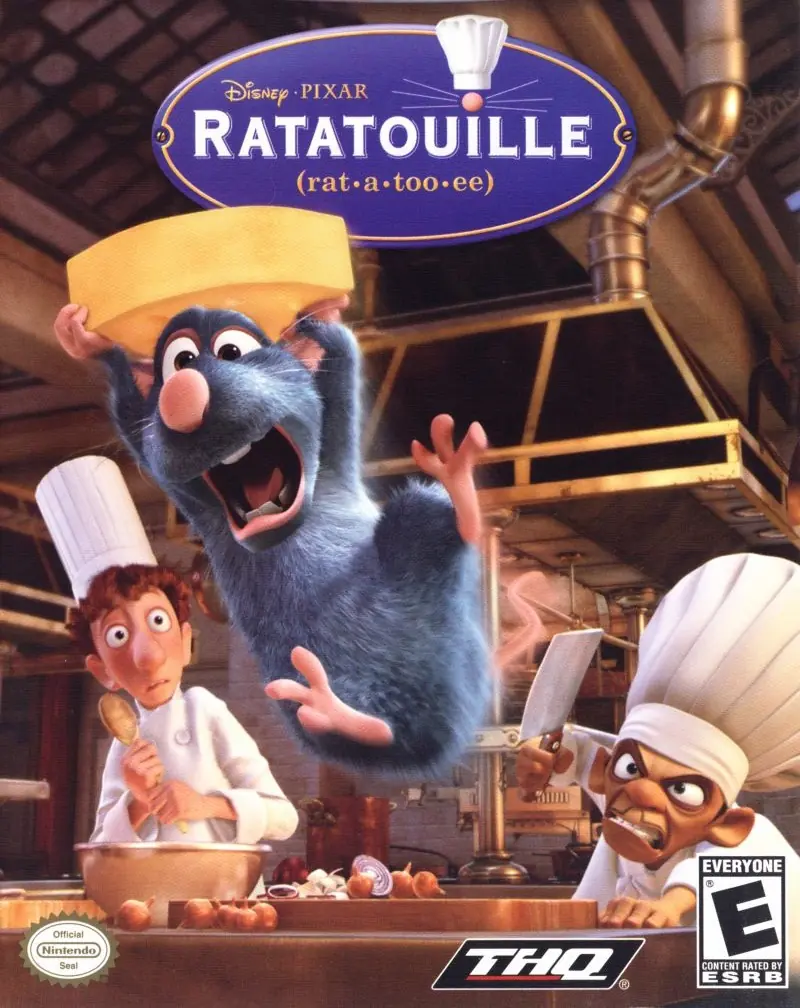
Ratatouille is a 2007 action game developed by Asobo Studio and published by THQ.
Genres
Publishers
Developers
Released
Platforms
Ratatouille is a 2007 action game developed by Asobo Studio and published by THQ.
Ratatouille lets you relive the most thrilling and hilarious moments from the Disney/Pixar film. Become Remy, a young rat with dreams of becoming a great French chef -- despite the obvious problem of being a rat! From the underground sewers to the bustling streets of Paris, Remy will dash, glide and slide through six action-packed, visually stunning worlds filled with dangerous enemies, intense heists and perilous missions. Go head-to-head with your friends in multiplayer mini-games or navigate your way through a sensational rat race that turns the culinary world of Paris upside down!
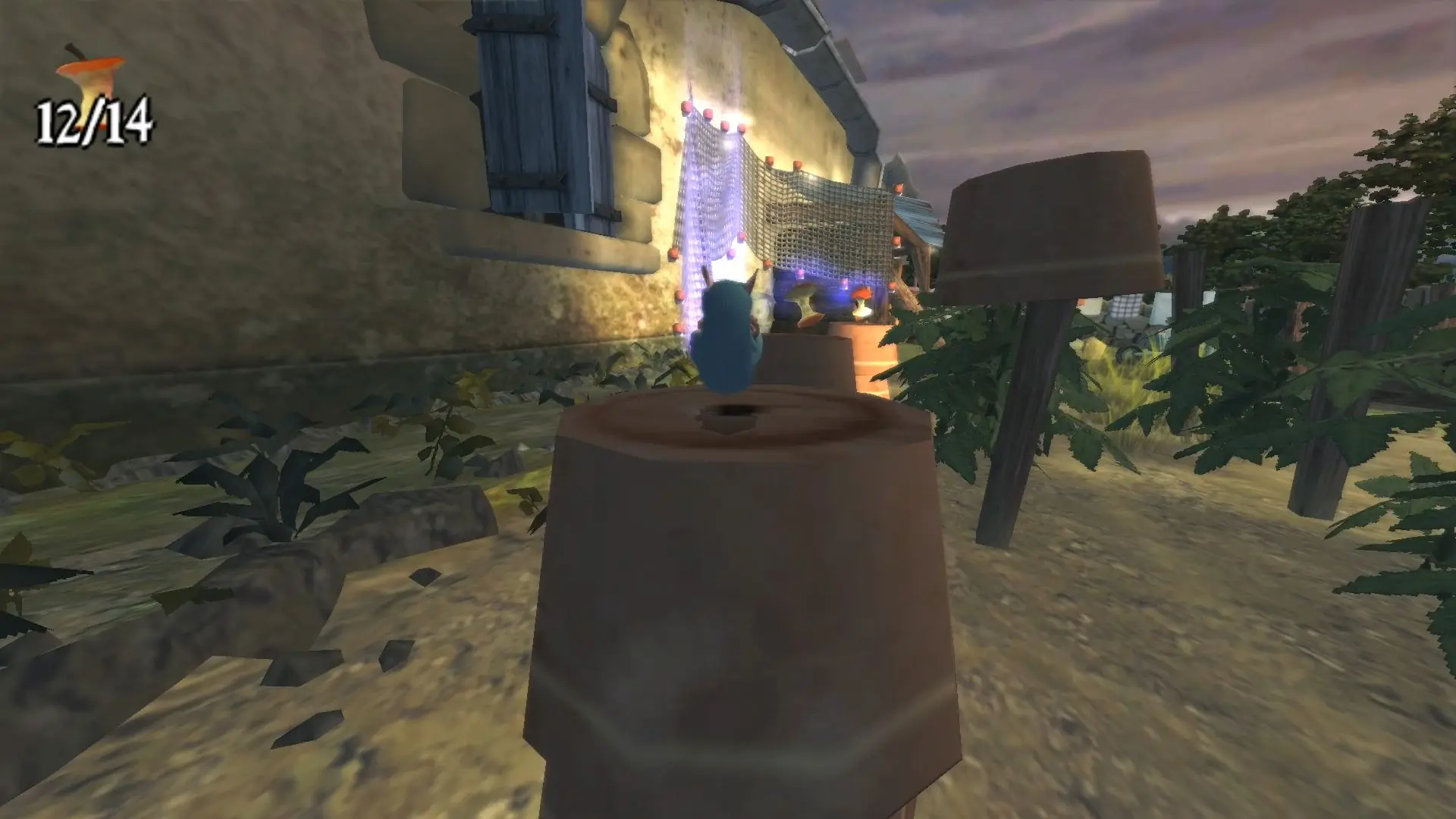
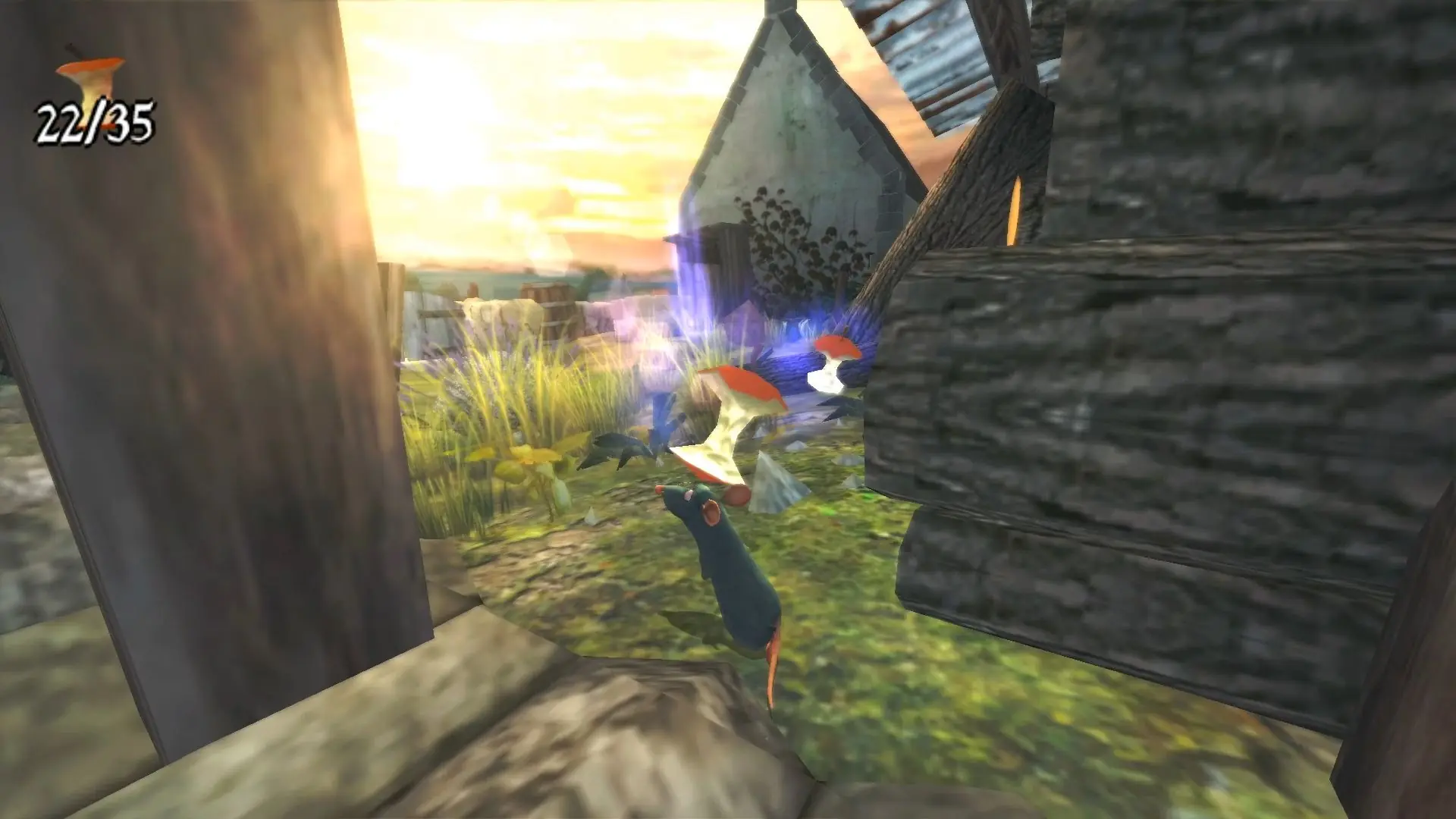
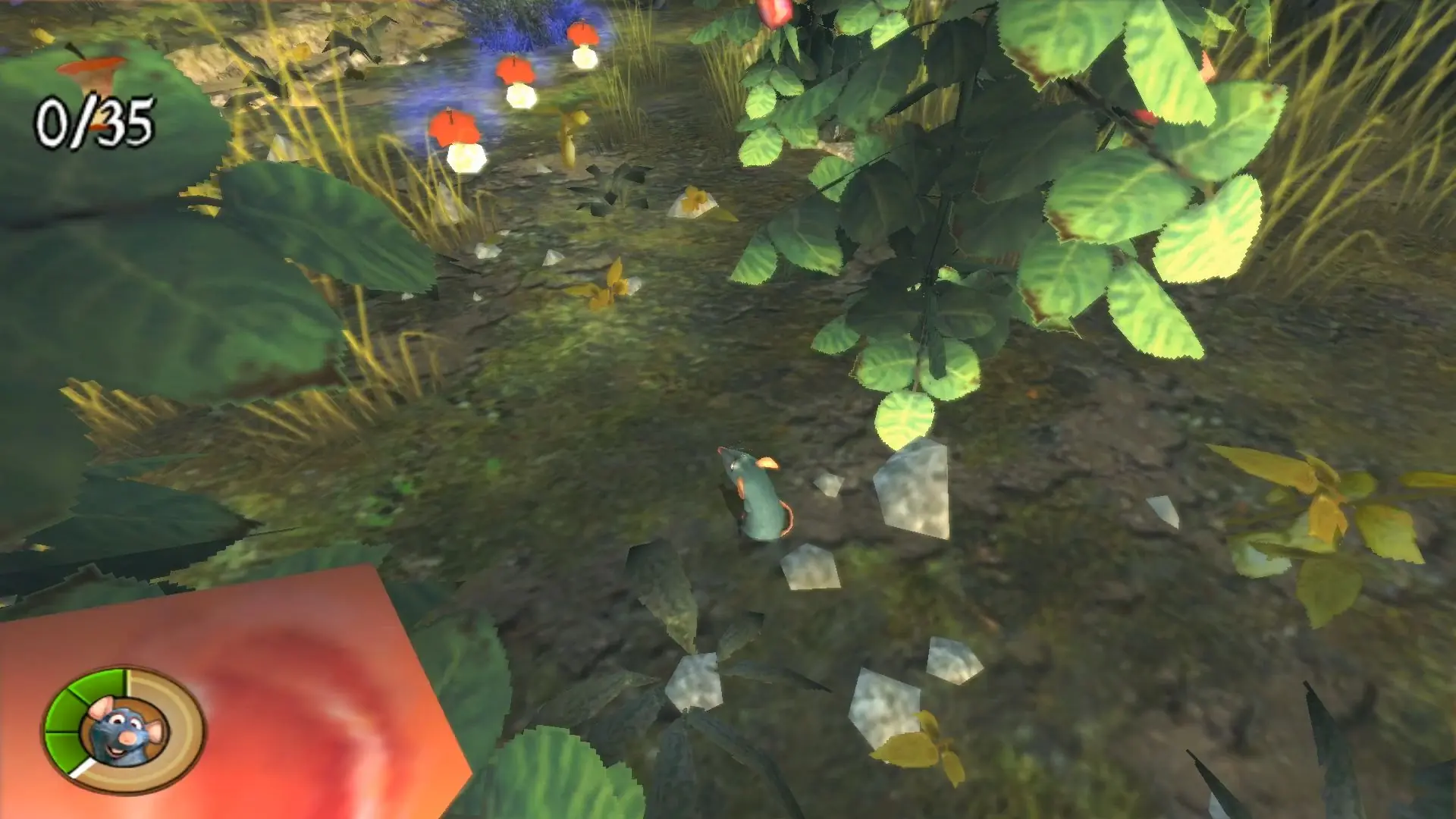
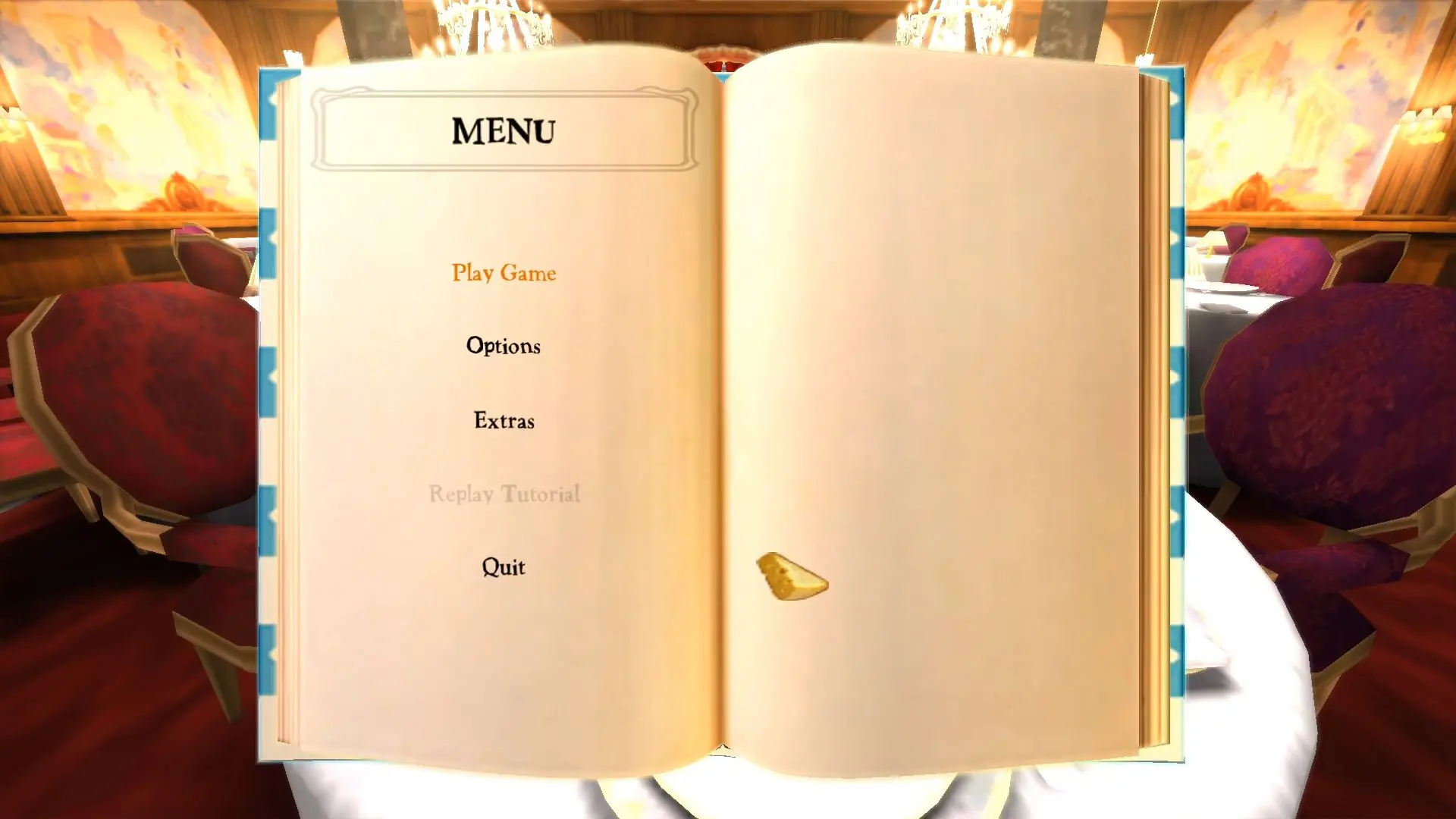
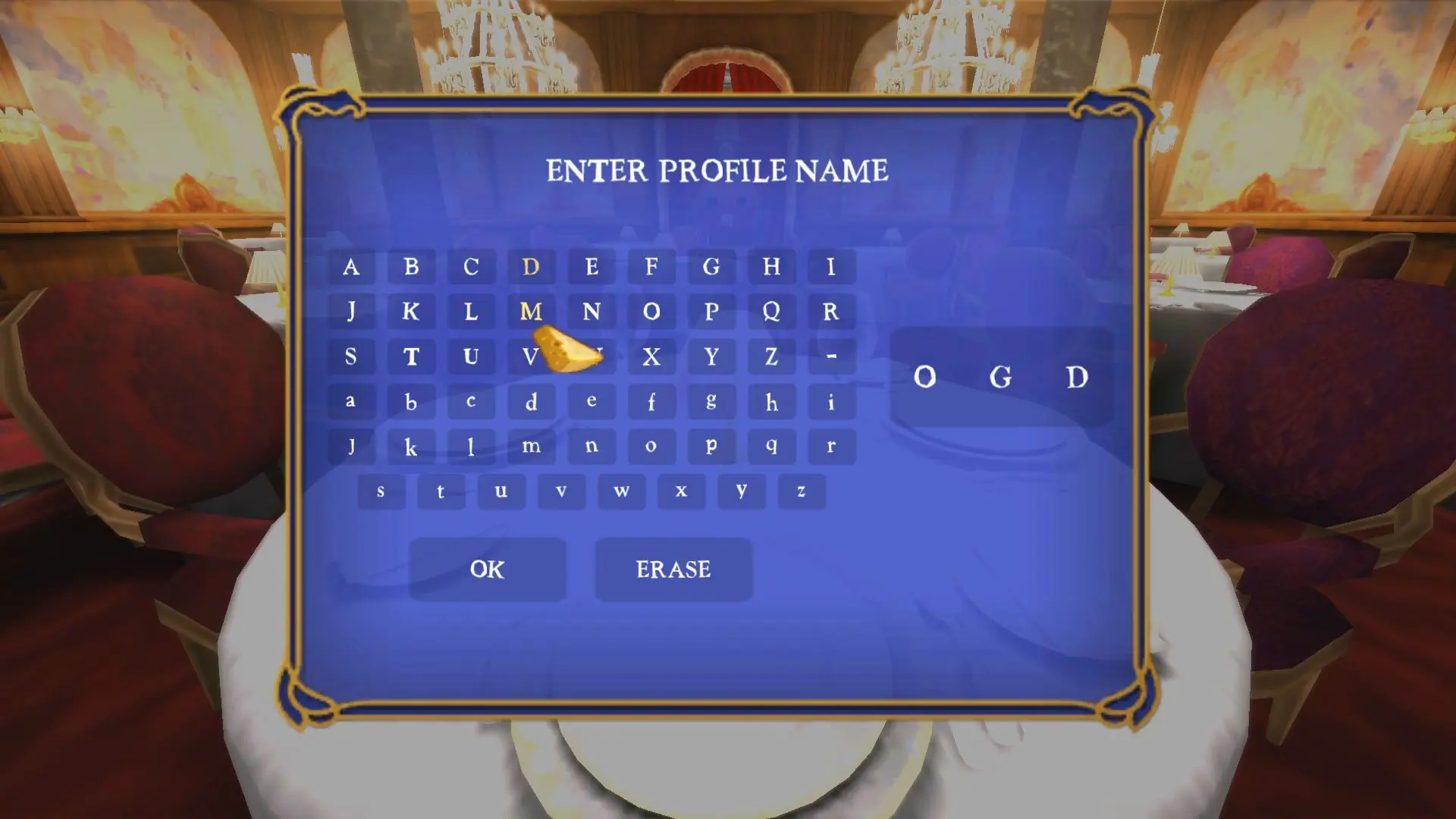
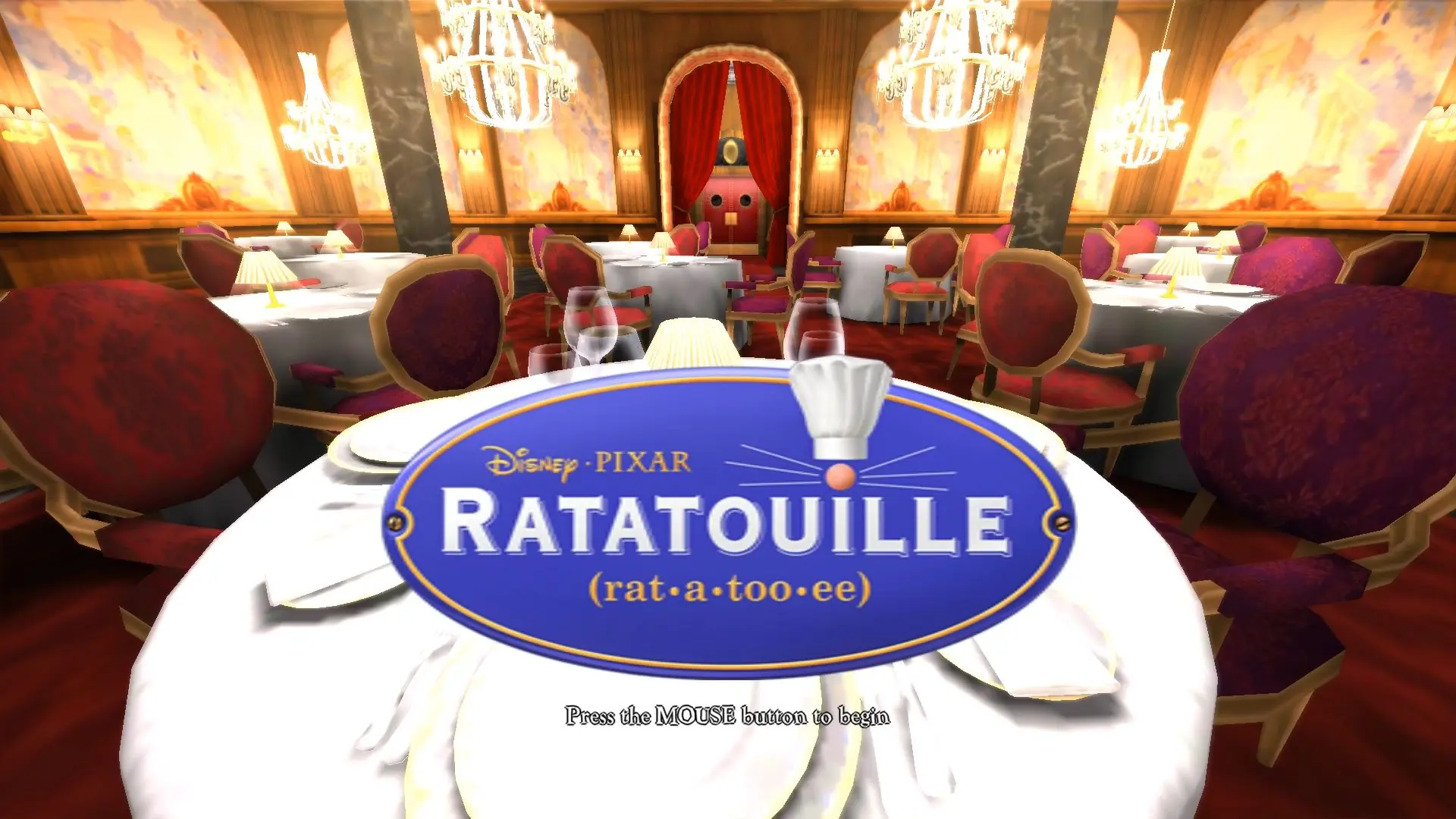
Ratatouille is abandonware and no longer sold or supported by its publishers. Files are archived here for these platforms:
How to play on Windows






(I am on Windows 11)
Step 1. Download the game file and extra it either with 7zip or Winrar.
Step 2. Download a disk emulator like WinCDEmu
Step 3. Open the extracted Ratatouille folder and go to game files, then CD1.
Step 4. Right click the file that ends with .cue and click “Select drive letter and mount.
Step 5. Mount it and repeat the step for the folder CD2.
Step 6. You can either double click the now mounted CD1 under “This PC” or right click and click open, then run autorun.exe.
Step 7. Click the install and go through the installation.
*When/If asked about a missing 2nd disk, click the little box on the right to open the file explorer, go to This PC, and click the 2nd mounted CD drive which will be labeled RAT2, and click ok.
Step 8. After installation, close the installer and locate your game files directory (Default will be on your C: drive under Program Files (x86)>THQ>Disney-Pixar>Ratatouille>Rat.
Step 9. The final step is to run the overlay.exe, and the game should run. Create a shortcut for the overlay.exe as that is how you play the game.
Remember to remount the two CD files each time you want to play the game. If you need further assistance, respond with your email and I will help the best I can.
(should be named autorun.exe)
Both CD’s are mounted on separate drives, the message still appears.
After this, the game did not start.