Richard Scarry’s Busytown
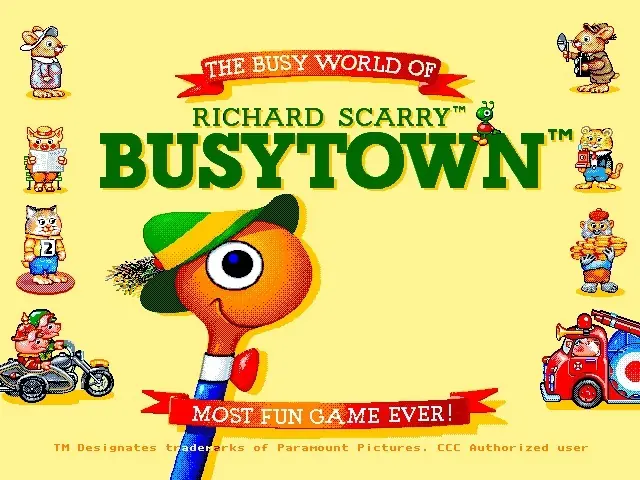
Richard Scarry’s Busytown is a 1993 educational game developed by Novotrade and published by SEGA of America.
Genres
Publishers
Developers
Platforms
Richard Scarry’s Busytown is a 1993 educational game developed by Novotrade and published by SEGA of America.
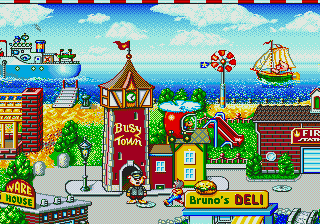
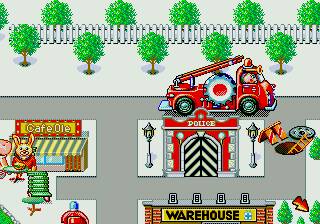
The game consists of an interactive storybook that was written by Richard Scarry. Most of the game is spent discovering Busytown looking for things to interact with using either the game pad or a special mouse that could be purchased separately from the game and the console system.
Young gamers will do everything from building a house using construction tools to delivering something to repair a ship. Games are relatively short and can be finished in about an hour. Familiar faces from Richard Scarry's works of literature include Huckle Cat and Lowly Worm. Another game allows players to control the wind in order to cause controlled havoc at the Busytown park and beach. Other games located throughout Busytown include helping finish Mr. Fix-it's latest invention, helping a patient at Dr. Diane's hospital, delivering goods throughout Busytown, helping Smokey the Firefighter prepare a fire engine for extinguishing a house fire, work at a gas station, fill orders at an automated deli, learn basic addition/subtraction on a see-saw, and help Bananas Gorilla get his box of bananas out of a park full of tourists. All games offer basic vocabulary practice as simple puzzles help improve basic problem solving and English language skills.
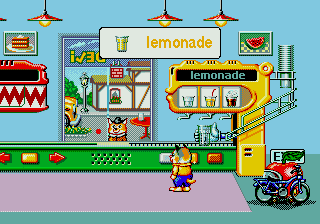
The voice quality of this game is realistic when compared to the cartoons of that era. All of the characters act and talk like their counterparts in the books and the animated series. If the player puts too much lemonade or soda in the glass and spills some out of the glass, then one of the characters may ask the player "Are you blind?" in a gentle voice. Delivering stuff allows the town to slowly come to life. The Sega version omits the Mr. Fix-it, Dr. Diane, gas station, see saw and Bananas Gorilla portions of the game.
Richard Scarry’s Busytown is abandonware and no longer sold or supported by its publishers. Files are archived here for these platforms:






(while game is running)
F5/F6 Down/Up volume of voices
F7/F8 Down/Up volume of music
F10: Sound Setup menu. I pressed ‘Detect Sound Cards’ button (ignoring/saying OK to warning message) and Music and Voice System auto-filled with the ‘Sound Blaster 16’ option. Then I hit ok, and the game restarted with all sound working.