Home » Games » School Tycoon

School Tycoon

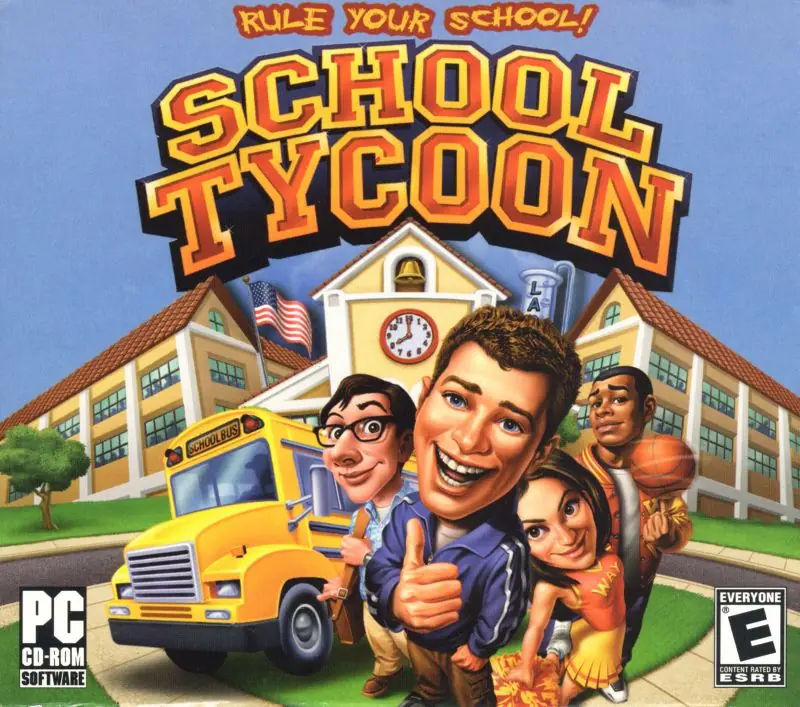
School Tycoon Game Cover
4.5/5 - 92 votes

School Tycoon is a video game developed by Cat Daddy Games and published by Global Star Software in 2004. The game was designed to appeal to a younger audience as it is easier and less complicated than other business simulation games by removing the spreadsheets and statistics of game management.

Other Titles

Xuexiao Daheng学校大亨스쿨 타이쿤

Genres
Developers
Released
Platforms
Download

About School Tycoon

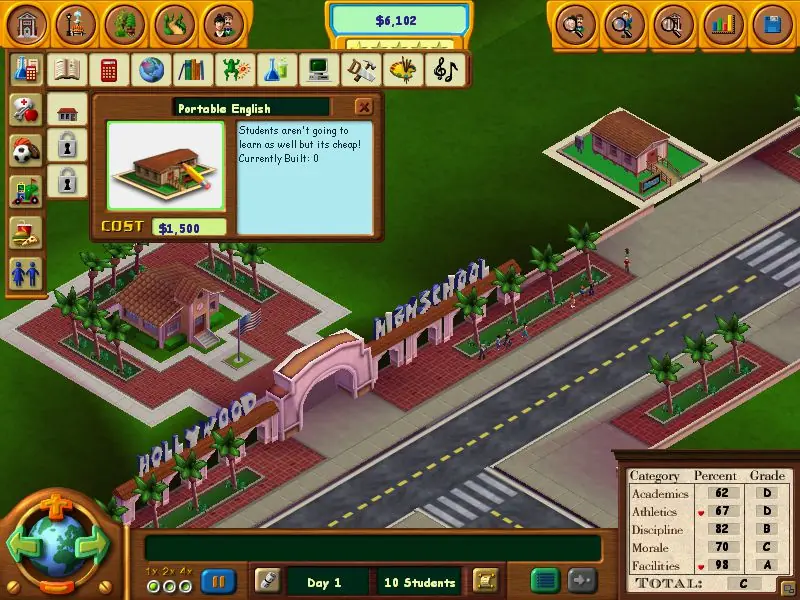
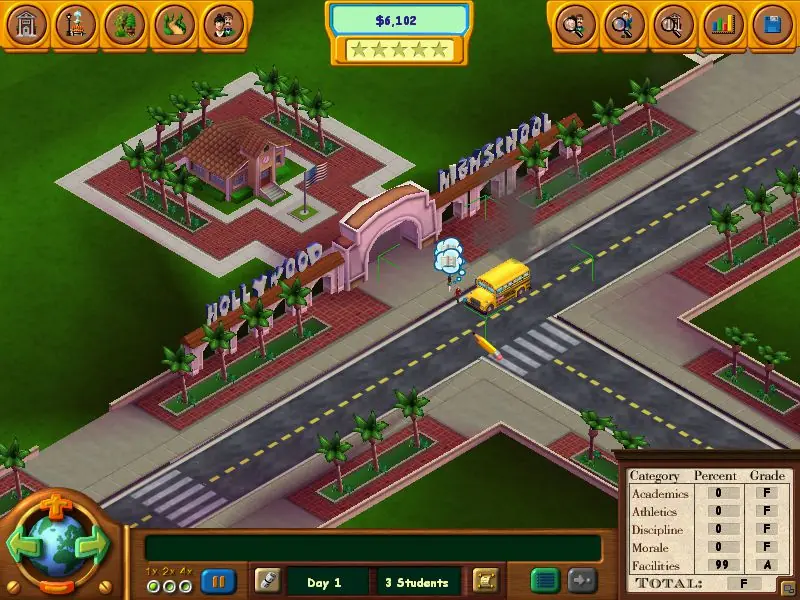
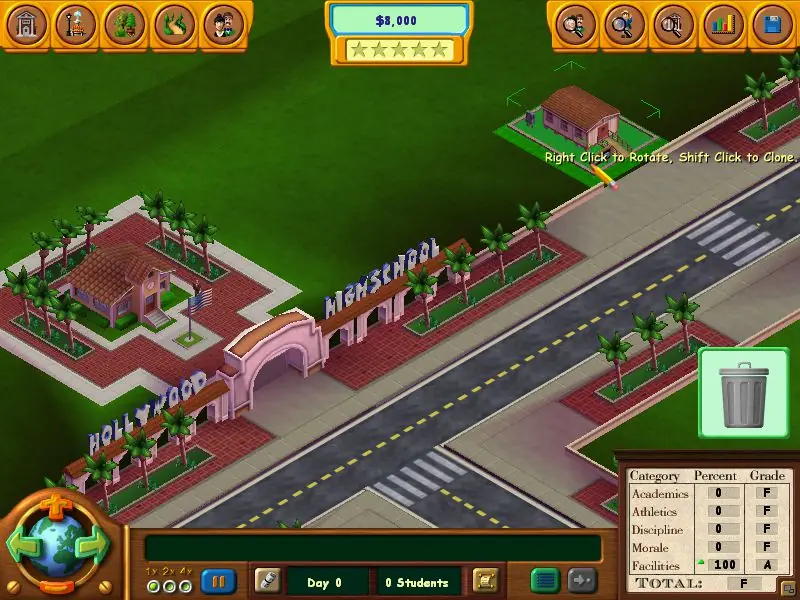
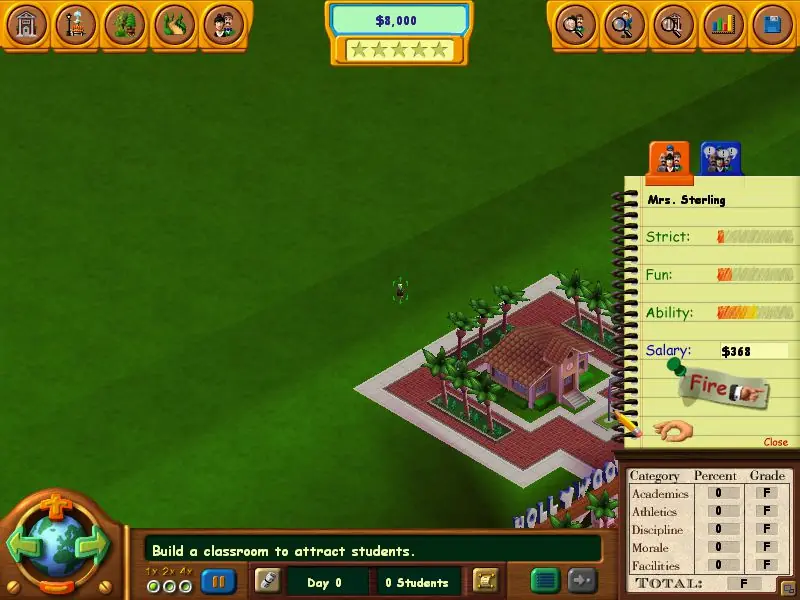
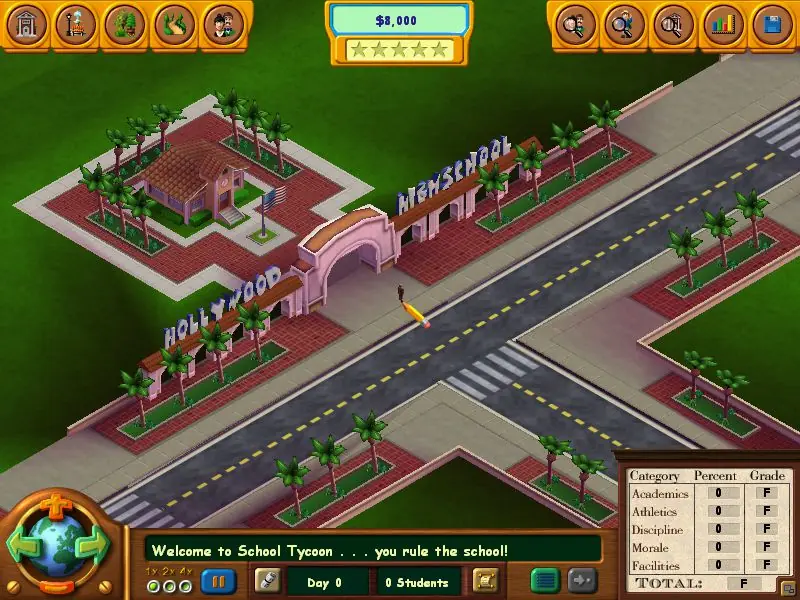
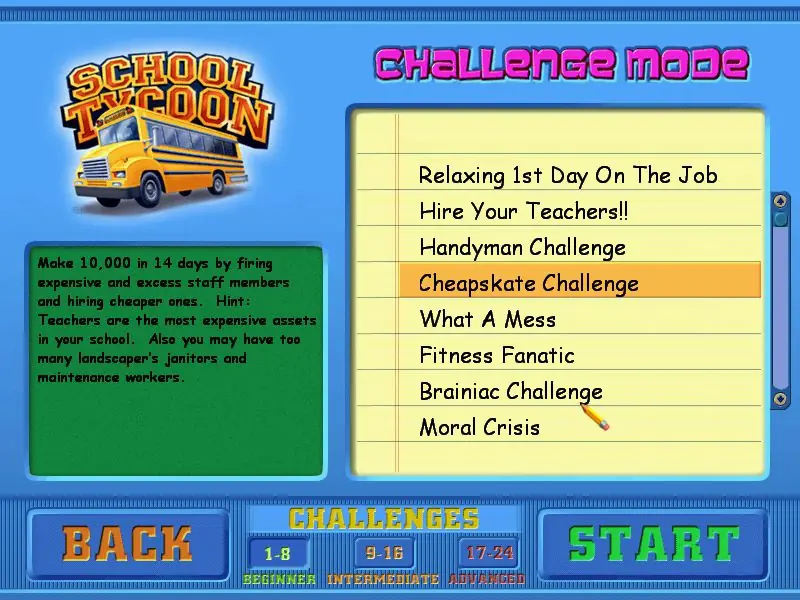
The game features an overhead view of a farm, city lot, or beach-side lot where a school is to be built. The player places buildings and paths to create the layout of the school. The objectives in the game increase in difficulty as the player progress; an easy objective might be to get a certain number of students into school while a more difficult objective would be to earn a certain amount of money within a time limit. There is also a sandbox game mode without specific objectives, giving the player the freedom to build any type of school they desire. The game view can zoom in to select individual students, or zoom out to look at the whole school. The game also has speed controls, to accelerate the pace of events, and has variable difficulty settings. Students in the school can learn ten different subjects. When starting off a school, the player can only afford small classrooms. As money is earned, better and larger classrooms can be built, helping the students to learn more. The player can build academic buildings, sports facilities, entertainment buildings, and an assortment of other structures such as statues, fountains, and food areas. It is also possible to hire teachers and coaches with a variety of different skills.
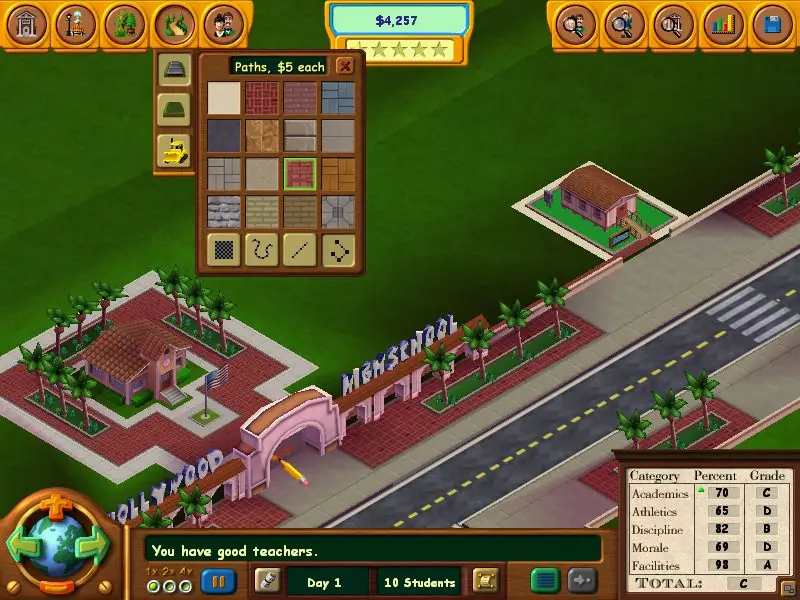
Screenshots

Windows

School Tycoon — Windows screenshot 1School Tycoon — Windows screenshot 2School Tycoon — Windows screenshot 3School Tycoon — Windows screenshot 4School Tycoon — Windows screenshot 5School Tycoon — Windows screenshot 6School Tycoon — Windows screenshot 7School Tycoon — Windows screenshot 8School Tycoon — Windows screenshot 9

Download School Tycoon

School Tycoon is abandonware and no longer sold or supported by its publishers. Files are archived here for these platforms:

Windows (2004)

  • School_Tycoon_Win_ROM_EN.7zEN562.97 MB
  • Instructions School_Tycoon_Win_ROM_EN.7z

    How to play on Windows

    1. Mount SchoolV1.bin and run Setup.exe
    2. Follow on-screen instructions to finish installing the game
    3. Launch the School Tycoon.exe shortcut on your desktop
    4. Play the game

Manuals and readmes

Comments

31 thoughts on “School Tycoon”

  1. 0
    I found the fix to the game not opening up on another website. After mounting, installing, and running the updater, I right clicked on the desktop shortcut, then under compatibility, ran the program in compatibility mode for windows xp service pack 3. game opened up fine for me after that and i am now about to play it!
    Reply
  2. 0
    I’ve downloaded the game multiple times and tried to mount the file. When I mount it, I run it as administrator and I end up just pulling up JUST the menu. The game doesn’t run, how do I get the game to run?
    Reply
  3. 0
    Trying to fix a flickering problem??? I have the game installed but I have an annoying flickering when I start the game
    Reply
  4. 0
    I’m able to open the game, but no matter what compatibility I try, it always opens and is WAY too big, I can see maybe 1/4 of the screen (upper left corner). I tried running in lower bit, and in minimized screen, but no change. Any ideas?
    Reply
  5. 0
    Game didn’t run for me. The launcher is alright but as soon as I click “play game” nothing shows up on screen. I did the update as well but still doesn’t work.
    Reply
  6. 0
    Game didn’t run for me. I clicked on “Play game” after updating but nothing shows up on screen.
    Reply
      • 0
        actually got the sound to work, for some reason the sound is just automatically turned off when you install this game, after clicking “play game” go to options on the main menu and just turn the volume up
        Reply
  7. 0
    I can’t get it to play. The launcher appears but when I press “play game” nothing happens. I tried updating it too and still nothing,
    Reply

Similar games