Home » Games » Section 8

Section 8

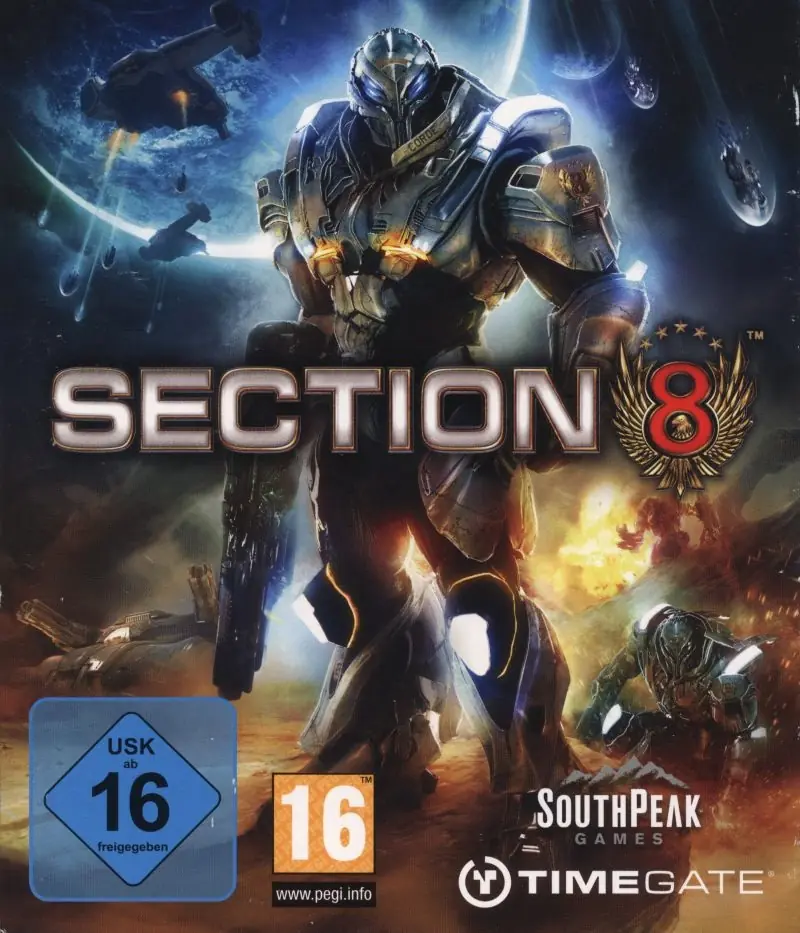
Section 8 Game Cover
4.9/5 - 35 votes

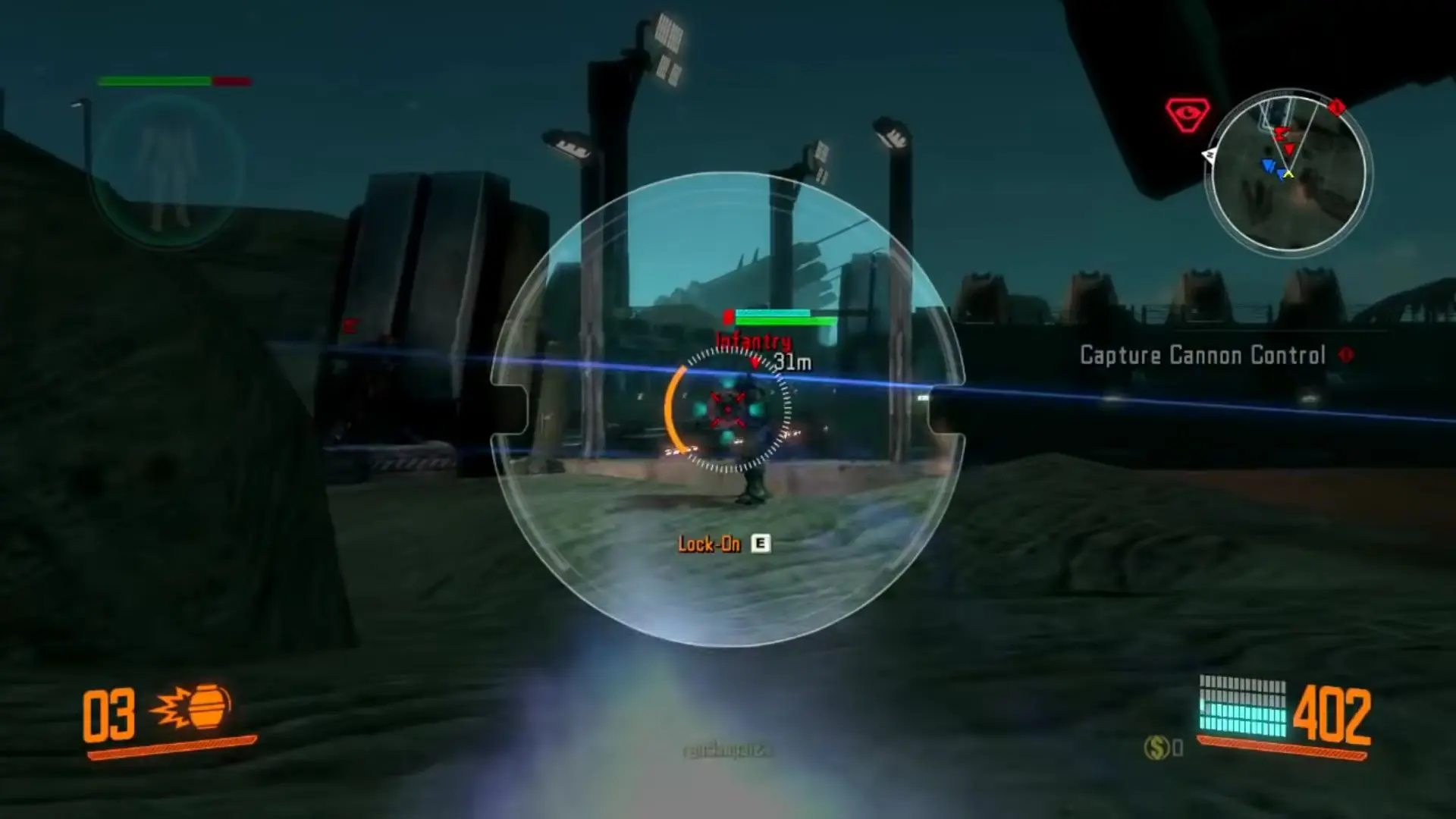
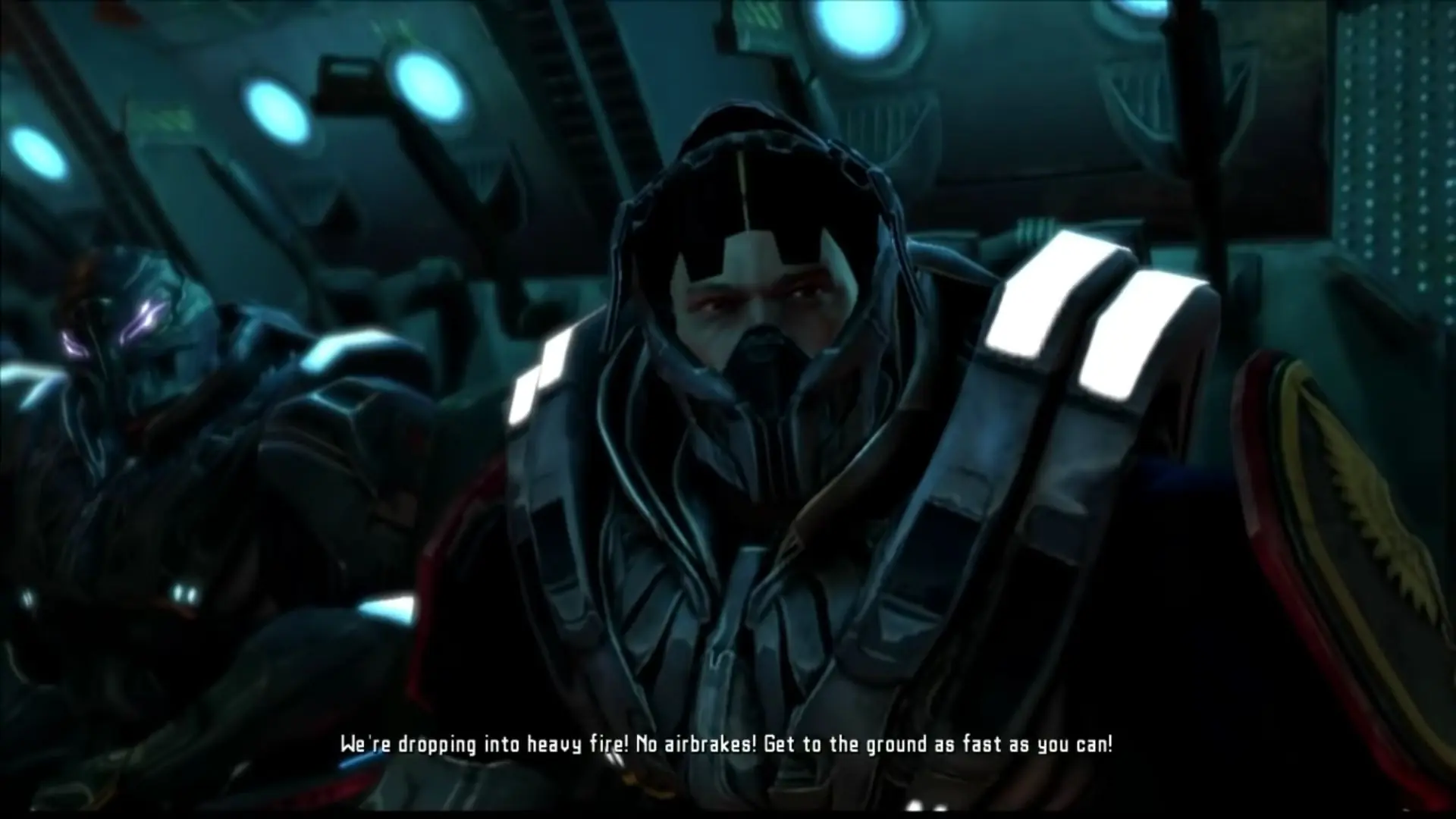
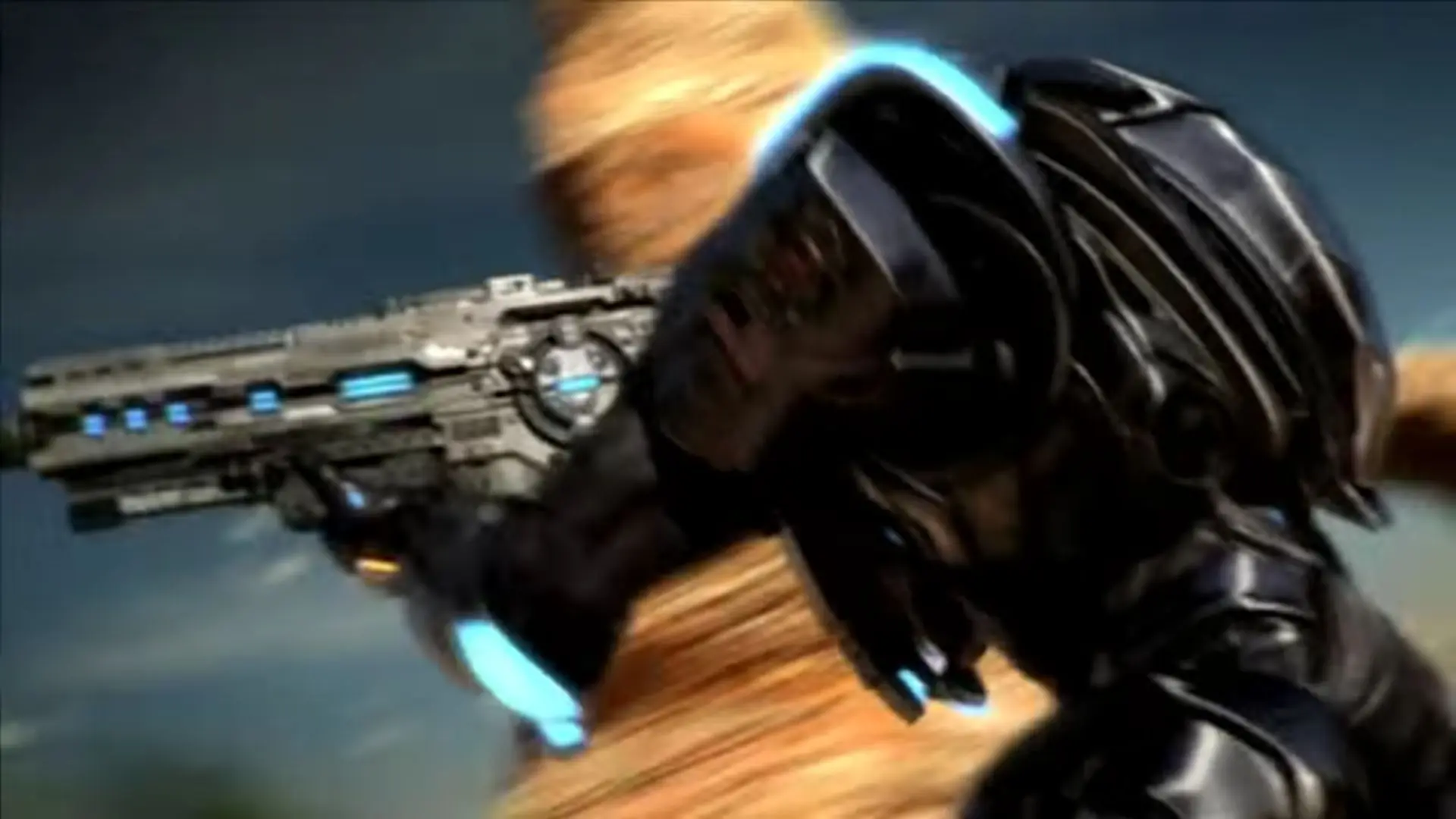
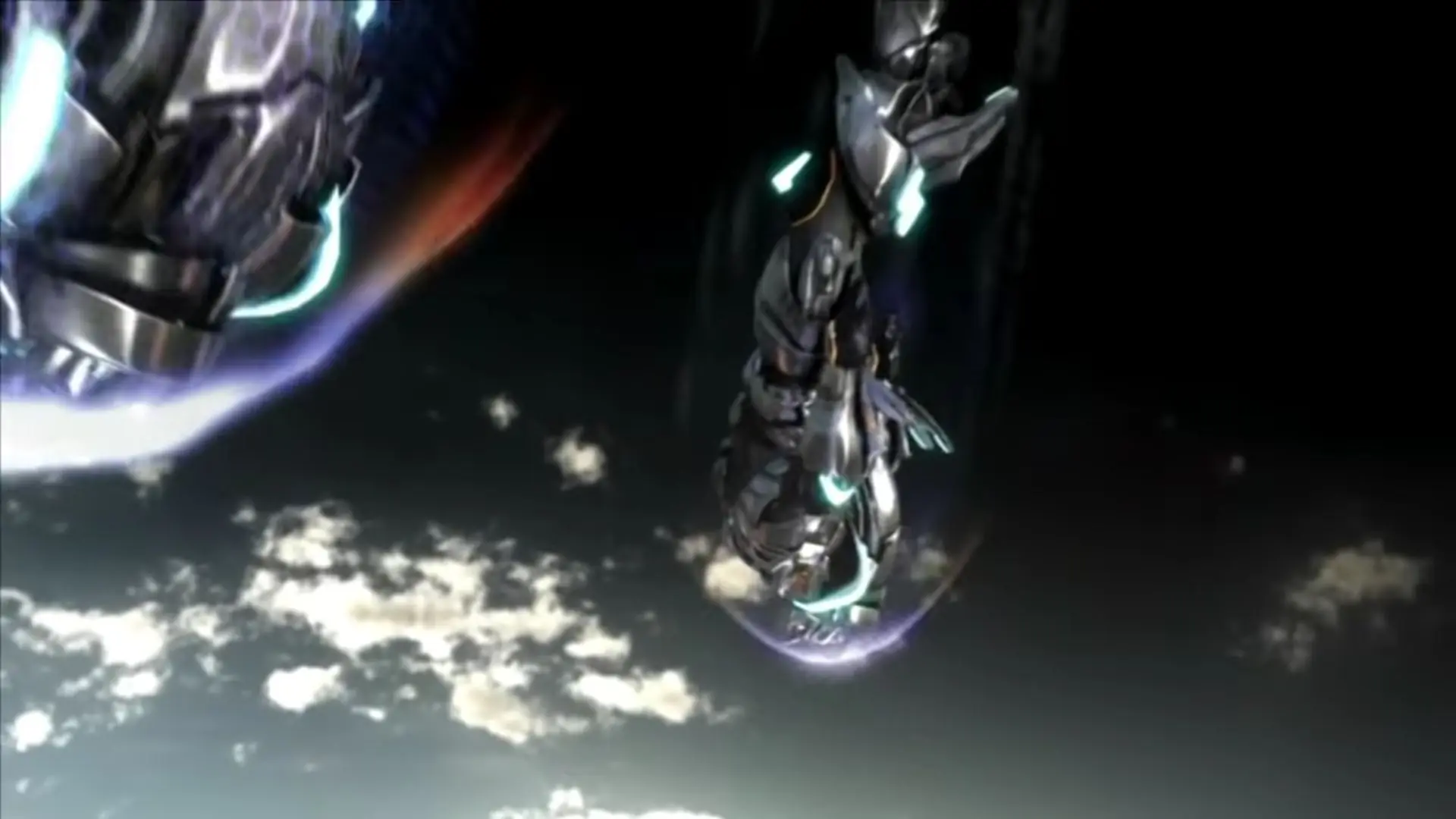
Section 8 is a 2009 shooter game developed by TimeGate Studios and published by SouthPeak Games.

Other Titles

جوخه هشتمسيكتيون 8

Genres
Developers
Released
Platforms
Download

About Section 8

Section 8 includes a single-player campaign mode called "Corde's Story" that allows the player to proceed as a character named Alex Corde of the 8th Armored Infantry. The first several missions take place on the arid planet New Madrid and later move to a temperate planet. The single-player campaign consists of eight objective-based missions on the same maps as multiplayer that serve as a tutorial to the player for multiplayer play.
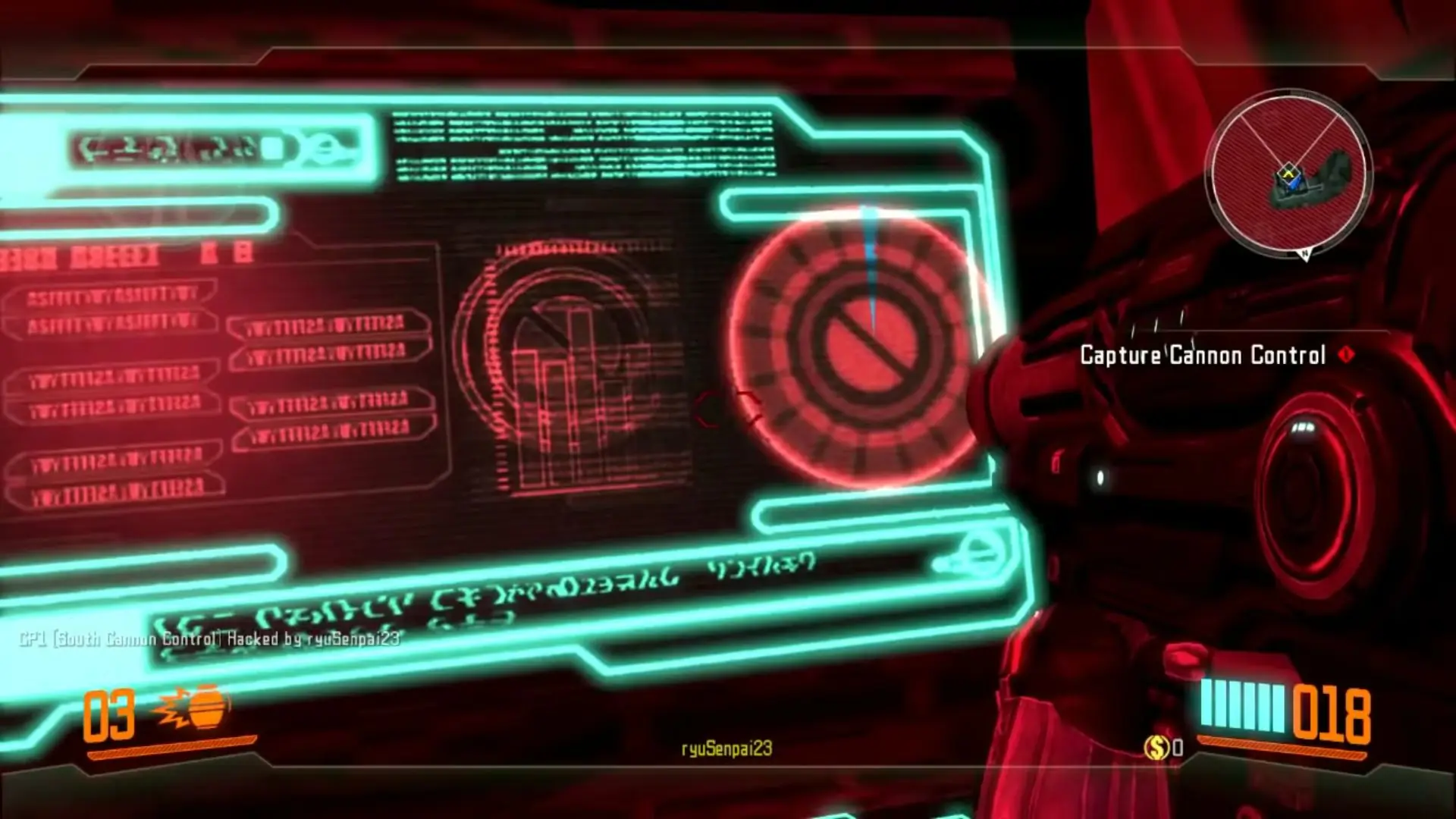
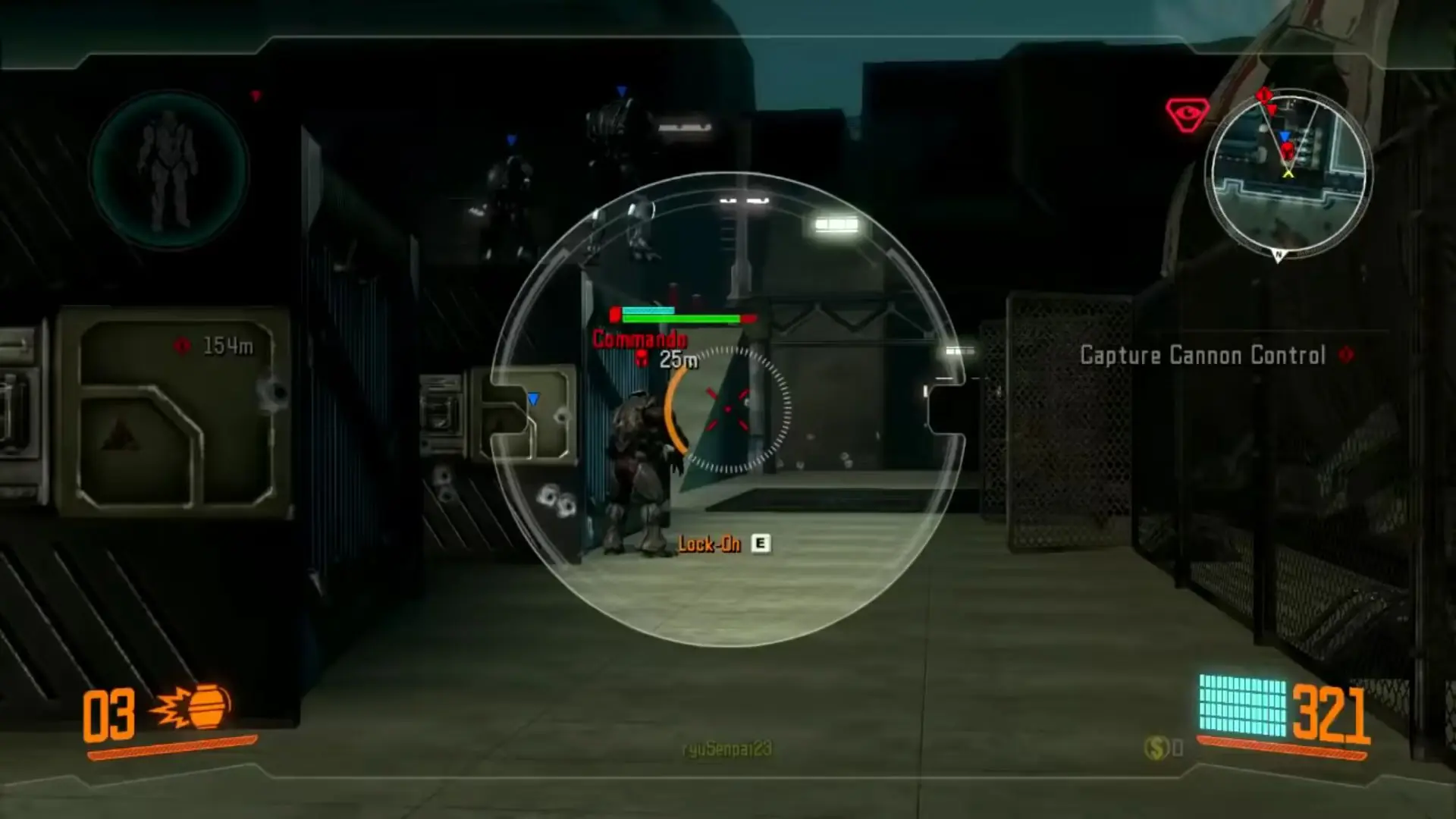
Screenshots

Windows

Section 8 — Windows screenshot 1Section 8 — Windows screenshot 2Section 8 — Windows screenshot 3Section 8 — Windows screenshot 4Section 8 — Windows screenshot 5Section 8 — Windows screenshot 6Section 8 — Windows screenshot 7Section 8 — Windows screenshot 8

Download Section 8

Section 8 is abandonware and no longer sold or supported by its publishers. Files are archived here for these platforms:

Windows (2009)

  • Section_8_Win_ISO_EN.7zEN4.07 GB
  • Instructions Section_8_Win_ISO_EN.7z

    How to play on Windows

    1. Download and Extract Section_8_Win_ISO_EN.7z
    2. Open the "Game Files" folder and mount OGD.Section8.ISO
    3. Run Setup.exe and follow on-screen instructions to install the game
    4. Open the No-CD folder and copy-paste its contents into the game installation directory
    5. Launch S8.exe
    6. Play the game

Comments

27 thoughts on “Section 8”

  1. 0
    I am getting an ” The Ordinal 43 Could not be located in the dynamic link library” and It wont let me start the game on the last step. Any help or videos?
    Reply
  2. 0
    el juego funciona aunque tuve el inconveniente que le faltaba archivos para iniciar GFWL y tuve instalar una versión que contuviera todo lo que necesita para iniciar, además me sorprende que esté disponible también en lenguaje Español y France (aunque tienes que configurar manualmente en UserEngine>>Language=INT). Que genial poder jugar offline y mantienes lo desbloqueado en la campaña.
    Reply
  3. 0
    Games for windows Live cannot be installed on Windows 10, and the game won’t start without (keep telling me that it cannot find xlive.dll. Any ideas? Thanks
    Reply
  4. 0
    I tried to install following the instructions, but I was not able to install Games for windows live on my windows 10 pc, and the game keeps telling me it can’t find xlive.dll and doesn’t start. Any ideas? Thanks
    Reply
  5. 0
    LOL @ “Do your jobs pirates”…dumbest comment EVER. I wasn’t aware these guys were being PAID by you for this service
    Reply
  6. 0
    the game wont start, its stuck on the splash screen with the message “press any key to start” yet nothing works. i wish someone competent would just crack this already
    Reply
  7. 0
    can someone please help i have uninstalled and reinstalled this game many times i did exactly as the instructions have said, i installed it successfully, i played around with the compability settings and the game still will not run, all i get is “application load error”
    Reply
    • 0
      is that how to get the game actually running i have tried everything and it just comes up saying “application load error”
      Reply
  8. 0
    soory but… how can we play multiplayer with a friends…? this game is the game of my childhood and i really want to play it with my friends :/
    Reply