Home » Games » Spirit: Stallion of the Cimarron – Forever Free
Spirit: Stallion of the Cimarron – Forever Free
4.5/5 - 110 votes
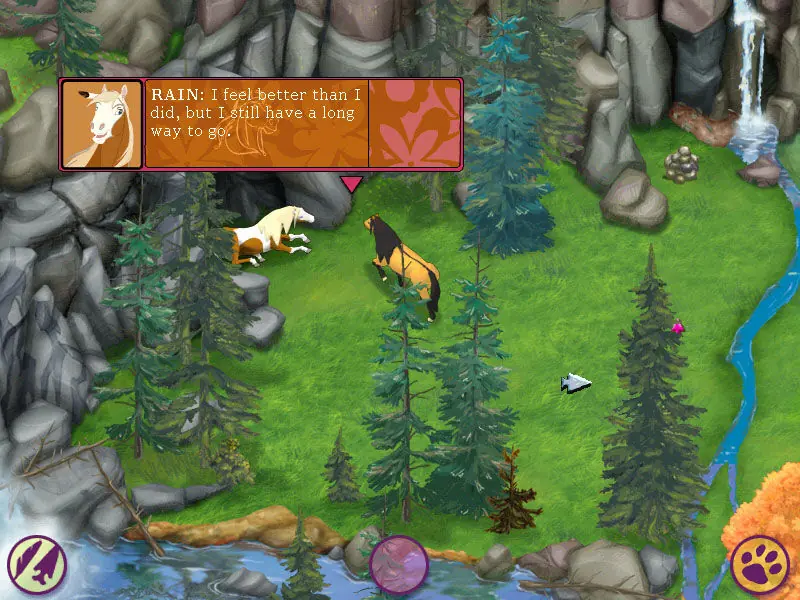
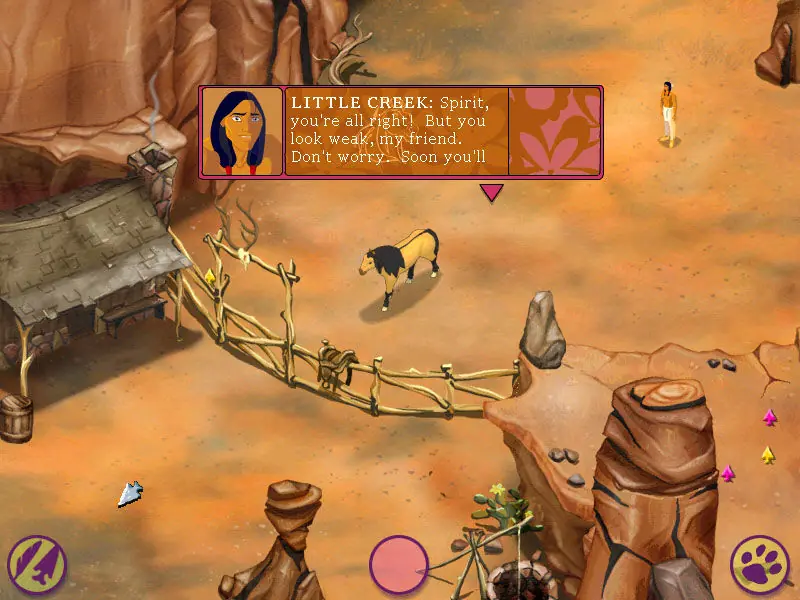
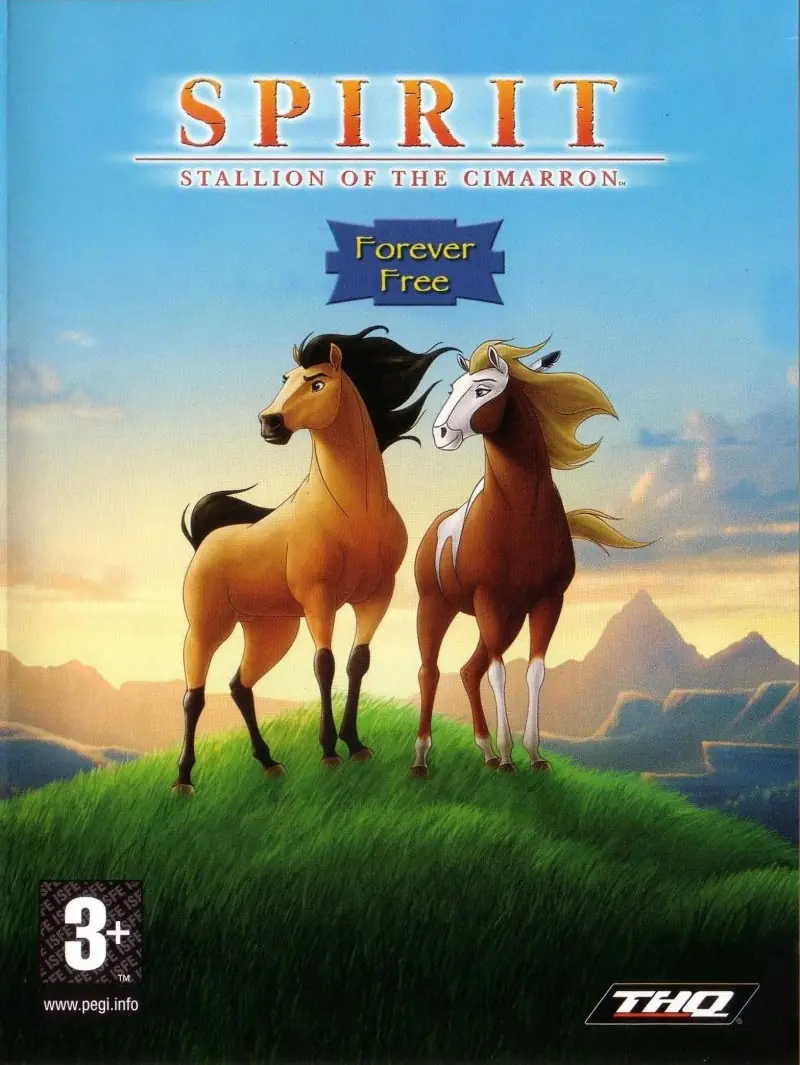
Spirit: Stallion of the Cimarron – Forever Free is a 2002 computer game. After rustlers capture Spirit's herd, the horses are sold one by one until only Spirit and an old gray horse remain.
Other Titles
Spirit: Der wilde MustangSpirit: L'etalon des plaines - Libre comme le vent
Download Spirit: Stallion of the Cimarron – Forever Free
Spirit: Stallion of the Cimarron – Forever Free is abandonware and no longer sold or supported by its publishers. Files are archived here for these platforms:
65 thoughts on “Spirit: Stallion of the Cimarron – Forever Free”
▲0▼
FIX FOR THE BLACK BARS | ODD COLOR BACKGROUND ISSUE:
Get to the game menu (pawprint in lower right corner) and change the graphical options down from “BEST” to “BETTER”, you’ll need to exit and restart the game for it to work.
Run in Windows 98 Compatibility mode if it won’t start.
I got it working with the following settings on Windows 10:
-Changed in game graphic setting to Better (also confirmed working for Good). Best will break graphics.
Exit game, right click on Spirit.exe and go to Properties –> Compatibility
-Run in compatibility mode – Windows 95″
-Selected Reduced color mode – 16 bit (65536 color)
-Selected Run this program as administrator
Oh my goodness, this worked! Thank you SO much for your comment. You have no idea what this means to me — I’m so excited to relive one of the best parts of my childhood.
▲0▼
once i did this i wasn’t able to launch the game at all with any of the windows compatibility options, including windows 98 and 7
Hi jason, i tried your steps out first and i cant get my game to load at all after doing so. it starts to launch and then it just goes right back to my home screen
I can’t get this game (Spirit) to launch for the life of me. I have downloaded/extracted all the files and installed the recommenced “virtual drive” program (WinCDemu) but I get as far as the initial launching screen (play, read manual, etc.) select play, and nothing. I am on a W7 computer, and have set the game to run as administrator and run in XP (service pack 3) compatibility mode, but no dice. It refused to actually launch. Any thoughts? I really was looking forward to playing this game again.
if you mount and install it then you have to play it while the iso is mounted or find a no cd crack apart from this it works perfectly on windows 7 but about that problems start to occur and it is unplayable on windows 10, you’ll get black line
Hi i have been working on a windows 10 fix for this a few weeks ago i got it to run on windows 10 normally but i cant pinpoint what i did since i was trying a lot of fixes for the game but at least i can tell you there is hope left for it after all. ill update here if i make any progress 🙂
So games work really well on the latest windows. The only issue is that the textures are missing? I’m getting black frames inbetween, and the map looks like it’s missing a lot of things. If anyone has the issue please reply, i’ll be here active.
I have the actual disc and am having the same issues. I even tried running in “compatibility mode” and it still has the missing textures. I’ll keep watching here too, to see if anyone can solve it for us.
Hey guys, from the Game Files folder, there should be a “disc image file” named Spirit! Right click it, and you should have the option to “Mount” the disc. This should enable you to install!
(Also the fact it’s Spirit and you have to mount the disc is ironic, lol)
So, I am getting very frustrated. I absolutely love this game and all the other games I have downloaded from here have worked perfectly. But, unfortunately, when this game runs there are two giant black bars that cover up half the screen. So, unfortunately, this game is unplayable. If anyone can resolve this issue that would be amazing. I have tried uninstalling it and reinstalling it and that doesn’t fix it.
i got the real disc version, and works fine on w10.. or if it dont work on w10 for you, try to play on compibilty mode and let the game ract as if its a w7 pc (or older if availible) .. done this with whole of old games before w95






Get to the game menu (pawprint in lower right corner) and change the graphical options down from “BEST” to “BETTER”, you’ll need to exit and restart the game for it to work.
Run in Windows 98 Compatibility mode if it won’t start.
-Changed in game graphic setting to Better (also confirmed working for Good). Best will break graphics.
Exit game, right click on Spirit.exe and go to Properties –> Compatibility
-Run in compatibility mode – Windows 95″
-Selected Reduced color mode – 16 bit (65536 color)
-Selected Run this program as administrator
https://uploads.disquscdn.com/images/6ecc937b9f6fd5a6e4bec387208239e1f9a4d78cc6248760eb363dadcd749d80.png https://uploads.disquscdn.com/images/07eaad40a1c8da49a27b7ed25e5b8cd85c27f7a47c8842ea2d67d48cf9665949.png
(Also the fact it’s Spirit and you have to mount the disc is ironic, lol)