Home » Games » Spirit: Stallion of the Cimarron – Forever Free
Spirit: Stallion of the Cimarron – Forever Free
4.5/5 - 110 votes
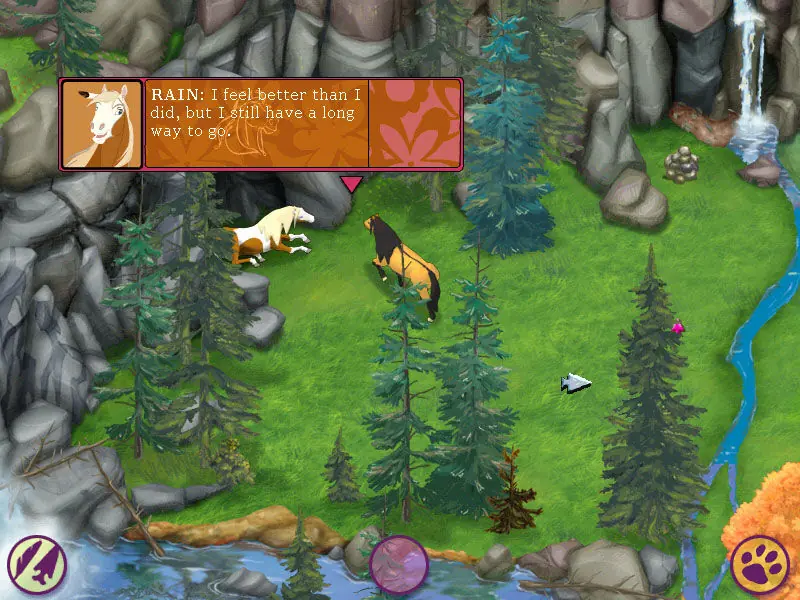
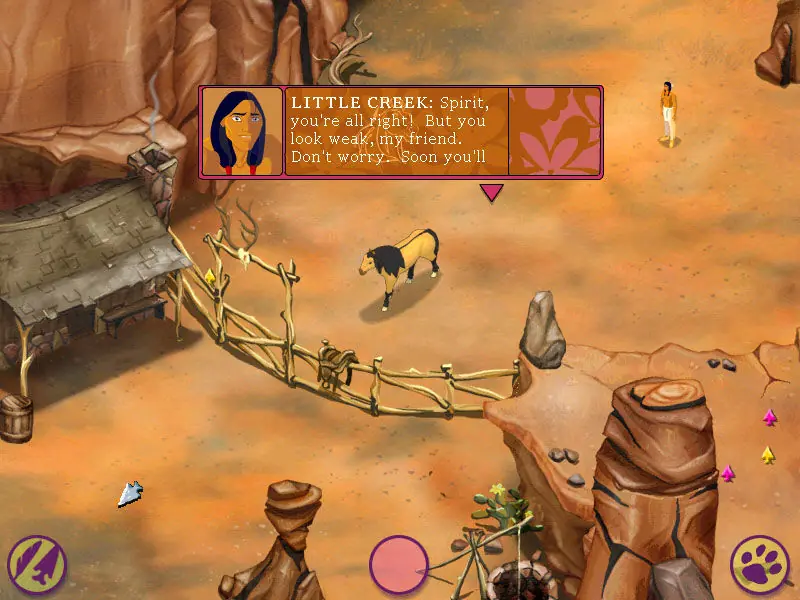
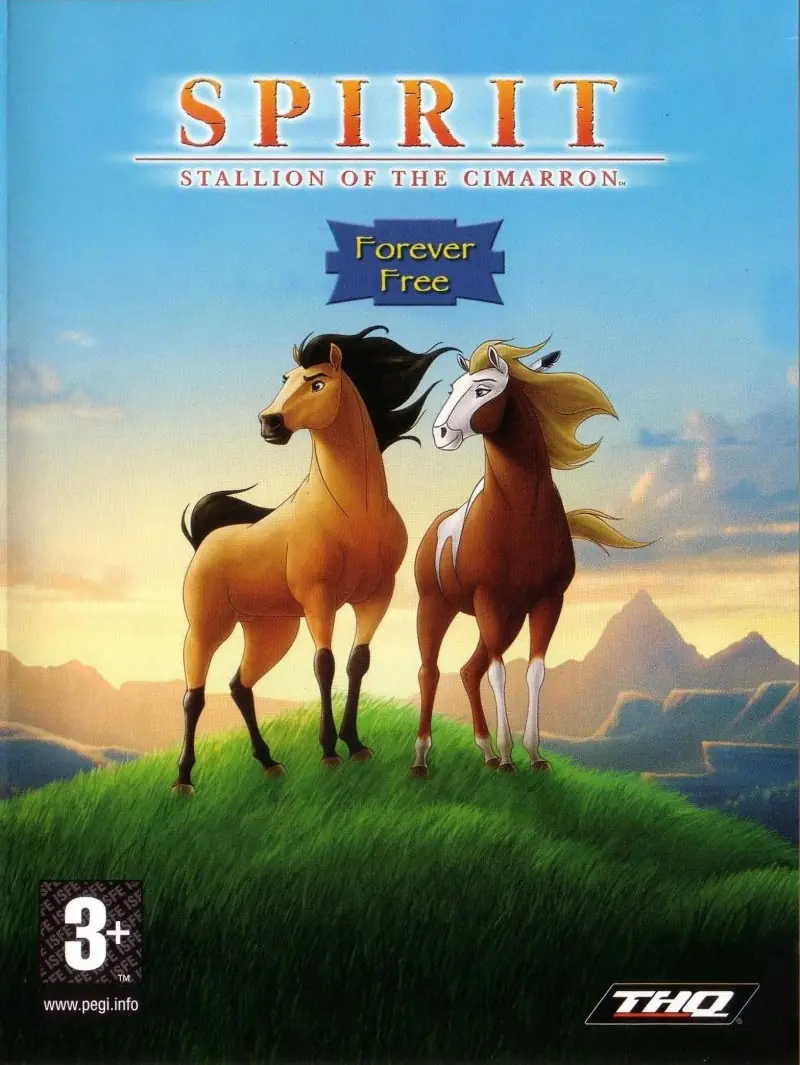
Spirit: Stallion of the Cimarron – Forever Free is a 2002 computer game. After rustlers capture Spirit's herd, the horses are sold one by one until only Spirit and an old gray horse remain.
Other Titles
Spirit: Der wilde MustangSpirit: L'etalon des plaines - Libre comme le vent
Download Spirit: Stallion of the Cimarron – Forever Free
Spirit: Stallion of the Cimarron – Forever Free is abandonware and no longer sold or supported by its publishers. Files are archived here for these platforms:
65 thoughts on “Spirit: Stallion of the Cimarron – Forever Free”
▲0▼
I managed to get the game to work using DXWnd and setting the graphics to better as other comments have suggested, but I’ve come across a really weird problem: Spirit can’t pass beyond a certain area. I can get him out of that first canyon area, but when I exit to the homeland part of the map, I can’t head over to that part with the salesman and his covered wagon. It’s like there’s an invisible wall blocking me from going further. When I proceed to the top of the canyon and knock the rock down to free Gray, I can spawn to the blocked off area next to the river as expected, but then I can’t go past that invisible line again (but from the other direction this time) to the rest of the homeland.
Could there be some kind of map issue? I’ve tried deleting my game and restarting, then uninstalling the whole thing too, but nothing seems to help. Has anyone else encountered this or am I just cursed?
Having this exact same issue on VirtualBox vm of Windows XP, tried Windows 98 compatibility mode as well and tried the game from here as well as the .bin file from another site 🙁
I was able to get the game open, but when I did, the game curser was stuck in the center of the screen. My actual curser was invisible. I could tell where I was if I went over a button because it would highlight it, but it wasn’t connecting the game curser. Any suggestions?
For anyone who might be experiencing issues with crashing after setting your graphics to better/good, the thing that worked for me was:
Instead of setting your DXWind pathway to the PlaySpirit.exe, you need to set it to the Spirit.exe application that’s in the folder titled “game.” It’s been the only thing to work for me, so hopefully it’s able to help anyone who may be looking for a solution!
Same thing is happening to me, right when I launch the game. It’s frozen on the start menu and I can’t even begin gameplay. Did you find a way to fix it?
To anyone getting a message like “please insert the game disc”, you need to mount the game’s virtual disc, and you may have to do it each time you wanna play. That disc is the Spirit.iso file you download from here.
If you’re new to this kinda thing, I’d recommend downloading Daemon Tools Lite (its free, no worries) and using that to mount the disc. Else you can just Google “how to mount an iso”.
– You’ll need to download DxWnd from SourceForge here
– Once downloaded, use a program like 7-Zip to open up the file
– From here you’ll want to follow the thread pictured below
Mine refuses to even open after I set the graphics settings to “Better”. It’ll open the menu window, then when I click “Play Game” it acts like it’s loading, then just glitches out and crashes.
I have the same issue. I’m running both the game and DxWnd as an administrator so I’m not sure what the issue is. I could not find any function that said update when right-clicking on the game icon, so maybe I missed this step? Not sure how to fix though.
Managed to open it once and got the black bars glitch like you said. I changed the graphics setting in game and tried to restart but now it just crashes whenever I try to play the game. I’ve tried the steps listed in the thread but when I try to run it through DxWnd, it says CreateProcess “(file path to the .exe)” error=740.
You need to run dxwnd.exe as admin. Either right click it and hit “Run as administrator” or, if you don’t wanna have to do that every time you use it, right click, click “Properties”, go to the “Compatibility” tab, and check the box that says “Run this program as administrator.”
Not sure if anyone else is reading this at this point. But, I managed to find my copy a few days ago and wanted to play. I followed everything on the thread, ran both of them under admin. It still crashes when I switch to “better” graphics. Any ideas?
▲0▼
Works great, big thanks! Was able to do a full playthrough with no issues.
Btw, I found that the “Good” graphicssetting, though a little gnarly looking, totally fixes the black bars and obscured text.
So I did all of these things and it actually worked, I pulled up the games using DXWnd and it doesn’t crash and I can hear it however I now can’t see it. 🙁 It showed a black screen with the DXWnd logo in the middle. Any advice?
I’m not familiar with how to use the program so if anyone could explain how to run “Spirit: Stallion of the Cimarron – Forever Free” on there, that would be amazing 🙂
Fingers crossed that we can find a solution for the black bars & crashing on startup issues!!!
Tried downloading the game however I couldn’t open it as I kept getting the error of not having the game disk. I tried alot of things but I just can’t get it running. Any help?
Hello there everyone!
So, for all of you having trouble playing the game because of black lines – the insruction @jasonralston1:disqus wrote is actually working, BUT(!) for it to work you need to change compability settings of game icon that is IN THE GAME FILES (spirit/game/spirit.exe), and not the desktop shortcut icon, and you’ll have to start the game with the same GAME FILES ICON ONLY!
Hope it helps!
GLHF!
Hi guys! I am not able to get this game to launch past the first screen! I tried the steps that @jasonralston1:disqus suggested. After I changed the in game setting to better instead of best, I wasn’t able to open it up anymore. (only to the first screen that is windowed.) Also, I never was able to get the in game mouse working when it DID actually open. I was able to use my mouse, but it was ‘invisible’ and the in game mouse was stuck in the middle. I also noticed others mention the black bars background issue I saw as well when I was able to boot the game up. I’ve wanted to play this game since I remembered it existed years ago! Let me know if anyone has any ideas, i feel like I’ve tried everything I’ve seen on this discussion. Thank you much!







Could there be some kind of map issue? I’ve tried deleting my game and restarting, then uninstalling the whole thing too, but nothing seems to help. Has anyone else encountered this or am I just cursed?
Instead of setting your DXWind pathway to the PlaySpirit.exe, you need to set it to the Spirit.exe application that’s in the folder titled “game.” It’s been the only thing to work for me, so hopefully it’s able to help anyone who may be looking for a solution!
anyone know to fix this?
If you’re new to this kinda thing, I’d recommend downloading Daemon Tools Lite (its free, no worries) and using that to mount the disc. Else you can just Google “how to mount an iso”.
Daemon Tools Lite: https://www.daemon-tools.cc/products/dtLite
Installation and mounting an .iso: https://www.youtube.com/watch?v=pH8LO3Y3uHc&ab_channel=BeshevGames
– You’ll need to download DxWnd from SourceForge here
– Once downloaded, use a program like 7-Zip to open up the file
– From here you’ll want to follow the thread pictured below
https://uploads.disquscdn.com/images/06f4f6a4d29bdd587298031b224c4245e1e7eab70eb9776ed62202cf56396480.png
Unfortunately you may have to deal with black backgrounds behind text or obscuring some text completely (screenshots attached) BUT it’s no more than a slight inconvenience as I was still able to play & beat the game.
https://uploads.disquscdn.com/images/8222700ab5e0b16e1ad15ead75af320d04e2c2a67ba76b9bb6186a57e4a34aba.png
Let me know if this worked for you! 🙂
Btw, I found that the “Good” graphicssetting, though a little gnarly looking, totally fixes the black bars and obscured text.
HOWEVER I did come across this discussion on SourceForge and it seems like these users were able to get the game to work by using DxWnd: https://sourceforge.net/p/dxwnd/discussion/general/thread/70821cfd3d/
I’m not familiar with how to use the program so if anyone could explain how to run “Spirit: Stallion of the Cimarron – Forever Free” on there, that would be amazing 🙂
Fingers crossed that we can find a solution for the black bars & crashing on startup issues!!!
So, for all of you having trouble playing the game because of black lines – the insruction @jasonralston1:disqus wrote is actually working, BUT(!) for it to work you need to change compability settings of game icon that is IN THE GAME FILES (spirit/game/spirit.exe), and not the desktop shortcut icon, and you’ll have to start the game with the same GAME FILES ICON ONLY!
Hope it helps!
GLHF!
-Changed in game graphic setting to Better (also confirmed working for Good). Best will break graphics.
Exit game, right click on Spirit.exe and go to Properties –>Compatibility
-Run in compatibility mode – Windows 95″
-Selected Reduced color mode – 16 bit (65536 color)
-Selected Run this program as administrator
https://uploads.disquscdn.com/images/6ecc937b9f6fd5a6e4bec387208239e1f9a4d78cc6248760eb363dadcd749d80.png
https://uploads.disquscdn.com/images/07eaad40a1c8da49a27b7ed25e5b8cd85c27f7a47c8842ea2d67d48cf9665949.png