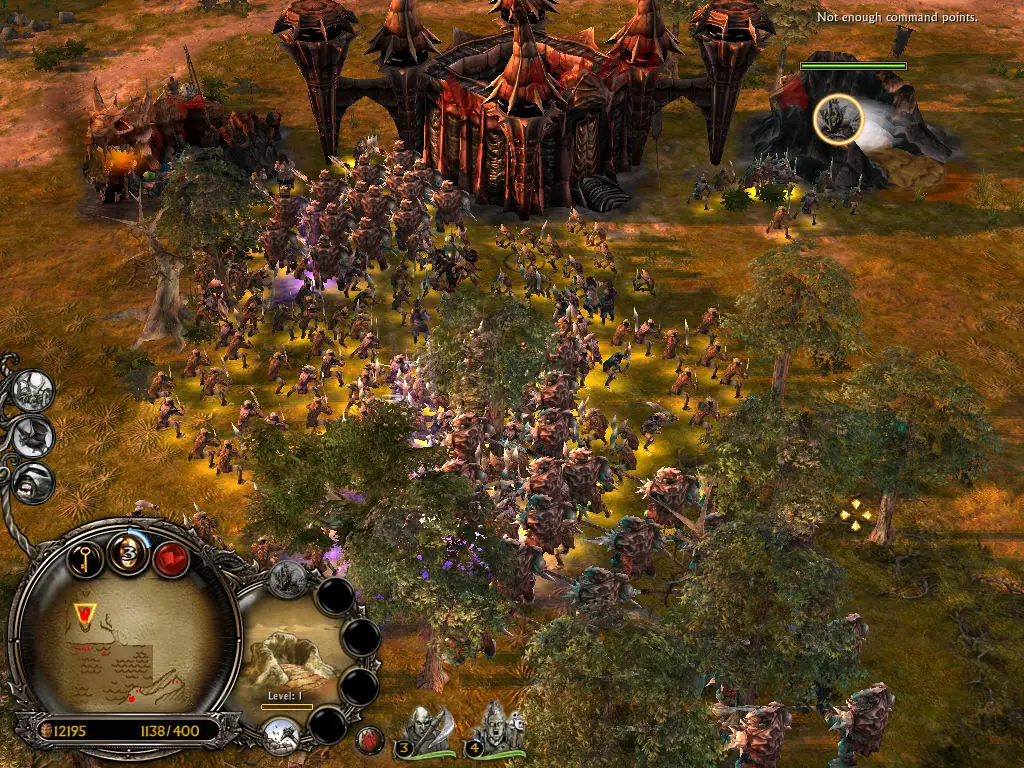
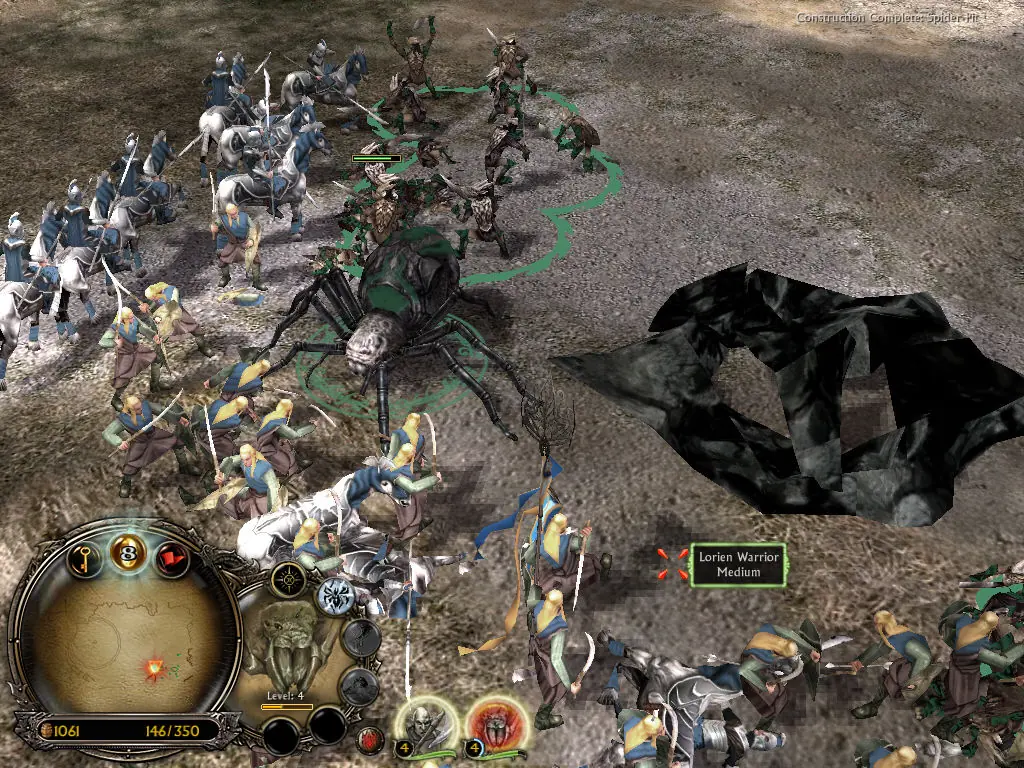
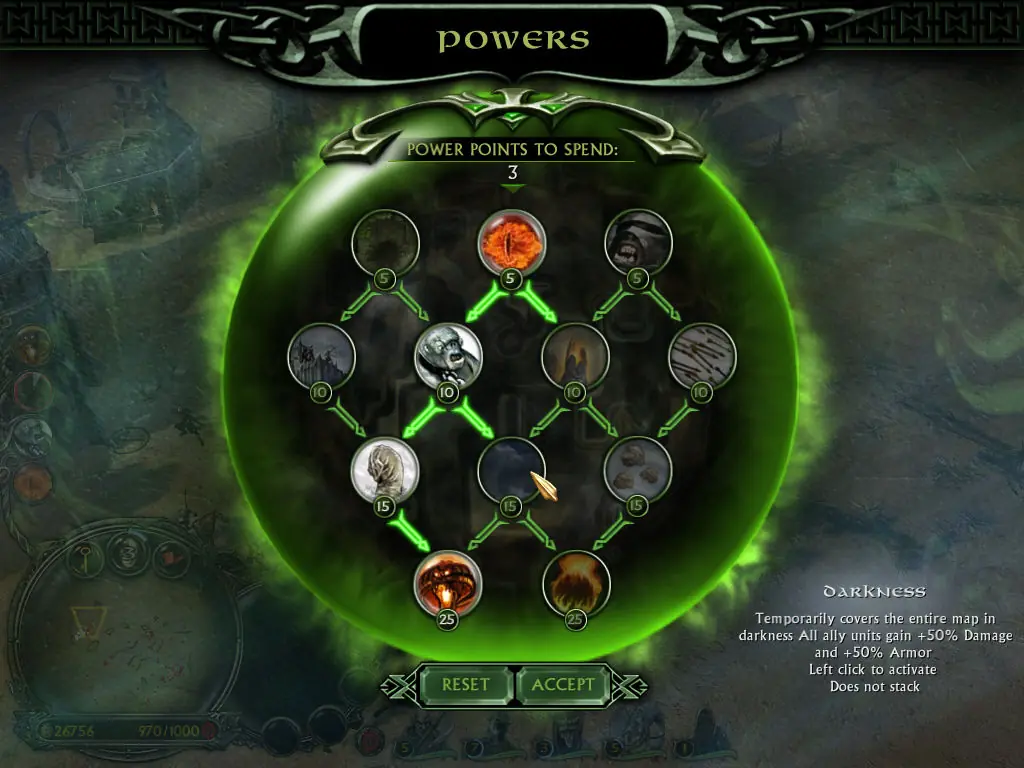
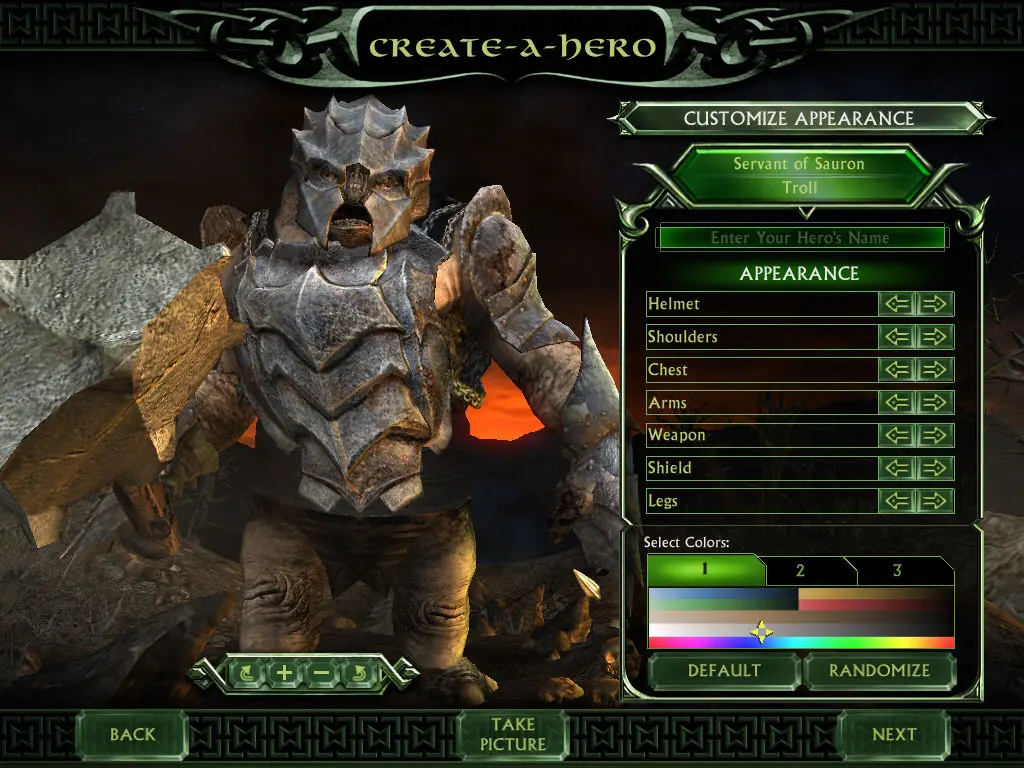
The story for The Battle for Middle-earth II is divided into Good and Evil Campaigns. The Good Campaign focuses on Glorfindel, an Elf who is alerted to a planned attack on the Elven sanctuary of Rivendell. With help from the Dwarves and other Good forces, the Elves attempt to eliminate Sauron and his army to restore peace in Middle-earth. In the Evil Campaign, Sauron sends the Mouth of Sauron and the Nazgûl to muster wild Goblins. With his army, Sauron moves forward with his plan to destroy the remaining Good forces in the North. The Windows version of the game was released in March 2006 and the Xbox 360 version was released in July 2006.
The Battle for Middle-earth II is abandonware and no longer sold or supported by its publishers. Files are archived here for these platforms:
How to play on Windows
Instructions for The Battle for Middle Earth 2
Instructions for The Battle for Middle-earth 2: The Rise of the Witch-king (you need to download the base game first)
Instructions for The Battle for Middle-earth 2: The Rise of the Witch-king (YOU NEED BFME 2 FIRST)






Edit: It’s the same with the evil campaing. Let’s me play for a little while then just kills everything. Anyone know why? It happens at 3 minutes 30 every time
I reinstalled it from AutoRun and it still didn’t work. How do I fix this?
I reinstalled it and it did not work. How do I solve this issue?
– run the game in compatibility mode for windows xp service pack 3
– do not put the options file in %appdata but instead go to %appdata% then the file should actually be there and you wont have to create it yourself (this is where it is actually meant to go)
– go to this link and download the updated patches
https://forums.revora.net/topic/105190-bfme1bfme2rotwk-games-download-installation-guide/
Hope this helps
ps I am by no means a computer nerd and only figured this out by hours of trial and error so if you ask me very specific questions on whats posted above I will probably not be able to help.