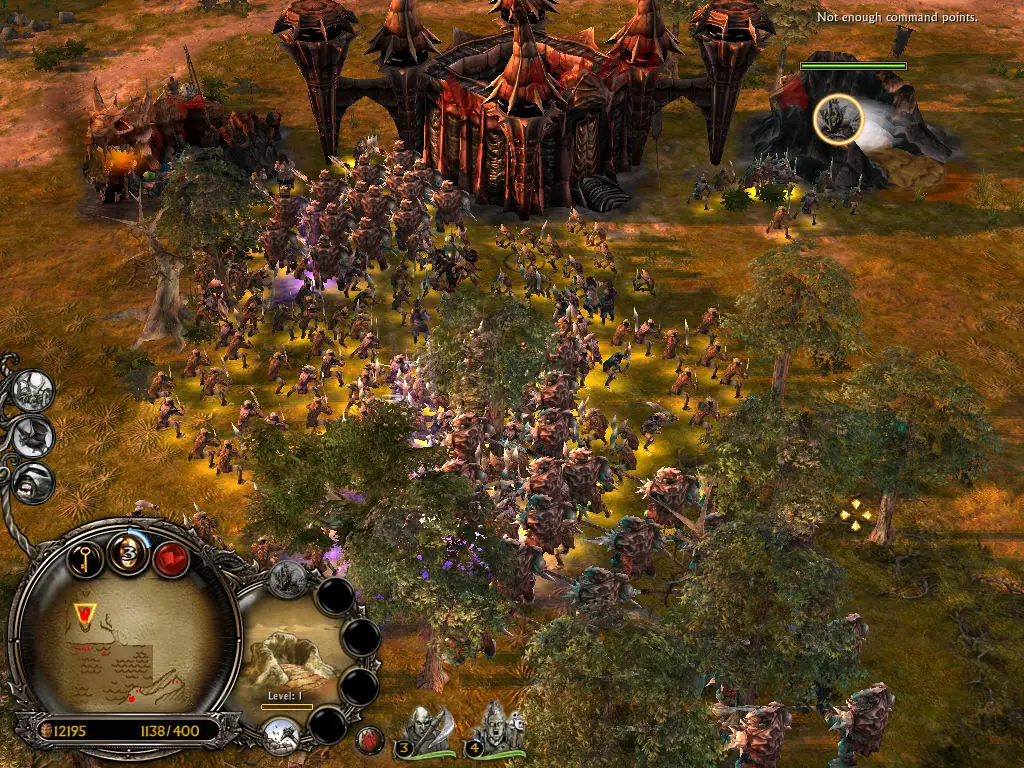
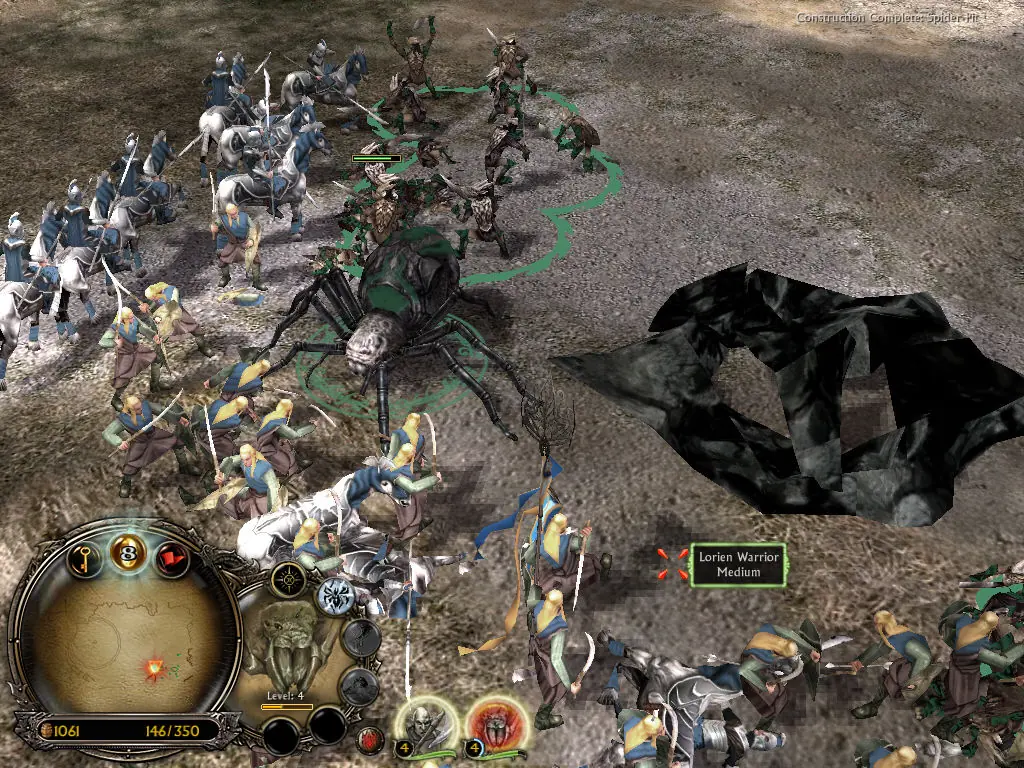
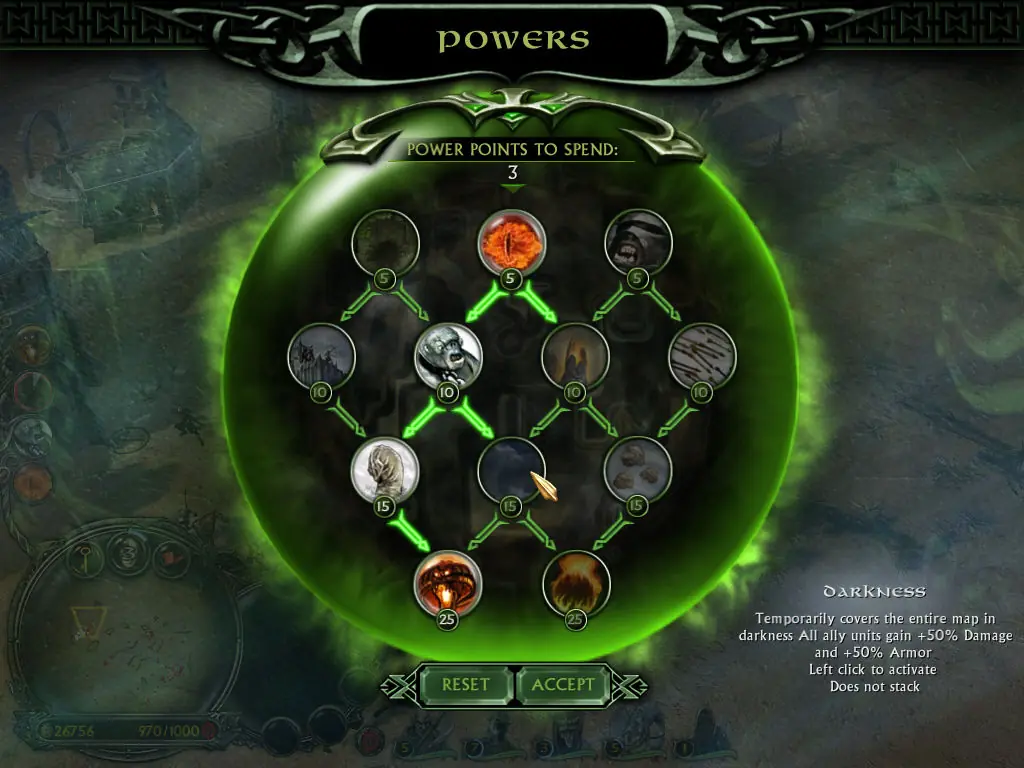
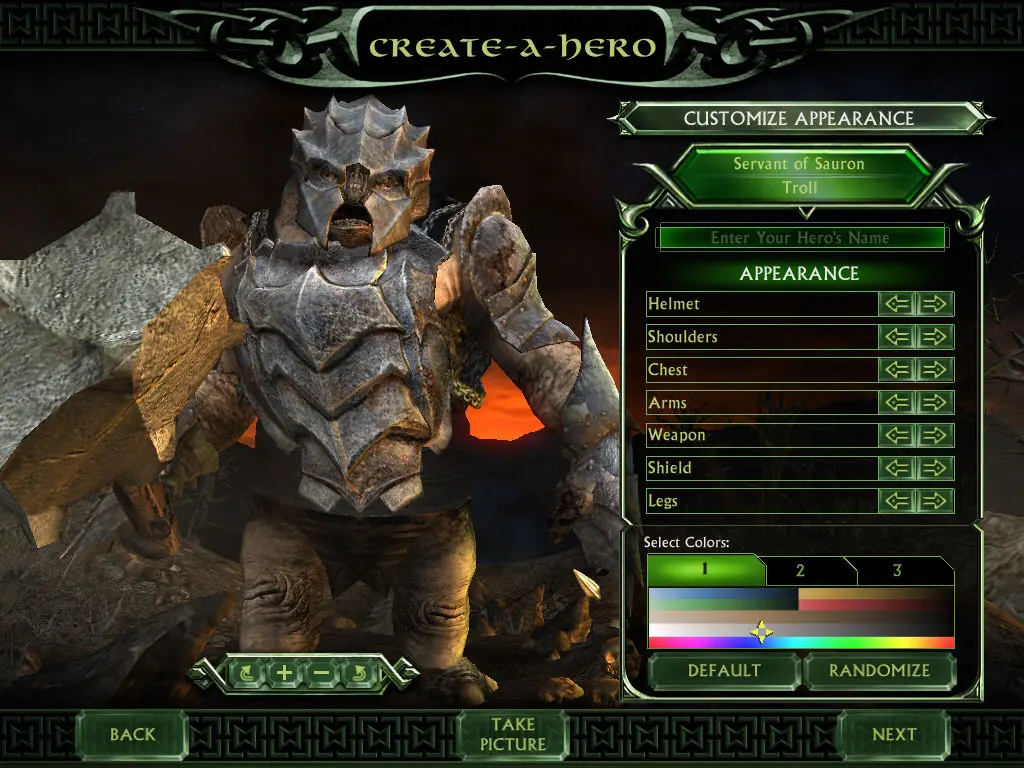
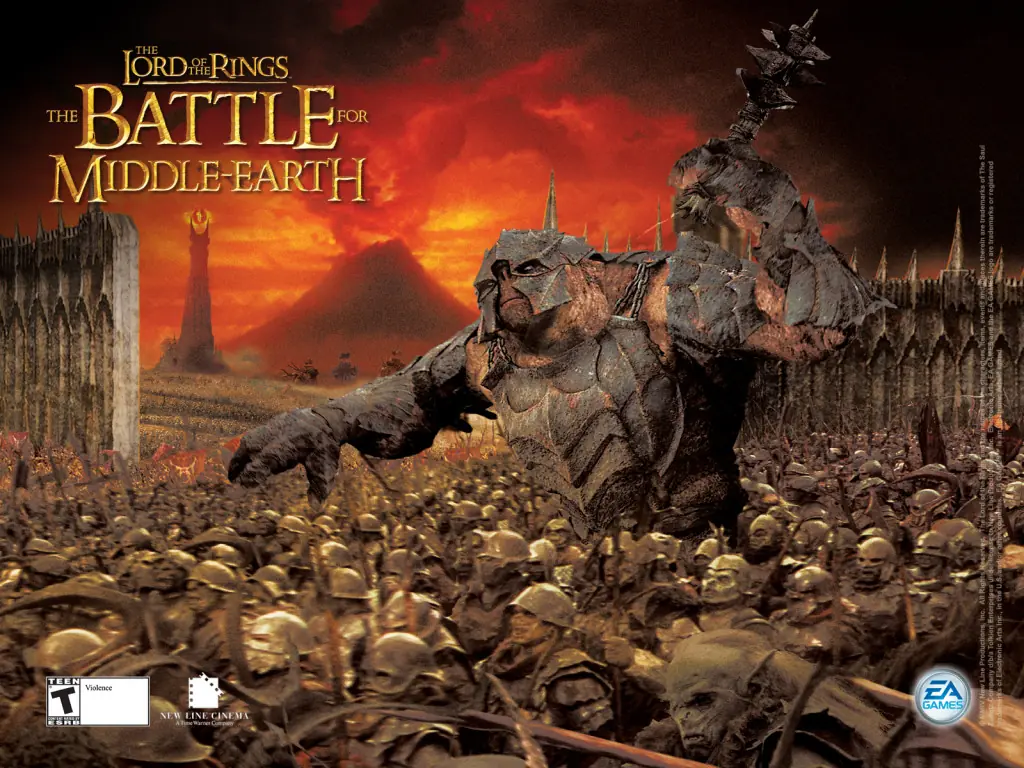
The story for The Battle for Middle-earth II is divided into Good and Evil Campaigns. The Good Campaign focuses on Glorfindel, an Elf who is alerted to a planned attack on the Elven sanctuary of Rivendell. With help from the Dwarves and other Good forces, the Elves attempt to eliminate Sauron and his army to restore peace in Middle-earth. In the Evil Campaign, Sauron sends the Mouth of Sauron and the Nazgûl to muster wild Goblins. With his army, Sauron moves forward with his plan to destroy the remaining Good forces in the North. The Windows version of the game was released in March 2006 and the Xbox 360 version was released in July 2006.
The Battle for Middle-earth II is abandonware and no longer sold or supported by its publishers. Files are archived here for these platforms:
How to play on Windows
Instructions for The Battle for Middle Earth 2
Instructions for The Battle for Middle-earth 2: The Rise of the Witch-king (you need to download the base game first)
Instructions for The Battle for Middle-earth 2: The Rise of the Witch-king (YOU NEED BFME 2 FIRST)






1) descargar el juego y luego extraen el fichero en disco local C://
2) instalar Daemon Tools https://www.daemon-tools.cc/products/dtLite
2.1)sigan los pasos en este video
https://www.youtube.com/watch?v=1TbJBFe_46I&t=18s
1. After download and extracting place the whole folder in your C:/ on this path.
2. Now install daemon tools and add virtual drive. and C:BFME 2 + Rise of the Witch KingGame FilesBFME2MI-BFME2.mds in the newly added virtual drive.
3. Now goto C:BFME 2 + Rise of the Witch KingGame FilesBFME2BFME2 Installer and click autorun.exe. now it will ask for serial key use this one HNB3-GRYM-GLUS-HKTU-Y9V8. game will start installing now.
4. After game is installed search %appdata% in startmenu.
5. Now copy option.ini file from C:BFME 2 + Rise of the Witch KingGame Filesoption.ini from here.
6. And in appdata folder you opened in 4 step search for folder my the battle for middle II folder and paste the option.ini file. thats it now you will be able to play the game.
If you want to install the second game the rise of witch king just folder the same steps just rise of witch king folder for mds and autorun file
Any suggestions please
https://www.microsoft.com/en-US/download/confirmation.aspx?id=35
A problem occured when trying to transfer the file ‘C:BFMEBFME 2 + Rise of the Witch KingGame filesBFME2BFEM2 installerdatamoviesLoadingRing.vp6’ from the media.
It only gives me the option to retry or cancel. Anyone know how to get past this?
Also thanks so much for the help.