Home » Games » The Battle for Middle-earth

The Battle for Middle-earth

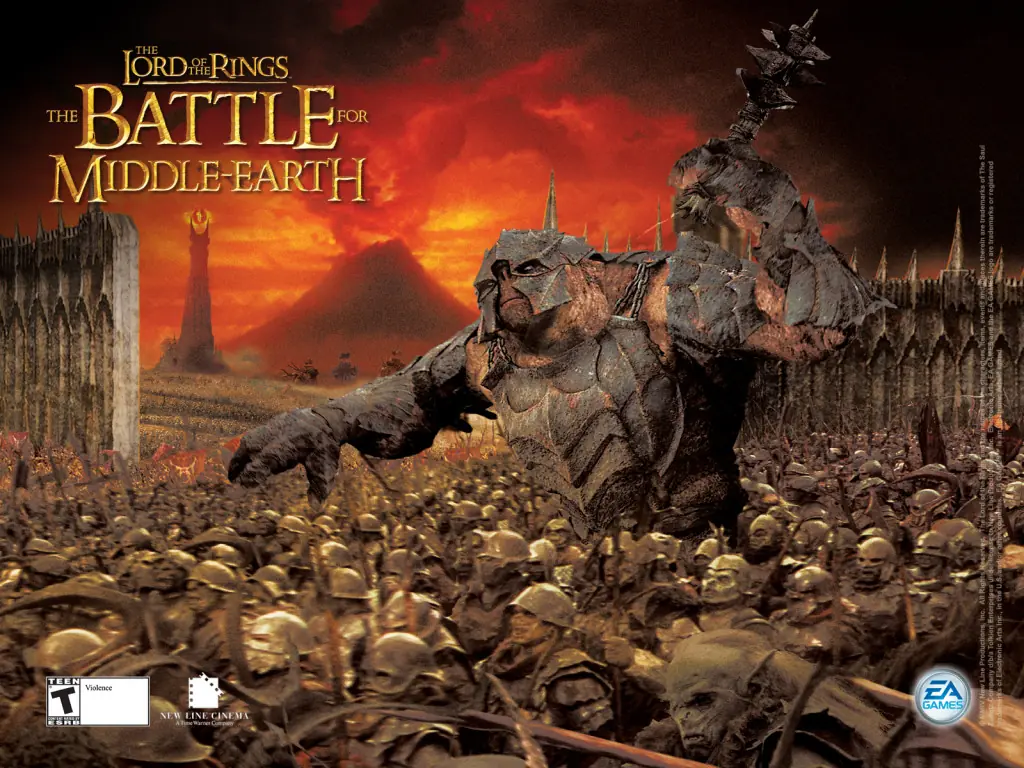
The Battle for Middle-earth Game Cover
4.6/5 - 1,099 votes

The Lord of the Rings: The Battle for Middle-earth is a real-time strategy game developed by EA Los Angeles for Windows. Released on December 6, 2004, it is based on Peter Jackson's film trilogy and J. R. R. Tolkien's novel.

Other Titles

The Lord of the Rings: The Battle for Middle-EarthEl Señor de los Anillos: La Batalla por la Tierra MediaA Gyűrűk Ura: Harc KözépföldéértBFME1Der Herr der Ringe: Die Schlacht um MittelerdeIl Signore degli Anelli: La Battaglia per la Terra di MezzoLe Seigneur des Anneaux: La Bataille pour la Terre du MilieuO Senhor dos Anéis: A Batalha Pela Terra MédiaPán Prstenů: Bitva o StředozemRingenes Herre: Kampen om MidgardSlaget om Midgård: HärskarringenWładca Pierścieni: Bitwa o SródziemieZhihuan Wang: Zhongtu ZhangzhenВластелин колец: Битва за Средиземьеเดอะลอร์ดออฟเดอะริงส์: แบทเทิลฟอร์มิดเดิลเอิร์ธ指环王: 中土战争魔戒:中土戰爭BFMEEl Señor de los Anillos: Batalla por la Tierra MediaWladca Pierscieni: Bitwa o SródziemieEl Senyor dels Anells: La batalla per la Terra MitjanaLe Seigneur des anneaux : La Bataille pour la Terre du MilieuSlaget om Midgård – HärskarringenWładca Pierścieni: Bitwa o Śródziemieارباب حلقه‌ها: نبرد برای سرزمین میانه중간계 전투

Genres
Publishers
Developers
Released
Platforms
Download

About The Battle for Middle-earth

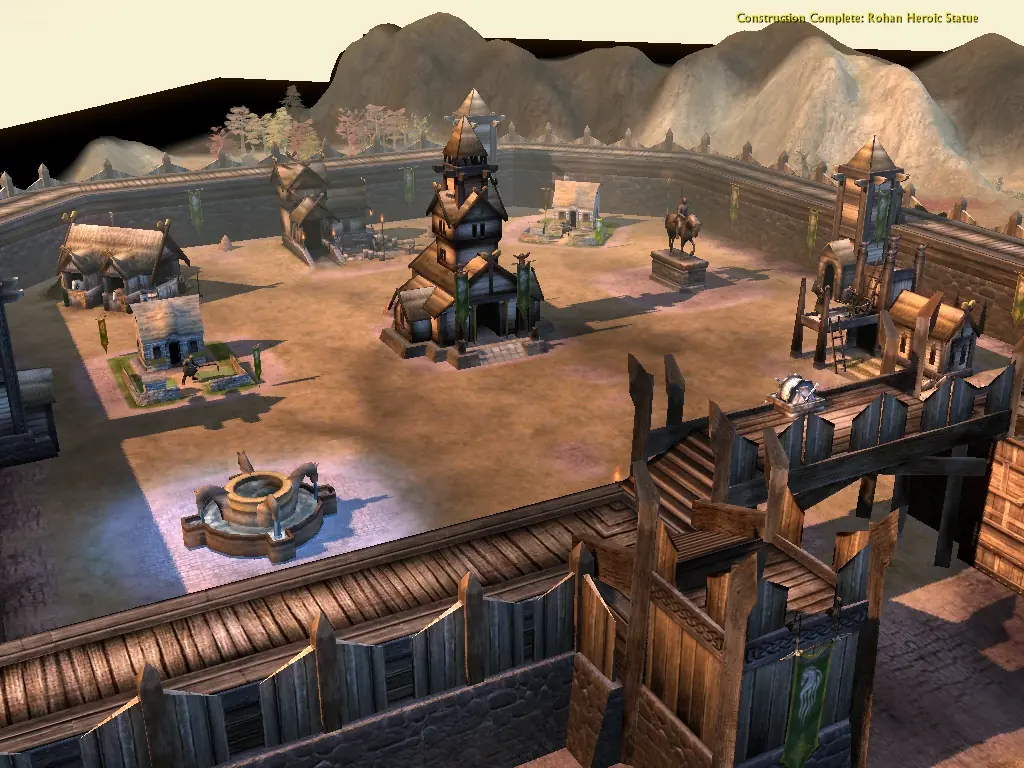
The Battle for Middle-earth is a real-time strategy game. Warring factions gather resources, then use them to construct military bases and armies on-site. In The Battle for Middle-earth, buildings may only be constructed on the building slots of predefined plots. Plots range from farmhouses to full-fledged castles, with different slot arrangements and available buildings, and plots can be purchased when they're in the sole presence of a side's forces. The only resource are the nebulous "resources," which are produced inexhaustibly in dedicated buildings. Four factions on two sides wage the War of the Ring: Representing the Free Peoples are the horse-lords of Rohan, and Gondor with its forges and battlements. The Forces of Darkness are the fighting Uruk-hai of Isengard, and Mordor's orc hordes, bolstered by Haradrim, Mûmakil, and Trolls.

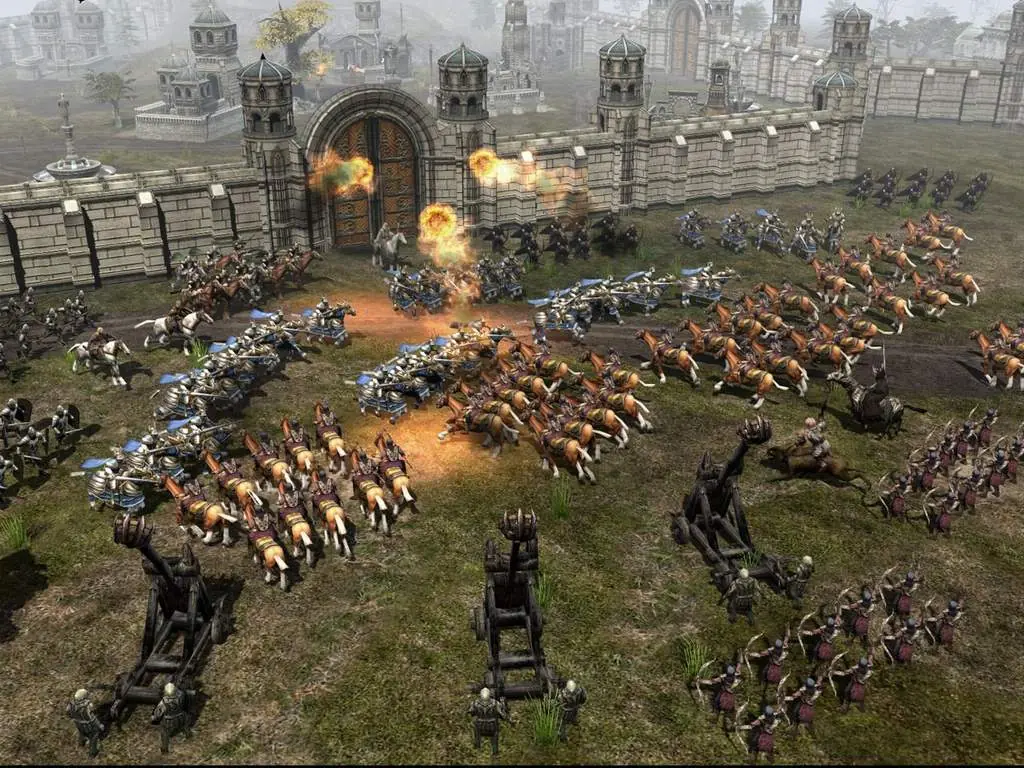
Keeping with the trends of contemporary RTS titles, basic units operate in groups, significant characters are represented by "hero units", and the destruction of units gathers points for the purchase of special abilities. There is also a unit limit. Unit strengths and weaknesses form a sort of rock-paper-scissors system. Cavalry beats archers as they do not have a lot of time to shoot and are then forced to close quarters fighting, Pikemen beat cavalry, swordsmen beat pikemen and archers beat swordsmen. Fire beats Ents, Mûmakil, and Trolls. Units gain experience and levels, becoming hardier and more dangerous. Squads replace lost members when rank 2 or higher without losing experience.

Most normal units have purchasable upgrades and may also have abilities such as changing formation, changing weapons, combining with other squad types, Ranger stealth and orc cannibalism. Heroes are unique, far more potent units (and Hobbits and Gollum) that lack upgrades but do have multiple, elaborate abilities, and can be purchased back if killed. Most hero abilities require certain experience levels. Good has the advantage in the quantity and quality of heroes; Gandalf at the peak of his strength is an anti-army device. Buildings also gain experience and may become able to build new units, research new upgrades, or bestow better passive bonuses such as a reduction in cavalry build costs.
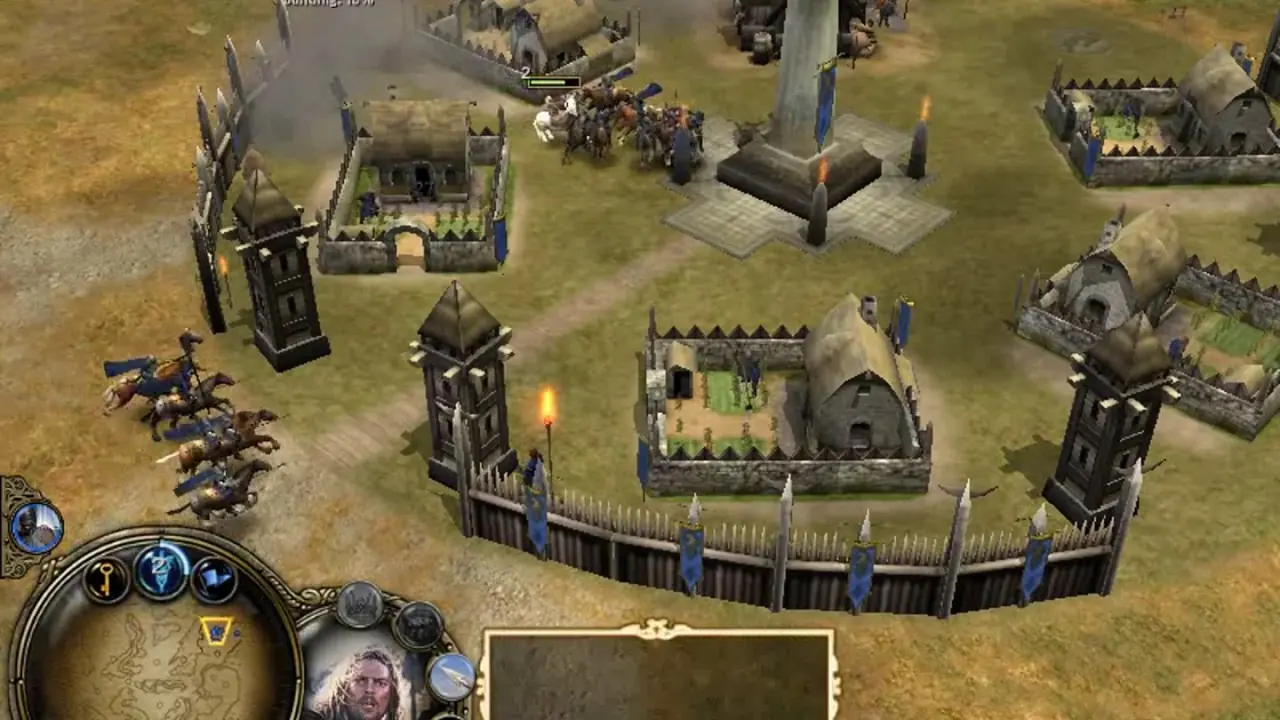
Screenshots

Windows

The Battle for Middle-earth — Windows screenshot 1The Battle for Middle-earth — Windows screenshot 2The Battle for Middle-earth — Windows screenshot 3

Download The Battle for Middle-earth

The Battle for Middle-earth is abandonware and no longer sold or supported by its publishers. Files are archived here for these platforms:

Windows (2004)

  • The_Battle_for_Middle-earth.rarEN3.44 GB
  • Instructions The_Battle_for_Middle-earth.rar

    How to play on Windows

    1. Click on the download button. It should redirect you to your download. Make sure you download the file properly and that your internet does not disconnect while downloading.
    2. Extract the “The Battle for Middle-earth” folder to your desktop.
    3. Open the “The Battle for Middle-earth” folder and then open the “Game Files” folder.
    4. Run the “Setup.exe” file and the game setup should launch. On higher resolution screens, you might not be able to see the full setup. In this case you can just press “Enter” on your keyboard to complete the setup. BFME 1 should begin installing on your computer.
    5. Once the game is installed, you can run the game from the desktop shortcut.
    6. Enjoy the game!

Comments

137 thoughts on “The Battle for Middle-earth”

  1. 0
    Works great, on my desktop I now have “BFME desktop” and “BFME” using BFME desktop makes the resolution unplayable, if I use “BFME” it’s playable but the resolution is pretty bad bu at least I can see everything and play without any issues. The reason I mention this is because it is written under the “how to play on windows” it says: “On higher resolution screens, you might not be able to see the full setup. In this case you can just press “Enter” on your keyboard to complete the setup.” I’m confused about the “In this case” part… is there another option to avoid all of this or…???
    Reply
  2. 0
    To every one asking all you have to do is put the file BFME2 directly on the C/programs directory and run the autorun, and it should work, not asking for the disk!
    Reply
  3. 0
    there doesnt seem to be an exe. there is an autorun, im sure its probably my own failing but i dont understand which filesneed to be fed through daemon tools?
    Reply
  4. 0
    if I put the rar file into the DAEMON tools it puts the movies loadingring file outside of the folder and it cant download the game because of this
    Reply
  5. 0
    So I downloaded THE_BATTLE_FOR_MIDDLE-EARTH.RAR, but that just seems to be a file of some kind. I can’t follow the instructions and extract it to desktop. There is no folder to extract.
    Reply
    • 0
      Right-click on the .RAR file and select “Show more options” (usually at the bottom of the contextual menu that pops up), from there you will see the option to extract files
      Reply
  6. 0
    When I try and launch the game is sates ”you must launch this game from its install directory”. No idea what to do.
    Reply

Similar games