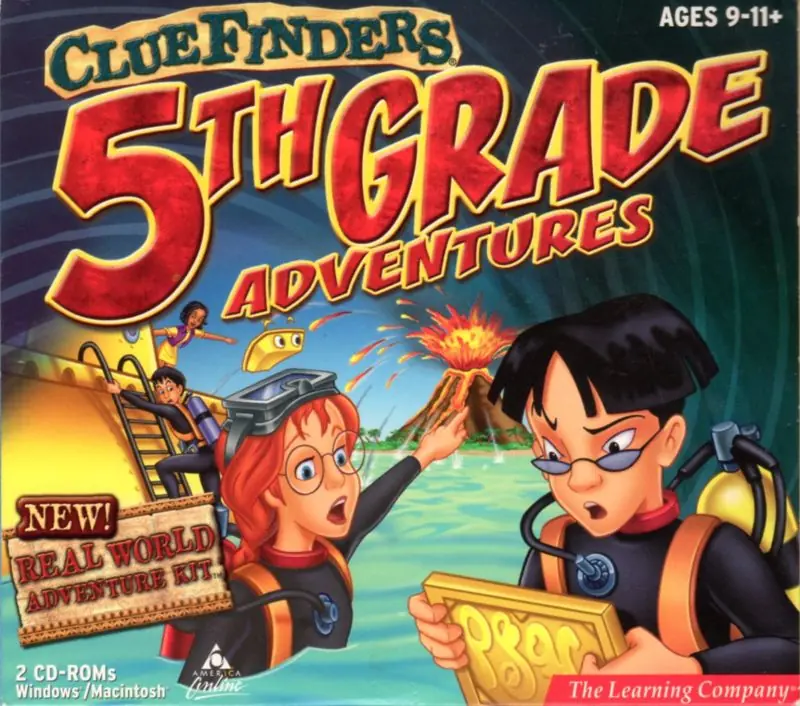
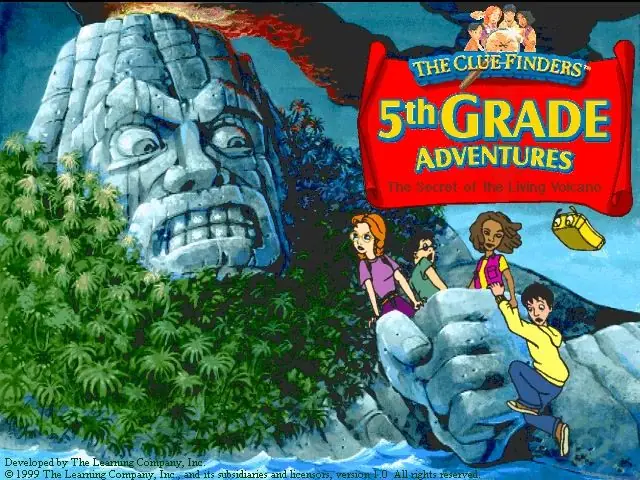
About The ClueFinders 5th Grade Adventures: The Secret of the Living Volcano
The ClueFinders are on a mission with Captain Clark, Leslie's sailor grandfather, to find out why so many ships have been disappearing in a certain area of the Pacific Ocean. In one of the wrecked ships, Joni and Santiago discover a pair of metal plaques with strange symbols written on them called CrypTiles. When their own ship comes into view of a tiny uncharted island, a tsunami strikes their ship. Joni, Santiago, and LapTrap are stranded on the island and set off to rescue their remaining team members, locate Clark and his crew and find out what sort of activities are happening on the island.
For the majority of the game, the player guides Joni, Santiago and LapTrap in and around the island as they attempt to rescue Owen and Leslie from the underground chamber as well as find a way to escape the adverse island. There are two areas that can be explored at the start of the game, the island itself and the ocean. At the end of the game, the user enters the interior of the island and learns its secrets.
The game has 10 different activities, each with their own skill and goal and divided among four different topics. The first three activities cover Language Arts, followed by four Mathematics activities, two activities on Science and one on Social Studies.








available here
https://oldgamesdownload.com/clue-finders-5th-grade-adventures-2002/
now if that does not working you can try out Learning Upgrades. which is being remastered by me to address issues with Windows 10. as for incorrect partitions it was fixed in cluefinders 6th grade but 5th grade was never reported however 5th & 6th grade use the same code base meaning if 6th was fixed 5th should also work just not fully tested with that issue.
https://archive.org/download/learning-creative-64-bit-installation-version-3.5/Learning-Creative%20Installation%20%28Version%203.5%29%2064-bit/Cluefinders%20Complete/ClueFinders%205th%20Grade%20%282002%29.iso
To which, I click “yes” and then nothing happens.
The “Do you want to install?” message was from the Clue finders software itself, however, the installation never occurred. Any help would be much appreciated.
——
Nvm, just solved the problem. Apparently a simple restart after mounting the ISO fixed it.