About The ClueFinders 6th Grade Adventures: The Empire of the Plant People
While playing a game of frisbee, Joni accidentally tosses the disc over the fence into the overgrown yard of their apparently friendly neighbor Miss Rose. When Joni and Santiago enter Miss Rose's yard to find the frisbee, the ground literally opens up and swallows them. Owen, Leslie and LapTrap investigate to look for their lost team members and find a labyrinth under the yard inhabited by highly intelligent, anthropomorphic talking plants. They learn from a friendly plant named Ficus that the plants have captured Joni and Santiago and are concocting a plan to attack the town above.
For almost all of the game, the player guides Owen, Leslie, Laptrap and Ficus around the Plant Kingdom as they try to rescue Joni and Santiago from the army of plants. For most of the game, the player travels around the underground kingdom to collect planks of wood to cross the perilous canyon. Ficus assists by telling the Cluefinders how to get each of the planks in the form of four mini-games. This is done three times before the player reaches Joni and Santiago.
The game has 12 different activities, each with their own skill and goal and divided among five different topics. The first four activities cover Language Arts, followed by three Mathematics activities, one activity on Science, two on Social Studies and finally two on Problem Solving.
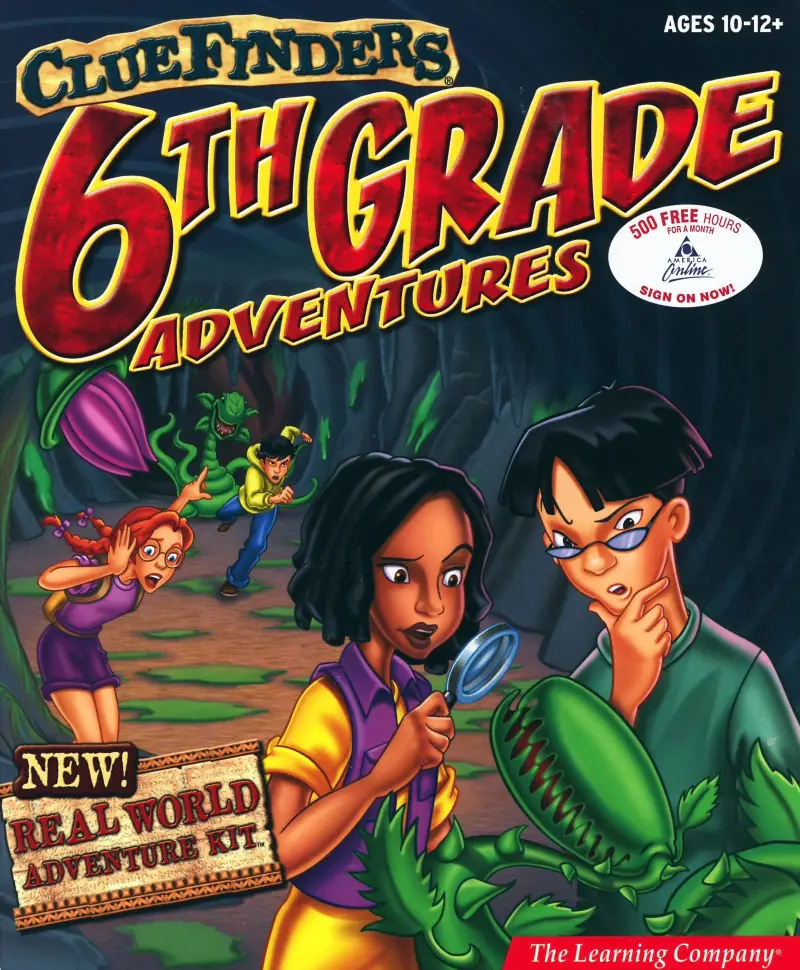
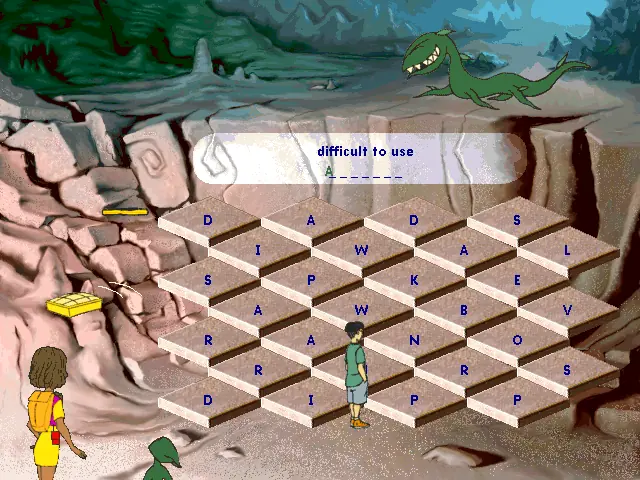
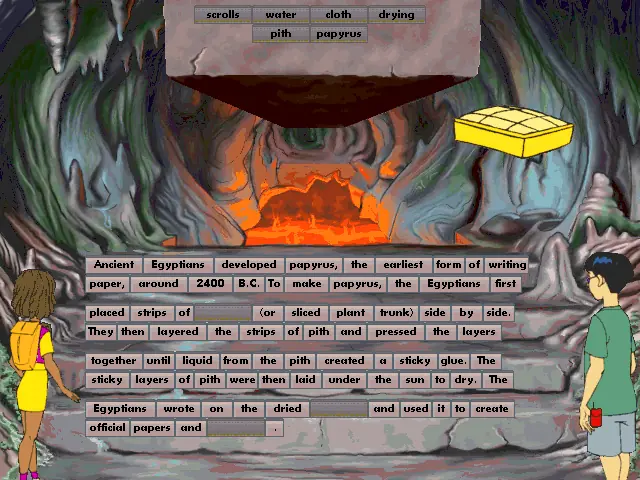
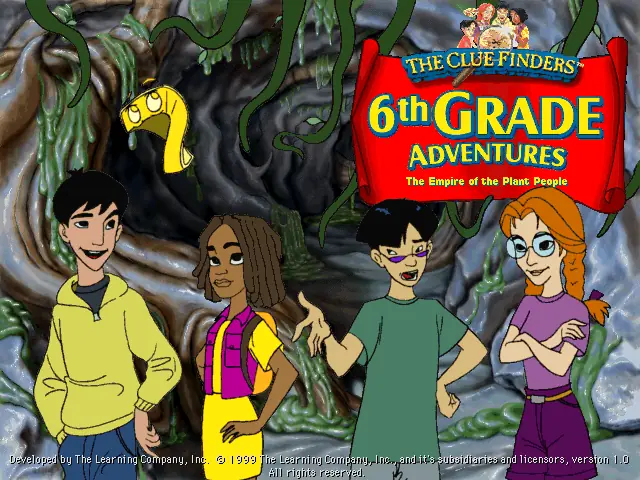
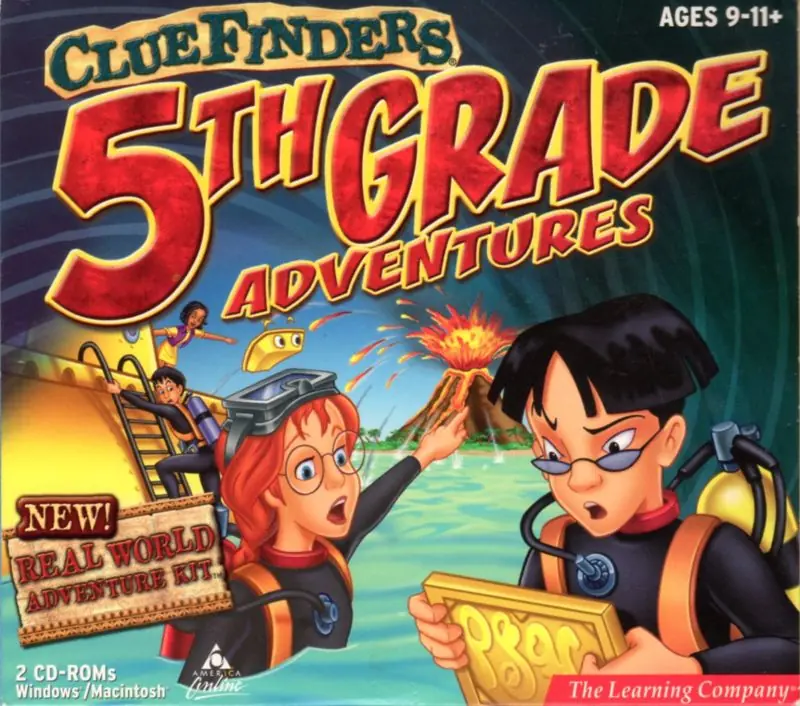
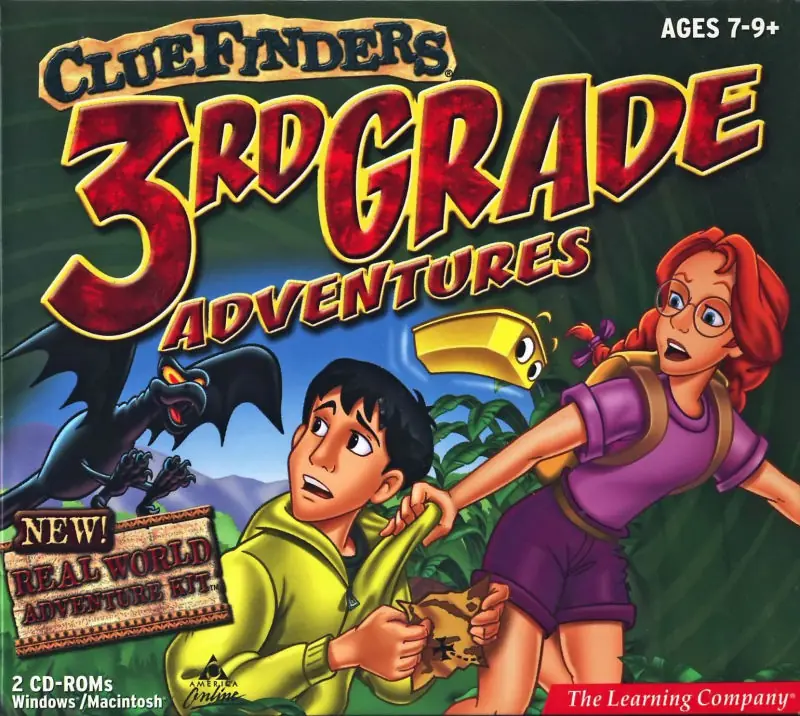
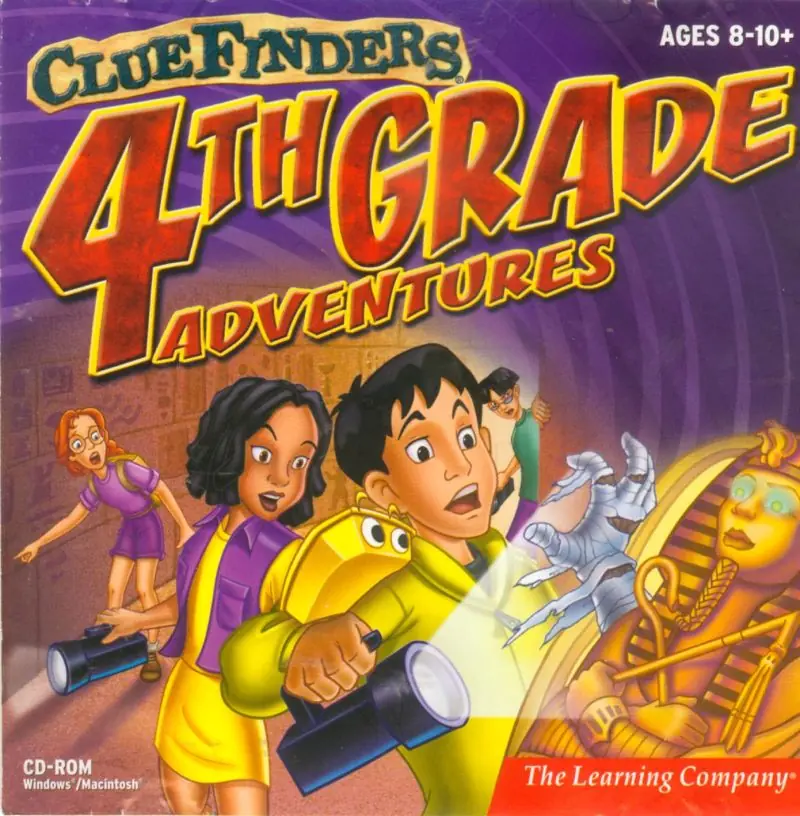
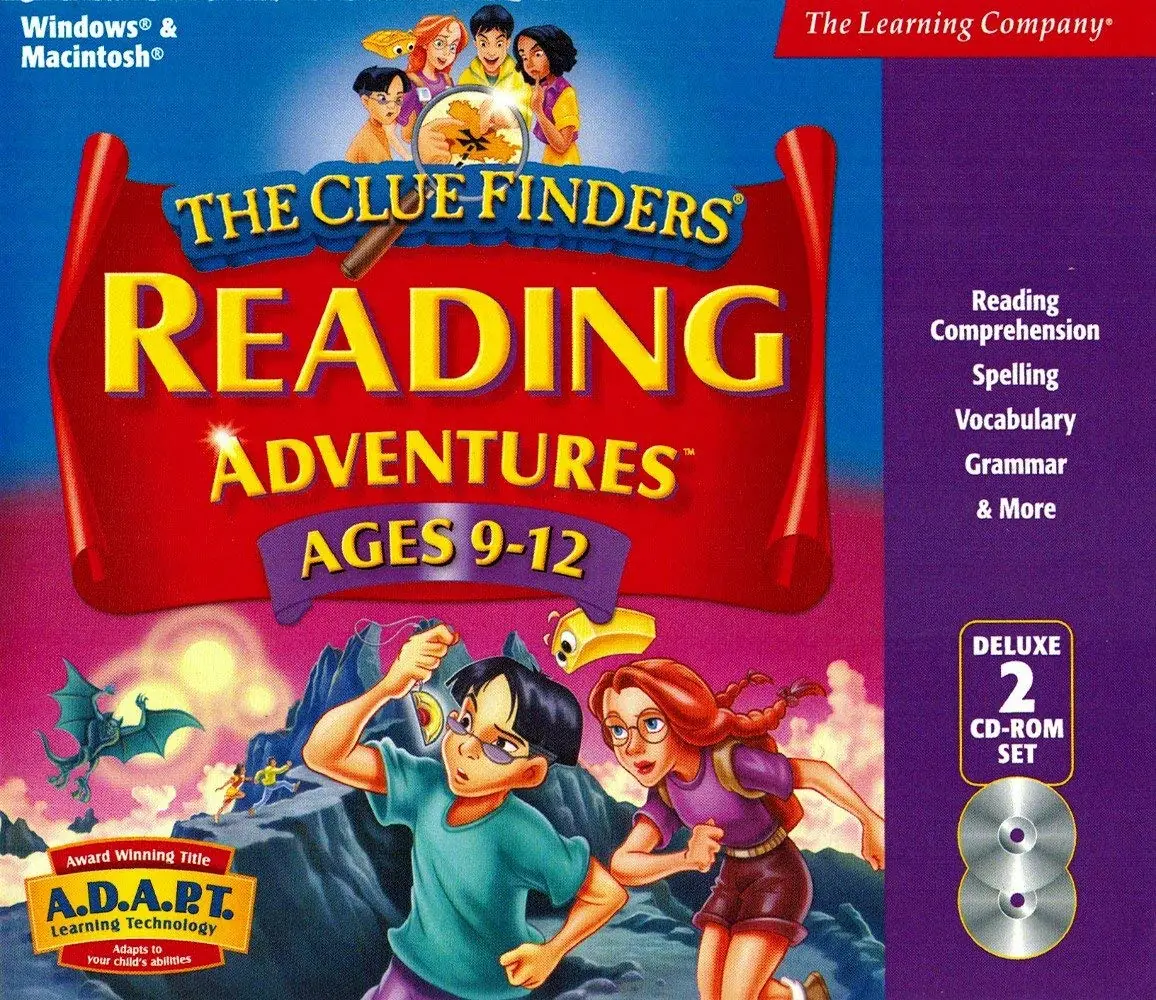






https://drive.google.com/drive/folders/1-L8jBUmsC19gtRA5KZYy4iLQNSsnstHT?usp=drive_link
due note if you wont original copy please email me at [email protected].
the original 2002 build, has the screen resolutions up by 800 x 600. also wing32.dll is a stub unlike the 1999 versions. it is native directdrew.
https://github.com/FunkyFr3sh/cnc-ddraw/issues/316
my upgrades installer has now included FunkyFr3sh / cnc-ddraw.
6.8, i am upgraded them to the plan 7.2 for improved scooby bugman support.
1. Download the files
2. Unzip the files
3. Download a virtual drive mounting program (I used Daemon Tools Lite)
4. Mount the CLUE6-4KIDS.bin file to a drive. (This should show the old CD icon in windows explorer, acting like the CD was inserted)
5. Right Click > Install (install should work, may get errors about being incompatible with 64 bit windows at end, this is okay)
6. Right-Click > Properties > Compatibility mode > Set compatibility mode for windows 98 (I also changed some other settings, just mess with them until it works) on “C:Program Files (x86)The Learning CompanyThe ClueFinders 6th Grade AdventuresCF6.exe”
7. Click on the .exe to start the game!