Home » Games » The ClueFinders Math Adventures: Mystery of the Himalayas
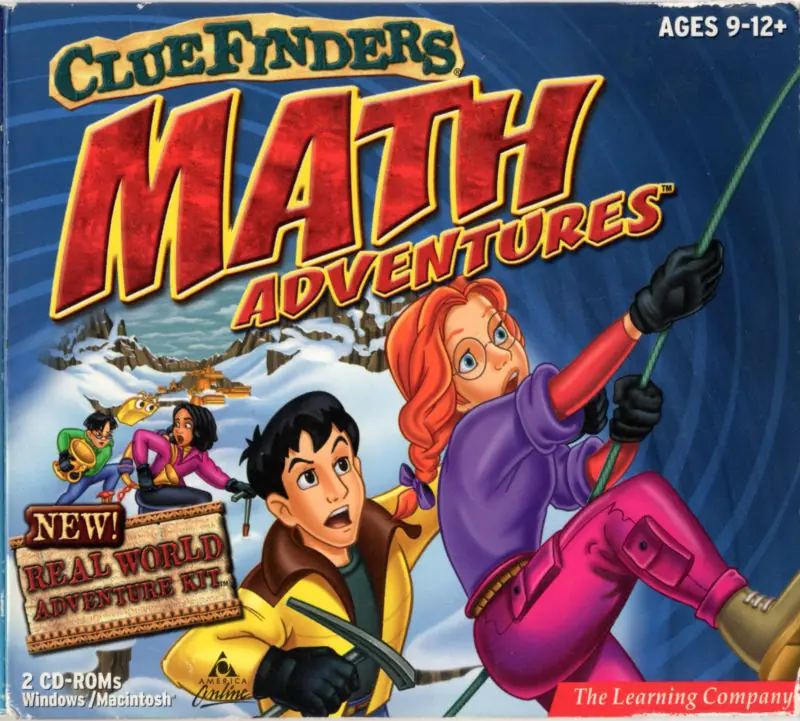
The ClueFinders Math Adventures: Mystery of the Himalayas

The ClueFinders Math Adventures: Mystery of the Himalayas Game Cover
4.4/5 - 19 votes

The ClueFinders Math Adventures: Mystery of the Himalayas is a 1998 educational game developed by The Learning Company and published by Brøderbund Software.

Genres
Released
Platforms
Download

Screenshots

Windows

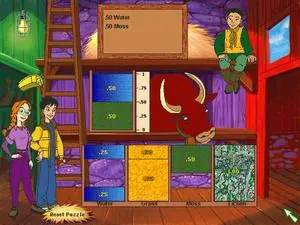
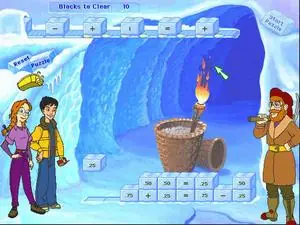
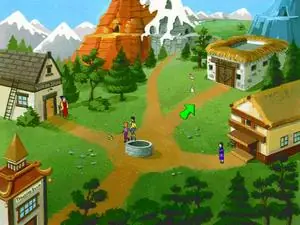
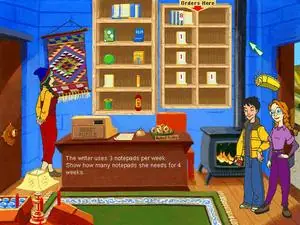
The ClueFinders Math Adventures: Mystery of the Himalayas — Windows screenshot 1The ClueFinders Math Adventures: Mystery of the Himalayas — Windows screenshot 2The ClueFinders Math Adventures: Mystery of the Himalayas — Windows screenshot 3The ClueFinders Math Adventures: Mystery of the Himalayas — Windows screenshot 4

Download The ClueFinders Math Adventures: Mystery of the Himalayas

The ClueFinders Math Adventures: Mystery of the Himalayas is abandonware and no longer sold or supported by its publishers. Files are archived here for these platforms:

Windows (1998)

  • The_ClueFinders_Math_Adventures_Mystery_of_the_Himalayas_Win_ROM_EN.zipEN361.12 MB
  • Instructions The_ClueFinders_Math_Adventures_Mystery_of_the_Himalayas_Win_ROM_EN.zip

    How to play on Windows

    1. Download and Extract The_ClueFinders_Math_Adventures_Mystery_of_the_Himalayas_Win_ROM_EN.zip
    2. Mount "cfma_cd1.cue" and run "SETUP.EXE". Note: If setup does not launch, go to the "INSTALL" folder and run "setup32.exe".
    3. Follow on-screen instructions to install the game.
    4. Play the game!

Comments

11 thoughts on “The ClueFinders Math Adventures: Mystery of the Himalayas”

  1. 0
    hello all this is micah iv notice that the 2002 & 1998 build of cluefinders math (Dark) and revamp for being to scary for kids grade is gone, link below
    https://drive.google.com/drive/folders/1-L8jBUmsC19gtRA5KZYy4iLQNSsnstHT?usp=drive_link

    due note if you wont original copy please email me at [email protected].

    the original 2002 build, has the screen resolutions up by 800 x 600. also wing32.dll is a stub unlike the 1999 versions. it is native directdrew.
    https://github.com/FunkyFr3sh/cnc-ddraw/issues/316

    for the 1998 Version the activates are tougher, this is a native Wing32.dll. FunkyFr3sh / cnc-ddraw did add support around 6.9 it just converts them to open gl mode. also in this year, you have 1 guess if you get it wrong with accusing incorrectly you have to redo the math level with your treasure has taken away by the real yeti and sends back to the Treasure Room. unlike with the 1999? gives you 3 accusing to If not puts you the player send you to the Village. also the Yeti is proven to be real. & LapTrap is crazy with subplot in the story due to the wisdom of the village elders. and more. it was quite darker.

    my upgrades installer has now included FunkyFr3sh / cnc-ddraw.
    6.8, i am upgraded them to the plan 7.2 for improved scooby bugman support.

    Reply
  2. 0
    To install:
    1. Download and Mount File
    2. Open mounted image in explorer and open file named “INSTALL”
    3. Run _Setup.EXE in that folder.
    4. Install, game should open following install.

    I cant get the run the game from the CD again without reinstalling but you can still get it to run from the program files. (The game may need to be mounted)
    To Open after installing :
    1. Go to C:\Program Files (x86)\The Learning Company\ClueFinders(R) Math Adventures(TM)
    2. Run cfmath32.exe

    Reply
    • 0
      its me the same user “saraleo” so i used winCdEmu and it works in windows 7 just like it works in windows 10.
      Reply
  3. 0
    It works for me as well, like Ali said, use winCdEmu instead of the native Windows 10 CD mounter

    The setup exe in the main folder says it won’t work with windows 10, but if you dig into the sub folders one of the exes work

    After installation, if you go to the folder where it installed to, you should be able to launch it directly instead of using the the shortcut tlc wrapper

    Reply
  4. 0
    i can’t get any of the cluefinder games to work and I’m really disappointed. the fourth grade one keeps saying it cannot read the disc even after mounting it. the rest will not go past setup because even the setup32 will not open.
    Reply
  5. 0
    The game is impossible to install, even after saying that it has installed correctly and clicking ‘play’ you are left with just a blank screen. Trying to install on windows by the way. If anyone has any advice I’d be happy to hear but I don’t think the file works
    Reply
    • 0
      I cannot get it to work either. The game can start for me but nothing will show except the mouse, and within minutes it will glitch and shut down.
      Reply