Home » Games » The ClueFinders Reading Adventures: Mystery of the Missing Amulet
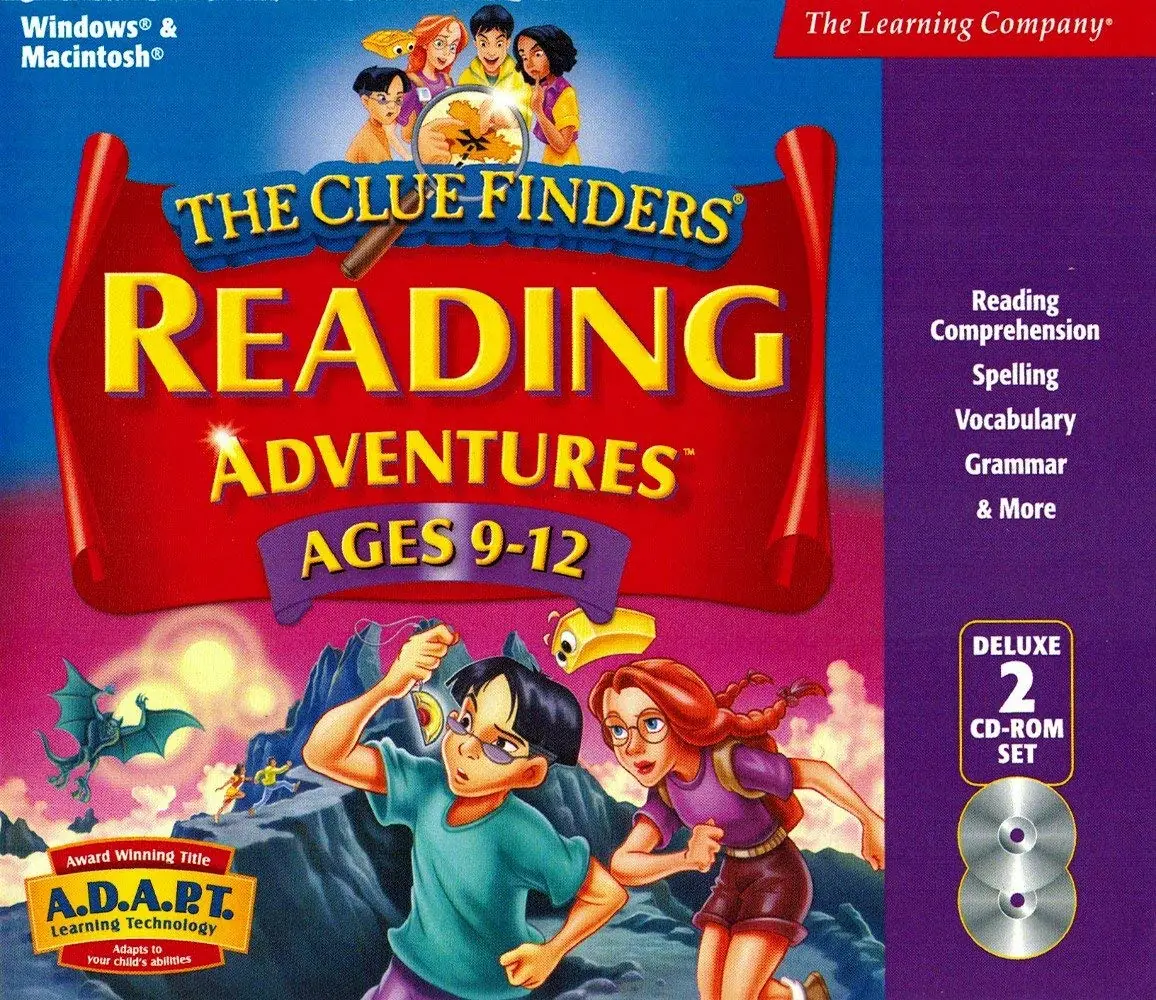
The ClueFinders Reading Adventures: Mystery of the Missing Amulet

The ClueFinders Reading Adventures: Mystery of the Missing Amulet Game Cover
4.9/5 - 9 votes

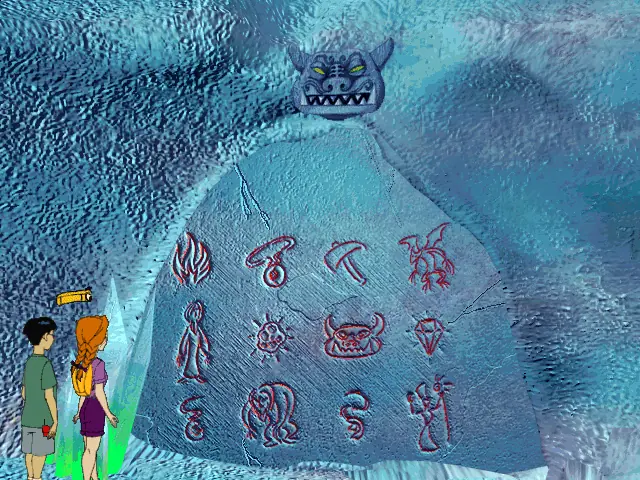
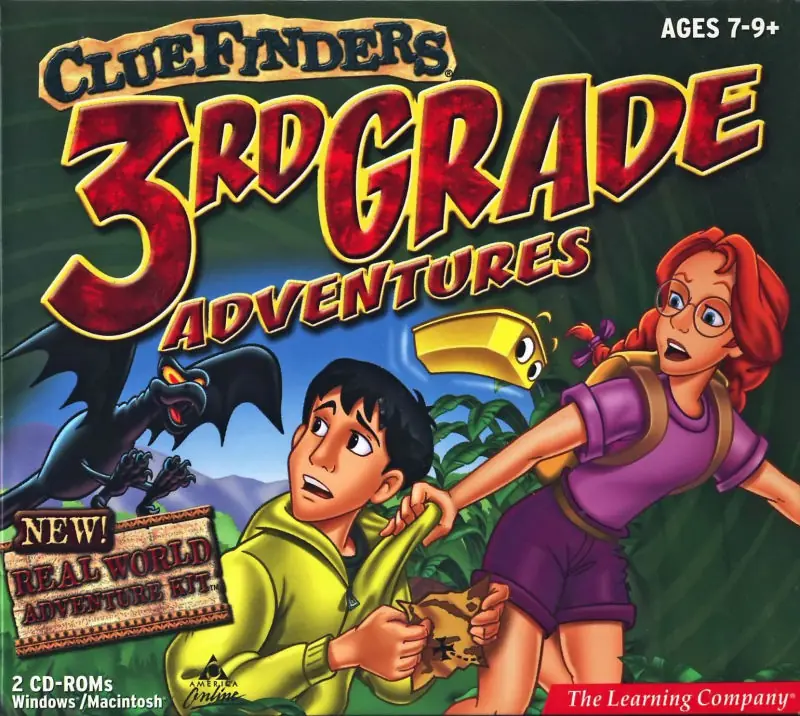
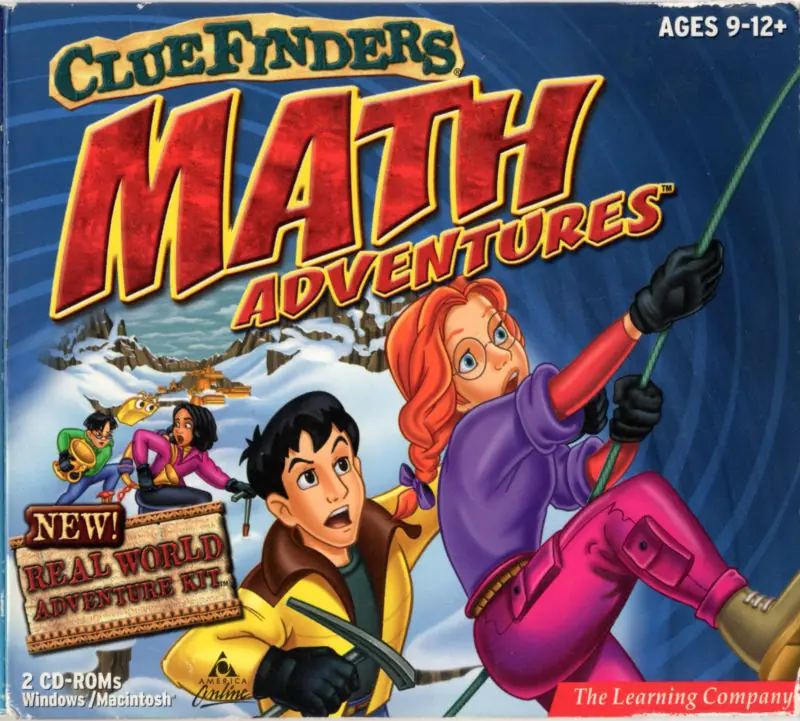
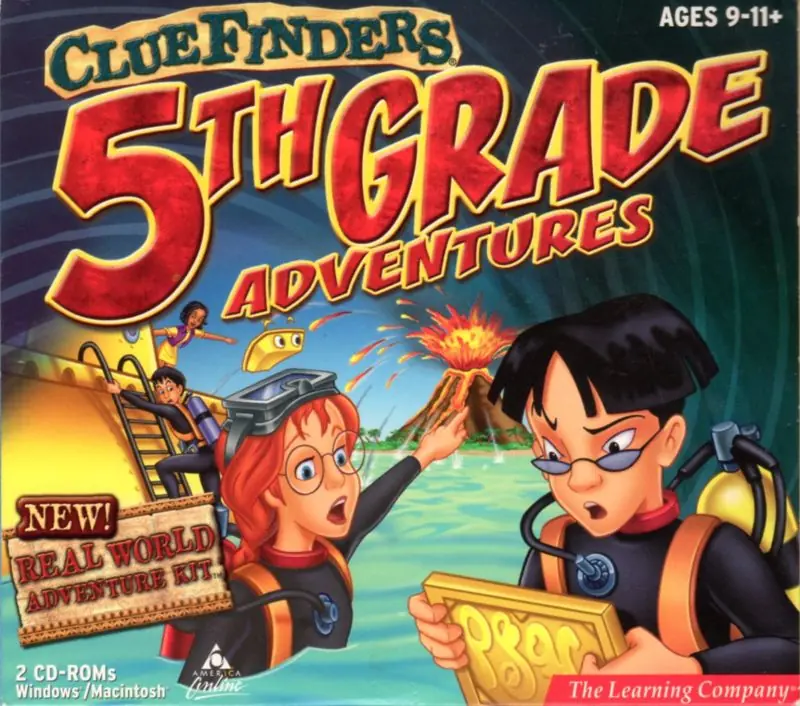
The ClueFinders Reading Adventures: Mystery of the Missing Amulet is a 1999 educational game developed and published by The Learning Company.

Genres
Released
Platforms
Download

Screenshots

Windows

The ClueFinders Reading Adventures: Mystery of the Missing Amulet — Windows screenshot 1The ClueFinders Reading Adventures: Mystery of the Missing Amulet — Windows screenshot 2

Download The ClueFinders Reading Adventures: Mystery of the Missing Amulet

The ClueFinders Reading Adventures: Mystery of the Missing Amulet is abandonware and no longer sold or supported by its publishers. Files are archived here for these platforms:

Windows (1999)

  • The_ClueFinders_Reading_Adventures_Mystery_of_the_Missing_Amulet_Win_ISO_EN.zipEN412.41 MB
  • Instructions The_ClueFinders_Reading_Adventures_Mystery_of_the_Missing_Amulet_Win_ISO_EN.zip

    How to play on Windows

    1. Download and Extract The_ClueFinders_Reading_Adventures_Mystery_of_the_Missing_Amulet_Win_ISO_EN..zip
    2. Mount "ClueFinders - Mystery of the Missing Amulet.iso" and run "SETUP.EXE". Note: If setup does not launch, go to the "INSTALL" folder and run "setup32.exe".
    3. Follow on-screen instructions to install the game.
    4. Play the game!

Comments

3 thoughts on “The ClueFinders Reading Adventures: Mystery of the Missing Amulet”

  1. 0
    I try to open the file, but it says “Windows cannot complete the extraction. The destination path is too long. Rename the Compressed (zipped) Folder and try again.” There’s no option to rename it.
    Reply
  2. 0
    When I try to install the game, I can press yes to install it but then it freezes and doesn’t respond. How can I fix this?
    Reply