Home » Games » The Lord of the Rings: Conquest
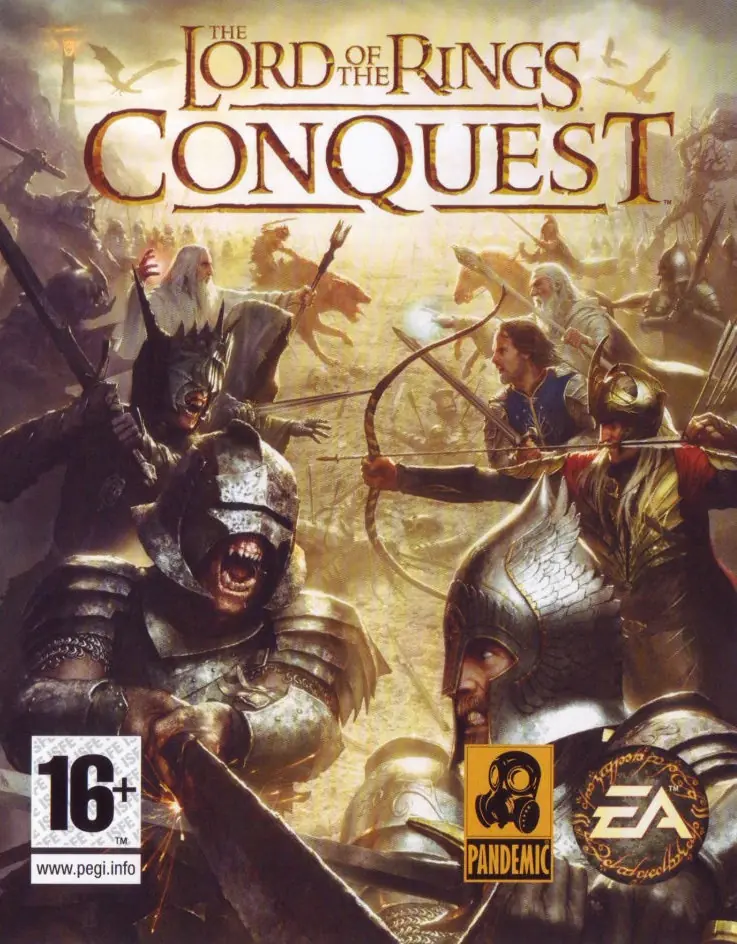
The Lord of the Rings: Conquest

The Lord of the Rings: Conquest Game Cover
4.7/5 - 355 votes

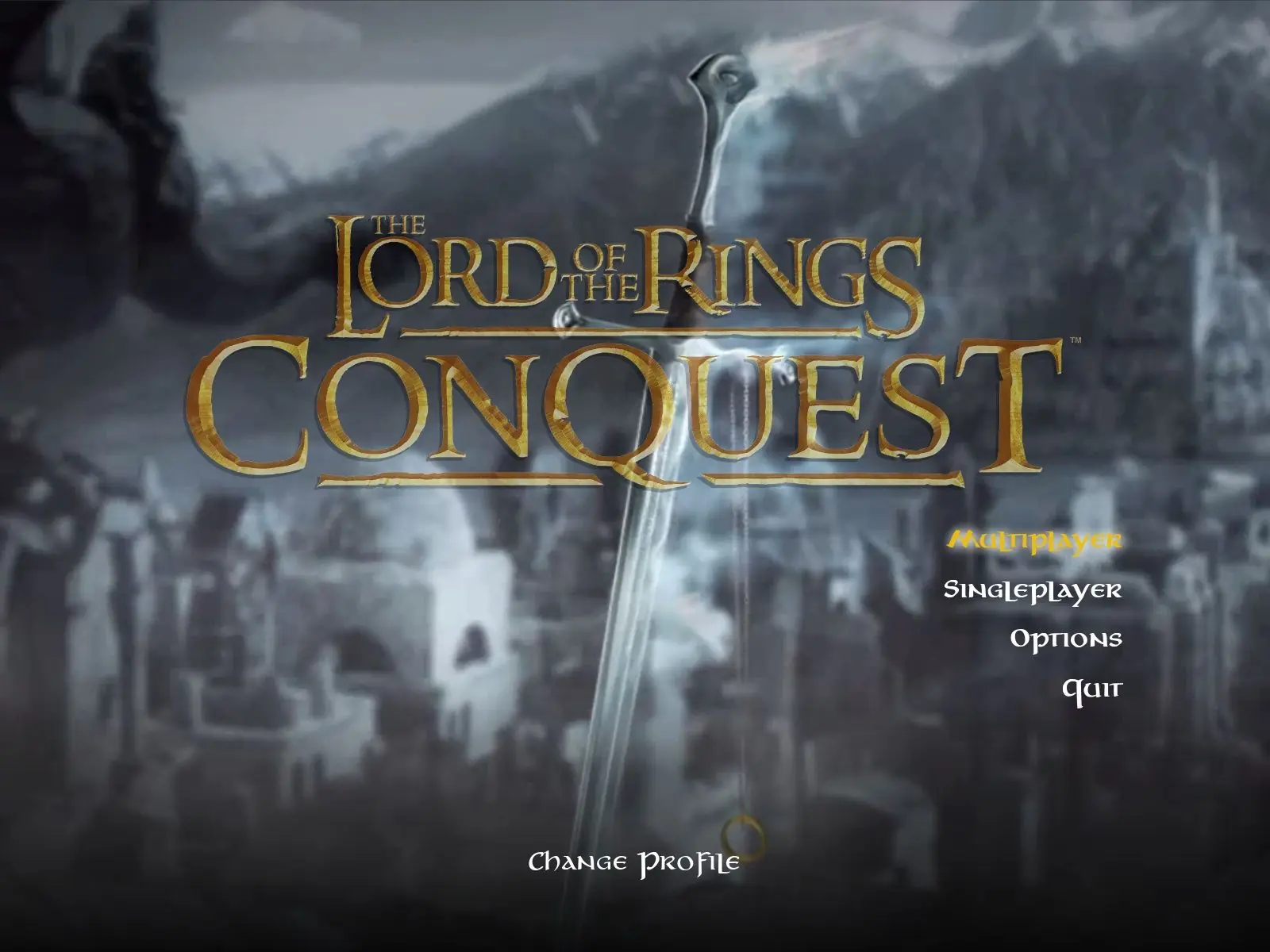
The Lord of the Rings: Conquest is a 2009 action game developed by Pandemic Studios and published by Electronic Arts.

Other Titles

Властелин Колец: Противостояние魔戒:勇者無雙Der Herr der Ringe: Die EroberungEl Señor de los Anillos: La ConquistaIl Signore degli Anelli: La ConquistaLe Seigneur des Anneaux: L'âge des ConquêtesWładca Pierścieni: Podbój반지의 제왕: 컨퀘스트Le Seigneur des anneaux : L'Âge des conquêtesLord of the Rings: Conquestارباب حلقه‌ها: پیروزیث لورد اوف ث رينجس: كونكويست

Genres
,
Publishers
Developers
Released
Platforms
Download

About The Lord of the Rings: Conquest

The Lord of the Rings: Conquest is a 2009 action game developed by Pandemic Studios and published by Electronic Arts. It is derived from The Lord of the Rings film trilogy, and borrows many gameplay mechanics from Pandemic's Star Wars: Battlefront games. The game allows the player to play as both the forces of good and evil.

Pandemic was aided by Weta Digital in developing the game. They provided many of their digital models, including the fell beasts. Pandemic used elements that were cut from the films, and have taken inspiration from J. R. R. Tolkien's original fantasy series, such as a level based loosely around Balin's conquest of Moria, in which Gimli attempts to retake the dwarven city from the orcs. Some inspiration was less direct: the armies of Rohan and Gondor decide not to attack Minas Morgul in the novel, but a level in the game is based on what might possibly have happened if they had. The game uses Howard Shore's score to the films as its soundtrack.
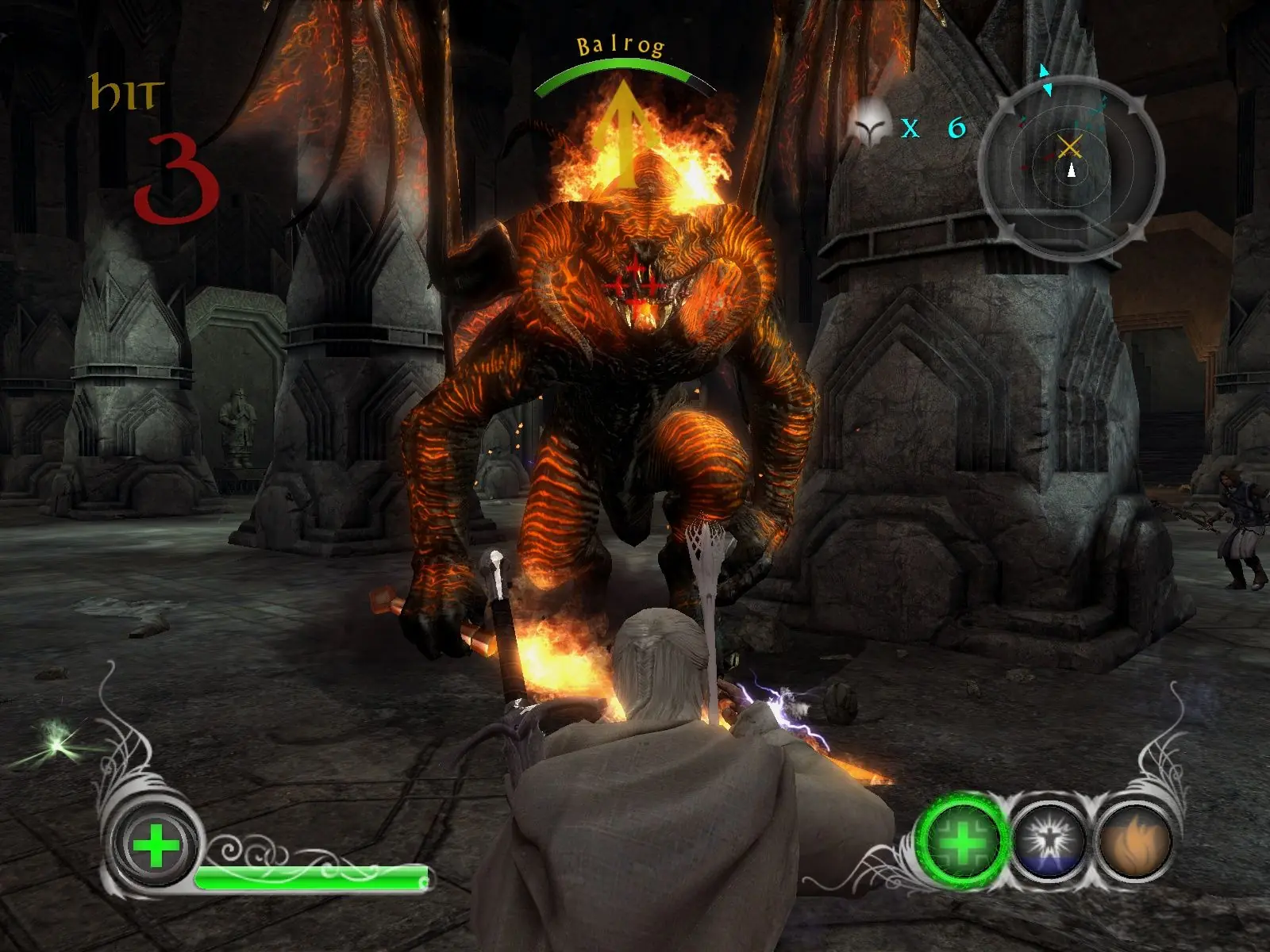
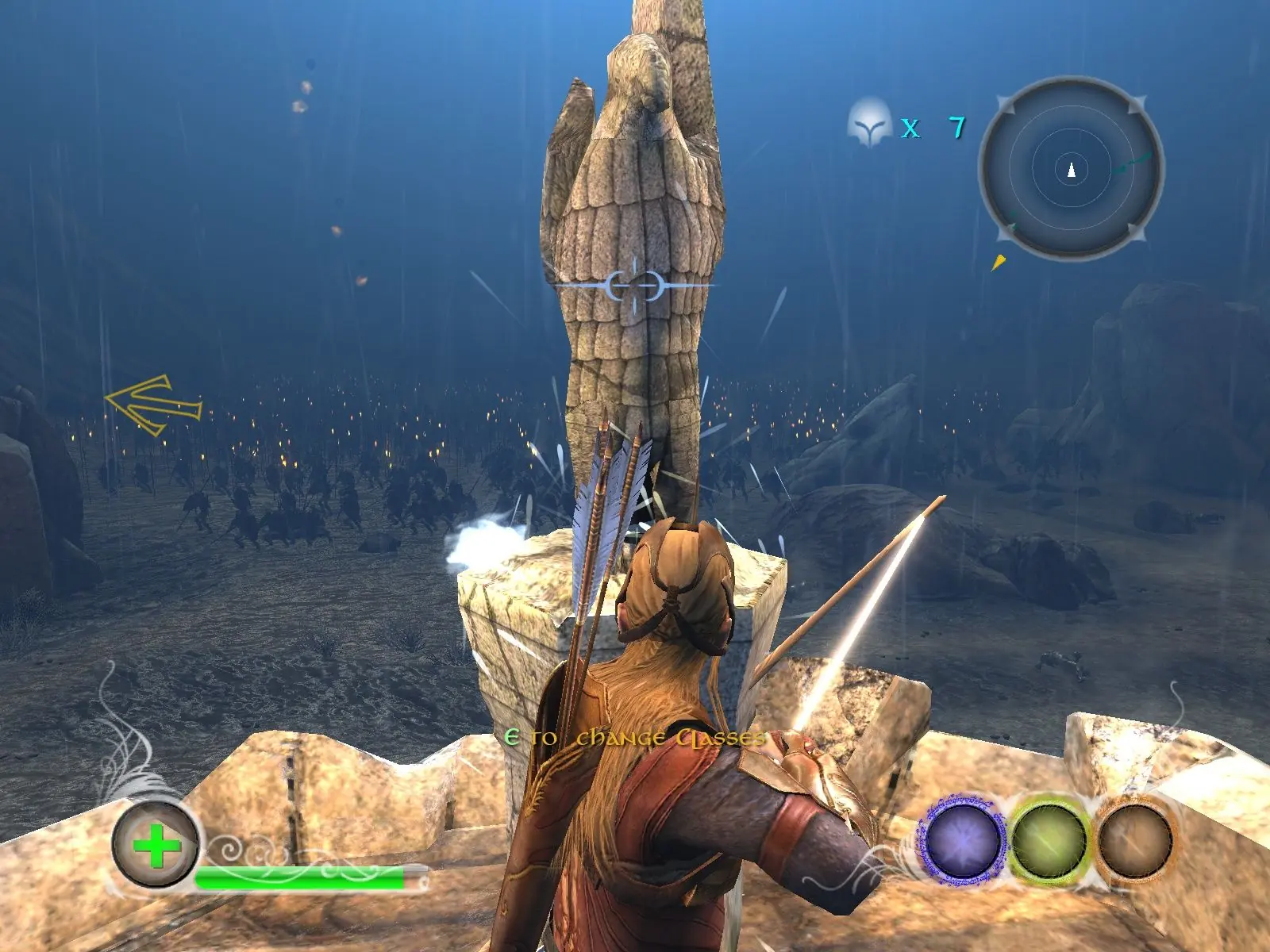
Screenshots

Windows

The Lord of the Rings: Conquest — Windows screenshot 1The Lord of the Rings: Conquest — Windows screenshot 2The Lord of the Rings: Conquest — Windows screenshot 3

Download The Lord of the Rings: Conquest

The Lord of the Rings: Conquest is abandonware and no longer sold or supported by its publishers. Files are archived here for these platforms:

Windows (2009)

  • The_Lord_of_the_Rings_Conquest_Win_ISO_EN.zipEN4.74 GB
  • Instructions The_Lord_of_the_Rings_Conquest_Win_ISO_EN.zip

    How to play on Windows

    1. Download and Extract The_Lord_of_the_Rings_Conquest_Win_ISO_EN.zip
    2. Open the "Game Files" folder and mount "OGD_The_Lord_of_the_Rings_Conquest.iso"
    3. Inside the mounted file, run "setup.exe" and install the game
    4. Play the game

Other resources

Comments

98 thoughts on “The Lord of the Rings: Conquest”

  1. 0
    How come some times my screen is blocked by a black sqaure box? i have to ult tab twice to get rid of it. it happens whenever i win an objective for single player?
    Reply
  2. 0
    when i open game files and that file it write me windows cannot complete the extraction. what i can do with that?
    Reply
  3. 0
    if so can anyone tell me how? game worked fine to download i just wanna know if theres a way to be able to invite friends to come join you
    Reply
    • 0
      You should look at a screen sharing service/program such as Parsec to play with splitscreen online. One user (you) hosts a game and then your friends connect to your computer with the program. Your computer runs the game and sends out a video and audio stream to the connected users while they just send their controller inputs for your computer to process.
      Reply
      • 0
        Whoops, forgot I forsook split screen gaming when I moved from console to pc. Disregard previous post; not sure if one can play with friends.
        Reply
  4. 0
    Hey all! Just wanted to let you know if you are having the issue where the game launches, you see the Razor logo, game opens then closes, go into the C:UsersusernameDocumentsThe Lord of the Rings – Conquest directory and edit the pc.ini file. Change the resolution width and height values to match your resolution. Game immediately opened for me.
    Reply
  5. 0
    Was able to download and install, but on play, it just opens to a white screen and I have to restart laptop. Using Windows 10 Home x64. Any suggestions would be welcome!
    Reply
    • 0
      Actually figured it out, had to change the settings to compatibility Windows XP Service Pack 2 and Disable Fullscreen Optimization. Enjoy!
      Reply
  6. 0
    Amazing game. I have beaten both campaigns now and plugged many hours into Instant Action. Not sure why so many people are having trouble installing/playing it. Likely because they didn’t follow the instructions exactly.
    Reply
  7. 0
    When i try to run my game i get this message, “Impossible to run this code because d3dx9_38dll is unfoundable. Trying installing the game again might solve the problem”. I’ve tried reinstalling 3 times and it didn’t solve anything. Do you have a solution?
    Reply
    • 0
      Hi, maybe try to download d3dx9_38.dll and then copy it into your installation folder…
      I would try that if I were you.
      Reply

Similar games