Home » Games » The Lord of the Rings: Conquest
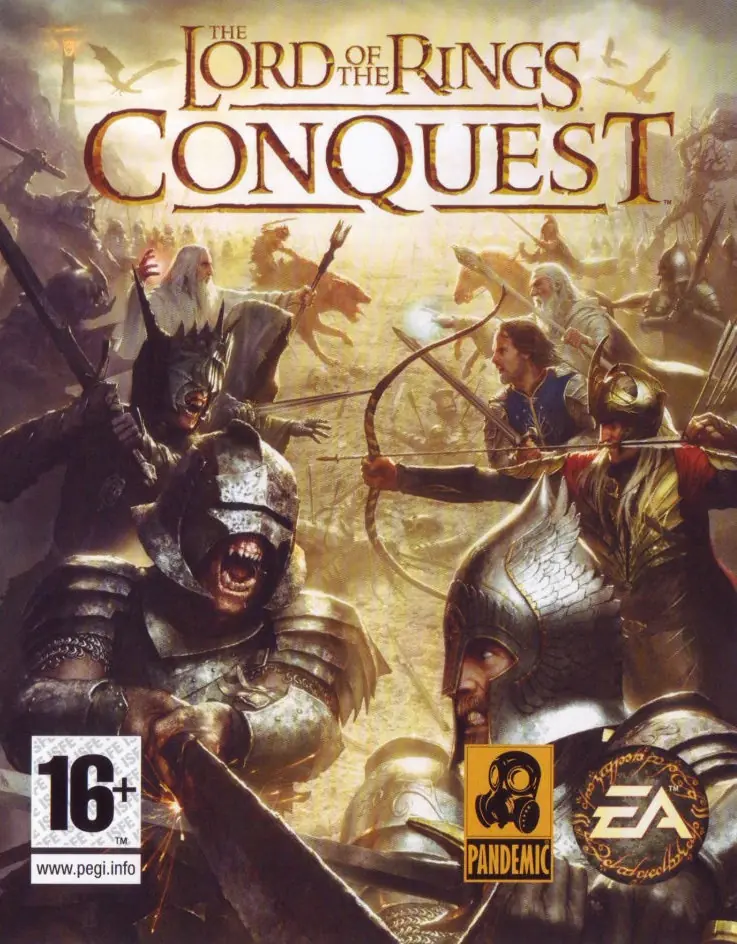
The Lord of the Rings: Conquest

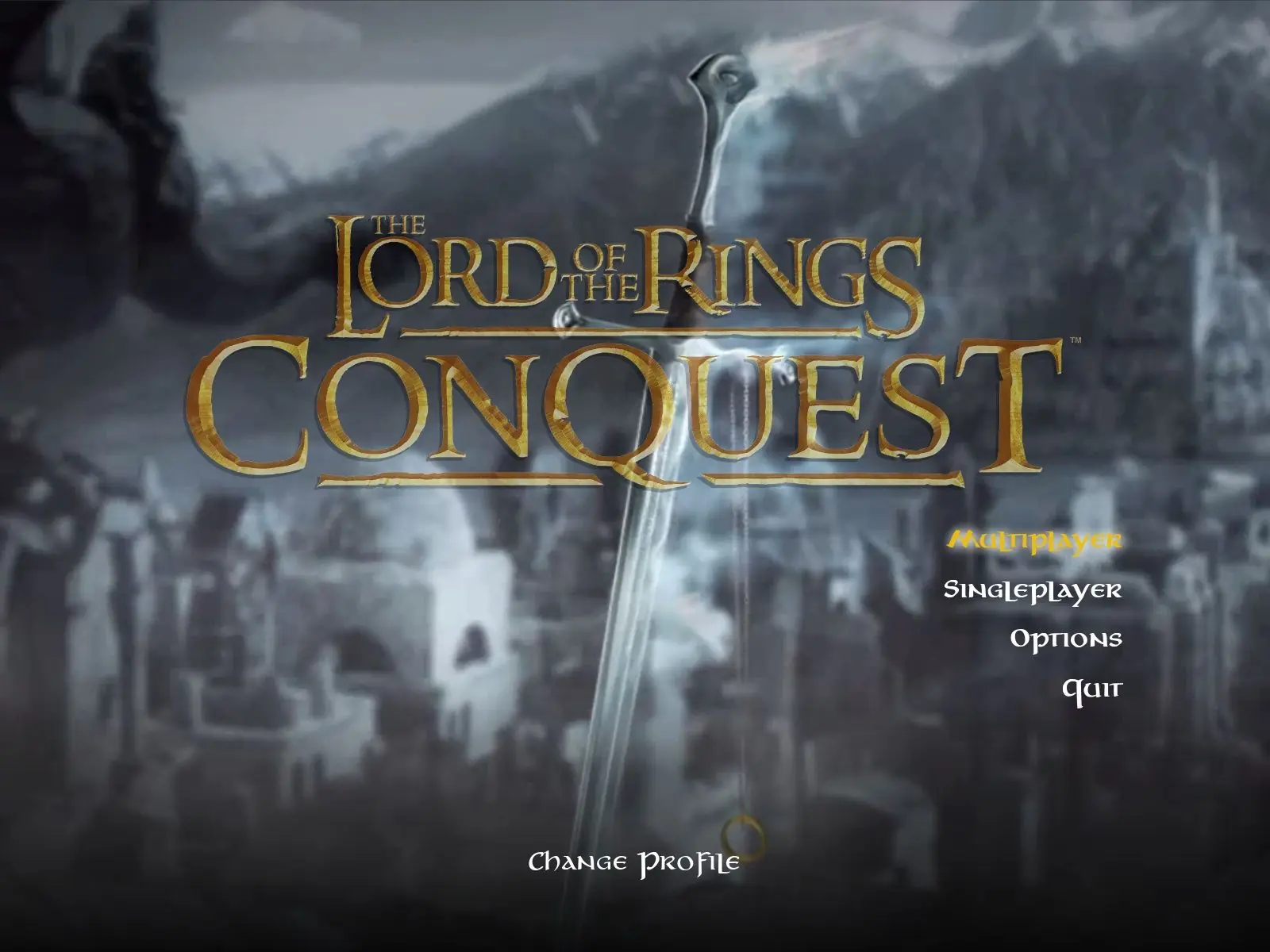
The Lord of the Rings: Conquest Game Cover
4.7/5 - 355 votes

The Lord of the Rings: Conquest is a 2009 action game developed by Pandemic Studios and published by Electronic Arts.

Other Titles

Властелин Колец: Противостояние魔戒:勇者無雙Der Herr der Ringe: Die EroberungEl Señor de los Anillos: La ConquistaIl Signore degli Anelli: La ConquistaLe Seigneur des Anneaux: L'âge des ConquêtesWładca Pierścieni: Podbój반지의 제왕: 컨퀘스트Le Seigneur des anneaux : L'Âge des conquêtesLord of the Rings: Conquestارباب حلقه‌ها: پیروزیث لورد اوف ث رينجس: كونكويست

Genres
,
Publishers
Developers
Released
Platforms
Download

About The Lord of the Rings: Conquest

The Lord of the Rings: Conquest is a 2009 action game developed by Pandemic Studios and published by Electronic Arts. It is derived from The Lord of the Rings film trilogy, and borrows many gameplay mechanics from Pandemic's Star Wars: Battlefront games. The game allows the player to play as both the forces of good and evil.

Pandemic was aided by Weta Digital in developing the game. They provided many of their digital models, including the fell beasts. Pandemic used elements that were cut from the films, and have taken inspiration from J. R. R. Tolkien's original fantasy series, such as a level based loosely around Balin's conquest of Moria, in which Gimli attempts to retake the dwarven city from the orcs. Some inspiration was less direct: the armies of Rohan and Gondor decide not to attack Minas Morgul in the novel, but a level in the game is based on what might possibly have happened if they had. The game uses Howard Shore's score to the films as its soundtrack.
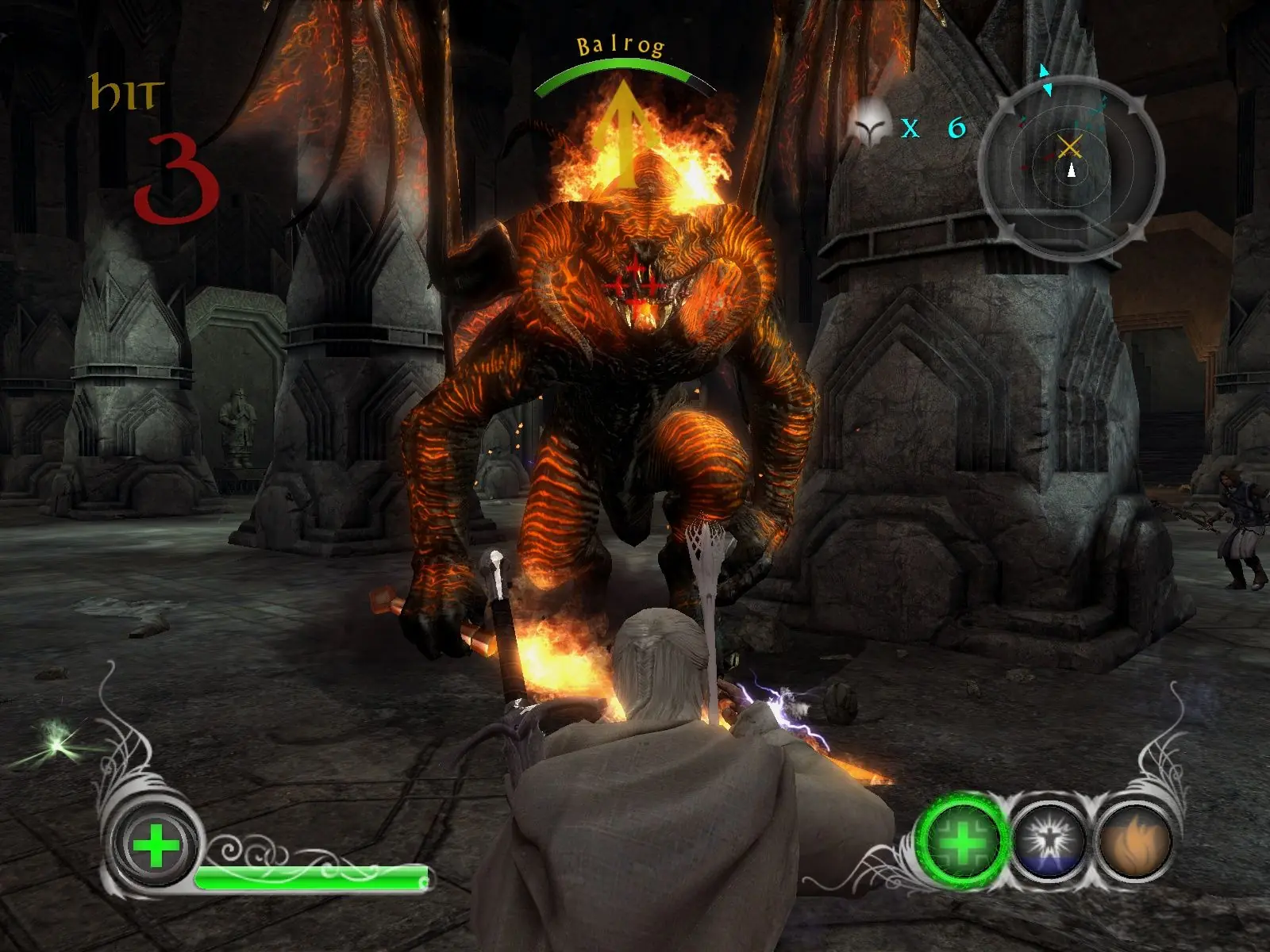
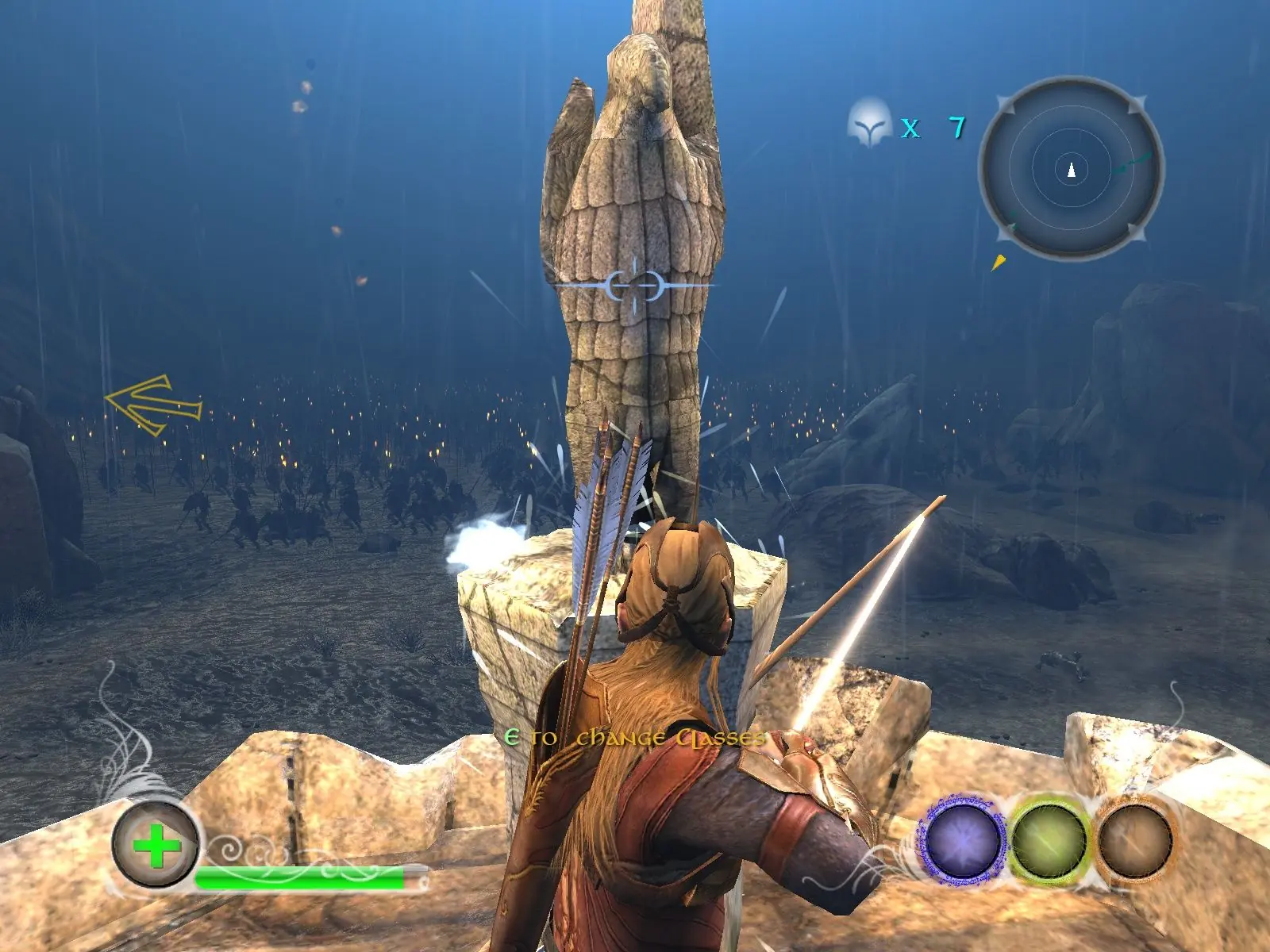
Screenshots

Windows

The Lord of the Rings: Conquest — Windows screenshot 1The Lord of the Rings: Conquest — Windows screenshot 2The Lord of the Rings: Conquest — Windows screenshot 3

Download The Lord of the Rings: Conquest

The Lord of the Rings: Conquest is abandonware and no longer sold or supported by its publishers. Files are archived here for these platforms:

Windows (2009)

  • The_Lord_of_the_Rings_Conquest_Win_ISO_EN.zipEN4.74 GB
  • Instructions The_Lord_of_the_Rings_Conquest_Win_ISO_EN.zip

    How to play on Windows

    1. Download and Extract The_Lord_of_the_Rings_Conquest_Win_ISO_EN.zip
    2. Open the "Game Files" folder and mount "OGD_The_Lord_of_the_Rings_Conquest.iso"
    3. Inside the mounted file, run "setup.exe" and install the game
    4. Play the game

Other resources

Comments

98 thoughts on “The Lord of the Rings: Conquest”

  1. 0
    Hello, I am having a weird graphical bug where the dynamic shadows follow the camera instead of staying put with the objects, it looks trippy, how can I fix this?
    Reply
  2. 0
    how can i mount the iso??? i dont wanna use daemon tools, that crappy app fulled my pc of other useless aplications and worst, it was very hard to uninstall daemon tools, so whats the other way to mount that iso? thanks
    Reply
  3. 0
    I fixed both of my problems. To get pasted the black screen issue reset your display settings to default then save and resume gameplay. The screen will be dark but you can still see everything and to make it brighter just increase the brightness. As for the soft locking problem on helm’s deep just let the torch bearers just let them leave their spawn and get closer to the wall before killing them.
    Reply
  4. 0
    I can’t get past helm’s deep because my screen blacks out after the torch bearer cutscene. I do the brightness adjust method but that doesn’t work all the time. When it does work I kill all the torch bearers, but then the game soft locks and doesn’t let me progress. Does anyone else have this problem?
    Reply
  5. 0
    Unfortunately this Error kept occurring for me.
    “The code execution cannot proceed because d3dx9_38.dill was not found. Reinstalling the program may fix this problem.”
    Reply

Similar games