The Sims

The Sims is a 2000 simulation game developed by Maxis and published by Electronic Arts.
The Sims is a 2000 simulation game developed by Maxis and published by Electronic Arts.
The Sims is a 2000 social simulation video game developed by Maxis and published by Electronic Arts. Designed by Will Wright, the game allows players to create and control virtual people called Sims, build and furnish homes, and manage the Sims' needs, relationships, careers, and household finances. Its open-ended gameplay has no fixed win condition.
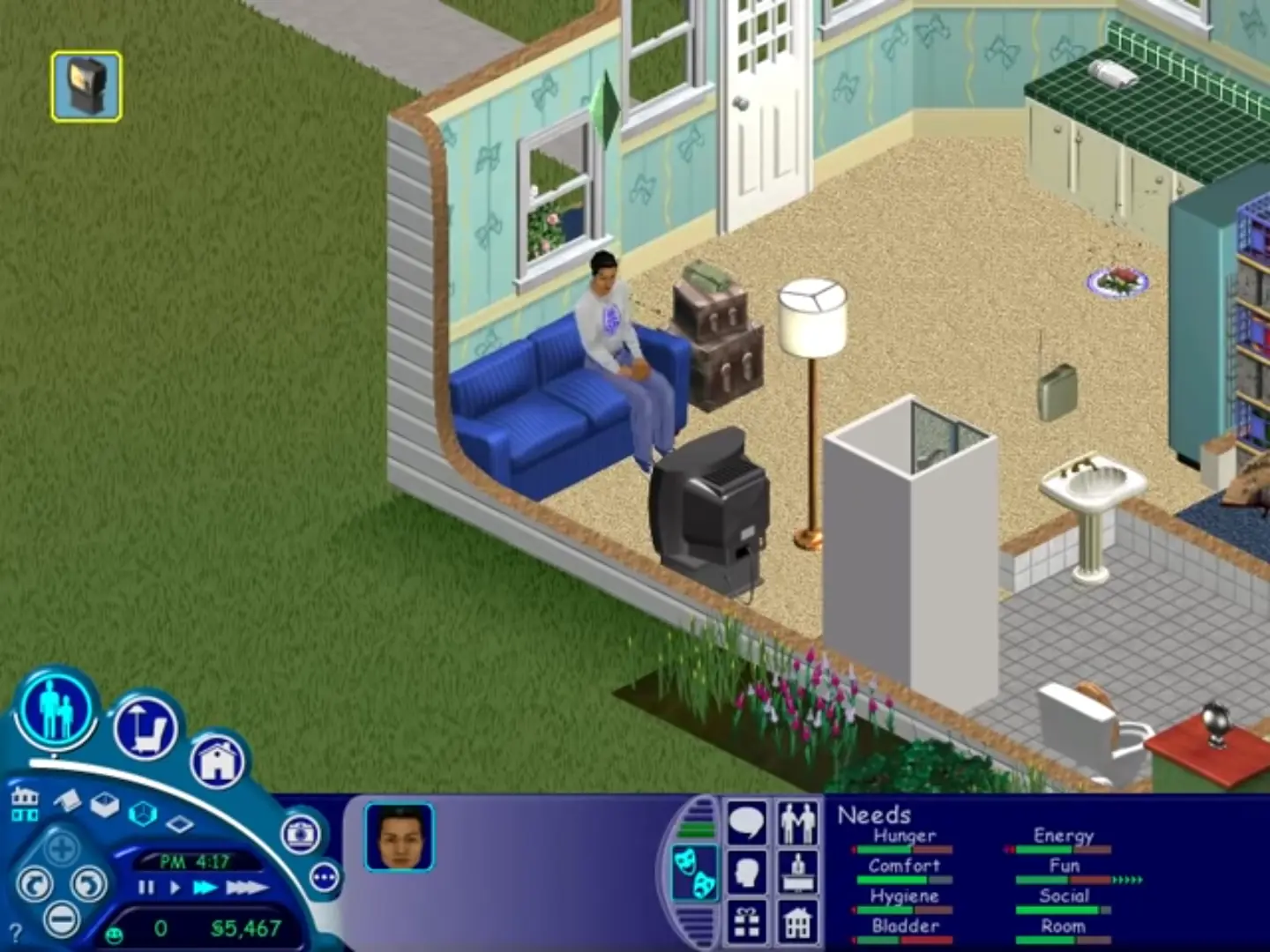
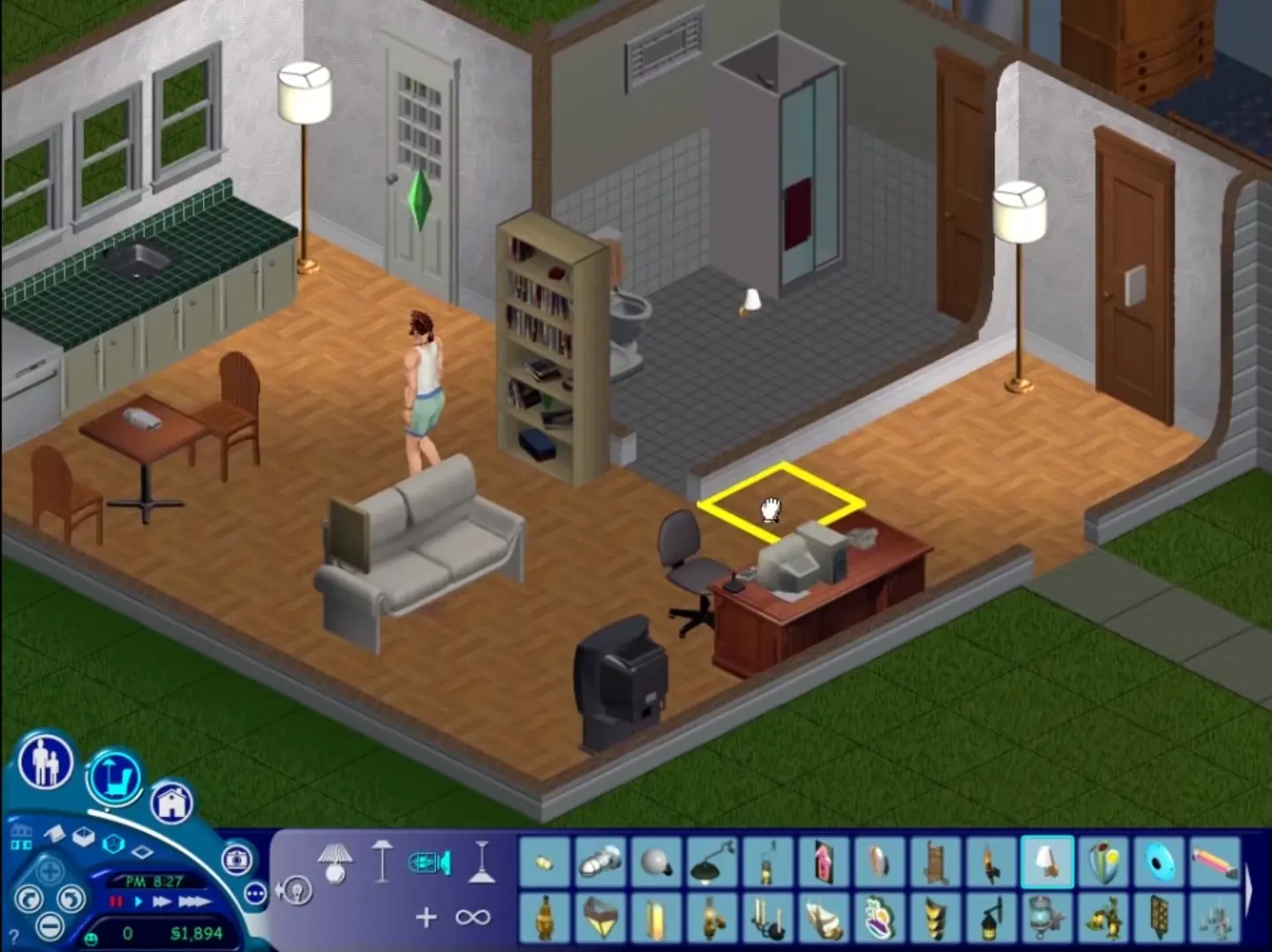
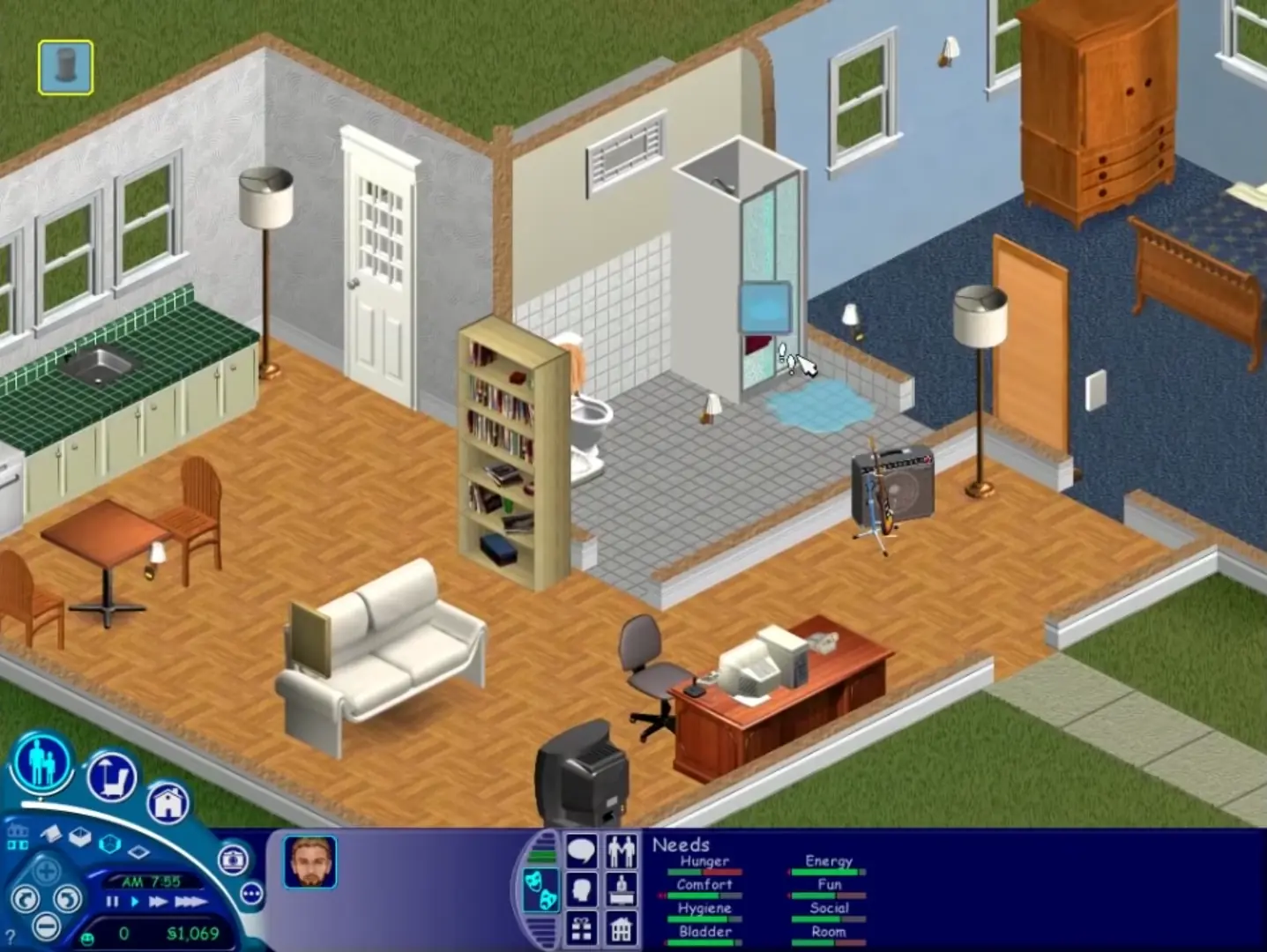
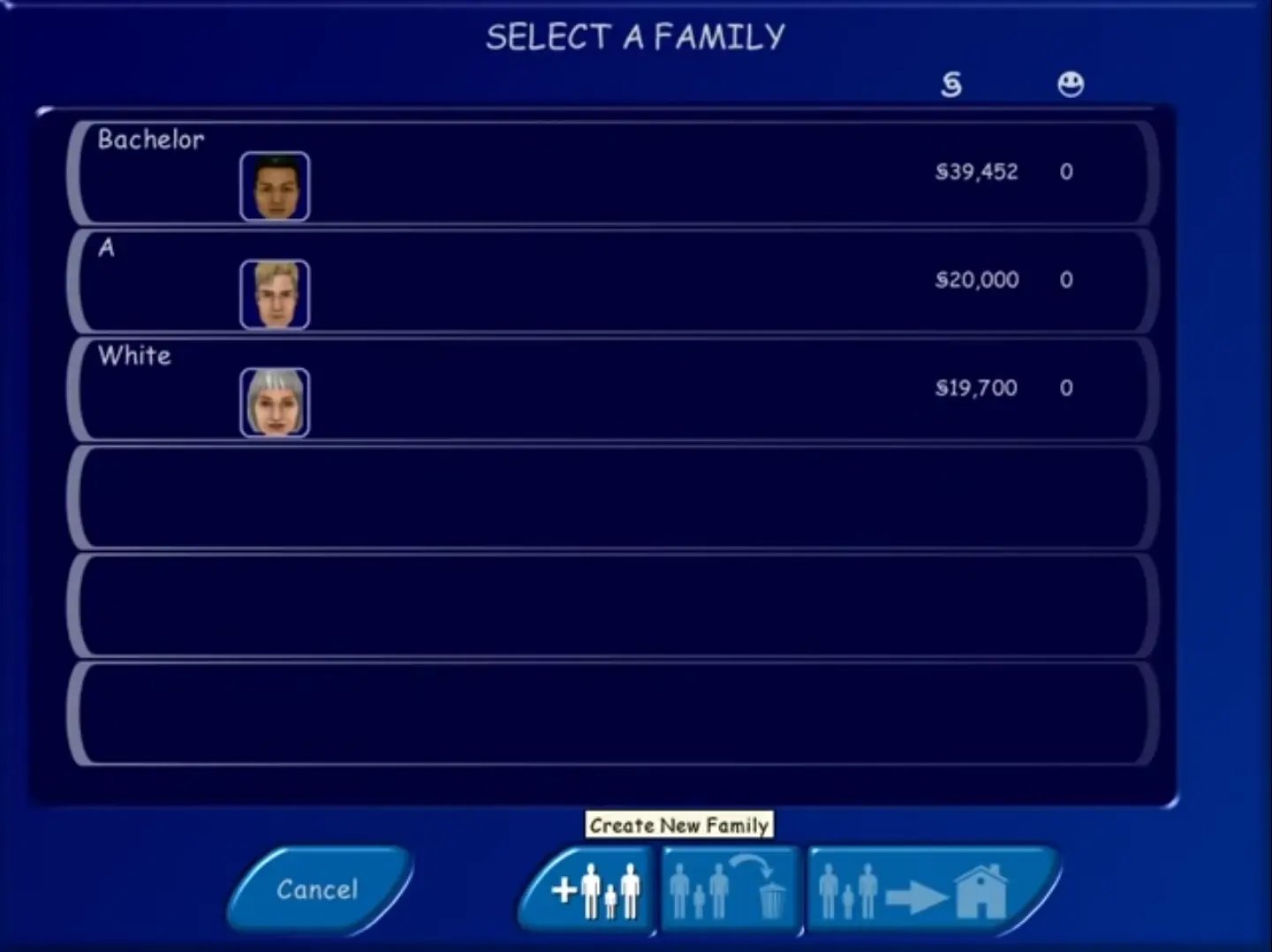
The Sims was re-released and is no longer abandonware. You can purchase the game from:
* We may earn a commission if you buy through these links.












I have tried few methods from Google, like change the compatibility properties to window98/XP/7/8 (I tried all of it) , tick “run as administrator”, created shortcuts, add the word ” -w -r1024x768″ behind Target in Property but it still doesn’t work for me.
Anyone knows how to fix this please?
Extract then run the setup.exe
Go through the steps
Then go to This PC
The Sims should be in the disc drive (from clicking the ‘disc image file’ in the extracted folder)
Then go hard drive -> program files x86 -> Maxis -> The Sims
Ctrl+C the ‘Sims’ 2116KB file from the extracted folder from earlier
Ctrl+V into the above (hard drive -> program files x86 -> Maxis -> The Sims)
Once pasted select and right click ‘run as administrator’
It will now work and allow saves
After playing you can click eject to remove the sims from the disc drive
try to replace the setup exe it says that there is not enough space.
I set the setting to Windows XP, the setup is displayed in the task manager but nothing happens. Did everything as an admin. i have no idea