Home » Games » The Sims

The Sims

The Sims Game Cover
4.4/5 - 2,320 votes

The Sims is a 2000 simulation game developed by Maxis and published by Electronic Arts.

Other Titles

模拟人生Die SimsDollhouseHome TacticsLes SimsLos SimsProject XSim DollhouseSimPeopleTactical Domestic SimulatorThe Dollhouse SimulatorSimsI Simsذا سيمزسیمزเดอะซิมส์シムピープル模擬市民심즈

Genres
Publishers
Developers
Released
Purchase

About The Sims

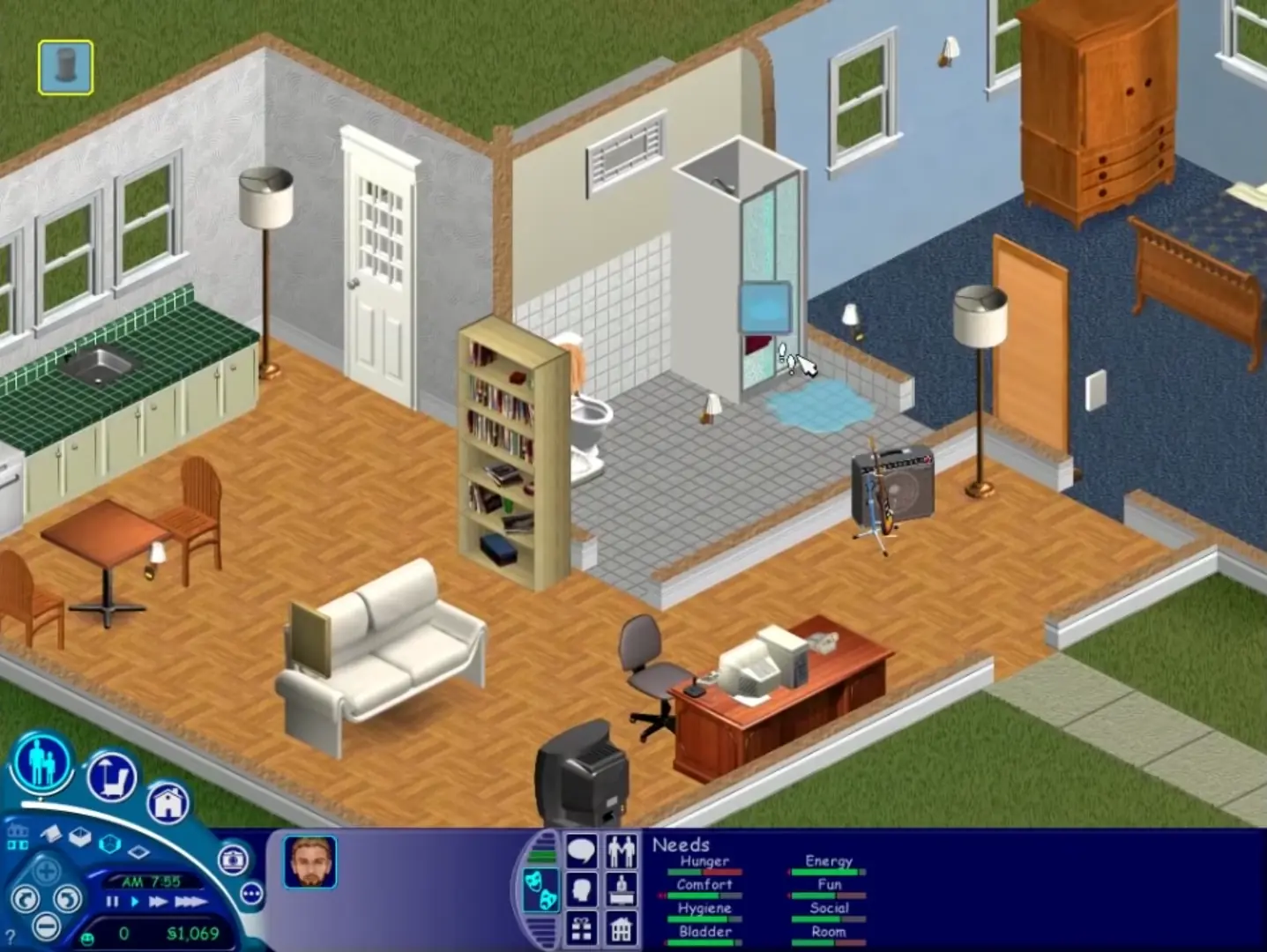
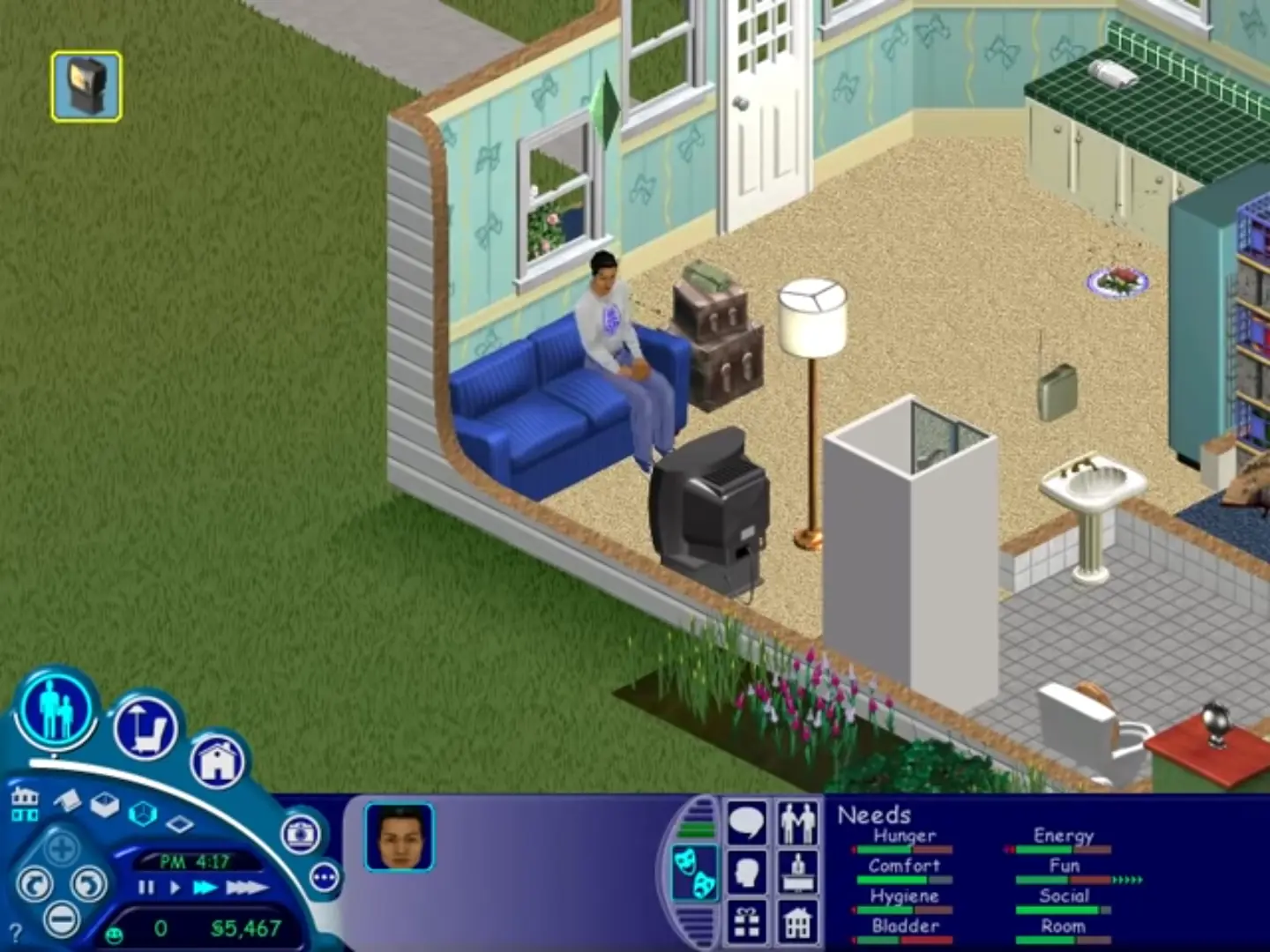
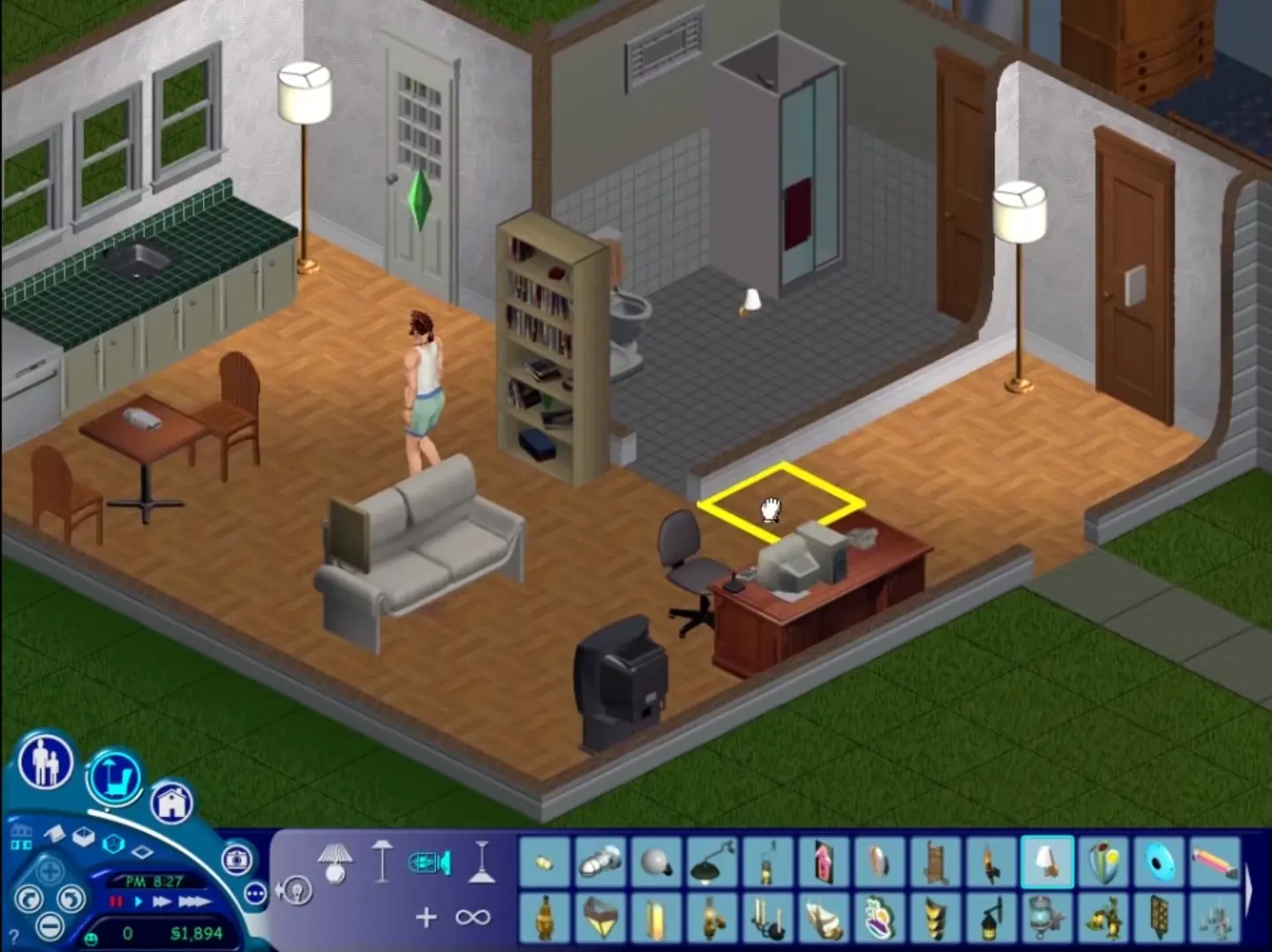
The Sims is a 2000 social simulation video game developed by Maxis and published by Electronic Arts. Designed by Will Wright, the game allows players to create and control virtual people called Sims, build and furnish homes, and manage the Sims' needs, relationships, careers, and household finances. Its open-ended gameplay has no fixed win condition.
Screenshots

Windows

The Sims — Windows screenshot 1The Sims — Windows screenshot 2The Sims — Windows screenshot 3The Sims — Windows screenshot 4

Download The Sims

The Sims was re-released and is no longer abandonware. You can purchase the game from:

* We may earn a commission if you buy through these links.

Other resources

Comments

614 thoughts on “The Sims”

  1. 0
    If anyone is stuck because an error comes up saying ‘Could not find The Sims data directory’, then first of all you should copy the Sims.exe file (the NoCD one) to the Sims directory – this is usually C:Program Files (or Program Files x86)MaxisThe Sims. Paste it there, then confirm you want to replace the file. Now you should be able to run the game.

    And for people who click on the game and nothing happens, read this forum page:
    https://forums.thesims.com/en_US/discussion/856809/windows-7-players-who-cant-get-sims-1-to-play-again-solution
    It works for Windows 7, Windows 8, and Windows 10. I used to have that problem actually. I followed the instructions and it worked. I recommend trying what it says.

    Reply
  2. 0
    Hi, i cant run the game because when i click *sims.exe* a warning says “Could not find The Sims data directory” Someone can help me please?
    Reply
  3. 0
    Cannot get setup.exe to run no matter the compatibility mode, I’ve tried XP service pack 2 and 3, as well as 98 and 95 and nothing works. Help?
    Reply
  4. 0
    Doesn’t work on new Windows 10 laptop. Did compatibility mode and everything. The setup.exe (32bit) is in the Task Manager, it’s just not doing anything. I guess installing the expansions and playing them one-by-one just wasn’t meant to be for me. T_T T_T T_T
    Reply
  5. 0
    i completed the set up and installation but when i try to paste the sims.exe back into the game files it tells me there is no room and i need an additional 2.0 mb but im unable to delete anything in the game files to make room. Am i supposed to paste it in this location?
    Reply
  6. 0
    After I click on Install the instalations automaticly stops. I deleted all files but I still can’t download the game
    Reply
  7. 0
    I have downloaded, and extracted the Sims 1 folder onto my desktop, somehow. Whenever i try to install it. No matter what compatibility, with or without administrative rights! The installer always shuts down on its own! The message after “InstallShield (R) Setup Engine has stopped working” Becomes [An error occurred while launching the setup. The remote procedure call failed.] Please , help me fix this install shield error that has been plaguing the game every sims 1 download i try.
    Reply
  8. 0
    Hi! The game works pretty good except the sims’ clothes aren’t showing up, they’re just outlines of solid color. Also, the screen will turn white on occasion especially when furniture descriptions pop up. Any recommendations on fixing this?
    Reply

Similar games