Home » Games » The Sims

The Sims

The Sims Game Cover
4.4/5 - 2,320 votes

The Sims is a 2000 simulation game developed by Maxis and published by Electronic Arts.

Other Titles

模拟人生Die SimsDollhouseHome TacticsLes SimsLos SimsProject XSim DollhouseSimPeopleTactical Domestic SimulatorThe Dollhouse SimulatorSimsI Simsذا سيمزسیمزเดอะซิมส์シムピープル模擬市民심즈

Genres
Publishers
Developers
Released
Purchase

About The Sims

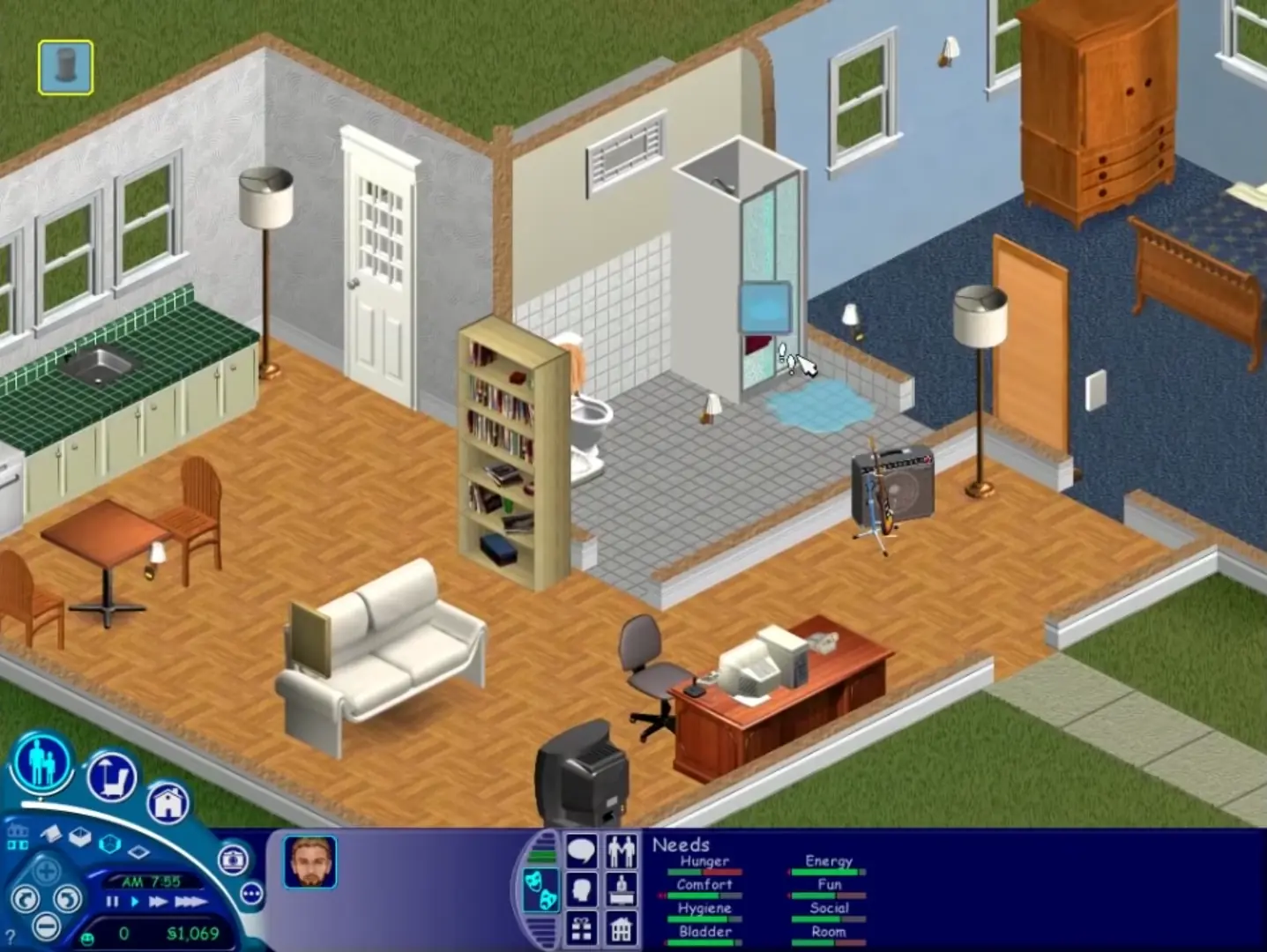
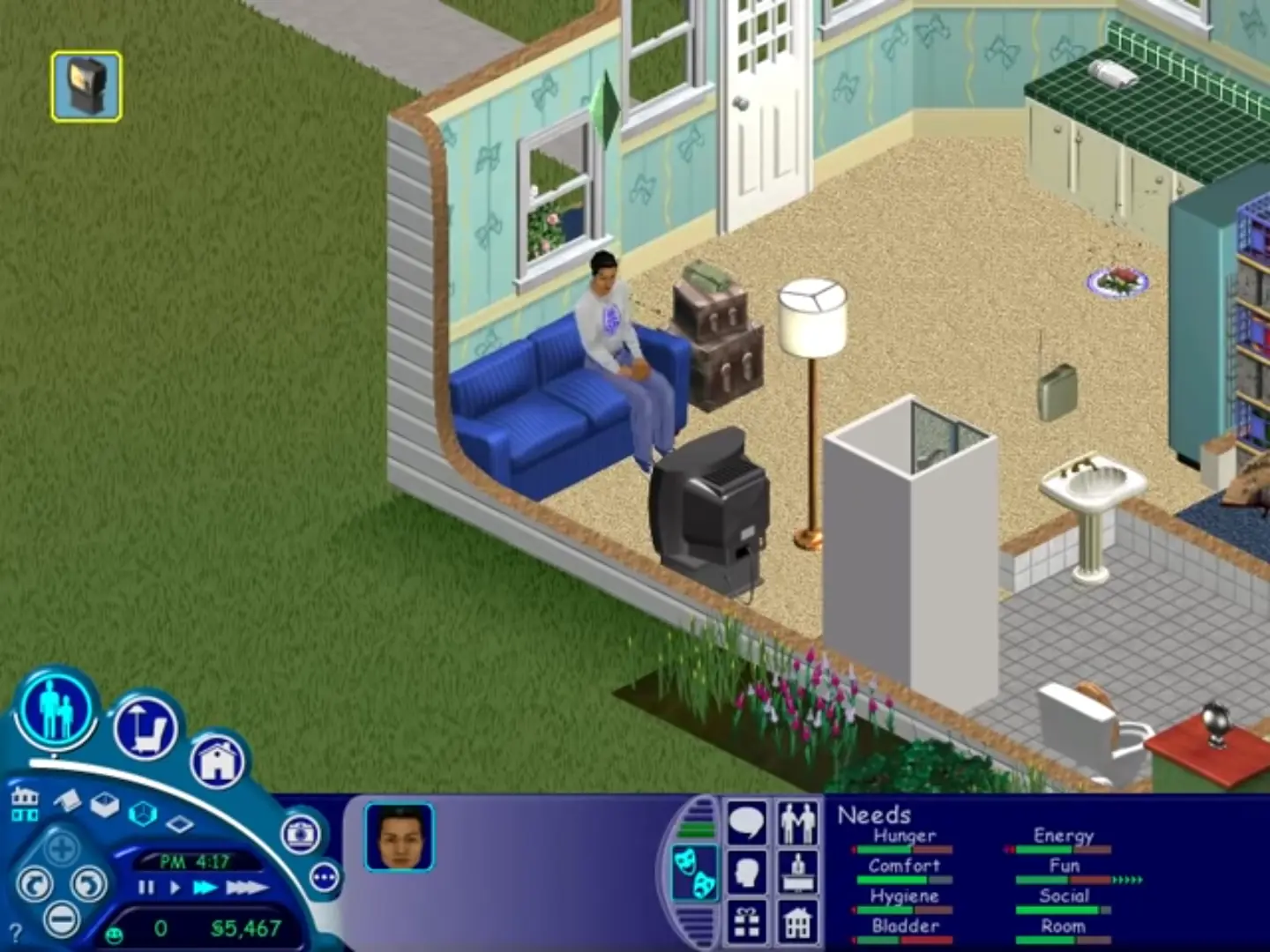
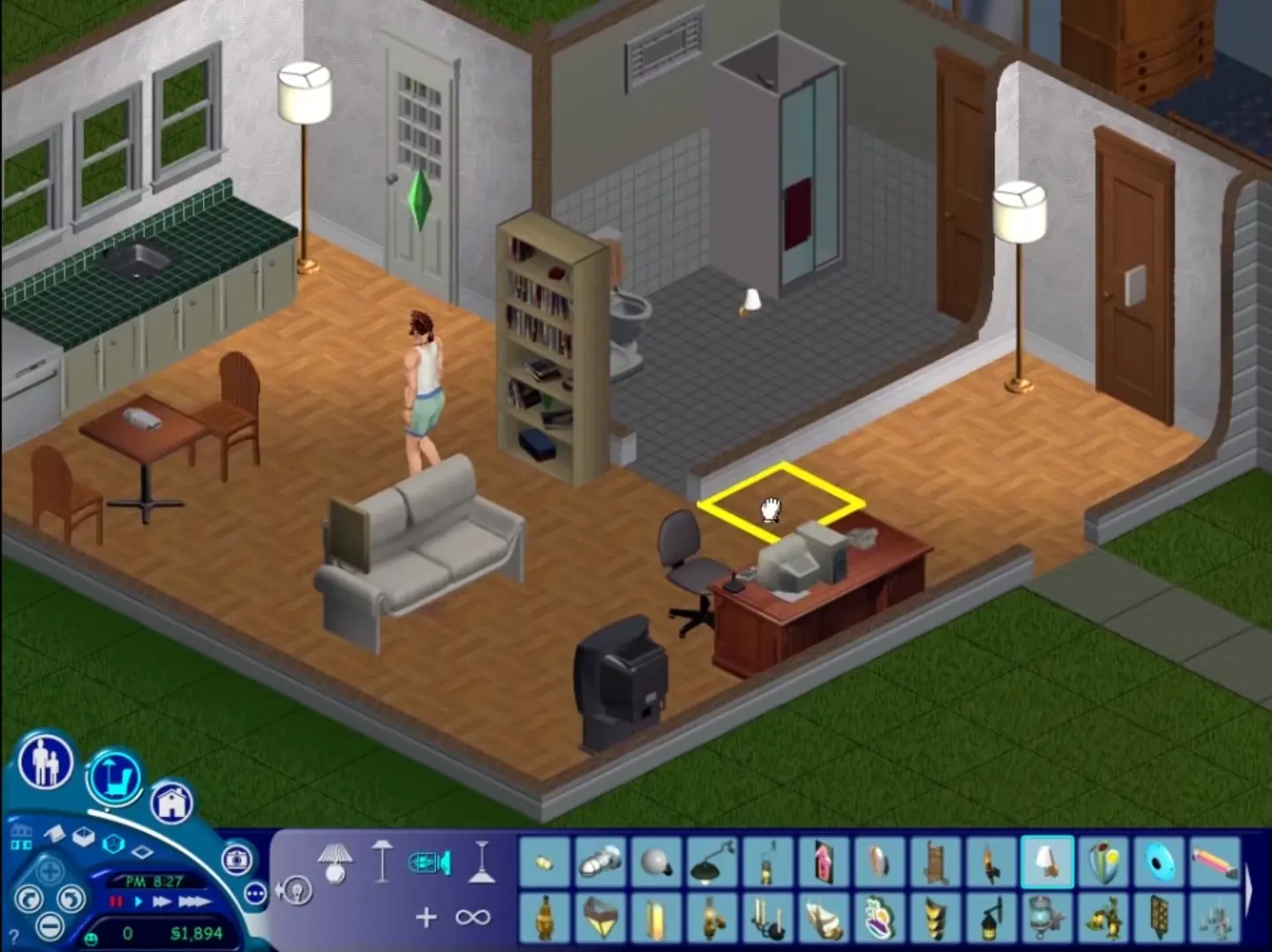
The Sims is a 2000 social simulation video game developed by Maxis and published by Electronic Arts. Designed by Will Wright, the game allows players to create and control virtual people called Sims, build and furnish homes, and manage the Sims' needs, relationships, careers, and household finances. Its open-ended gameplay has no fixed win condition.
Screenshots

Windows

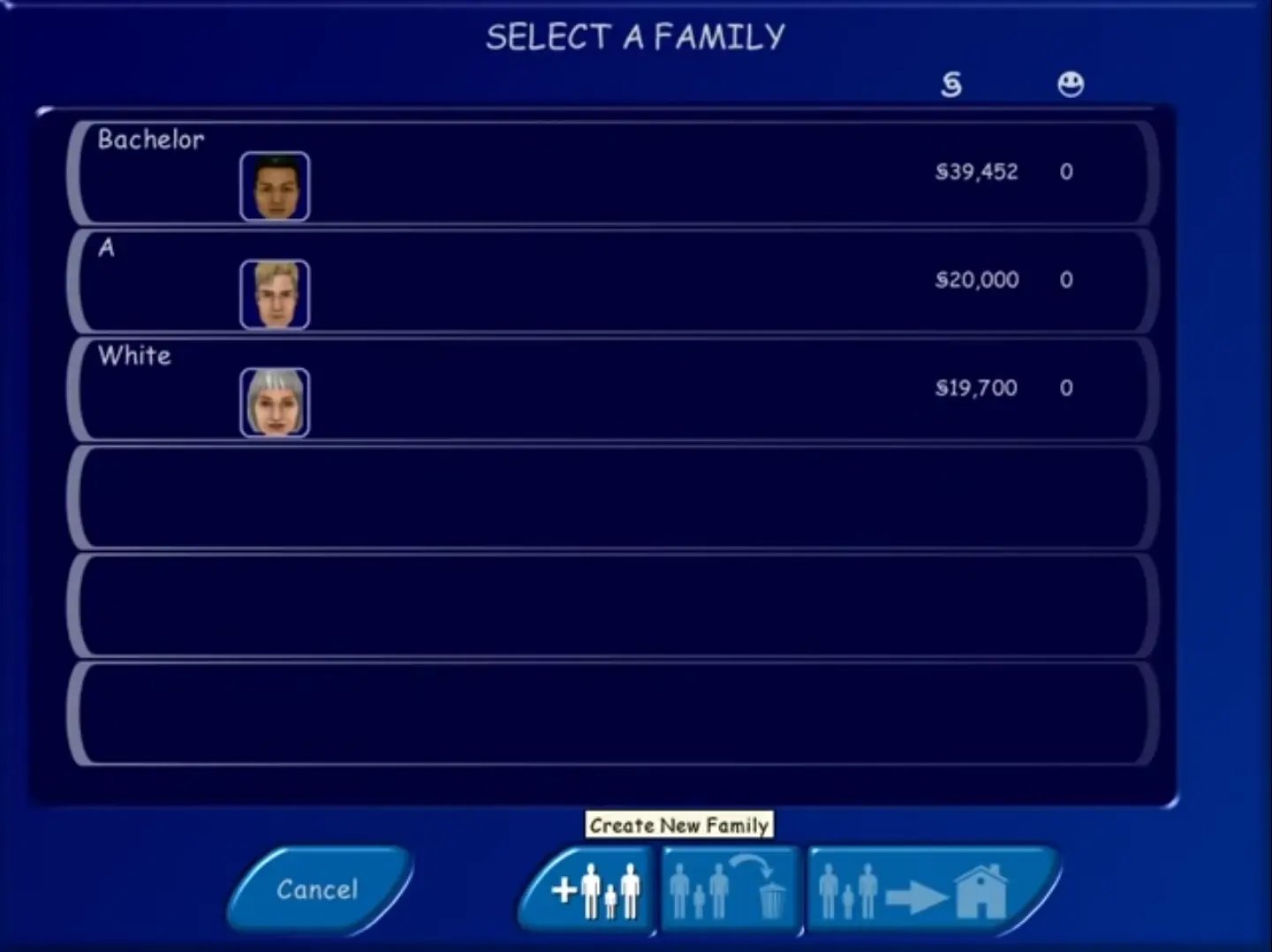
The Sims — Windows screenshot 1The Sims — Windows screenshot 2The Sims — Windows screenshot 3The Sims — Windows screenshot 4

Download The Sims

The Sims was re-released and is no longer abandonware. You can purchase the game from:

* We may earn a commission if you buy through these links.

Other resources

Comments

614 thoughts on “The Sims”

  1. 0
    Managed to install the game but whenever I try to play it it says ‘Could not find The Sims data directory’. is there any way to fix this?
    Reply
    • 0
      Same… worked the first time I loaded into the game, but every time since then have had no sound at all and the icon disappears.
      Reply
  2. 0
    Wondered if anyone’s managed to find a fix for the setup.exe file not working? Would love to play this again; I’ve mounted the ISO but as with others in the comments I try to run the setup file and the cursor makes a loading symbol then just stops/ nothing happens. I’ve tried running in compatibility mode with Windows 98/ Me and ticked run as administrator (and run setup through right-clicking/ selecting run as administrator there as well) but nothing changes. Really hoping someone has a fix/ suggestion?
    Reply
  3. 0
    No luck with the setup. I mount the iso, run setup.exe as admin, my cursor indicates it’s working, then nothing. Anyone found a solution?
    Reply
    • 0
      Try to create a new account on windows 10 then run setup file as an administrator without changing the compatibility settings, i watch the video on YouTube named “How To Install The Sims 1 Complete Collection on Windows 10~ EASY” it helped me.
      Reply
  4. 0
    Help!! i swear im doing everything right but everytime it gets to 95% download it asks for the second disc and wont let me download
    Reply
  5. 0
    Hello! I managed to download it but the screen is so small and i cant change it. is there a way i could make it full screen?
    Reply
  6. 0
    Hello,

    I was able to install it and it load successfully, however when ever I try to save the game, it says error in saving the game. any work around for this?

    Thank you!

    Reply
    • 0
      There’s an old post I found on google, it works for me.

      “You have to run it as administrator to make it work right
      Left click on start. On my pc it is in the lower left hand corner.
      Left click on all programs and find Maxis.
      Right click on Maxis and click expand.
      Right click on The Sims and click expand.
      Right click on either The Sims…800×600 or The Sims…1027×768 and click run as administrator.

      When I didn’t do that I couldn’t save or move a family I created in to a house. When I ran it as administrator it worked right.”

      Reply

Similar games