The Sims

The Sims is a 2000 simulation game developed by Maxis and published by Electronic Arts.
The Sims is a 2000 simulation game developed by Maxis and published by Electronic Arts.
The Sims is a 2000 social simulation video game developed by Maxis and published by Electronic Arts. Designed by Will Wright, the game allows players to create and control virtual people called Sims, build and furnish homes, and manage the Sims' needs, relationships, careers, and household finances. Its open-ended gameplay has no fixed win condition.
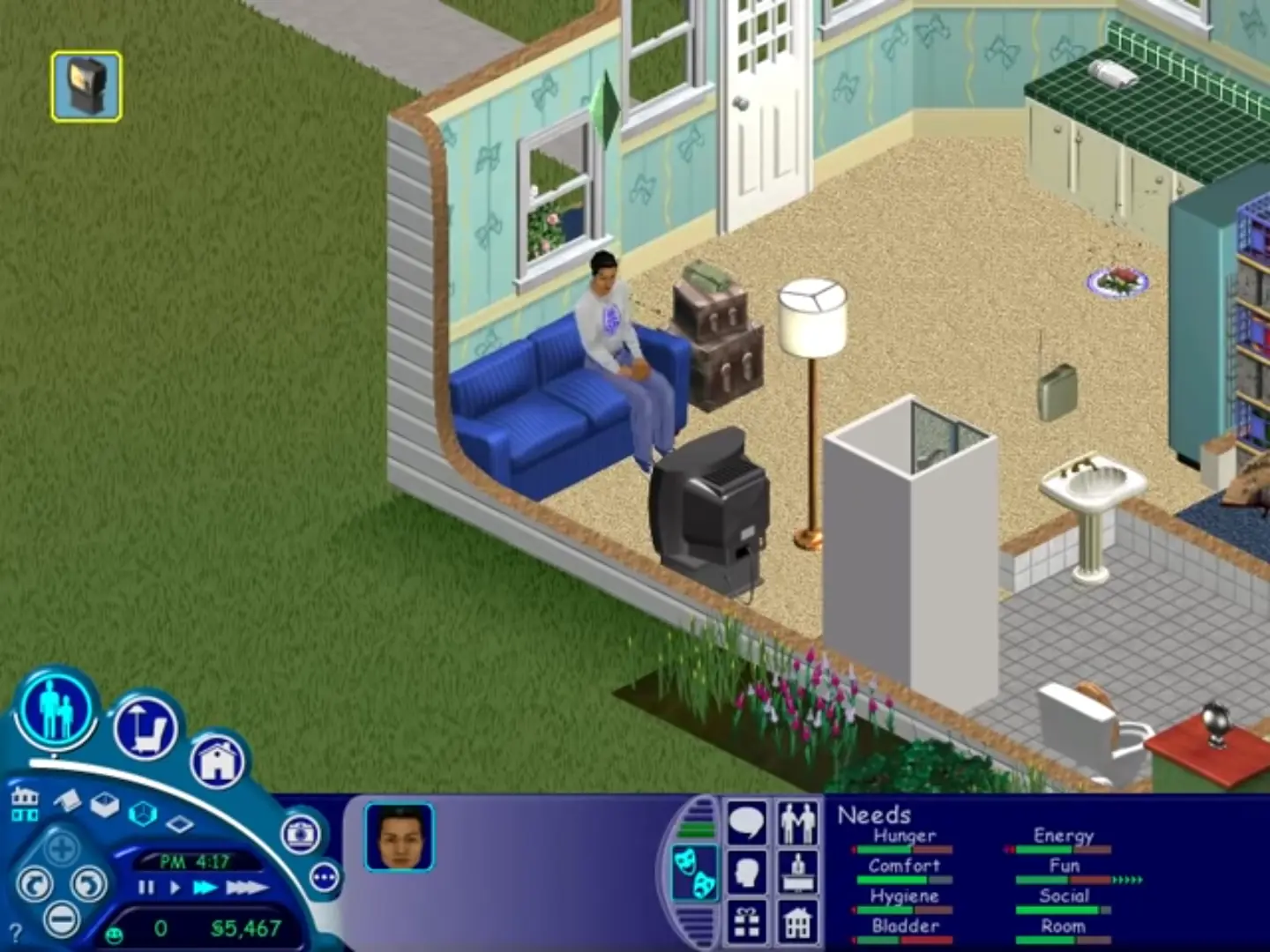
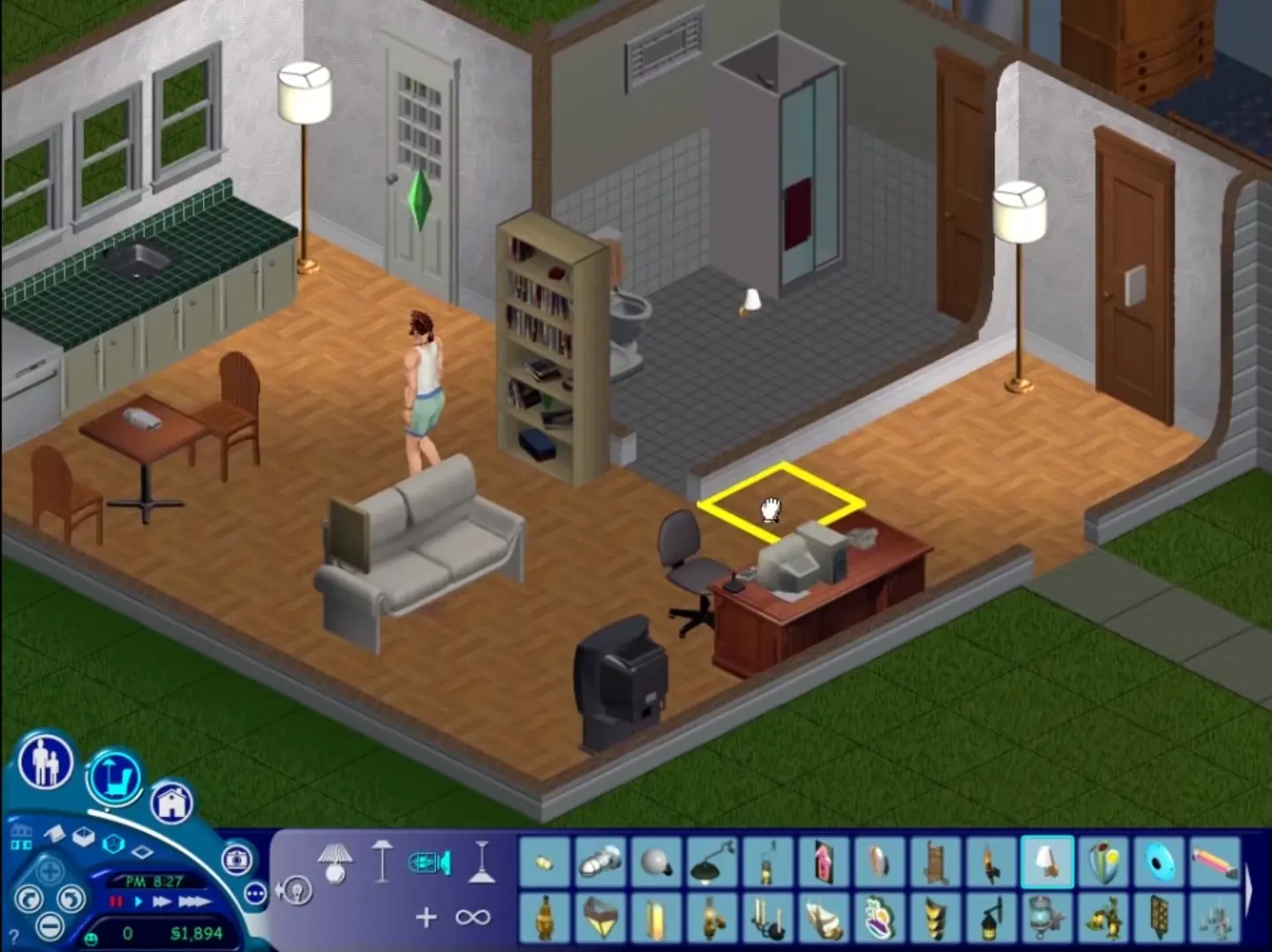
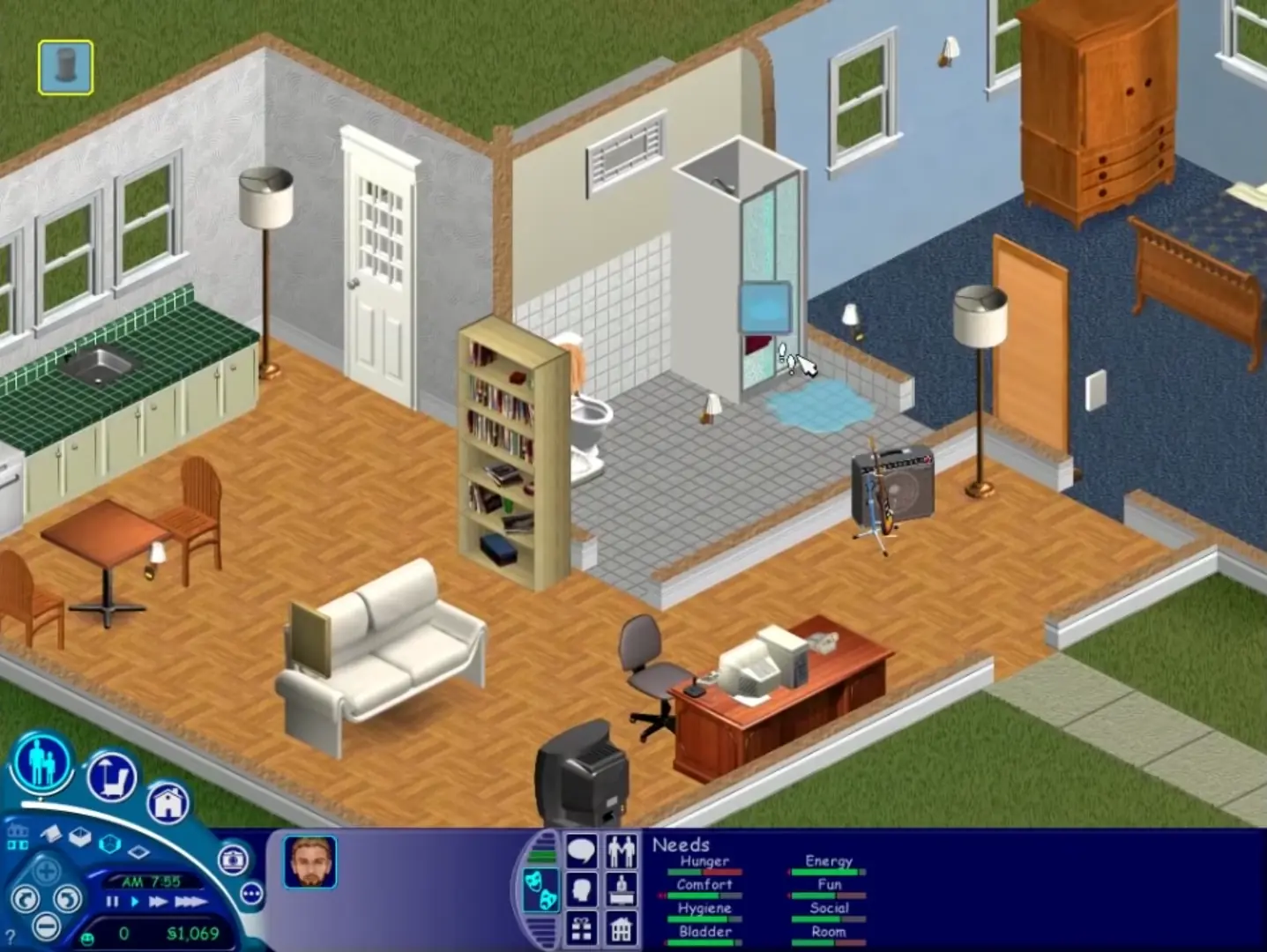
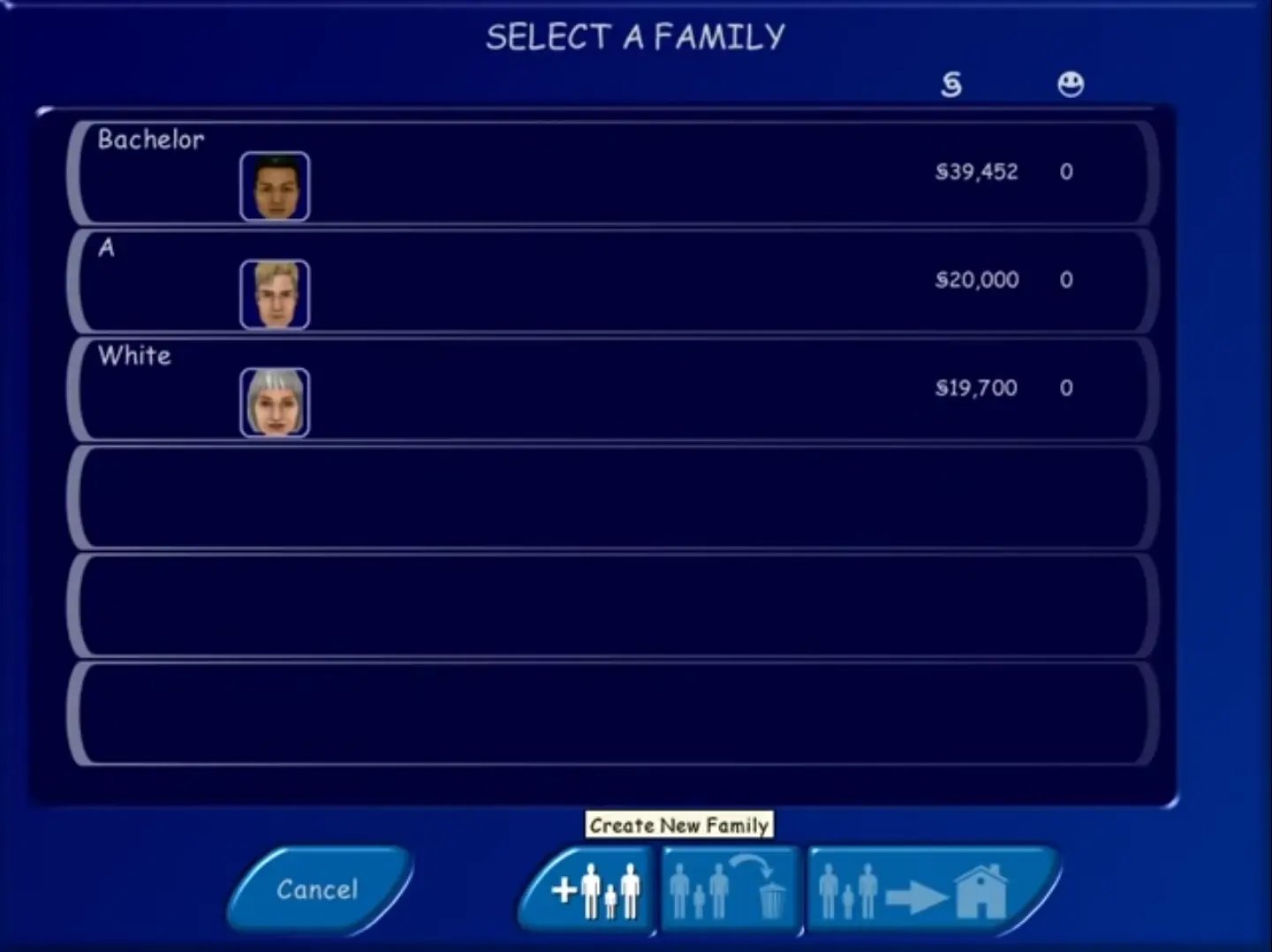
The Sims was re-released and is no longer abandonware. You can purchase the game from:
* We may earn a commission if you buy through these links.












I managed to set everything up and the game also worked perfectly. At least for maybe an hour or so. However, when I exited the game, and later tried to restart it, I’m getting an error message, that the game can’t be run, since my computer won’t support the required “color depth”.
This really confuses me, since the game was running properly before. I tried to manually change the color depth in my settings, but the error message still comes up.
Also, my Computer isn’t set up in English, so I can’t really put the exact error message in here. But directly translated, the error message says:
“Grave Error!
Game Start not possible because:
The standard graphic card does not support this color depth. Terminated now.”
Even running it in compatibility mode doesn’t help, I keep getting the same error.
Only way I managed to make this work was with a VM, I used Oracle VM with Windows XP SP3.
The issue here is that I can’t patch its resolution and audio stutters often.
I have tried the widescreen patcher(both legacy and normal) and its different wrappers, I also tried the old route by changing the hex values, both results in “green looking” launch screen and then crashes at the end.
But, if you can deal with the resolution and some audio glitches just to be able to play Sims 1 again,
I highly suggest trying out VM route.
EDIT:
CMMD E8HB 2PEP HZ7R HSTH
Found one. this should work
I tried to run setup.exe a few times with no success (after mounting ISO). I can see that the setup.exe is active in the task manager but nothing is happening. Running as admin and using the compatibility troubleshooting wonät help.. Running on Windows 10.
Edit: Solved the issue! Run it as an administrator and that should work.
Thank`s in advance