The Sims

The Sims is a 2000 simulation game developed by Maxis and published by Electronic Arts.
The Sims is a 2000 simulation game developed by Maxis and published by Electronic Arts.
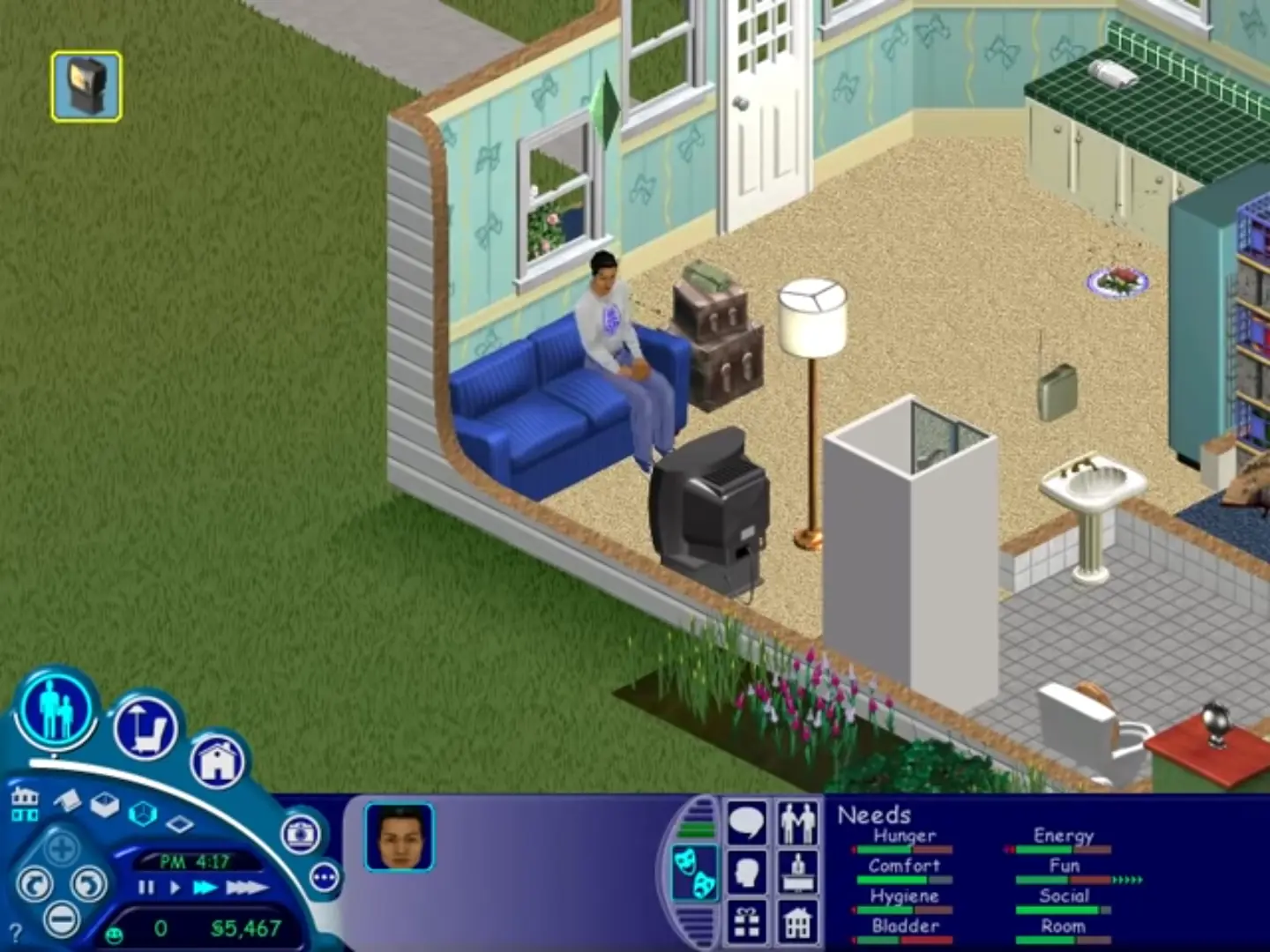
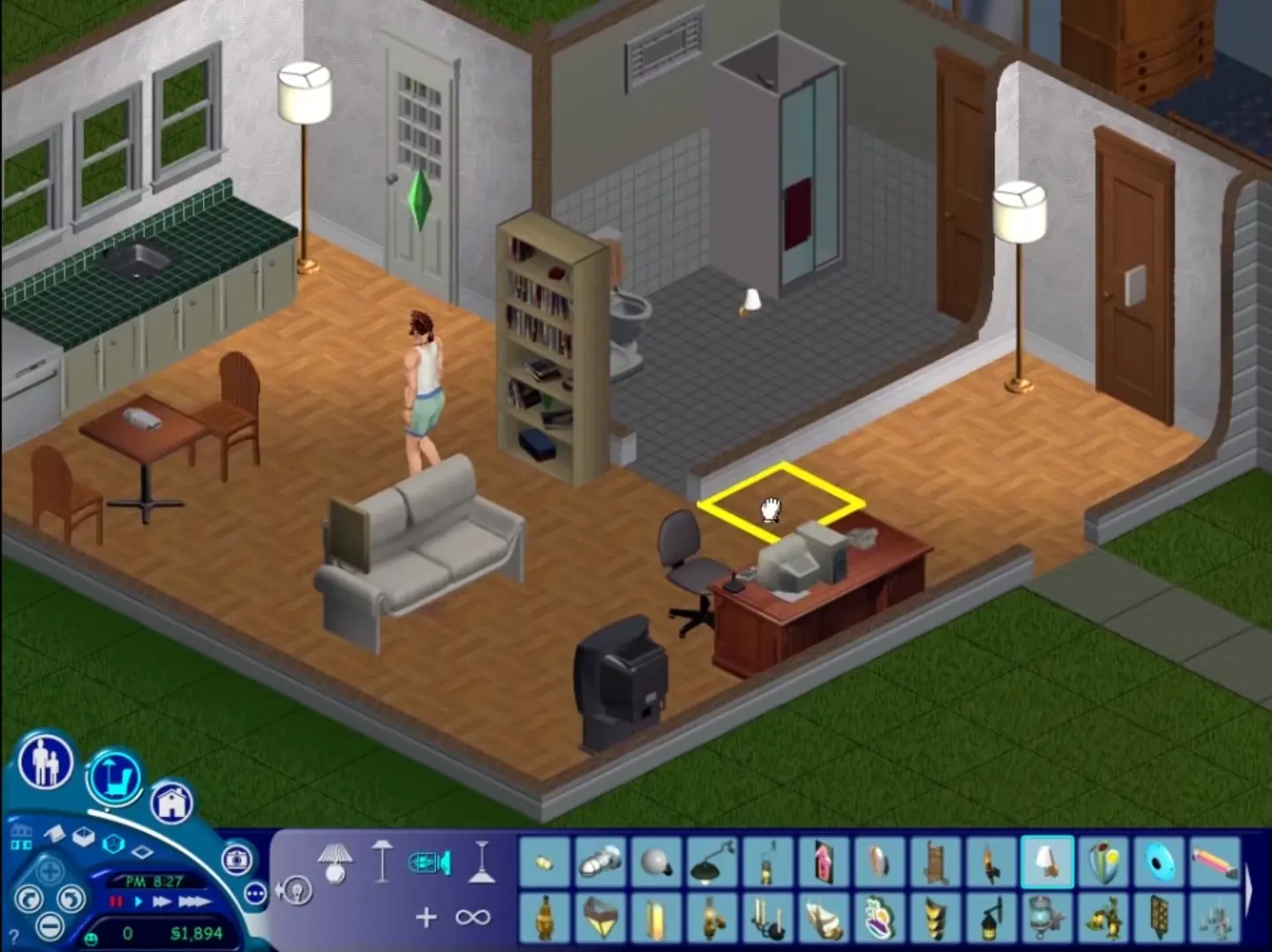
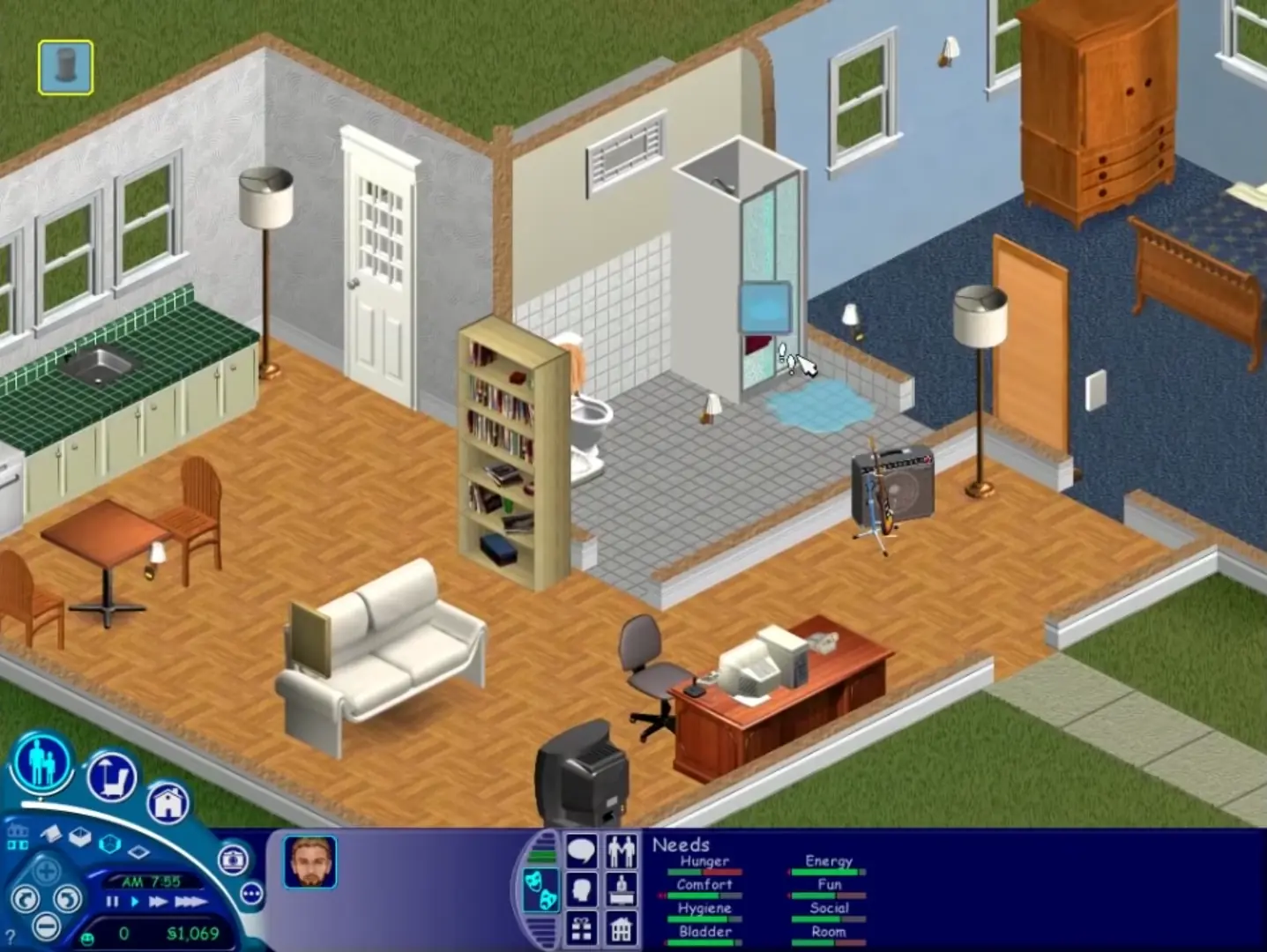
The Sims is a 2000 social simulation video game developed by Maxis and published by Electronic Arts. Designed by Will Wright, the game allows players to create and control virtual people called Sims, build and furnish homes, and manage the Sims' needs, relationships, careers, and household finances. Its open-ended gameplay has no fixed win condition.
The Sims was re-released and is no longer abandonware. You can purchase the game from:
* We may earn a commission if you buy through these links.












Right click the setup.exe > properties > compatability tab:
Check compatibility, set to windows xp service pack 3
Check reduced color mode, set it to 16 bit.
Check disable fullscreen optimizations
Right click the setup.exe > properties > compatability tab:
Check compatibility, set to windows xp service pack 3
Check reduced color mode, set it to 16 bit.
Check disable fullscreen optimizations
Open task manager > sort by name > find Setup.exe in the background processes and kill any already running. Restart setup.exe and go back to it in task manager.
Right click it, click go to details. Right click the highlighted process and click “Analyze Wait Chain”. You will see 2 applications listed with checkboxes next to them, the top one will be setup.exe. Check the box for the bottom one and end the process. Then close the window. You may need to repeat the process of selecting analyze wait chait and ending the secondary task 2 or more times, then the installer should launch and work fine.
Nvm, found it: had to go on ‘Details’ tab on the top of task manager then did the rest. However now that it is installed, when I try to launch it, it says ”please log in with administrator privilages and try again.”