Home » Games » The Sims

The Sims

The Sims Game Cover
4.4/5 - 2,320 votes

The Sims is a 2000 simulation game developed by Maxis and published by Electronic Arts.

Other Titles

模拟人生Die SimsDollhouseHome TacticsLes SimsLos SimsProject XSim DollhouseSimPeopleTactical Domestic SimulatorThe Dollhouse SimulatorSimsI Simsذا سيمزسیمزเดอะซิมส์シムピープル模擬市民심즈

Genres
Publishers
Developers
Released
Purchase

About The Sims

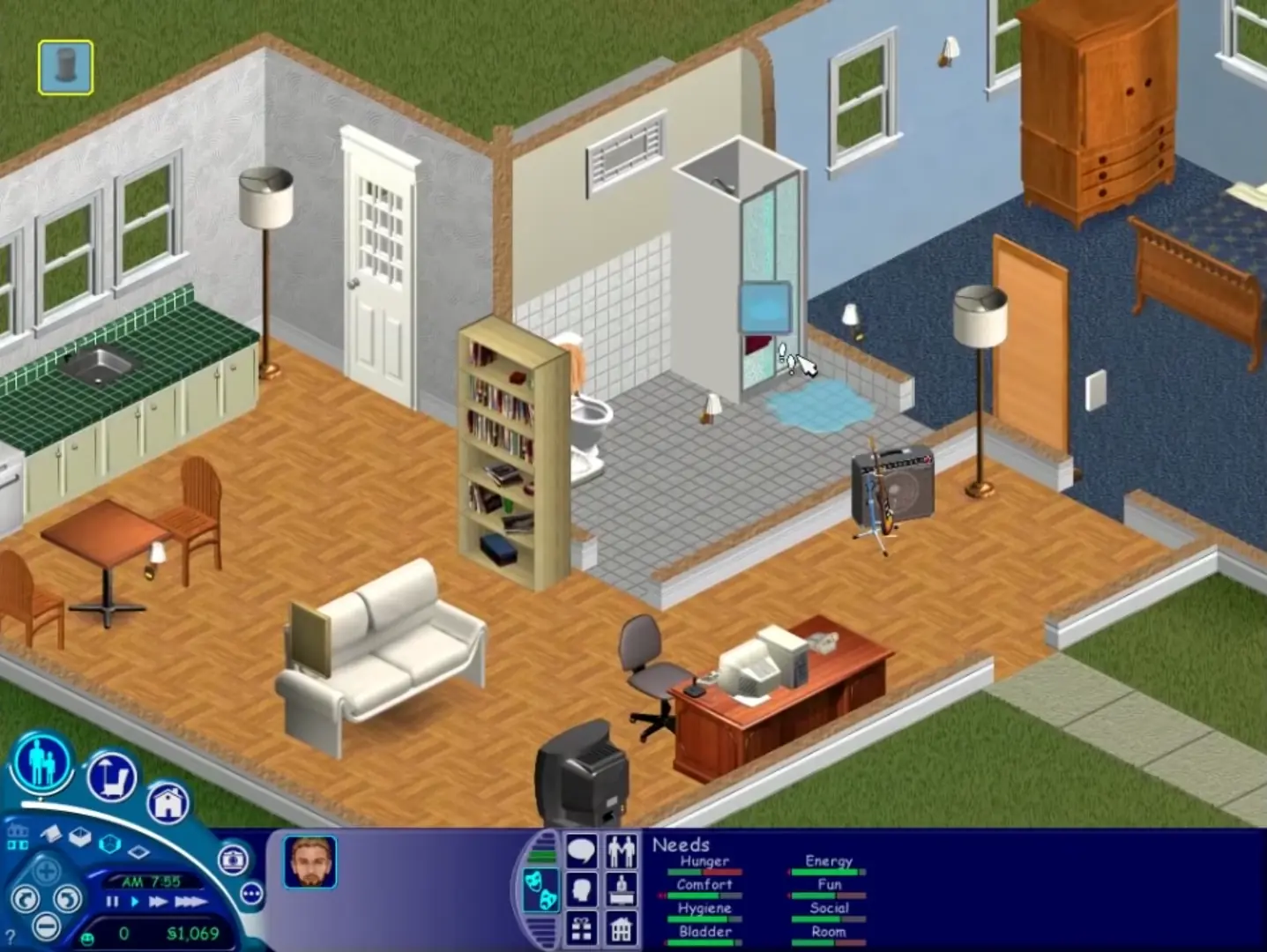
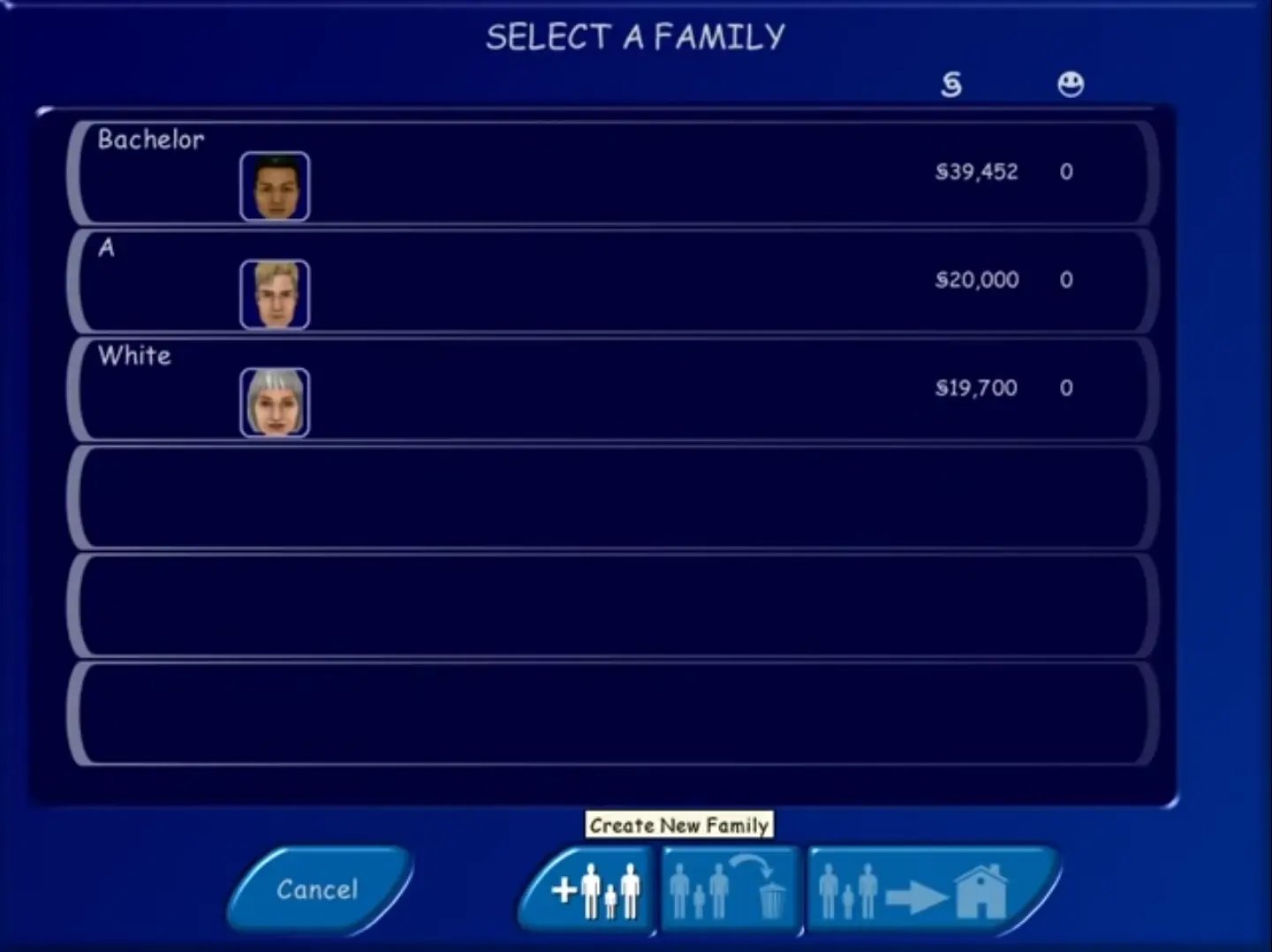
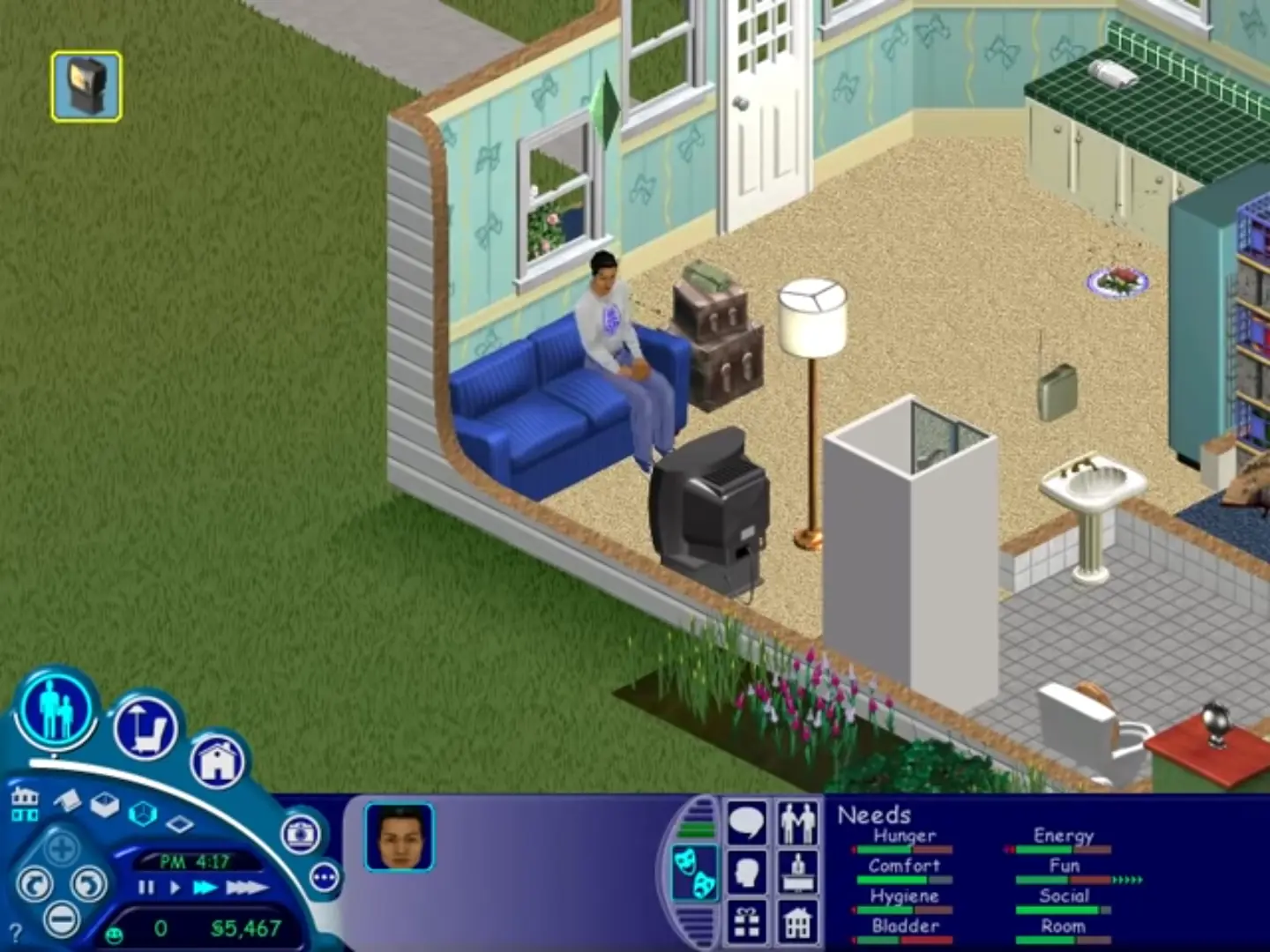
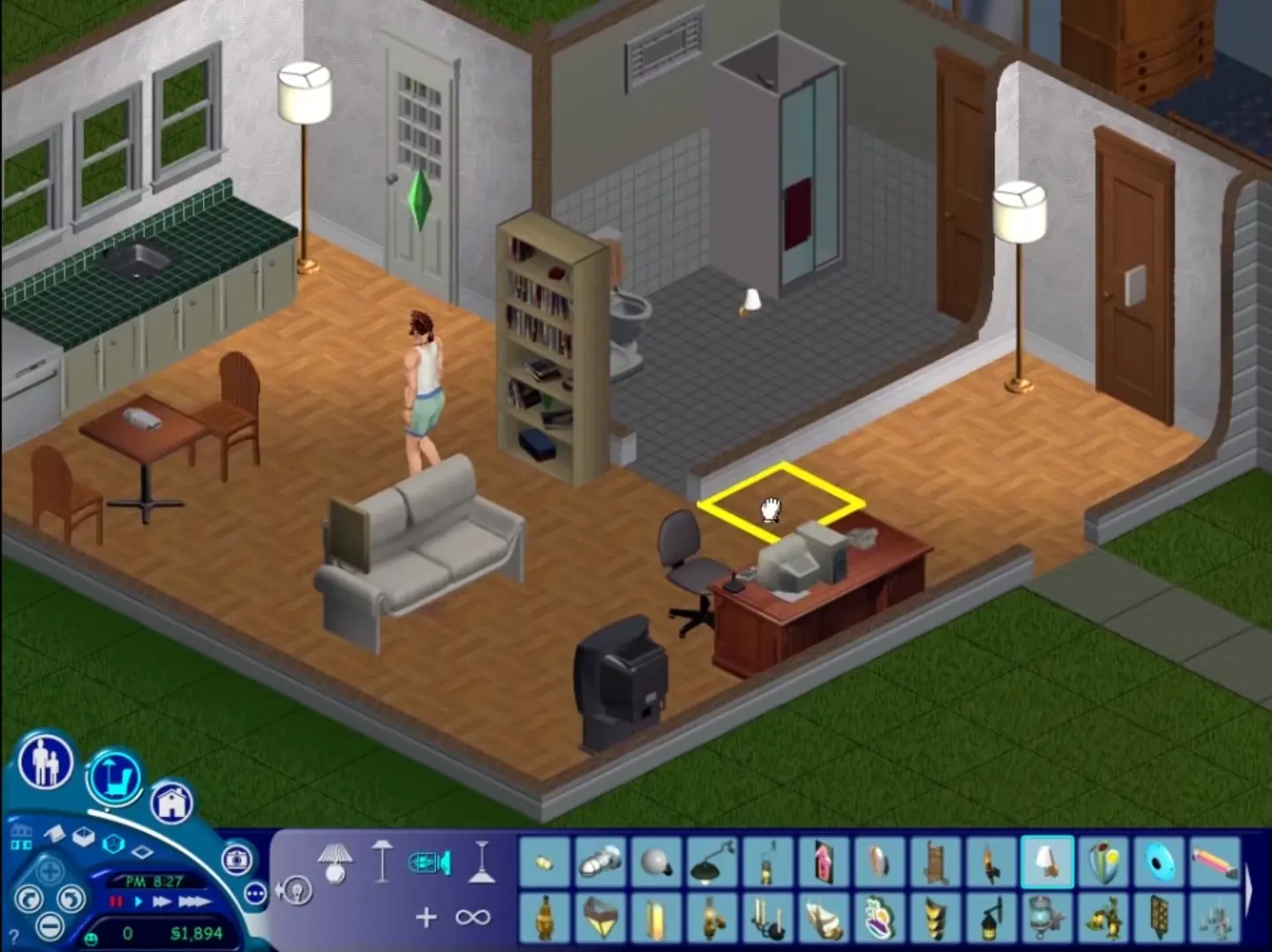
The Sims is a 2000 social simulation video game developed by Maxis and published by Electronic Arts. Designed by Will Wright, the game allows players to create and control virtual people called Sims, build and furnish homes, and manage the Sims' needs, relationships, careers, and household finances. Its open-ended gameplay has no fixed win condition.
Screenshots

Windows

The Sims — Windows screenshot 1The Sims — Windows screenshot 2The Sims — Windows screenshot 3The Sims — Windows screenshot 4

Download The Sims

The Sims was re-released and is no longer abandonware. You can purchase the game from:

* We may earn a commission if you buy through these links.

Other resources

Comments

614 thoughts on “The Sims”

  1. 0
    after i double click the start application, and then click install, i get an unknown error encountered, aborting setup.
    how to resolve this?
    Reply
  2. 0
    the game is turning on normally but when the loading screen is done i cant seem to do anything! the cursor is stuck in ,,pointing mode”. i cant click anything, even when i exit the app by pressing the windows button i cant click on anything on my desktop. i have to force my laptop to turn off manually and only when it turns on again i can click stuff again on my desktop. tried restarting the game a couple of times and even reinstalling but it didnt work. anyone else had this issue? if so, how do i resolve it?? cant find anything online about it.
    Reply
  3. 0
    i tried to follow the instructions given in the read me file. i was not prompted to register. i went to the sims crack file, there was no file alled sims.exe. please help!
    Reply
    • 0
      Hast du die Datei in aus Schritt 5 in den lokaler Datenträger (C) -programme(x86) -Maxis- die Sims- einfach rein kopieren und auf die neure Version überschreiben das hat bei mir geholfen
      Reply
  4. 0
    Hey, so when I tried to do step 6 it said there were 0 bytes of space left, and it failed. Is there any way to fix this?
    Reply
  5. 0
    yatağa tıklayınca her hangi bir komut çıkmıyor sleep yada diğer komutlar there are no actions available yazısı çıkıyor bu hatayı nasıl düzeltebilirim
    Reply
  6. 0
    Can’t get this to install at all. Menu pops up, but after clicking install, nothing happens and the menu freezes. Running in Admin does nothing
    Reply
  7. 0
    Quick Update – I cannot get this to work but I have successfully got the Sims: Complete Collection to install and work fine on Windows 11! Hooray!
    Reply
  8. 0
    I launch Setup.exe after mounting, It is running as I can see it in the task manager, but there is no window
    Reply
  9. 0
    Doesn’t work on Windows 11. Installed fine but trying compatibility mode and running as admin just doesn’t work. Such a shame 🙁
    Reply

Similar games