Home » Games » The Sims

The Sims

The Sims Game Cover
4.4/5 - 2,320 votes

The Sims is a 2000 simulation game developed by Maxis and published by Electronic Arts.

Other Titles

模拟人生Die SimsDollhouseHome TacticsLes SimsLos SimsProject XSim DollhouseSimPeopleTactical Domestic SimulatorThe Dollhouse SimulatorSimsI Simsذا سيمزسیمزเดอะซิมส์シムピープル模擬市民심즈

Genres
Publishers
Developers
Released
Purchase

About The Sims

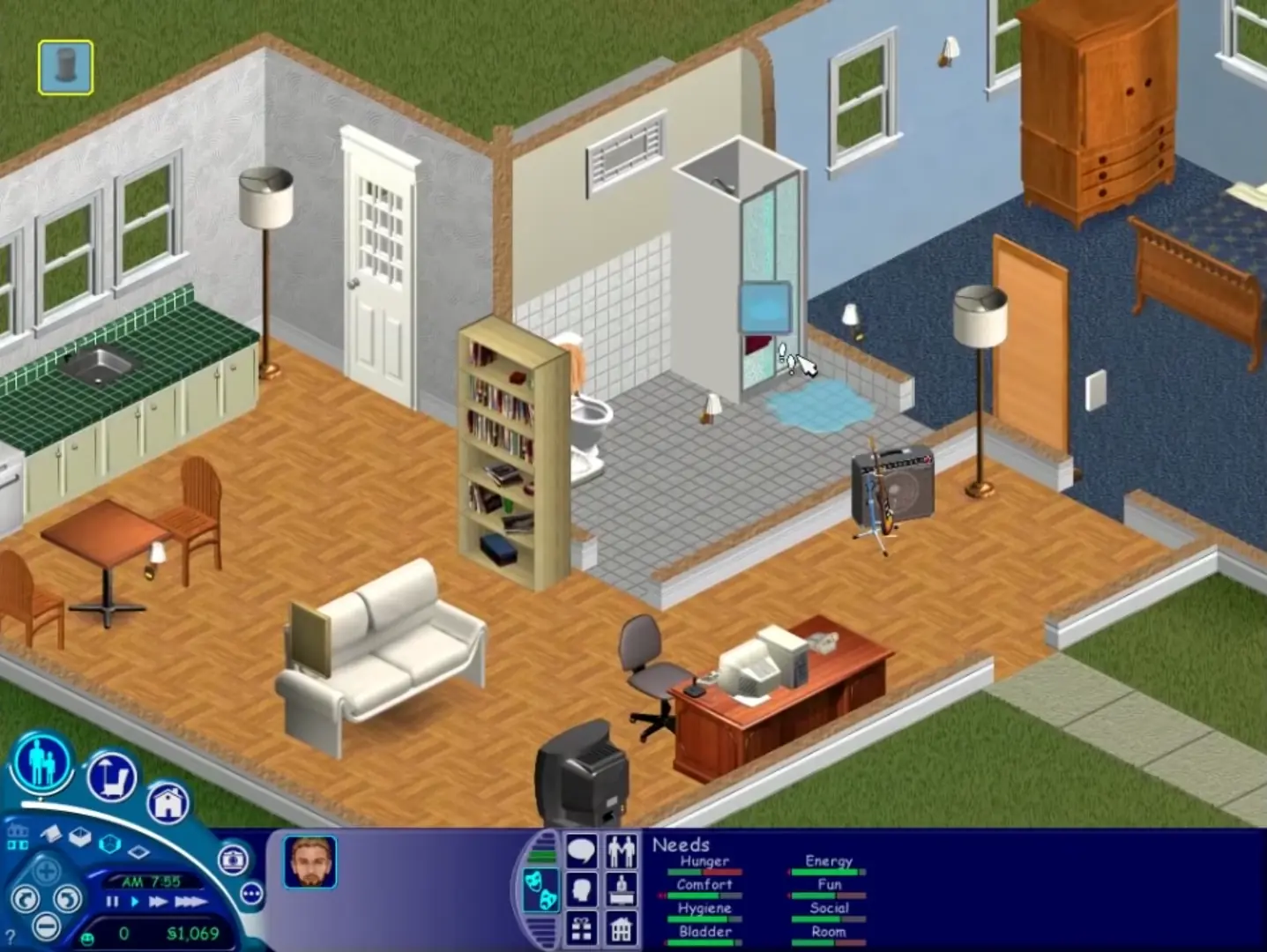
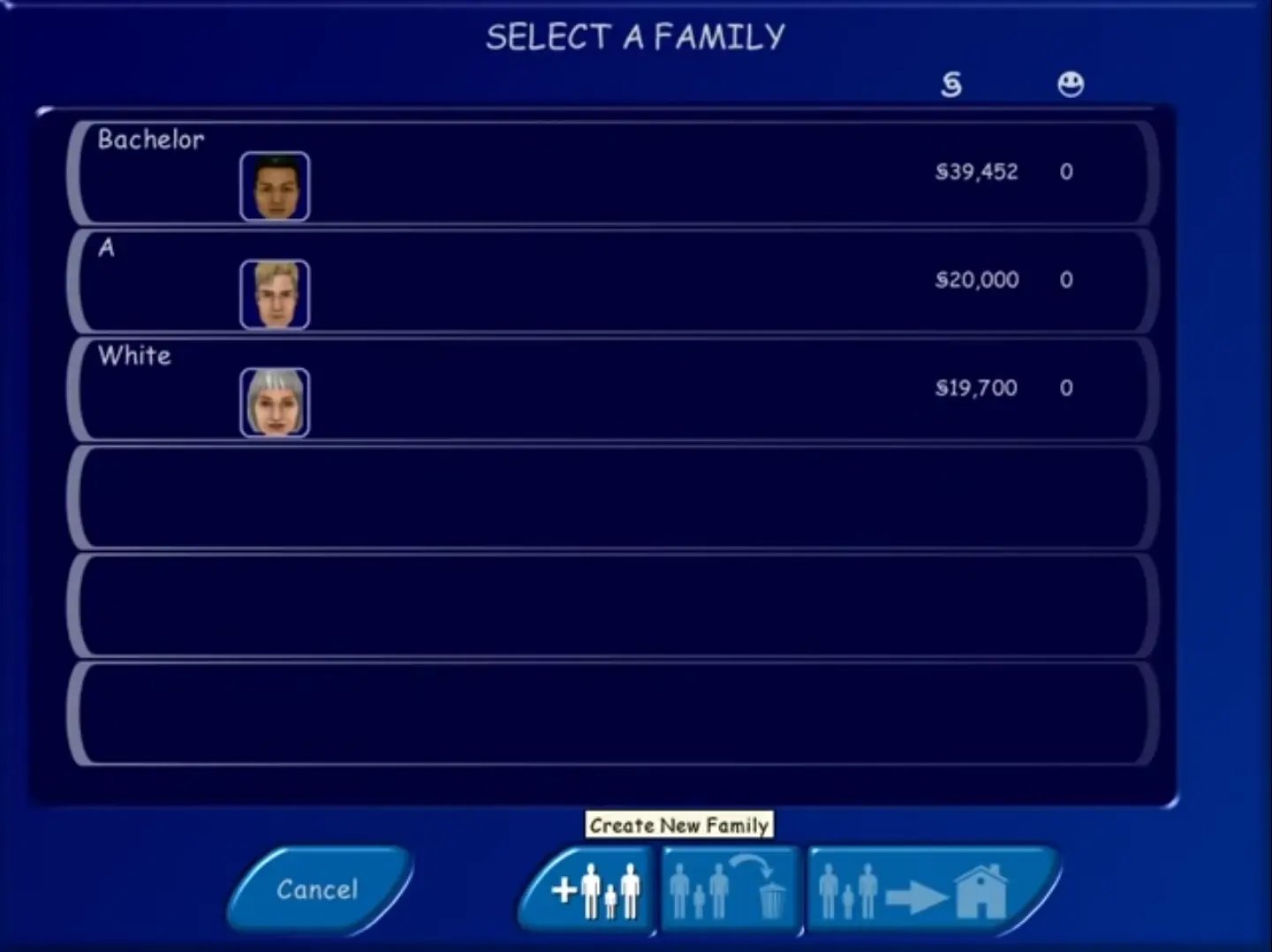
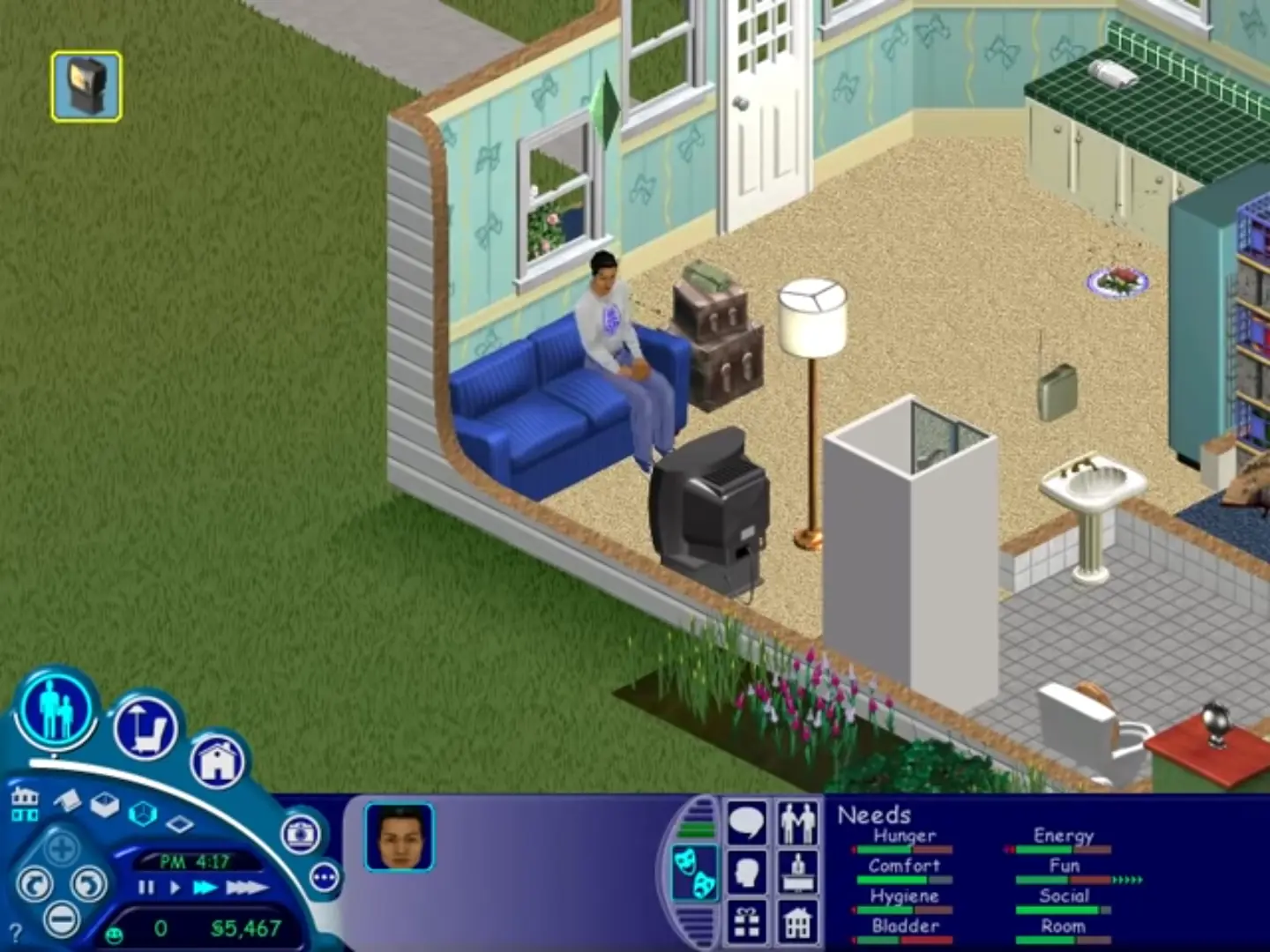
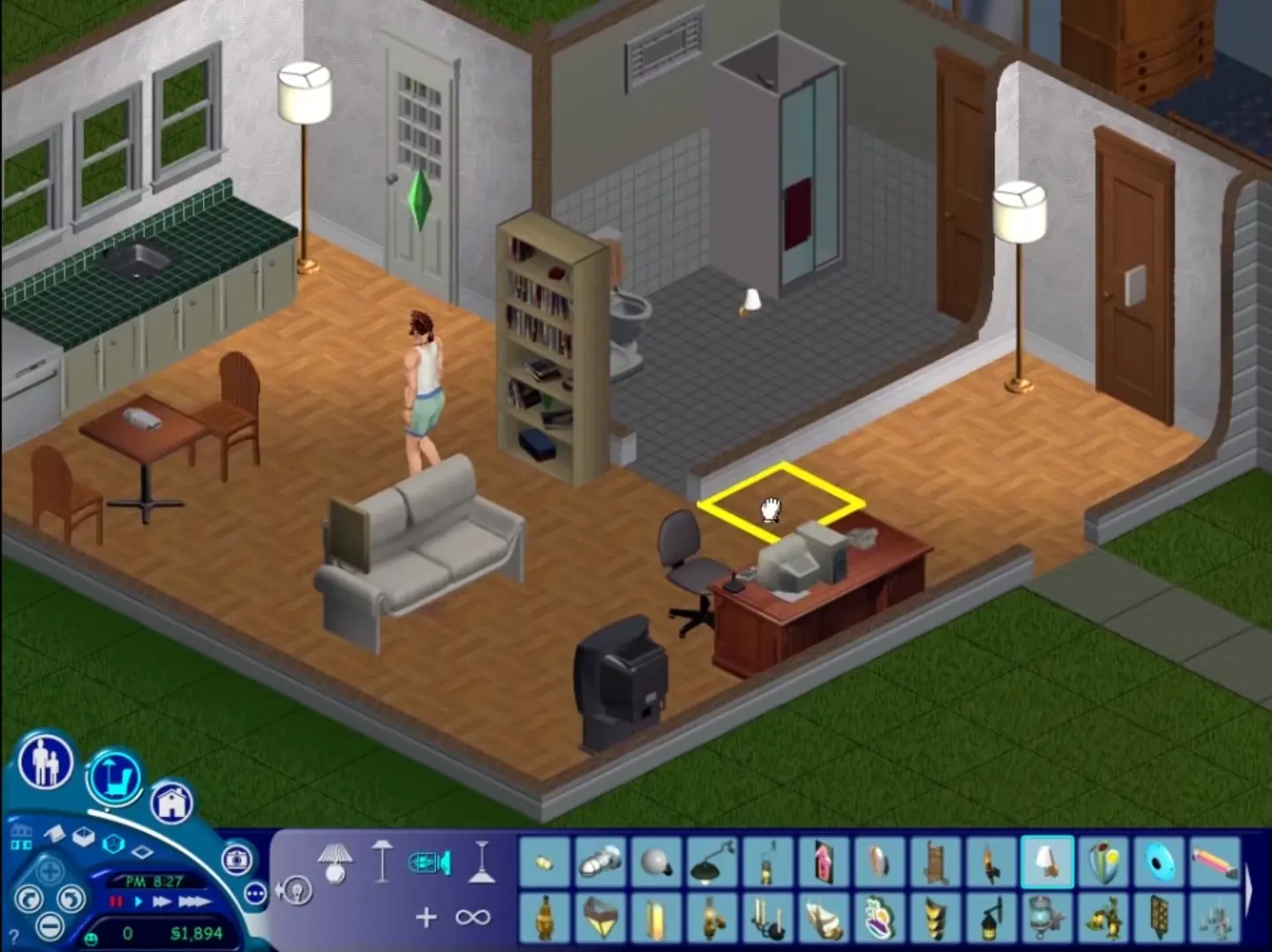
The Sims is a 2000 social simulation video game developed by Maxis and published by Electronic Arts. Designed by Will Wright, the game allows players to create and control virtual people called Sims, build and furnish homes, and manage the Sims' needs, relationships, careers, and household finances. Its open-ended gameplay has no fixed win condition.
Screenshots

Windows

The Sims — Windows screenshot 1The Sims — Windows screenshot 2The Sims — Windows screenshot 3The Sims — Windows screenshot 4

Download The Sims

The Sims was re-released and is no longer abandonware. You can purchase the game from:

* We may earn a commission if you buy through these links.

Other resources

Comments

614 thoughts on “The Sims”

  1. 0
    Could not drag the sims.exe while holding the shift into Maxis. It’s not working and could not find data directory. Please advise. TIA!!!
    Reply
  2. 0
    Heres How I did it for me, everything for me, but maybe not for you, will work, Step #1: Download & wait for the game to complete, Step # 2: Click Setup, NOT start or start.exe..It will just load endlessly. then put in the code above in the instructions. after it finishes loading, DO NOT CLICK START.EXE OR SETUP. please, it will just drive you insane. Step #3: take the sims.exe file, from sims crack folder, and drag it into the “maxis” folder, located in your pc, then C: (or something else) progam files x86, MAXIS, then i’d reccomend having 2 file things open, to drag and drop, WARNING: MAKE SURE THAT YOU HOLD SHIFT WHILE DRAGGING the sims.exe (crack ver) other wise it’ll either create a shortcut, or tell you cannot make one, after that, itll tell you to replace, skip, or leave it to you, click replace, and it’ll replace it, then click on the replacement, (the one you just dragged and dropped) and it should work fine! (NOTES: when it says “could not find data directory,” when just clicking on the sims.exe without dragging it, IT IS BECAUSE MAXIS IS THE DIRECTORY. NOT THE DOWNLOAD FOLDER!!, I DO NOT RECCOMEND FOLLOWING THE INSTRUCTIONS THEY GIVE YOU, it’ll not work. NOTE #2, IF YOU DOWNLOADED IT BEFORE, AND SETUP SAYS “error, aborting setup, THIS IS BECAUSE THE LEFT OVER DATA FROM SETUP. YOU NEED TO GO TO THIS PC, WINDOWS C:, MAKE SURE HIDDEN EXTENSIONS AND HIDDEN ITEMS IS TURNED ON, THIS WILL SHOW HIDDEN FILES YOU HAVE. GO TO PROGRAM FILES x86, AND THERE SHOULD BE A FOLDER SAYING “INSTALL SHIELD WIZARD” CLICK ON IT AND IF THERE IS A FILE, THAT SAYS { {F2527115-B8BF-4FDB-B5DA-5AADFB7C13E1} DELETE IT, (DONT DELETE IF YOU GOT SIMS 1 RUNNING, OR ANY OF THE OTHER FILES AFTER! :3) it should let you SETUP NOW,)
    Reply
    • 0
      Wow, you are great ! Thanks for that, the whole Time it was the “drag and drop” thing for me, i did not know about the “hold shift” thing, but now because of you it works. Thanks alot, i wish you a great Christmas Time this Year my Friend.

      (btw sry for my bad beginner english)

      Reply
    • 0
      I can’t fix the “could not find data directory” error 🙁 I tried moving the sims.exe file from the sims crack folder to the maxis folder and also to the sims folder within that, but I just keep getting the same error message. Do I need to try a different no-cd crack or adjust compatibility settings or something else?
      Reply
  3. 0
    1. After create new family and buy a land, the family do not appear.
    2. I try with a family that already exist, can play but can’t save the game (error)

    What should i do?

    Reply
  4. 0
    I cannot find the setup.exe file I have a folder called setup and inside it are different language options but nothing else. Any ideas
    ?
    Reply

Similar games