The Sims

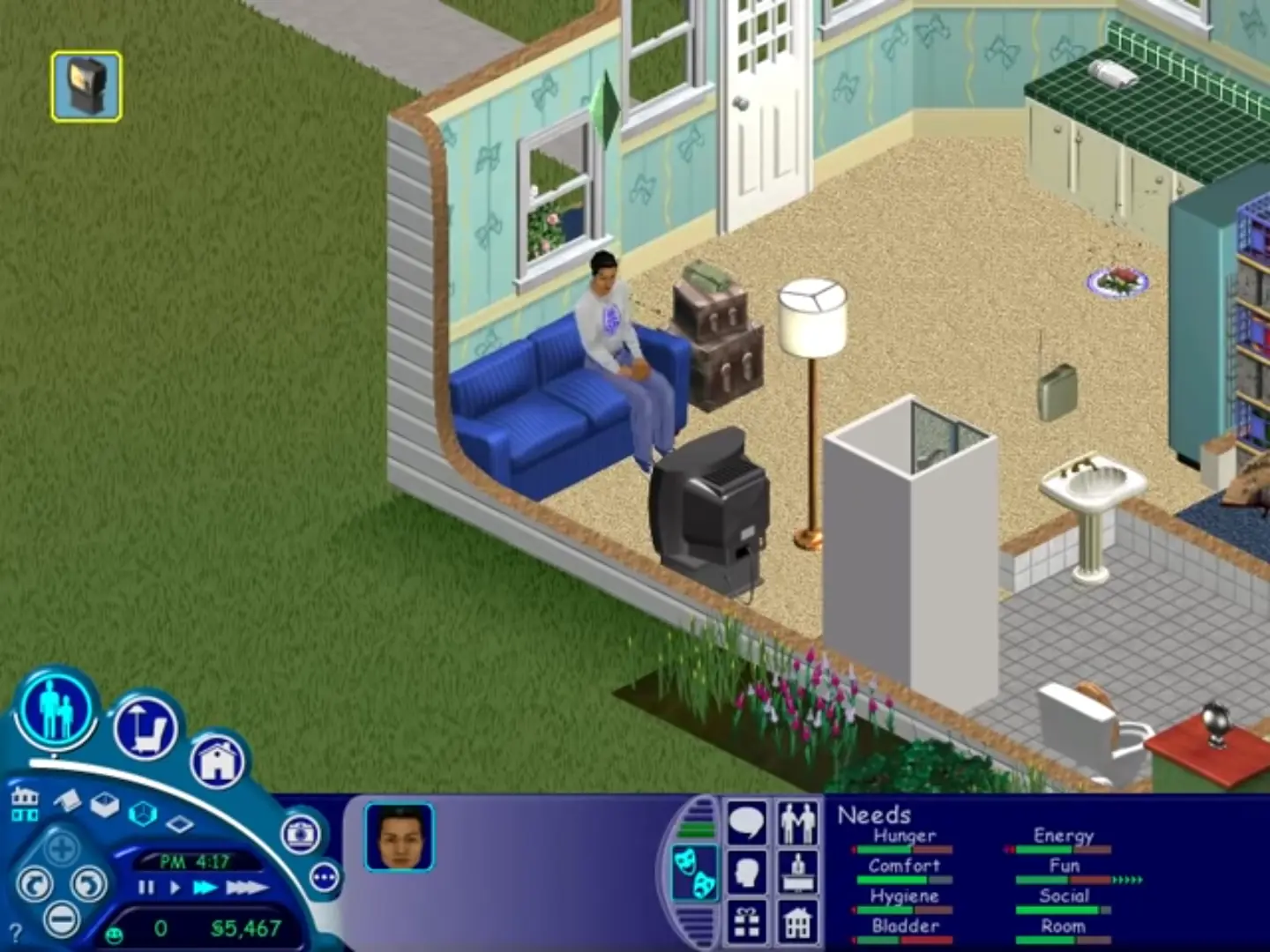
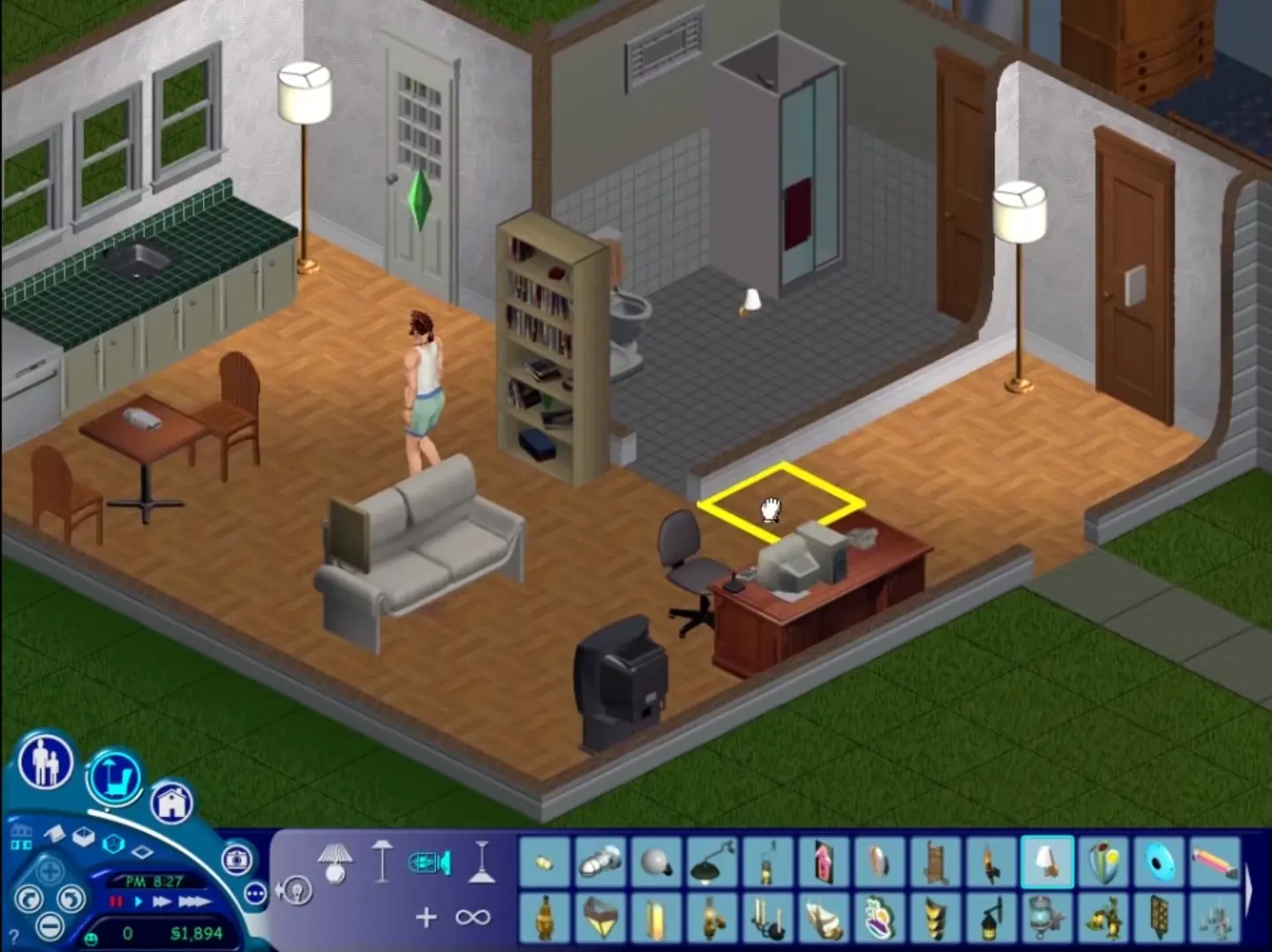
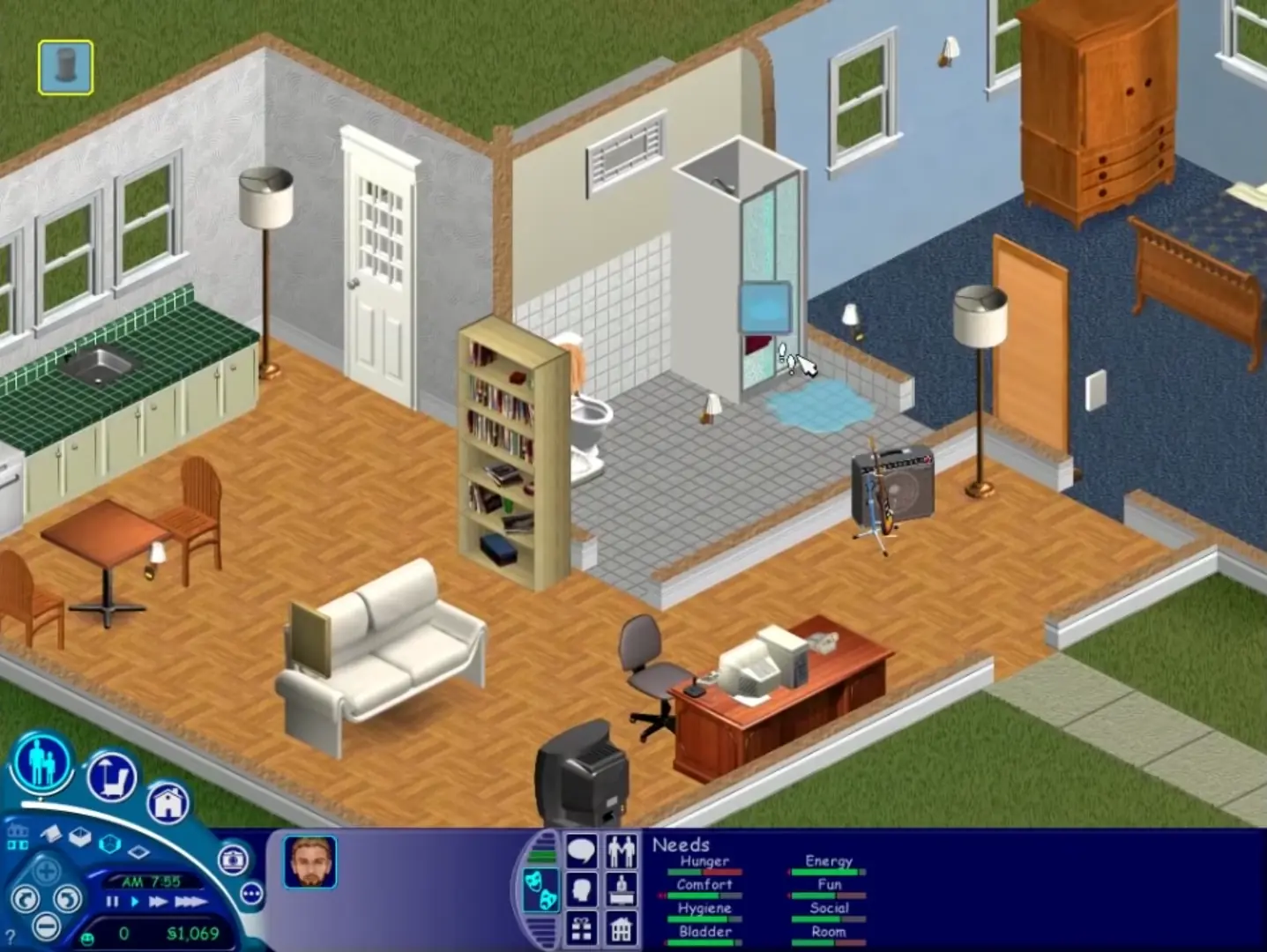
The Sims is a 2000 simulation game developed by Maxis and published by Electronic Arts.
The Sims is a 2000 simulation game developed by Maxis and published by Electronic Arts.
The Sims is a 2000 social simulation video game developed by Maxis and published by Electronic Arts. Designed by Will Wright, the game allows players to create and control virtual people called Sims, build and furnish homes, and manage the Sims' needs, relationships, careers, and household finances. Its open-ended gameplay has no fixed win condition.
The Sims was re-released and is no longer abandonware. You can purchase the game from:
* We may earn a commission if you buy through these links.












any tips will help thanks
1. Mount disk image like stated above
2. Select Setup.exe by right clicking and opening mounted disk image.
3. After selecting Yes to setup, it might load and hang. Don’t panic.
4. Go to Task Manager. Under “Details” scroll down to the Setup.exe for Sims (should have logo).
5. Right click and open “Analyze Wait Chain”
6. A menu showing Setup, and something connected underneath (likely something called nvcontainer). Select that, then end ONLY that process, NOT SETUP.
7. Setup should start working as usual now to Install. Follow every other instruction listed on this webpage above to the letter.
8. After installing, from this point forward just go into Maxis folder, select the replaced Sims.exe from the step above you did earlier.
9. Game should load, have fun!
I found this out after checking PCGamingWiki Sims 1 page, which has info on Setup Hanging in modern systems.
Go into the folder you installed The Sims into – if you don’t know where that is, right click the desktop shortcut for The Sims and select “Open File Location”. Paste the “Sims.exe” file from Step 5. into this folder. Confirm you want to replace the file in the location.
I’m not able to paste. I get the message “There is not enough space on The Sims. You need an additional 2.06 MB to copy these files.”
This is the only folder on that drive