Did anyone find a solution to the problem? My disc 2 also is not working. Please help
▲0▼
make sure both disks are ejected then mount disk 2 again. you can eject it by going to the file explorer and it is listed with your other devices and drives. The issue I had was, when you mount the second disk without ejecting disk 1, then disk two gets mounted in a different disk drive. Then when you eject disk 1, disk 2 is still in the wrong drive so you have to eject disk 2 as well. Hope this helps
▲0▼
thank u so so much i had to eject disk 2 few times but then it worked!
▲0▼
Still not working for me? How do u mount? I’ve ejected all. Then opened the 2nd disc files again and nothing happens/no change.
▲0▼
I have the same situation 🙁 it does not work
▲0▼
its statingi dont have enough storage to do this. no way for me to make room/delete anything in the files either. what now?
▲0▼
I ejected The Sims from my device and drives but it does not say Disc 2 ISO, it on the disc 2 it just has data 3 and data 4 which are ‘archive’ files.
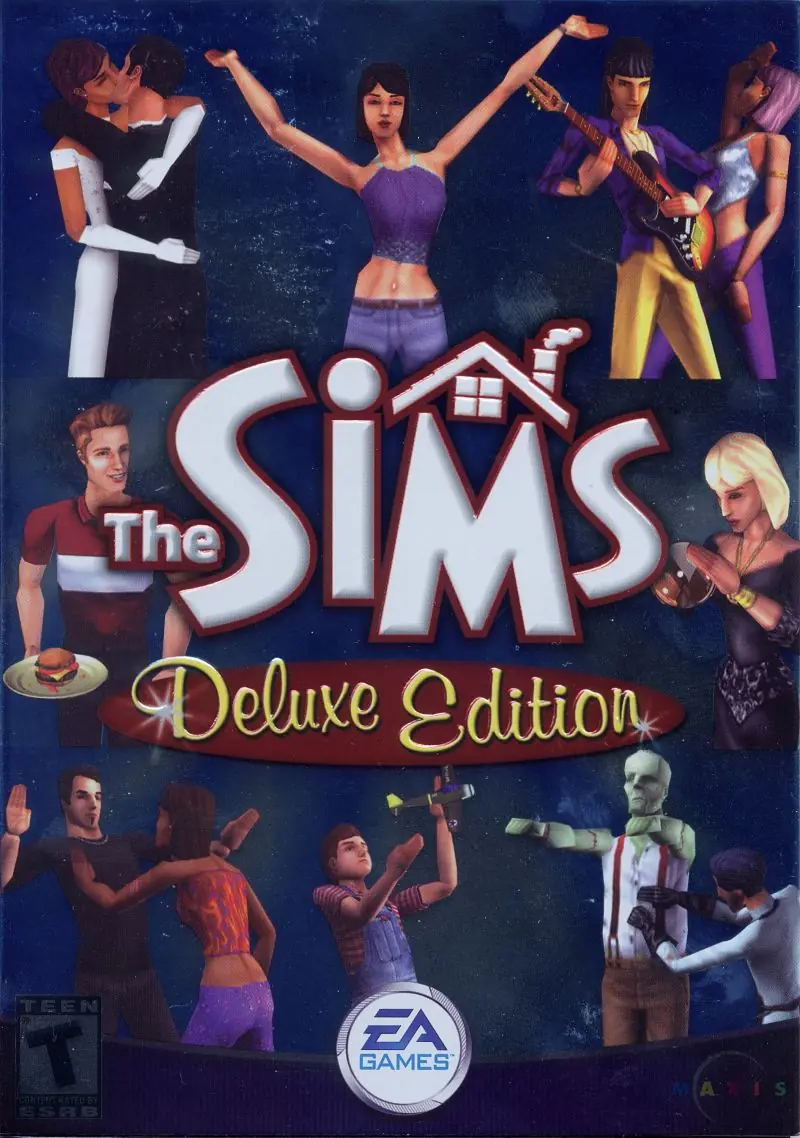
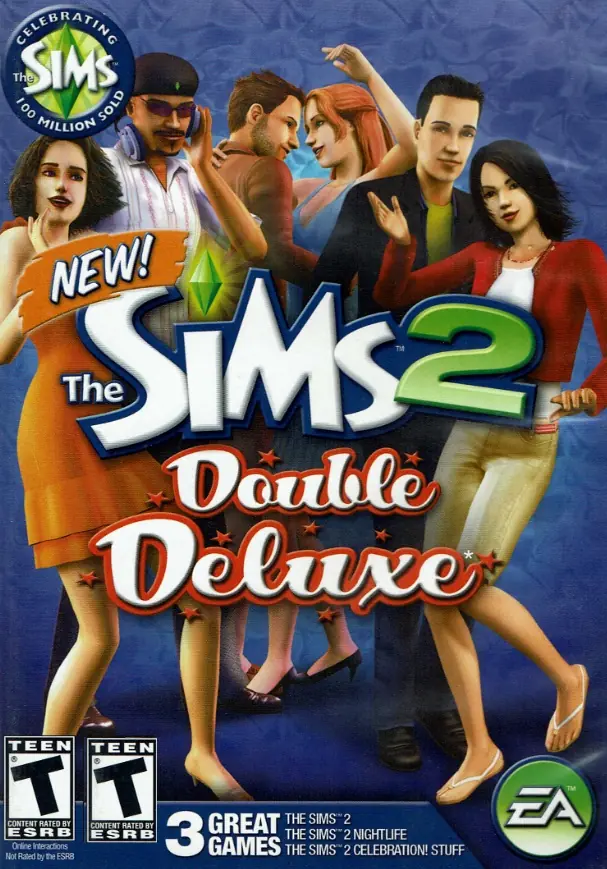
71 thoughts on “The Sims Deluxe Edition”