Where is the EJECT???? I need to switch 2, and the comments in here say to hit eject. Um… WHERE??? I have looked everywhere in file folder, and there is NO EJECT
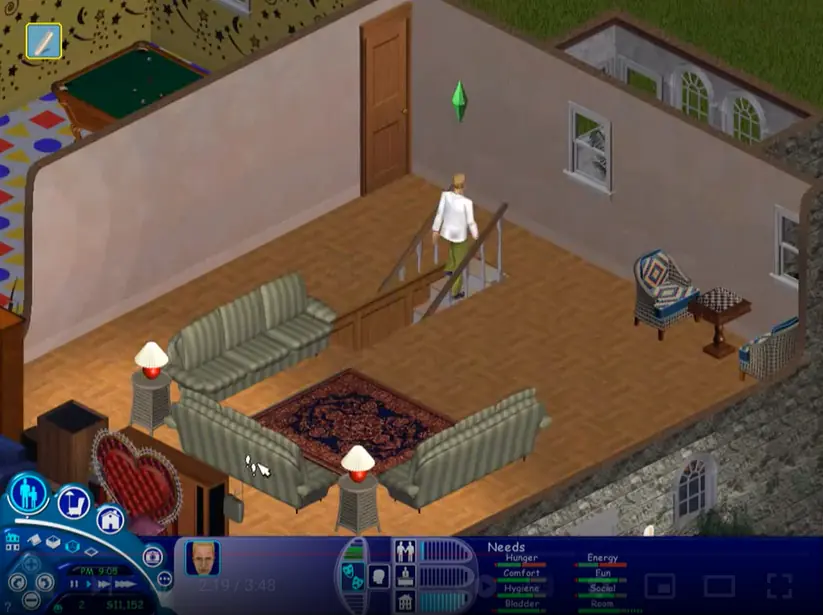
Hi! I tried downloading this on my Windows 10, and I got pretty far. I went through the setup process. and it worked fine. BUT when I got to playing the game, Nothing would happen. I checked my Task Manager when launching the game and it started to run but then the Task ended.
i figured out how to get around insert disc 2. You must manually locate disc one in your files and select eject. After that locate disc 2 file and select mount !!! good luck you guys
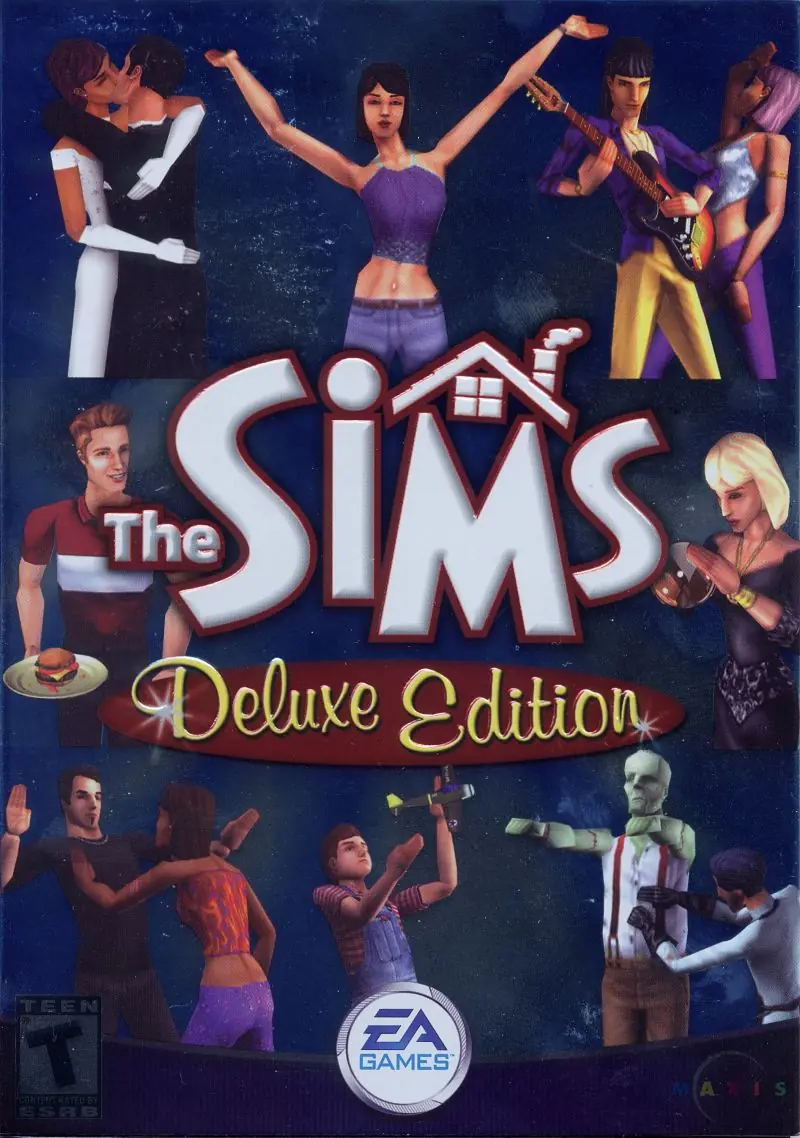
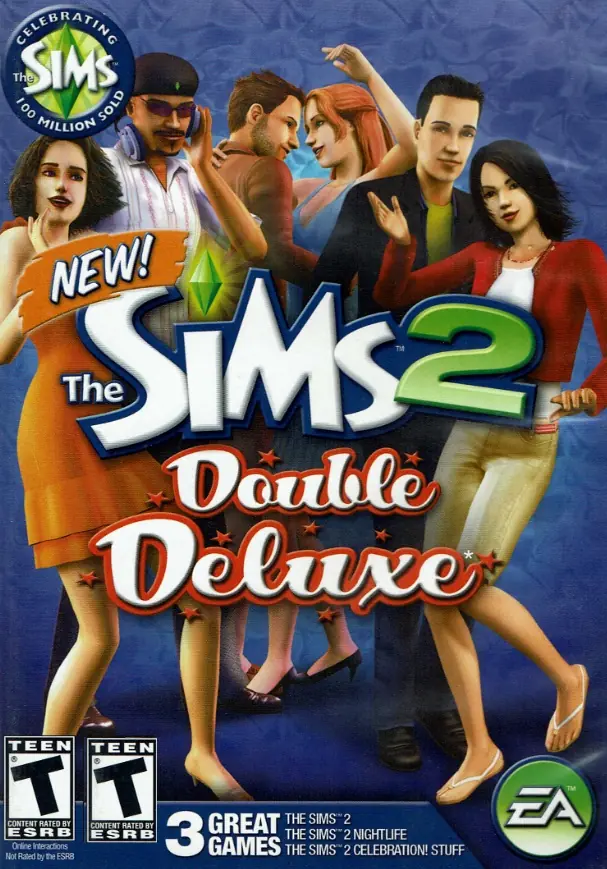
For the Sims 1, it’s highly recommended you download this version: https://oldgamesdownload.com/the-sims-complete-collection/ as it is optimized to run on modern computers. This page is mostly for the archival of the Deluxe Edition.
The Start.exe runs fine, but the rest don’t
PLEASE HELP!