The Sims Deluxe Edition
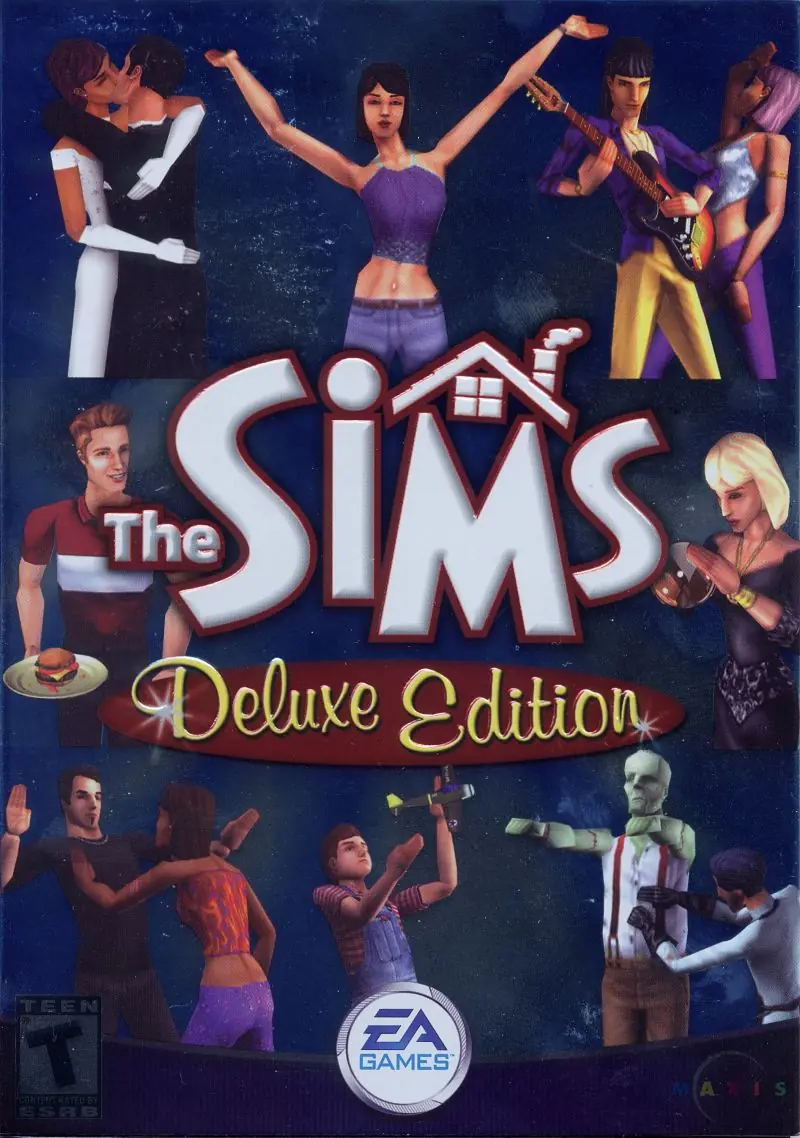
The Sims Deluxe Edition is a 2002 action game published by Electronic Arts.
The Sims Deluxe Edition is a 2002 action game published by Electronic Arts.
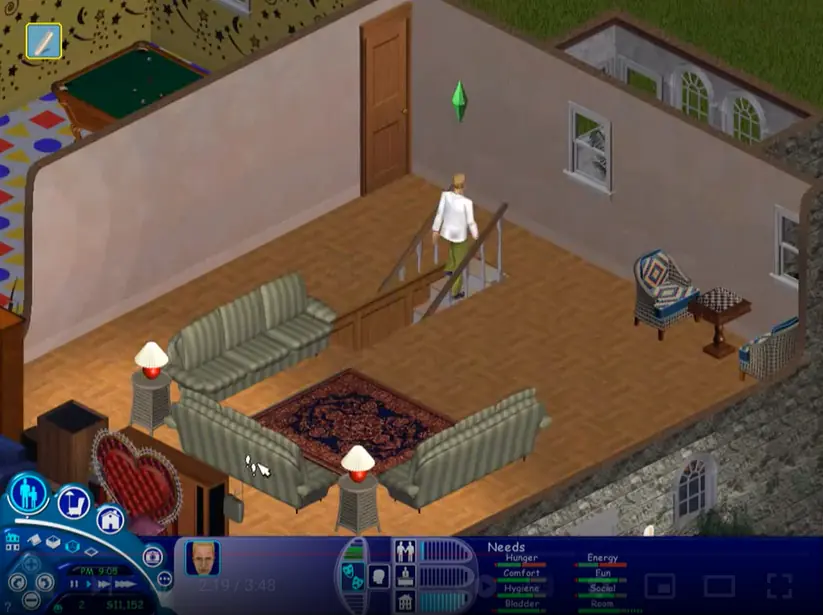
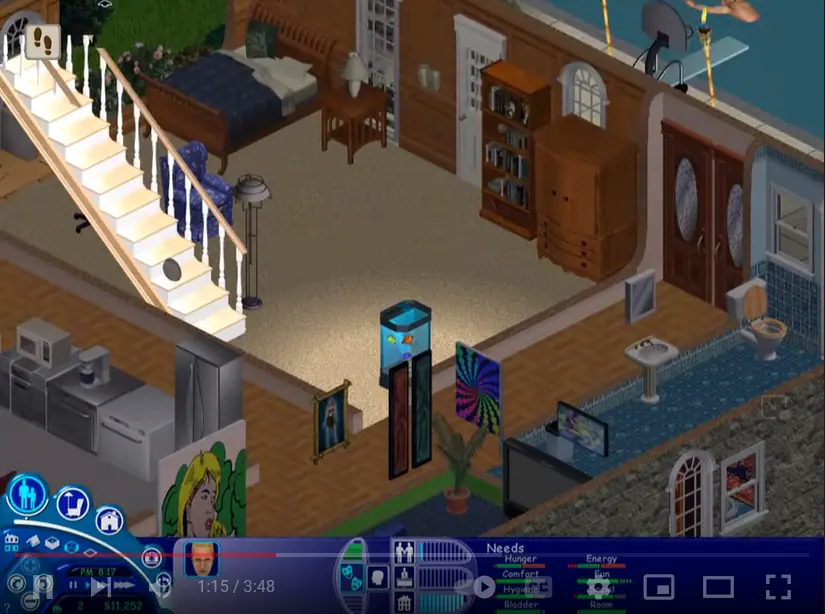
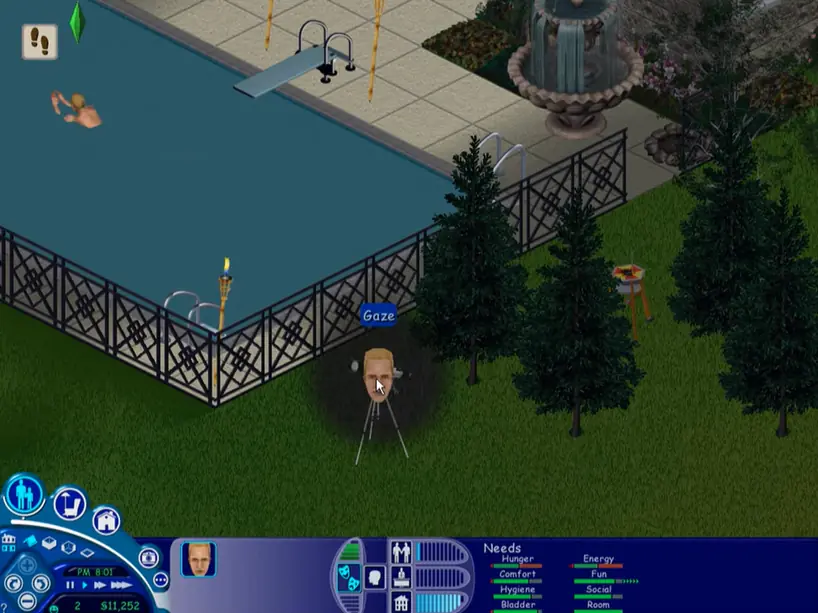
The Sims Deluxe Edition was re-released and is no longer abandonware. You can purchase the game from:
* We may earn a commission if you buy through these links.










– When you mount the first CD, it will mount in a specific Drive. For example “DVD DRIVE (F:) The Sims Deluxe”.
– When you mount the second CD, it has to be in the SAME drive. For example “DVD DRIVE (F:) SIMSDELUXE2.
If you mount the second CD without ejecting the first one, Windows will automatically mount it in another Drive. You need them both in the same drive. When the installer asks you to insert CD2, you first EJECT CD1, and then you mount CD2, and check that the driver is the same!
**i copied this from another site and it worked**
https://oldgamesdownload.com/the-sims-deluxe-edition/