Home » Games » Theme Park Inc

Theme Park Inc

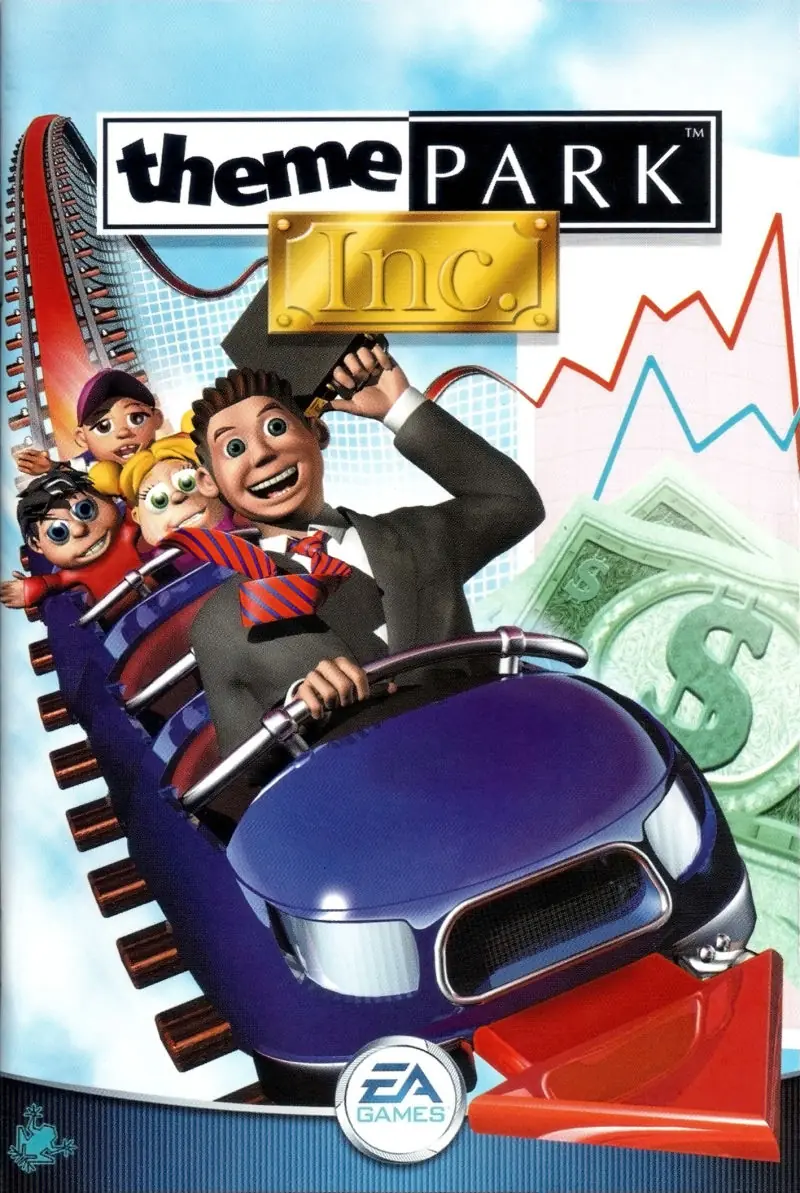
Theme Park Inc Game Cover
4.3/5 - 53 votes

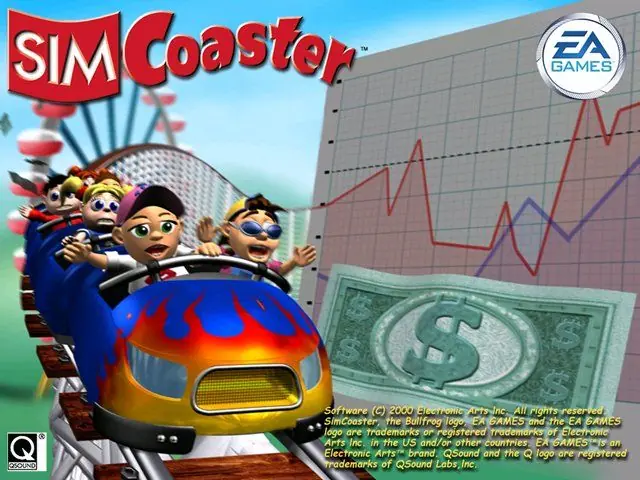
Theme Park Inc is a 2001 simulation game developed by Bullfrog Productions and published by EA Games.

Other Titles

SimCoaster主题公园公司Theme Park Inc.Theme Park ManagerSim Coaster

Genres
Publishers
Released
Platforms
Download

About Theme Park Inc

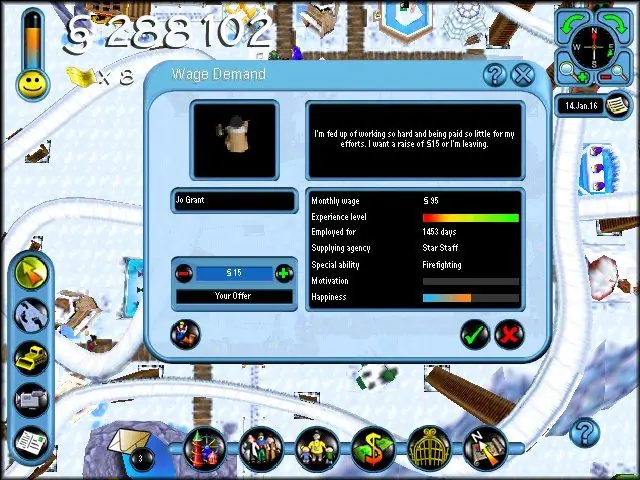
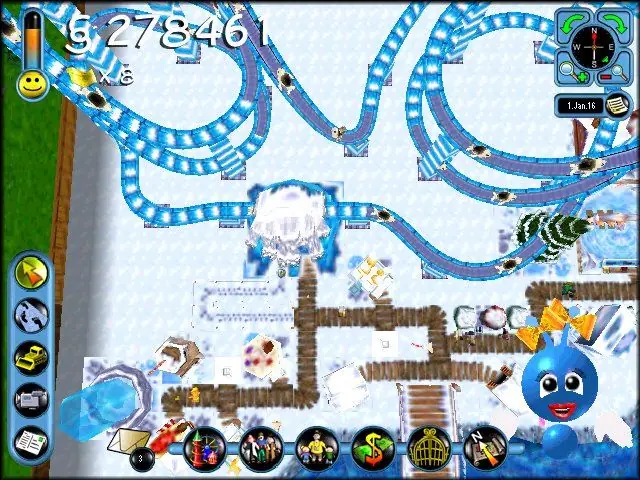
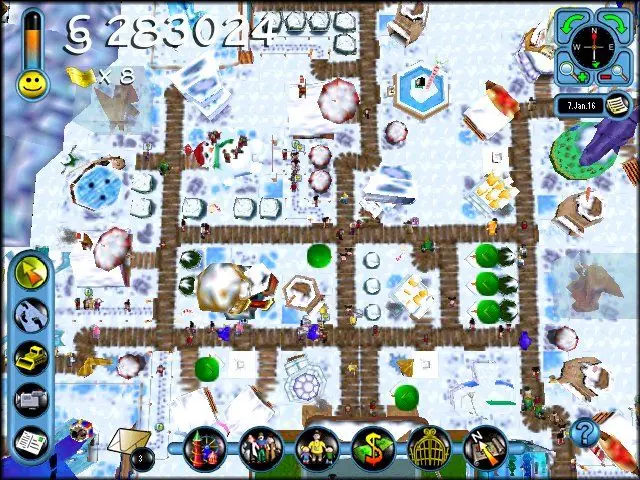
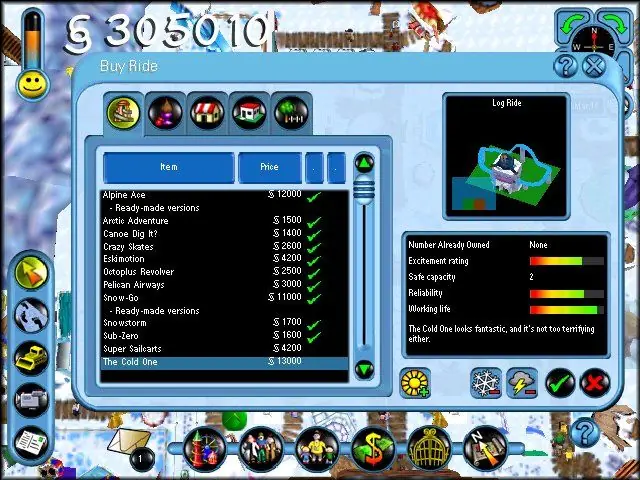
SimCoaster takes the operation of an amusement park, introduced in games such as Bullfrog's 1994 Theme Park and 1999's SimTheme Park, and focuses on the roller coaster as the main attraction. Successful overall management of the theme park requires efficiency in ride designs, layout, finances, facilities, public relations, human resources, monitoring customer happiness, and researching technological advances. Players can, however, ignore the micro-management aspects of every day operations and concentrate entirely on researching, building, testing, and riding roller coasters.

For gamers interested in managing a simulated theme park, specific tasks are offered in a mission-style format. By successfully completing tasks, players earn stock in the company and eventually become the successor to the retiring park president. Efficiency in hiring and firing staff (janitors, engineers, entertainers, guards, gardeners, and scientists), building attractions and rides, providing comfort and necessary amenities for customers, and ensuring visitor contentment all play a part in SimCoaster.

The game features more than 100 rides and sideshows, 18 roller coaster styles, and three distinctive themes (Land of Invention, Polar Zone, and Arabian Nights). In addition to pre-built coasters for use in the park, a Coaster Design Kit allows the development of roller coasters and flumes after researching them within the game. Creations can be shared with other coaster enthusiasts via e-mail or on the Internet.
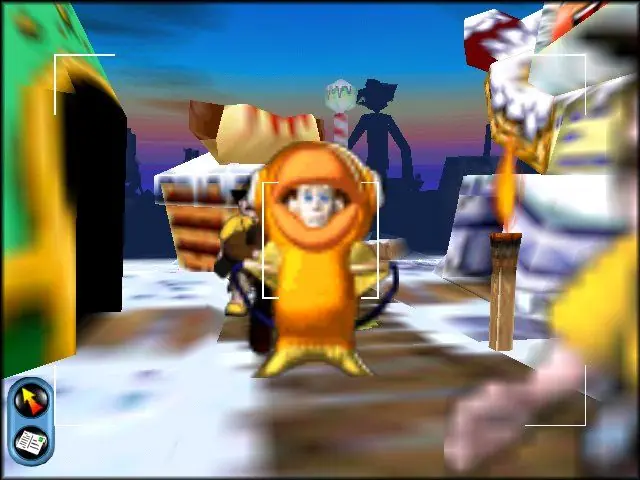
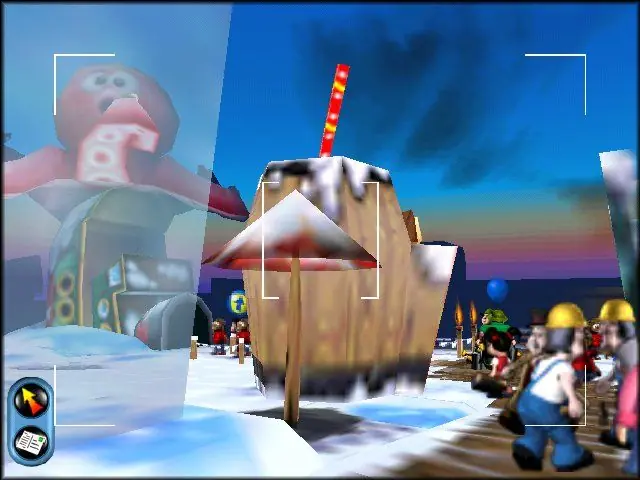
Screenshots

Windows

Theme Park Inc — Windows screenshot 1Theme Park Inc — Windows screenshot 2Theme Park Inc — Windows screenshot 3Theme Park Inc — Windows screenshot 4Theme Park Inc — Windows screenshot 5Theme Park Inc — Windows screenshot 6Theme Park Inc — Windows screenshot 7Theme Park Inc — Windows screenshot 8

Download Theme Park Inc

Theme Park Inc is abandonware and no longer sold or supported by its publishers. Files are archived here for these platforms:

Windows (2001)

  • Simcoaster_Win_RIP_EN.zipEN165.39 MB
  • Instructions Simcoaster_Win_RIP_EN.zip

    Troubleshooting:

    • Go to your games installation directory and change the lines 'GraphicalOptions.RENDER32' and 'GraphicalOptions.TEXTURE32' from '0' to '1' in your 'low.sam', 'med.sam' and 'high.sam' files in the 'Data' folder (they can be edited with notepad)
    • Run the game in compatibility mode for 'Windows XP (Service Pack 2)' and tick 'Run this program as an administrator'.
    • Enable DirectPlay for your computer
    • Download the "Theme Park Inc Windows NoCD (English)" file and then move the "Game.exe" file into the installation directory for Theme Park Inc.
  • Simcoaster_Win_ROM_EN.zipEN443.86 MB
  • Instructions Simcoaster_Win_ROM_EN.zip

    Troubleshooting:

    • Go to your games installation directory and change the lines 'GraphicalOptions.RENDER32' and 'GraphicalOptions.TEXTURE32' from '0' to '1' in your 'low.sam', 'med.sam' and 'high.sam' files in the 'Data' folder (they can be edited with notepad)
    • Run the game in compatibility mode for 'Windows XP (Service Pack 2)' and tick 'Run this program as an administrator'.
    • Enable DirectPlay for your computer
    • Download the "Theme Park Inc Windows NoCD (English)" file and then move the "Game.exe" file into the installation directory for Theme Park Inc.

Additional files, patches and fixes

Comments

40 thoughts on “Theme Park Inc”

  1. 0
    Working fine until game started crashing whenever I placed a new object, just after unlocking the first ticket ride.
    Reply
  2. 0
    im up to the step where i replace ‘0’ with ‘1’ in the directory folder ‘Data’. Step 3. I can open them and edit them, but it wont let me save them because i ‘don’t have permission’. Help please
    Reply
    • 0
      You need to take ownership of the “Bullfrog” folder and then make all child objects inherit that ownership. Google ‘Take ownership of a folder’ for a guide.
      Reply
  3. 0
    so it works fine, up until the moment where i try to get into the actual game, it instead gets stuck at the first frame of the intro and refuses to move into any other part of the game, it does however let me create profiles but it stays at that
    Reply
  4. 0
    The game usually works fine when I start it up, every so often it glitches out and the screen goes black when I try to do anything and it has a nasty habit of shutting down every so often, so I have to save frequently, does anyone know a fix to these?
    Reply
  5. 0
    I made an account on here just to say that I HAD the issue where I did everything it asked, and I was stuck on the intro screen. A computer restart fixed it! That was it. I found this tip in a youtube comment of all places. Silly. But yes! Just restart your computer and give it another try.
    Reply
  6. 0
    Hello, I’m noticing an issue with the game installation process. Whenever I try to install the game it asks me for a code on the back of the CD case. Nobody else seems to have this problem ,and I was wondering if there was a solution to it.
    Reply
    • 0
      Can you try this step:

      If you get any problems, download the “Theme Park Inc No-CD executable” file and then move the “Game.exe” file into the installation directory for Theme Park Inc.

      Reply
      • 0
        So I tried what you told me to do in this order:

        – I downloaded both folders.
        – I mounted the file that I needed to and extracted its contents to another folder.
        – I then opened the other folder for the ‘game.exe’ file and replaced it in the folder that I extracted the ‘.mdf’ to.
        – I then tried to run the game installer, and it gave me the screen as shown in the screenshot.

        Not sure if it’s just something that I’m doing wrong.
        https://uploads.disquscdn.com/images/3b83643cc1a3b4b1b449dba1493628262c20ae5f20264dbc1019d6450cda806f.png

        Reply
        • 0
          Wait did you not install the game from the beginning? When you mount the .mdf file you’re not meant to extract it somewhere, just run the installer within the mounted file and install the game. After it has been installed, then you go to the folder where the game is installed and you copy-paste game.exe into the installation directory
        • 1
          I tried to do exactly what you’ve told me.
          – I downloaded a new copy of the file.
          – Extracted the ‘.mdf’ from the zip and mounted it (and also tried mounting it from the zip).
          – Both times I tried to run ‘installer.exe’, it gave me the same screen as in the previous screenshot.
  7. 0
    i have downloaded and installed thegame in the right order of these steps
    but i cant play the intro of it am i doing something wrong here?
    Reply