Toy Story 2: Buzz Lightyear to the Rescue
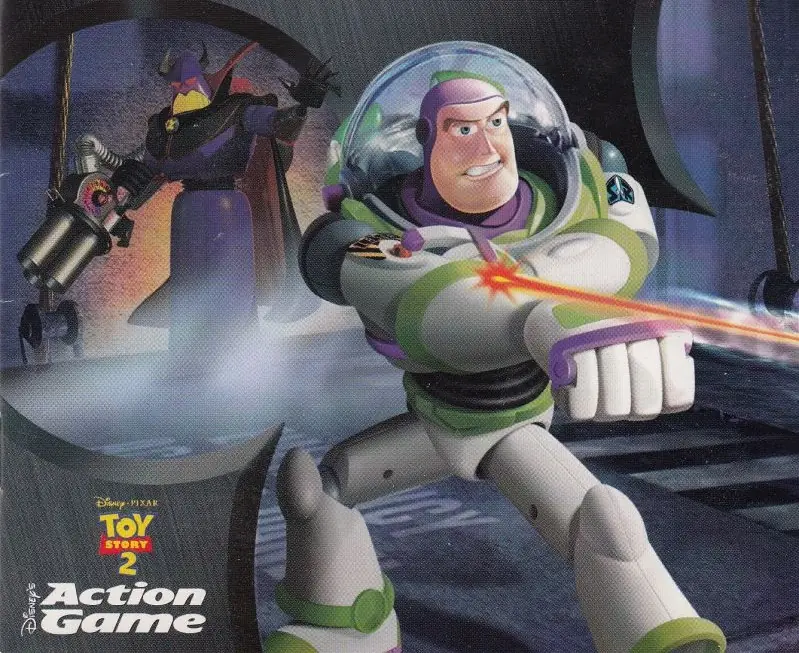
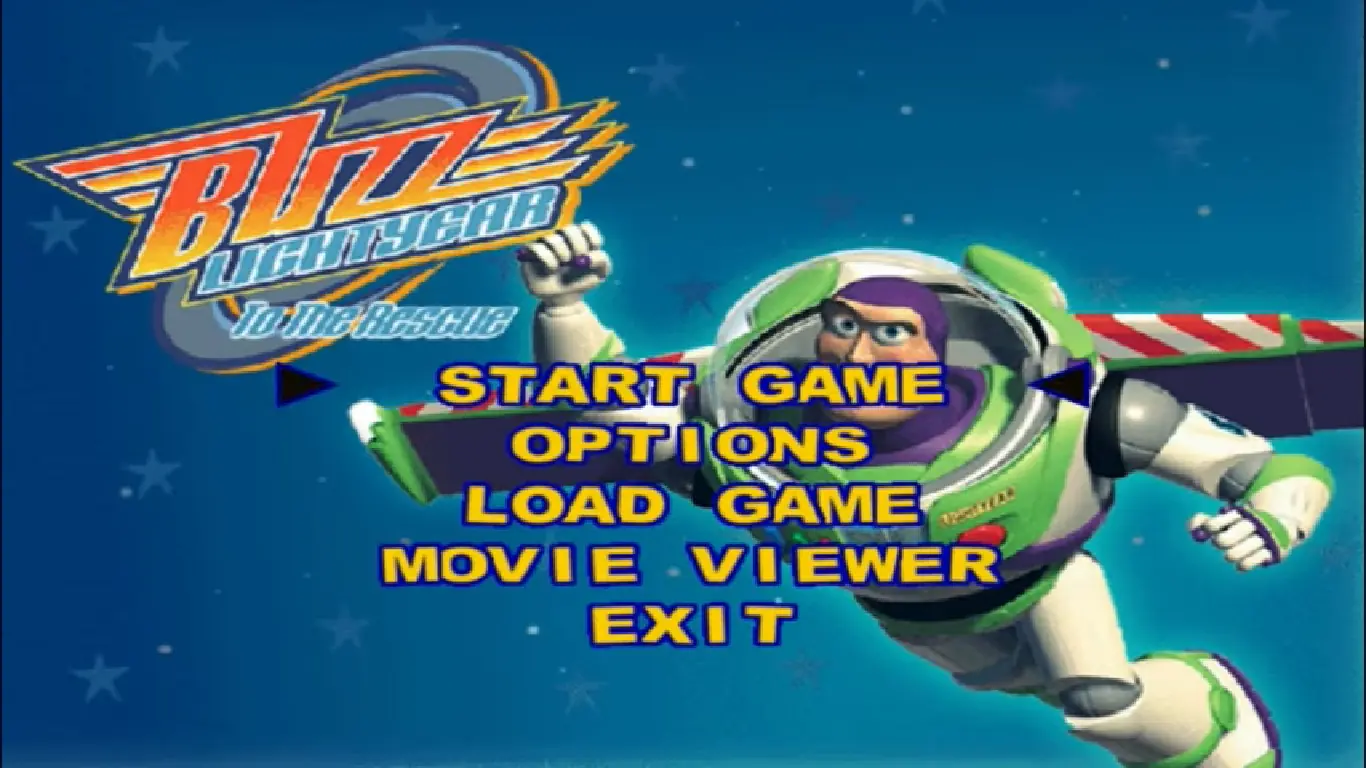
Toy Story 2: Buzz Lightyear to the Rescue is a 1999 platformer game developed by Tiertex Design Studios and published by Black Pearl Software.
Genres
Publishers
Developers
Platforms
Toy Story 2: Buzz Lightyear to the Rescue is a 1999 platformer game developed by Tiertex Design Studios and published by Black Pearl Software.
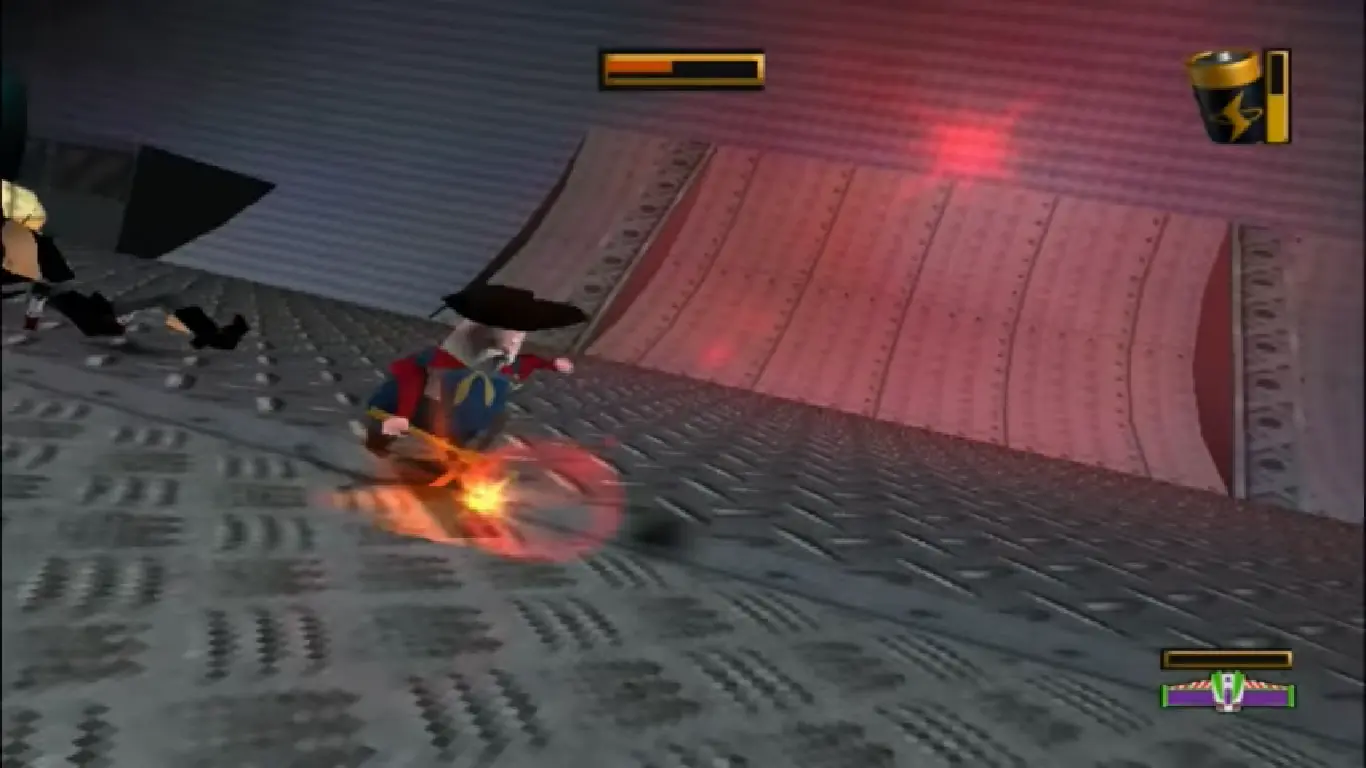
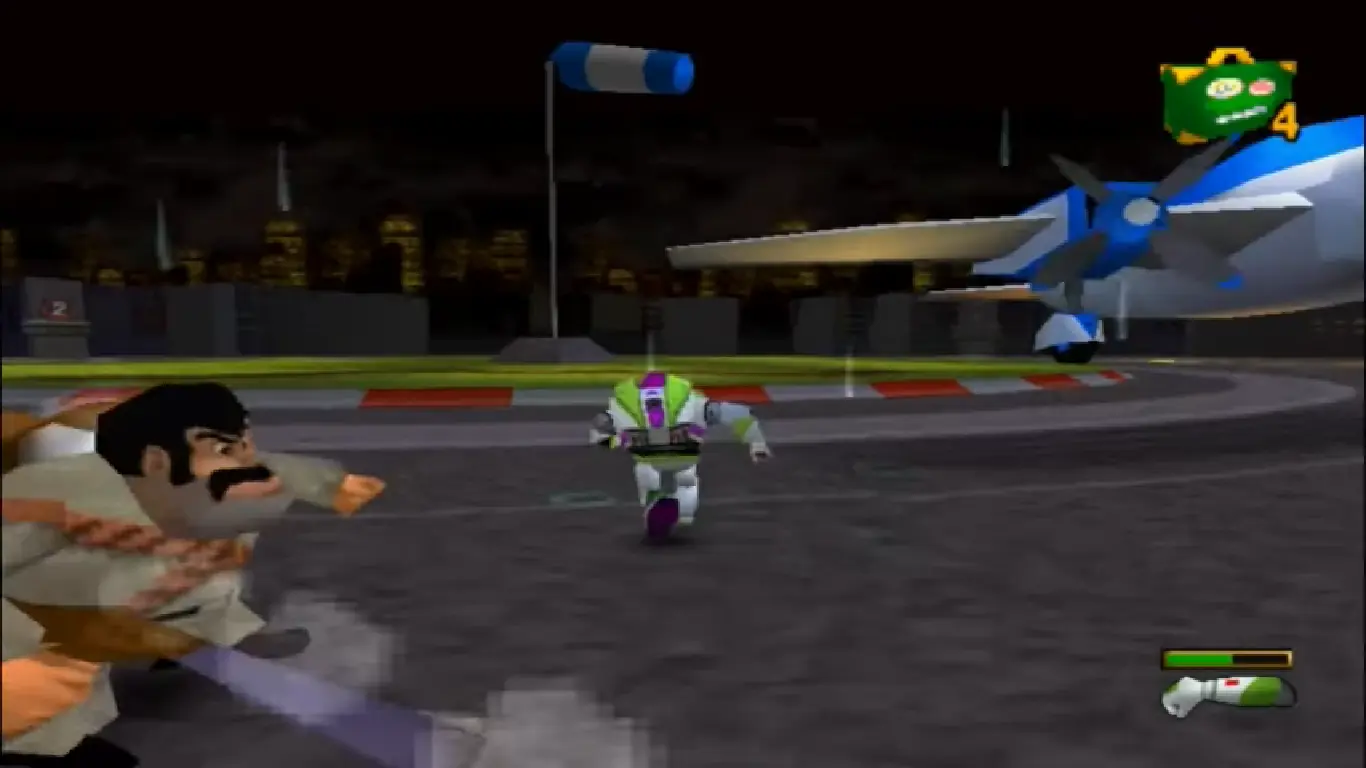
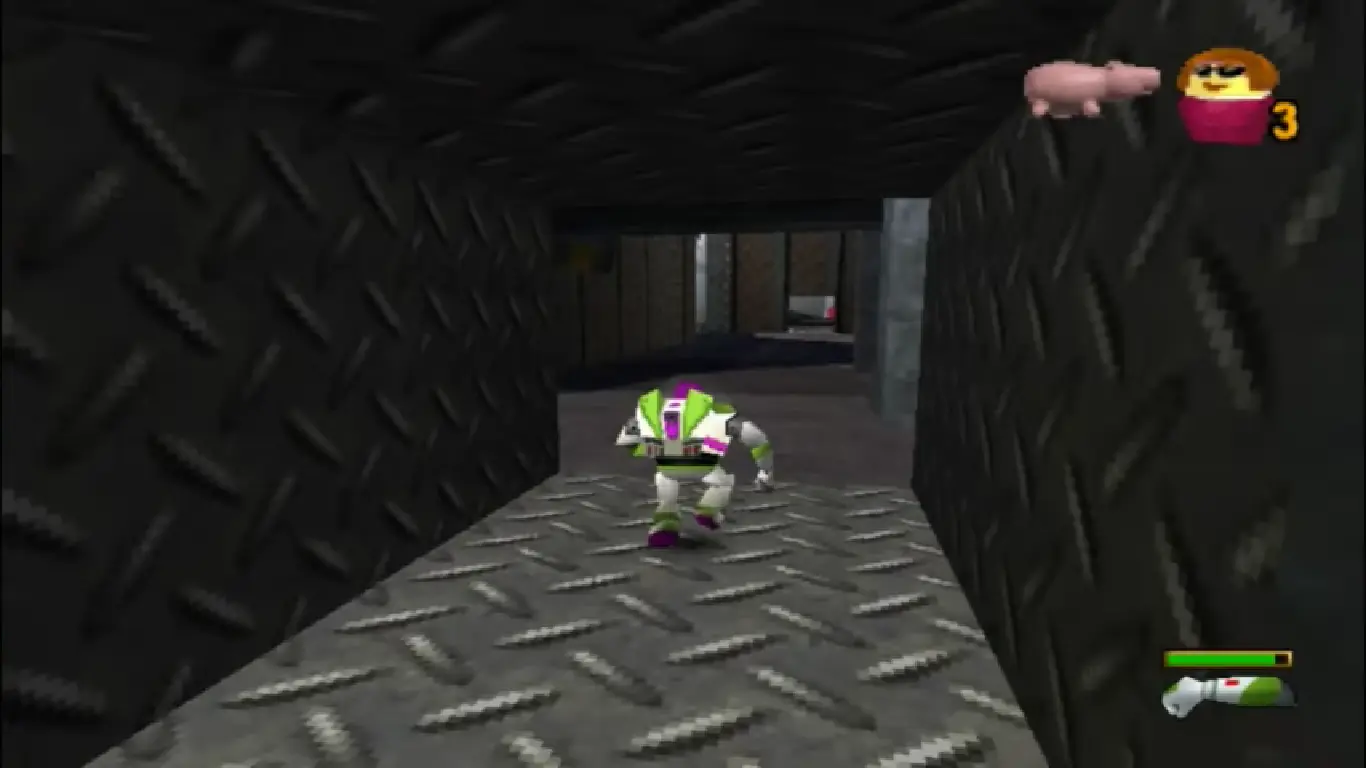
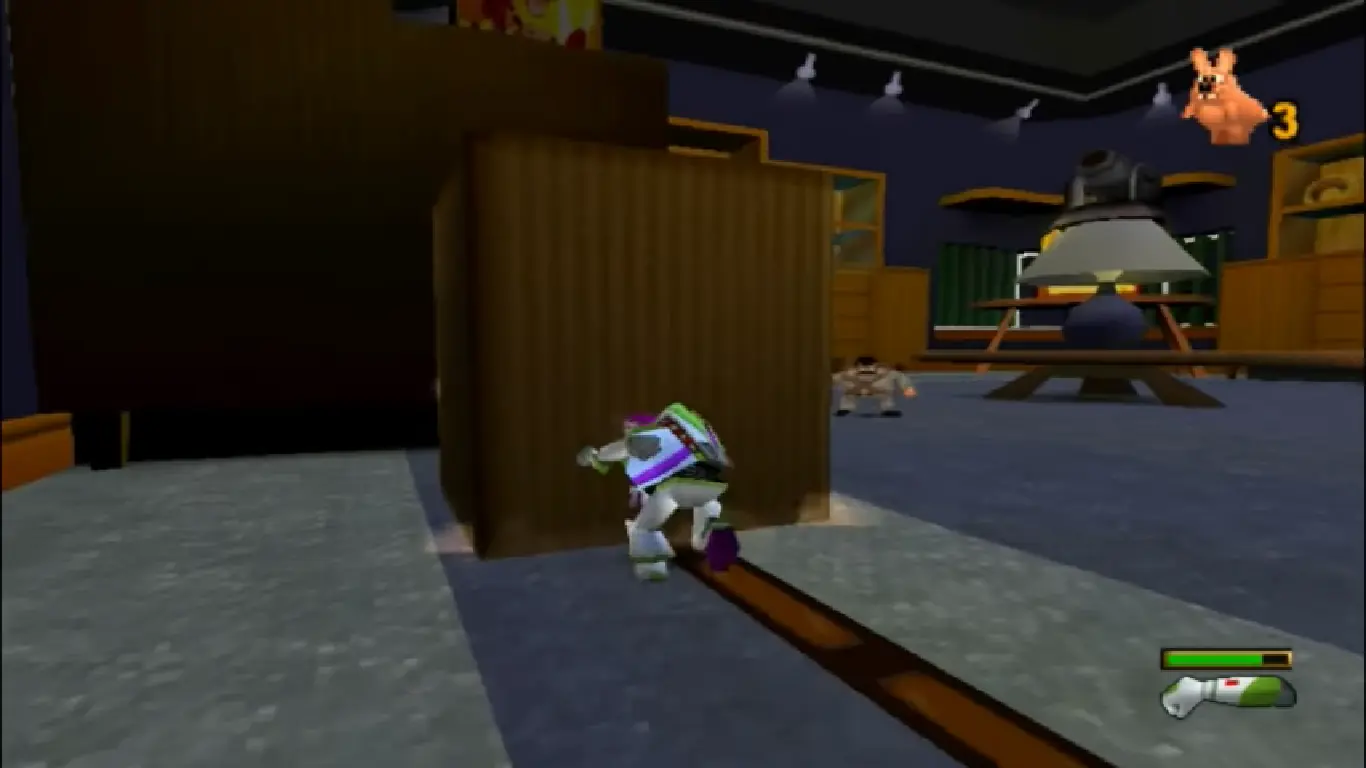
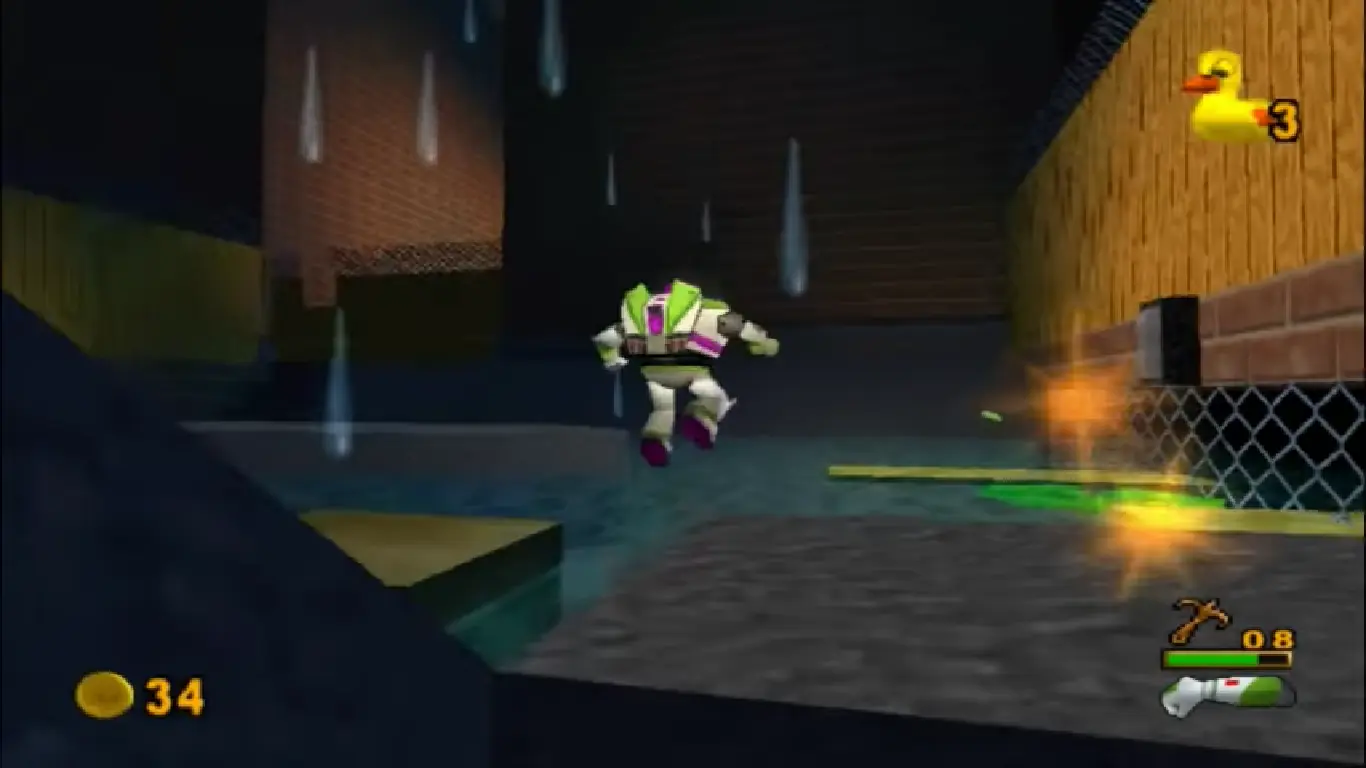
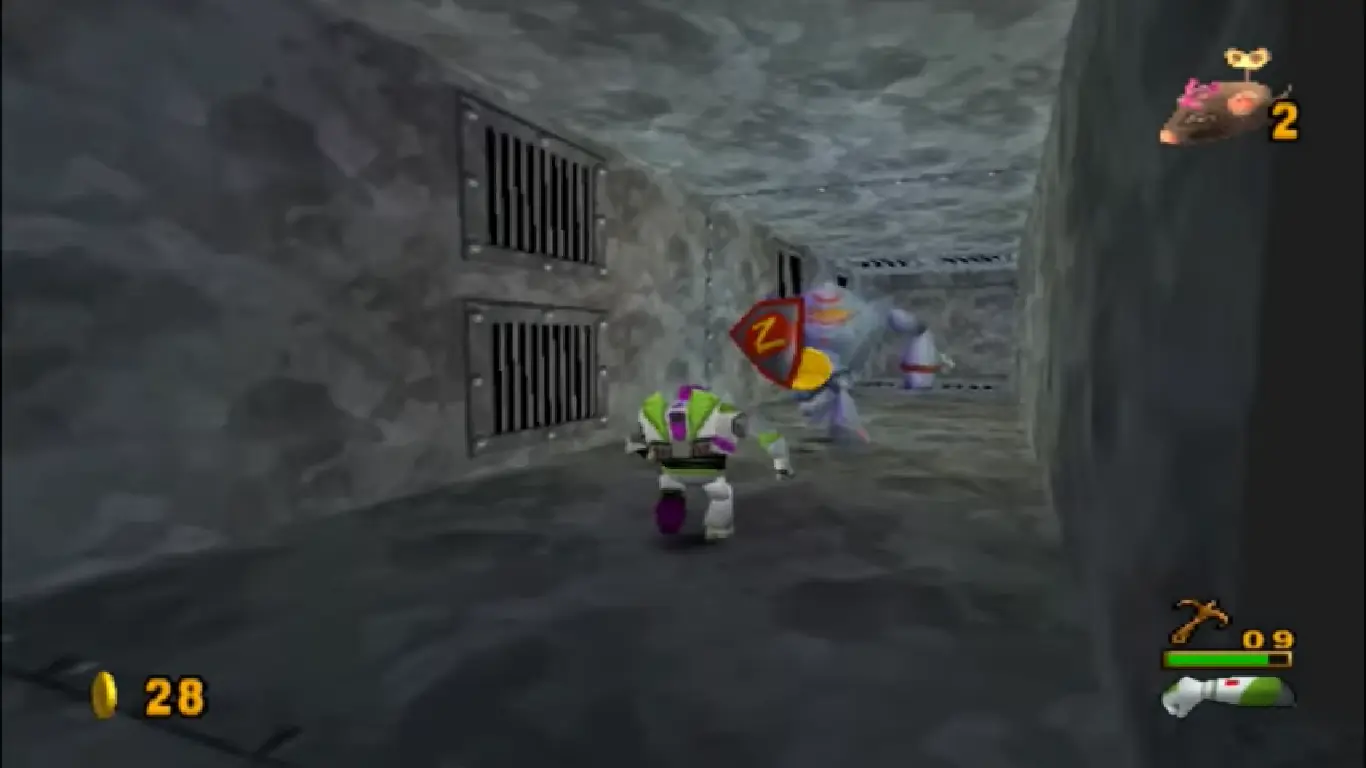
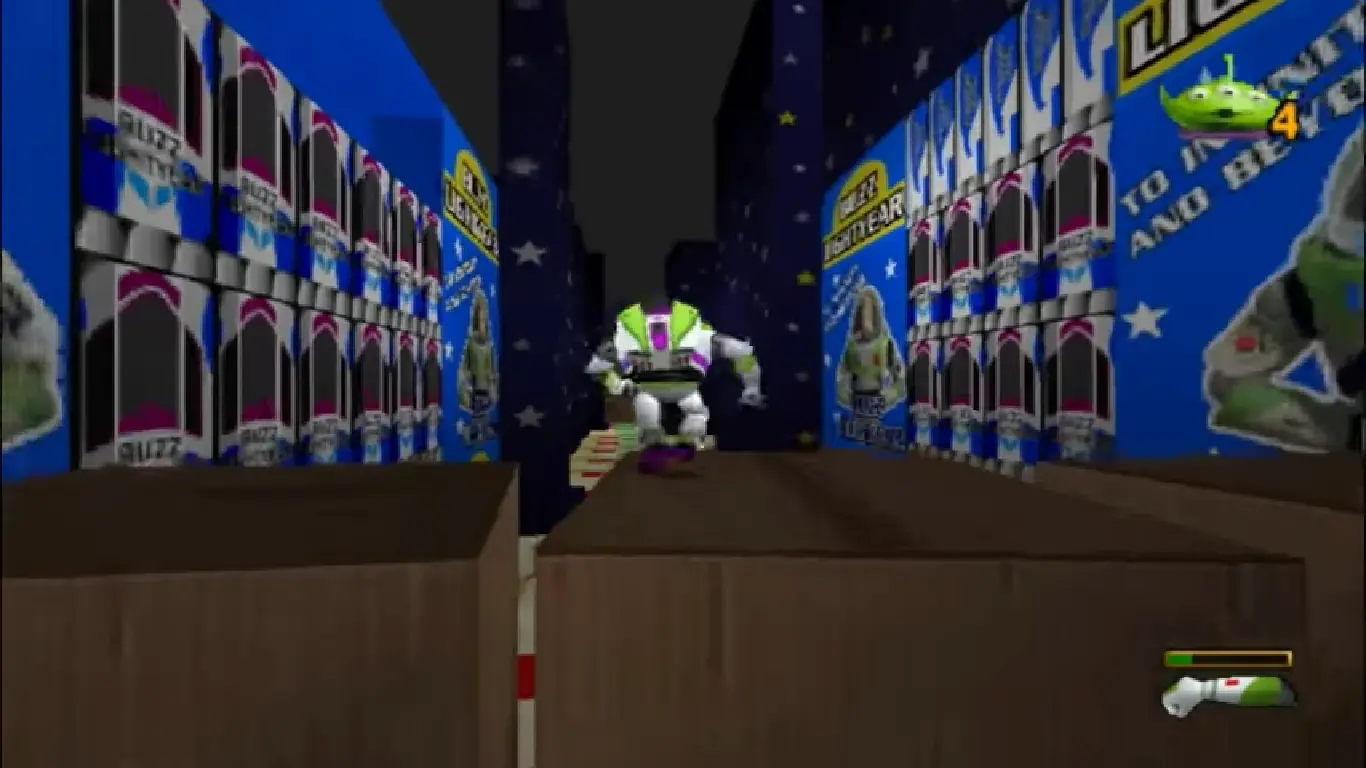
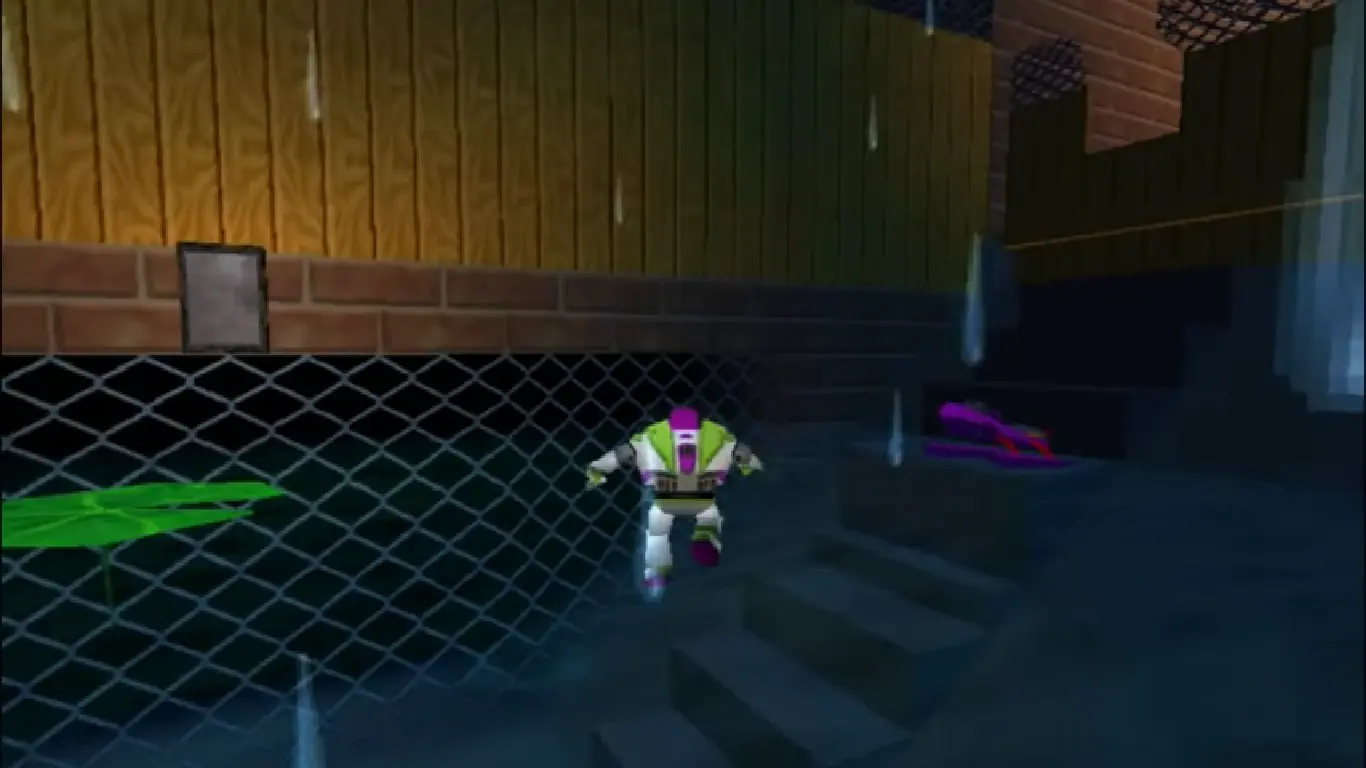
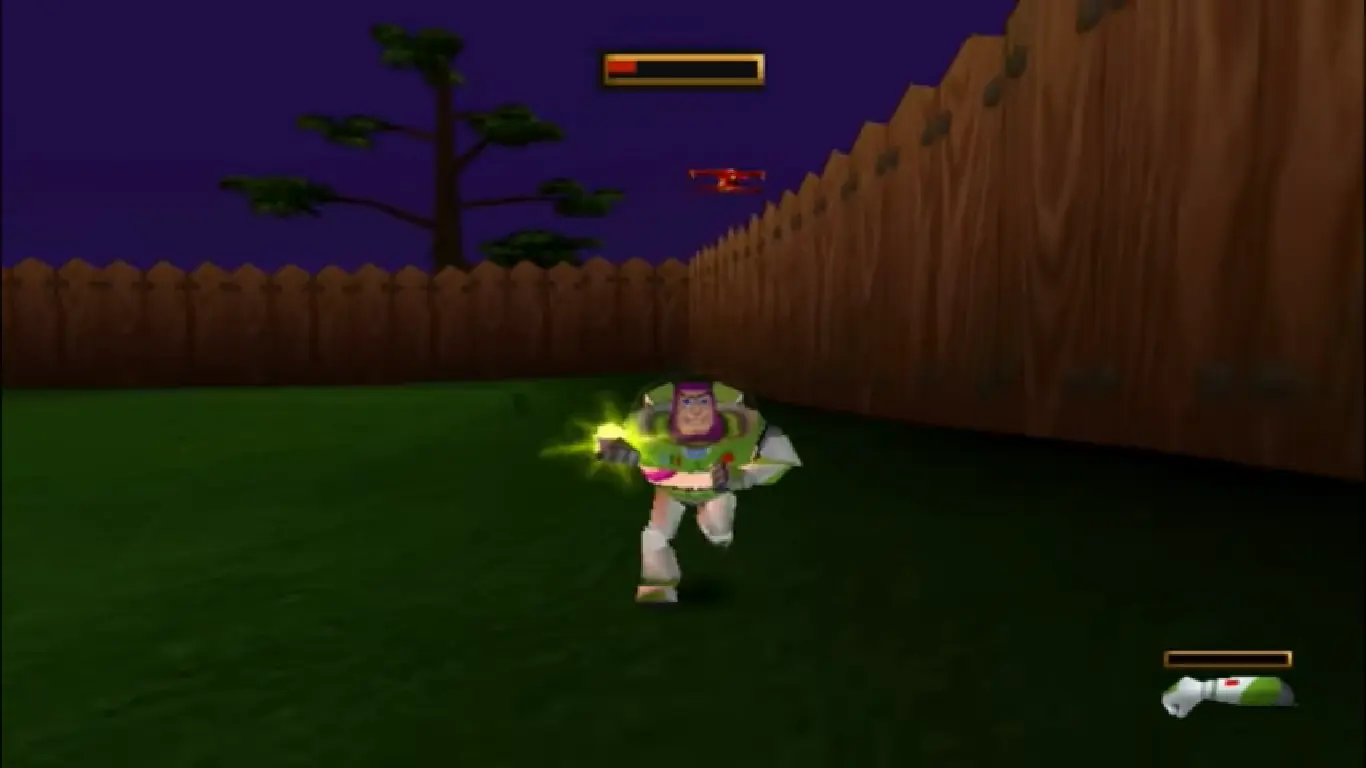
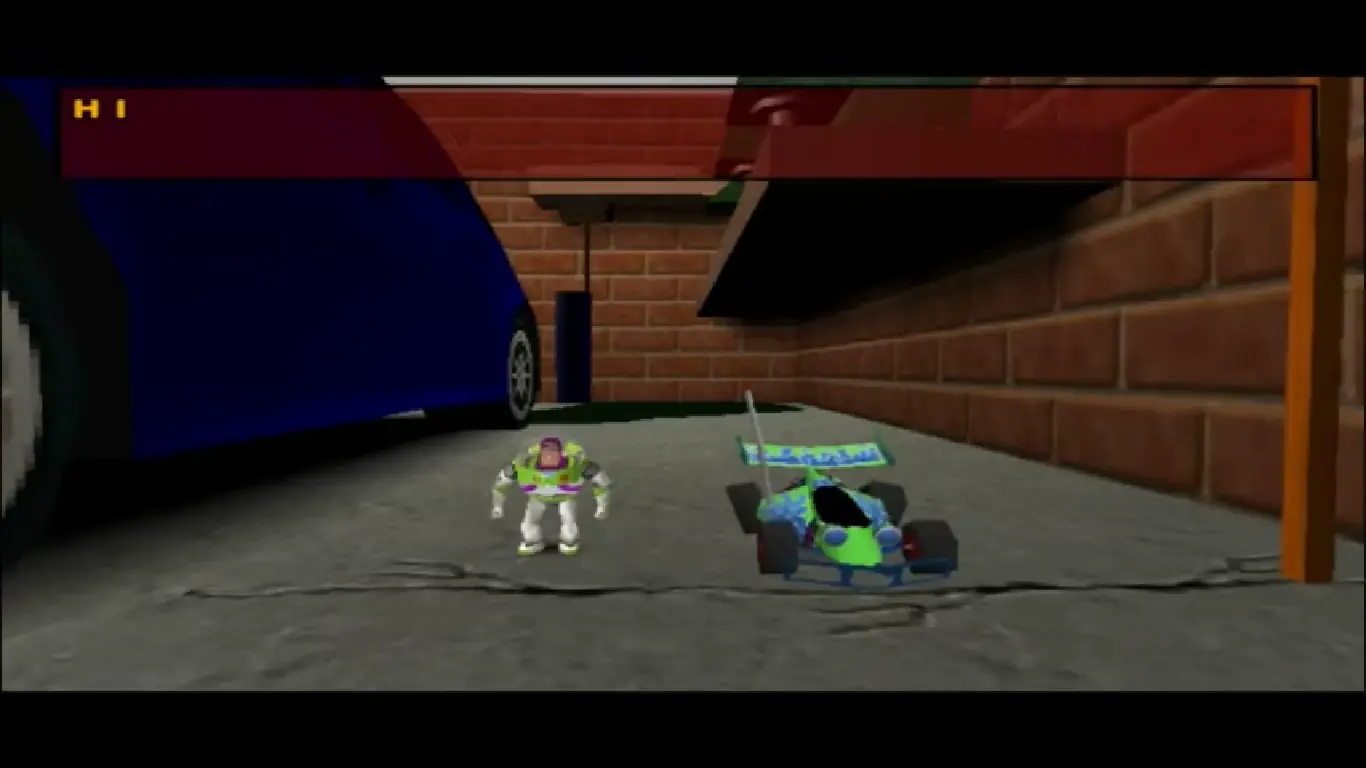
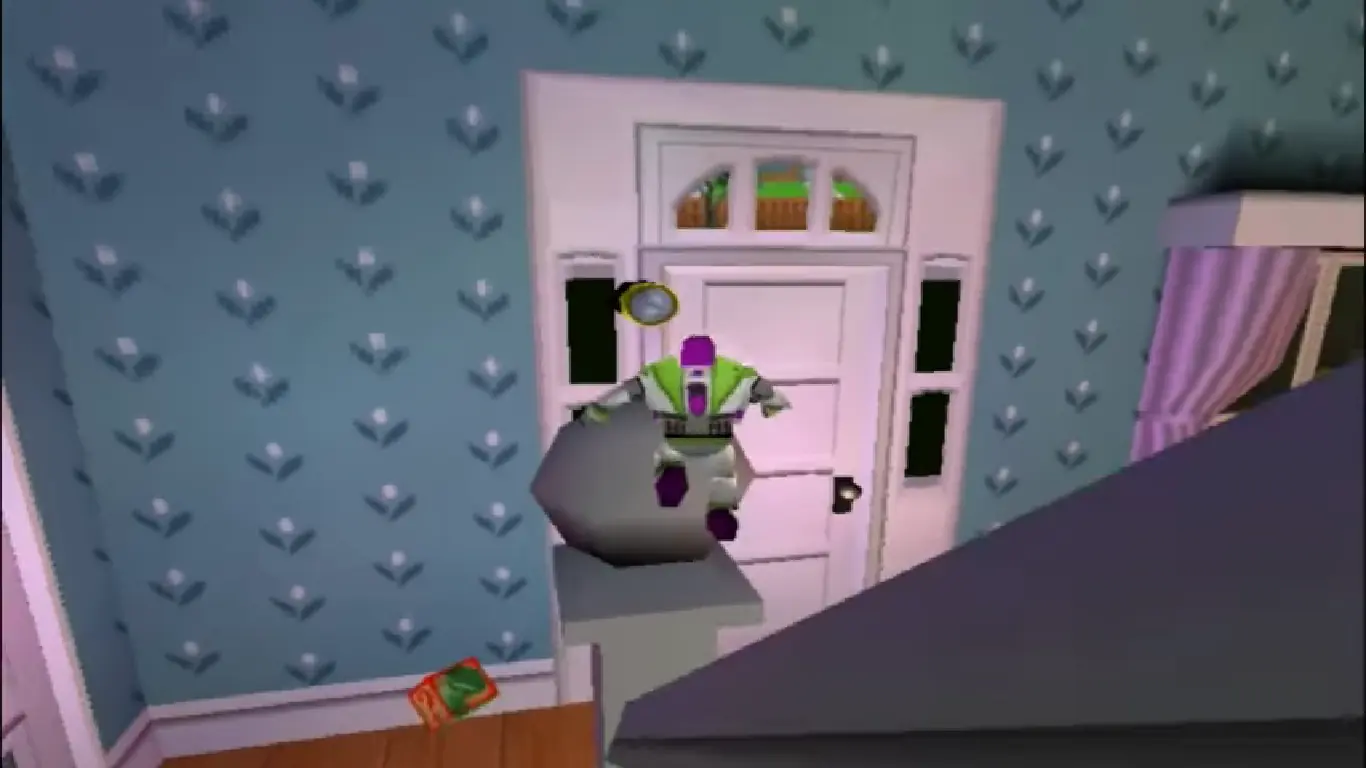
The game puts the player in control of Buzz Lightyear as he explores fifteen levels (consisting of ten main levels and five boss levels) based on and inspired by locations from the film in order to rescue Woody. Buzz can attack enemies with a wrist laser, which can be charged up for additional power, and can also be aimed through a first-person viewpoint. Buzz also has a spin attack, which can be charged up into a continuous spin. Buzz is able to extend his wings to perform a double jump, and can perform a foot stomp to activate switches. The player can pick up a laser power-up that gives Buzz a limited supply of powered up laser shots, as well as health-replenishing batteries and extra lives.
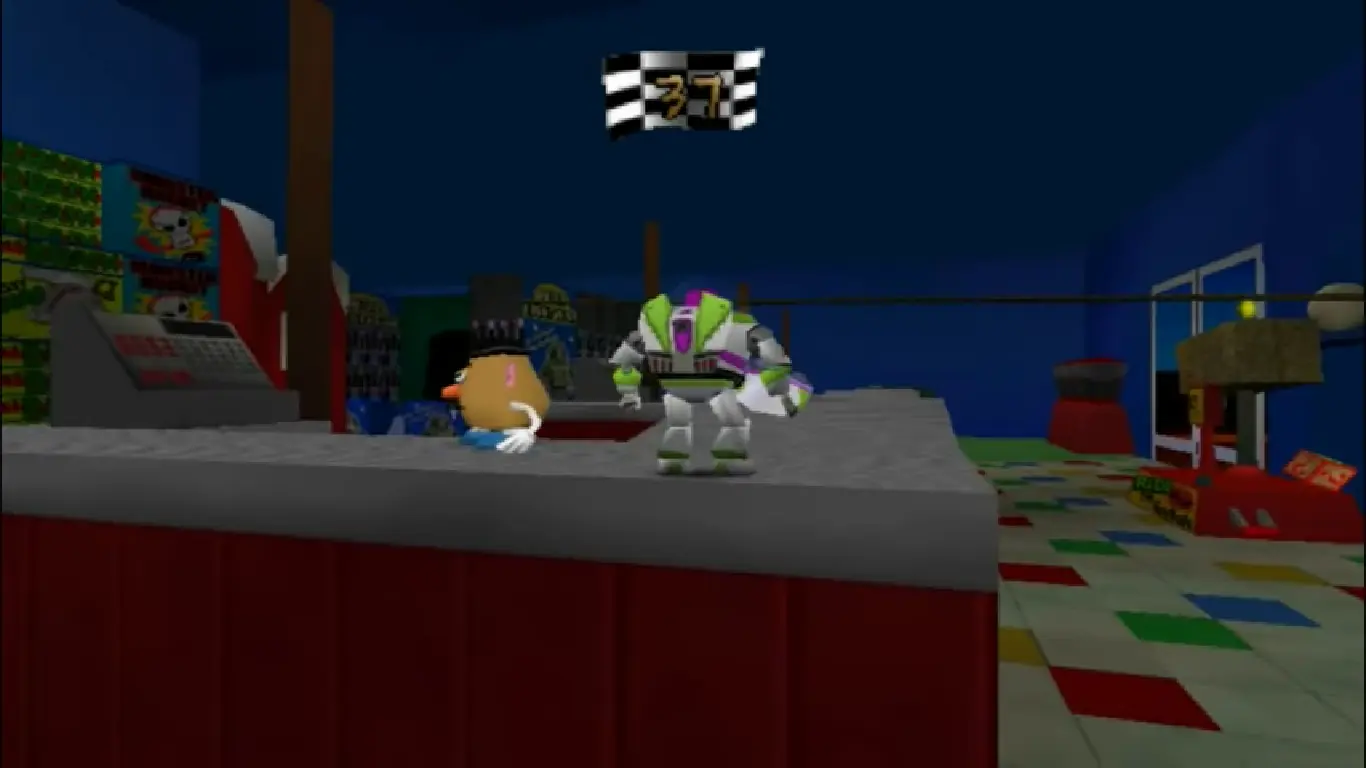
The main aim of the game is to collect Pizza Planet tokens which are located throughout stages. Each level has five Pizza Planet tokens, which are each collected by completing different objectives, such as fighting a mini-boss, solving a puzzle for getting a secret token, completing a timed challenge or winning a race against another character, or helping a character find 5 of a certain object which are hidden throughout a level. Each level also has a number of coins placed throughout it, 50 of which can be collected and given to Hamm for a token. Certain objectives require the use of a special power-up that must first be unlocked in a certain level by retrieving one of Mr. Potato Head's missing body parts. Power-ups include a cosmic shield that protects Buzz from damage, rocket boots that launch him at high speeds, a disk launcher that homes in on enemies, a grappling hook for climbing up high ledges, and hover boots for floating up to high places. While only one Pizza Planet token is needed to clear a level, some levels require a certain number of tokens to unlock. Rex can be found in each level, and will offer hints to help players find and complete each objective. With the exception of the Nintendo 64 version, progressing through each level unlocks FMV clips of scenes taken from the film. The Nintendo 64 version instead features screenshots from the film accompanied by text, shown in the beginning of the levels, due to storage limitations of the Nintendo 64 cartridge.
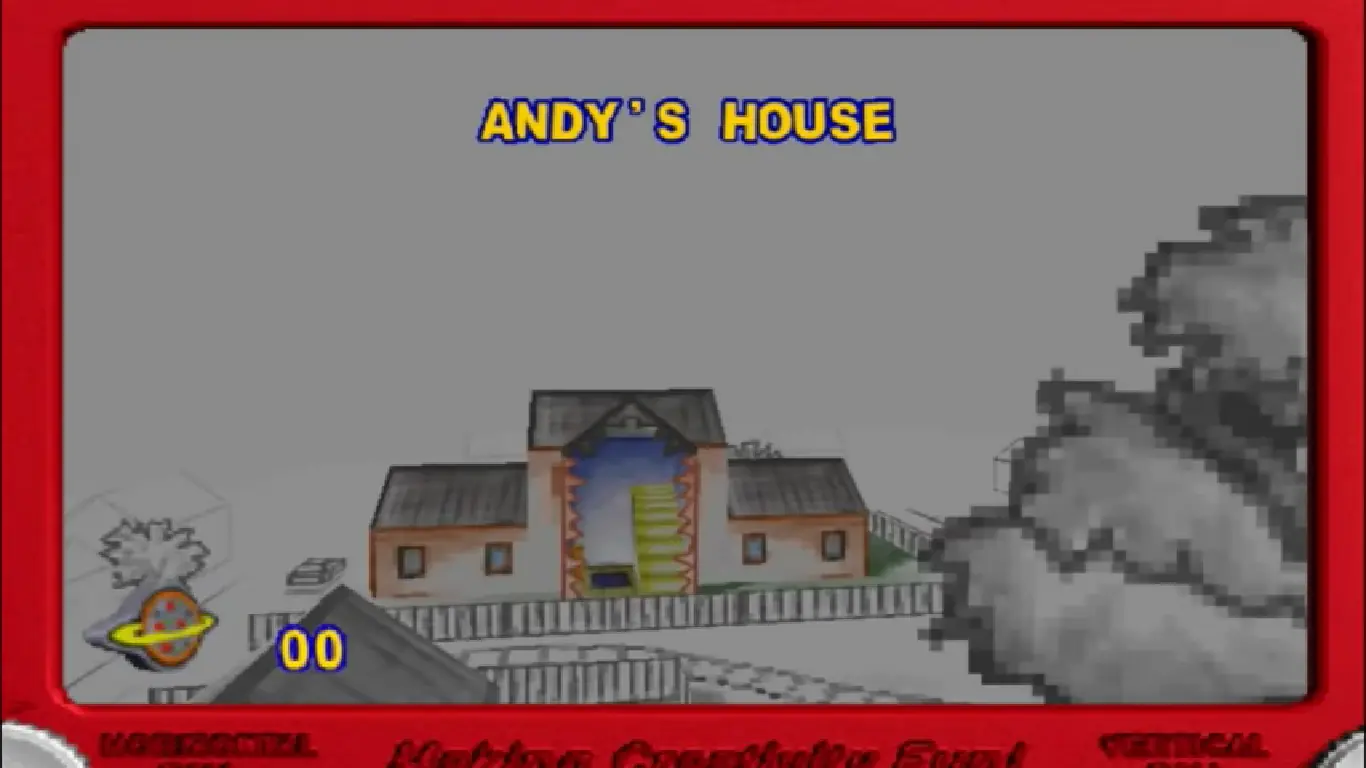
The game's plot is relative to the Toy Story 2 film, and begins at Andy's house as Al McWhiggin steals Woody from the family's yard sale. Buzz Lightyear, Hamm, Rex, Slinky, and Mr. Potato Head venture out to find and rescue Woody. After leaving Andy's house, the toys enter the neighborhood in which Andy lives, then proceed to Al's Toy Barn, the penthouse where Al lives and finally the airport terminal and tarmac where the movie ends. Stinky Pete (a.k.a. the Prospector) appears as the game's final boss along with two of his in-game henchmen.
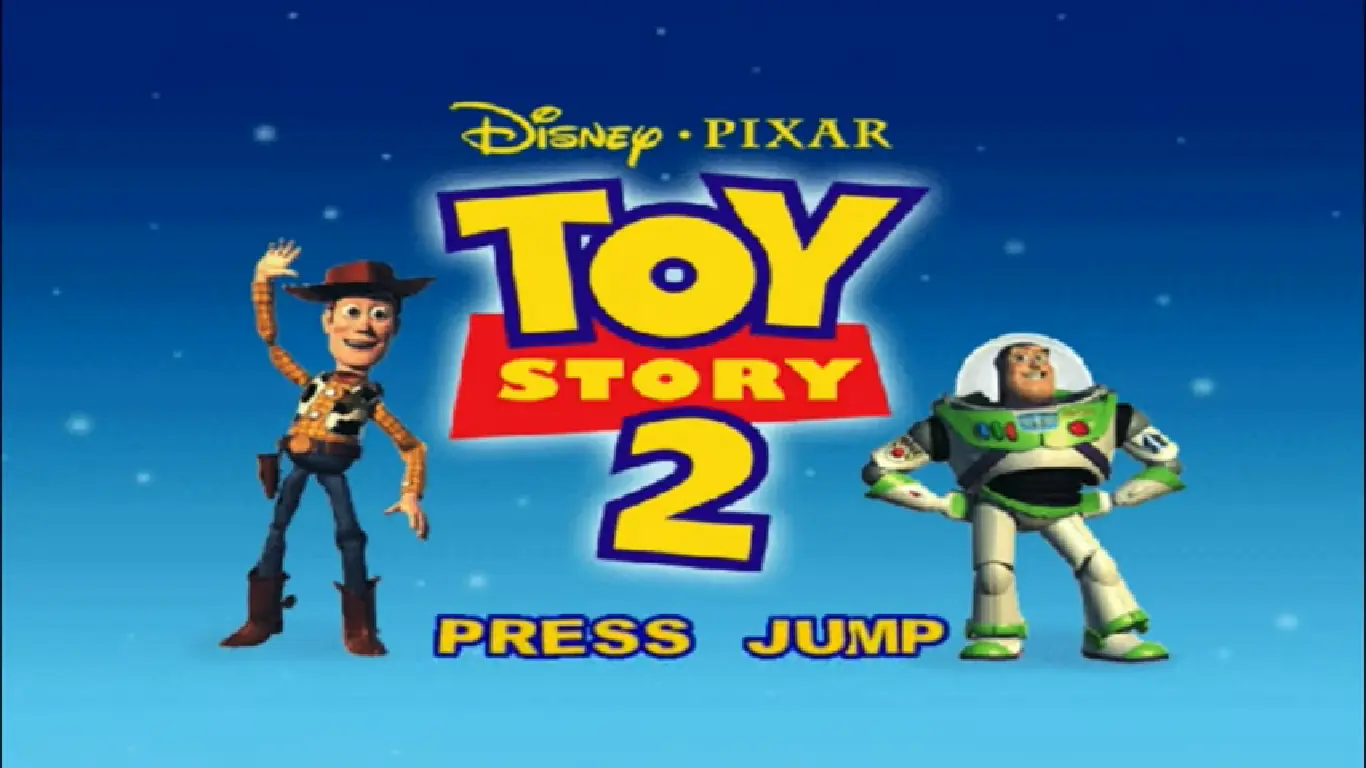
Toy Story 2: Buzz Lightyear to the Rescue is abandonware and no longer sold or supported by its publishers. Files are archived here for these platforms:






You need to download this fix :
https://github.com/AndetSTK/ToyStory2Fix/releases/tag/1.0.2
And then copy/paste where you installed the game.
If that still doesn’t work maybe you need to enable Direct Play.
Programs and Features > Turn Windows Features On or Off.
Scroll down to and enable Legacy Components and Direct Play.
I hope I helped you, enjoy 🙂
hf!
would really like to re-live my childhood days with this game:D
Question: The game thinks it needs a disc in order to play, saying that it can’t find [disc drive]setuptoy2cdvalidate.tta…even though it’s right there, only inside the .iso DVD Drive; is there a way to fix this, perhaps by somehow changing where the OS searches for the file? I’d appreciate any suggestion.
Can’t wait to play this nostalgic game again! 😀
~Shaya