Transformers: The Game
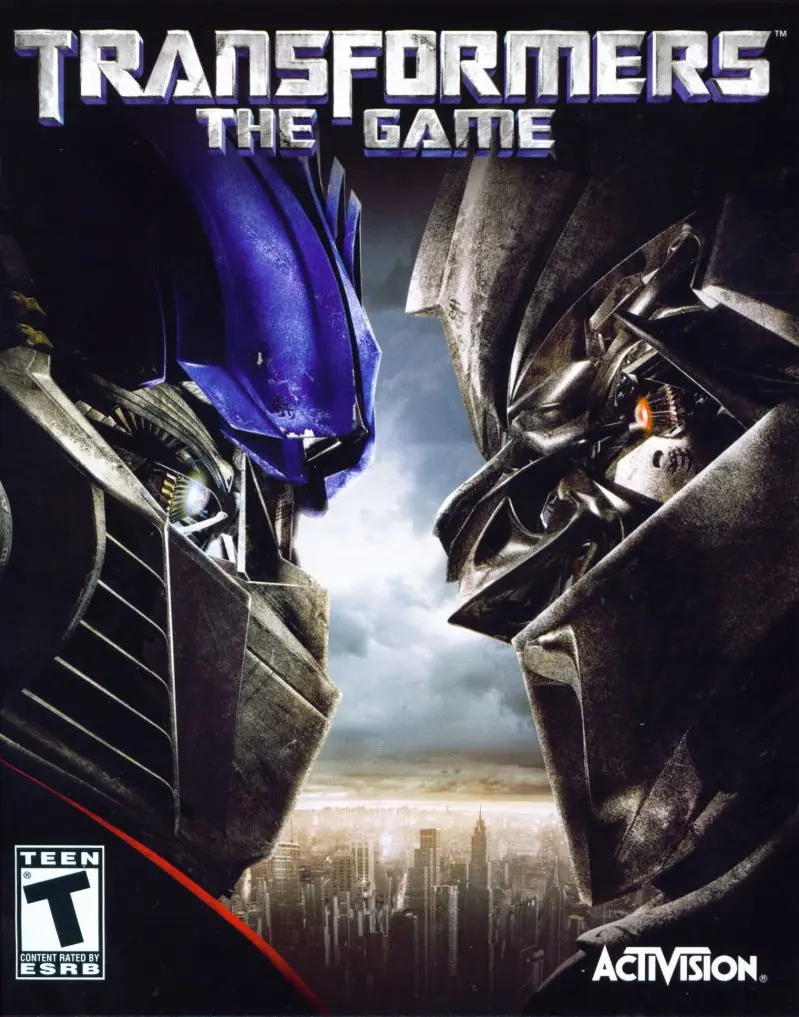
Transformers: The Game is a 2007 shooter game developed by Savage Entertainment and published by Activision.
Genres
Publishers
Developers
Released
Platforms
Transformers: The Game is a 2007 shooter game developed by Savage Entertainment and published by Activision.
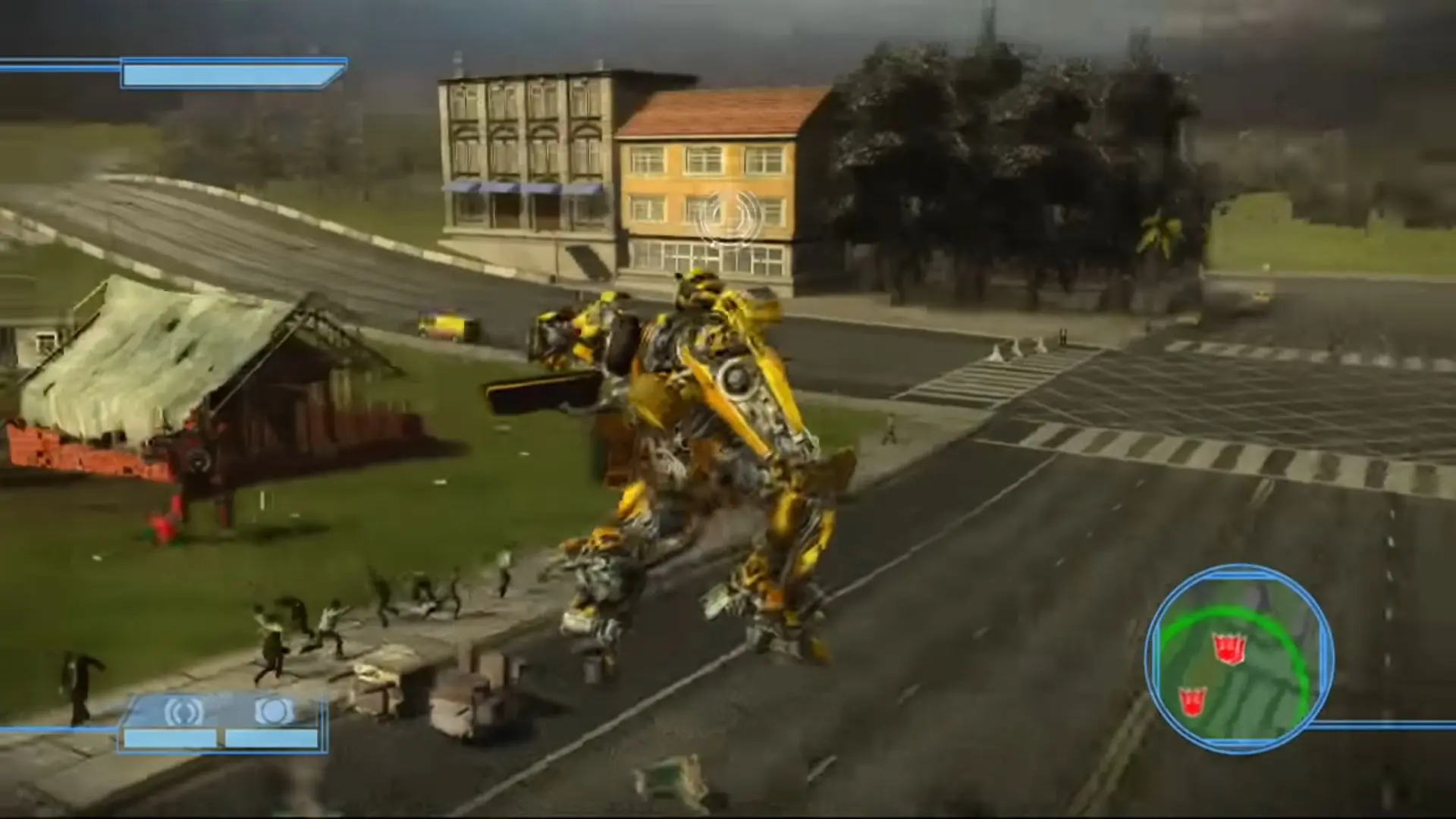
Based on the 2007 film, Transformers invites gamers into a world of mechanized shape-shifters called the Autobots and the Decepticons. By selecting an alliance, gamers will work their way through one of two campaigns and ultimately decide to defend Earth or watch it burn. As a robot, players experience combat in seven fully destructible environments as they attempt to complete objectives and missions including destroying drones. When gamers are in car form, they can compete in a variety of point-to-point races. Optimus Prime, Megatron, Starscream, and Ironhide make a return in the game, and players can shift from vehicle to robot on the fly.
Transformers: The Game is abandonware and no longer sold or supported by its publishers. Files are archived here for these platforms:
How to play on Windows







1. Go into your OGD.Transformers.The.Game file thingy
2. Re-run the setup of the game, EVEN IF IT ASKS YOU TO UNNISTALL THE GAME JUST DO SO AND RUN THE SETUP AGAIN IMMEDIATLY AFTERWARDS (the setup is just deleting the previous game files)
3.When you are in the setup, before cicking all the way through you will get TWO choices to install the components, choose the CUSTOM option FIRST, you will then see EXACTLY where your main game files is located on your PC (for me it was in my windows C; drive in my Progam x86 File thingy and only there i saw my MAIN Transformers game files,THIS IS YOUR GAME DIRECTORY THAT HOLDS ALL THE GAME FILES) HOWEVER don’t leave it on custom, go back and select the normal install (RECOMENDED) and continue. if the game main menu opens up DO NOT press play just as yet. you can just leave it open and do the next step first.
4. Now go into your NOCD folder, just copy the Autobot picture thingy and not the website link, paste that into your MAIN game folder and it will ask you if y
Whole game is running in Russian language
I asked this to Reddit and banned due to pirate game rules. Do you have telegram?
are you sure you want to delete transformers the game
– First unzip the downloaded file. Then you have to mount the “OGD.Transformers.The.Game.ISO” file. On Windows 8 and 10 the only thing to is is to double click it.
BUT, if you have a Zip Program (which you obviously have) right click and then set open with to always with Windows Explorer. Then it should be automatically mounted. Official Guide here: https://oldgamesdownload.com/wiki/install-games-on-windows/
– run the setup.exe
– Copy the dvd files (the ones that just opened after mounting) into a new folder
– Extract the NOCD folder from the unzipped folder in the beginning and copy the transformers.exe
– Go to the new copied transformers folder and go to the “setup” folder
– Paste the NOCD transformers.exe you just copied into the “Data” folder and replace the old transformers.exe
Thats it..
I hope everything works, it does for me.
THERE IS NOT ENOUGH SPACE FOR TF_DVD. YOU NEED ADDITIONAL 3.53MB TO COPY THESE FILES