UFO: Enemy Unknown
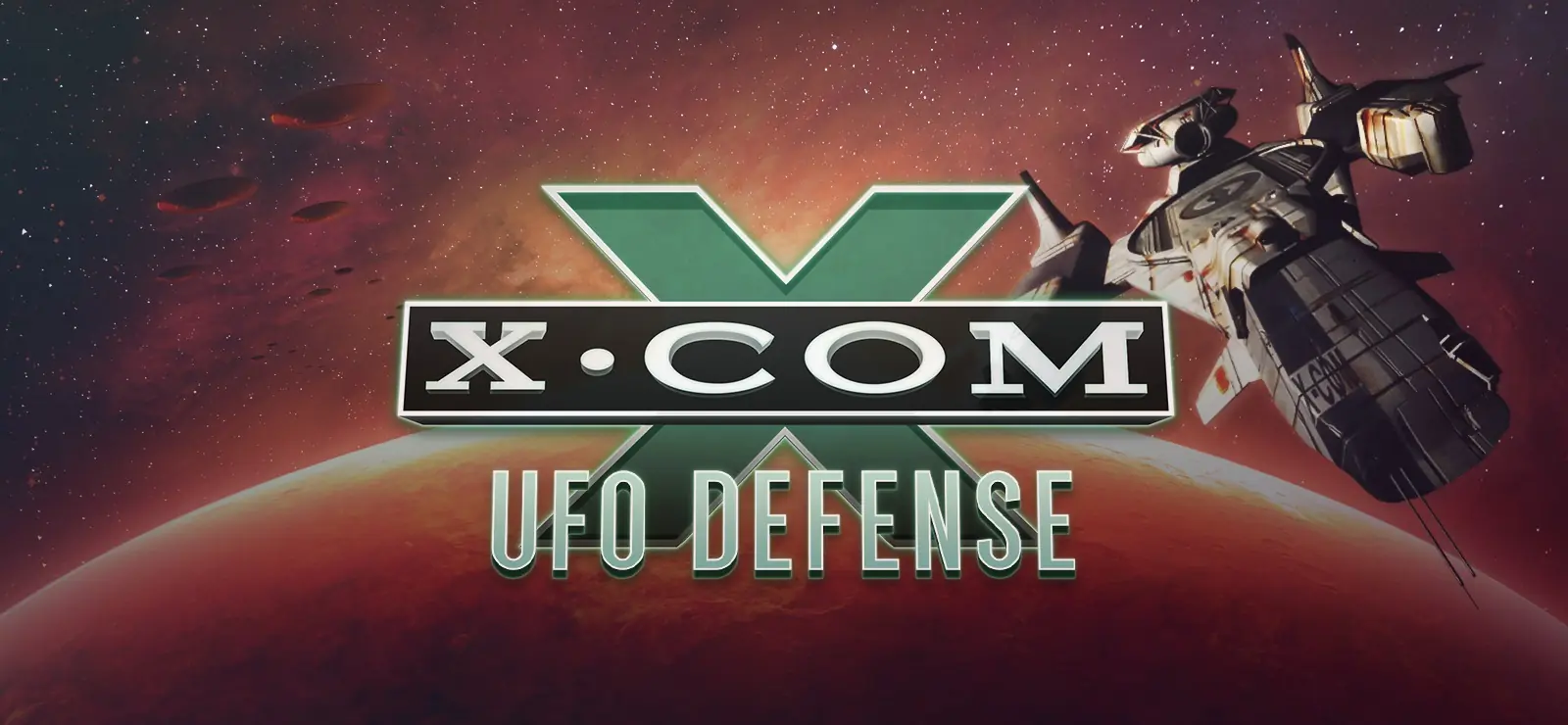
You are in control of X-COM: an organization formed by the world's governments to fight the ever-increasing alien menace.
Genres
Publishers
Developers
Released
Platforms
You are in control of X-COM: an organization formed by the world's governments to fight the ever-increasing alien menace.
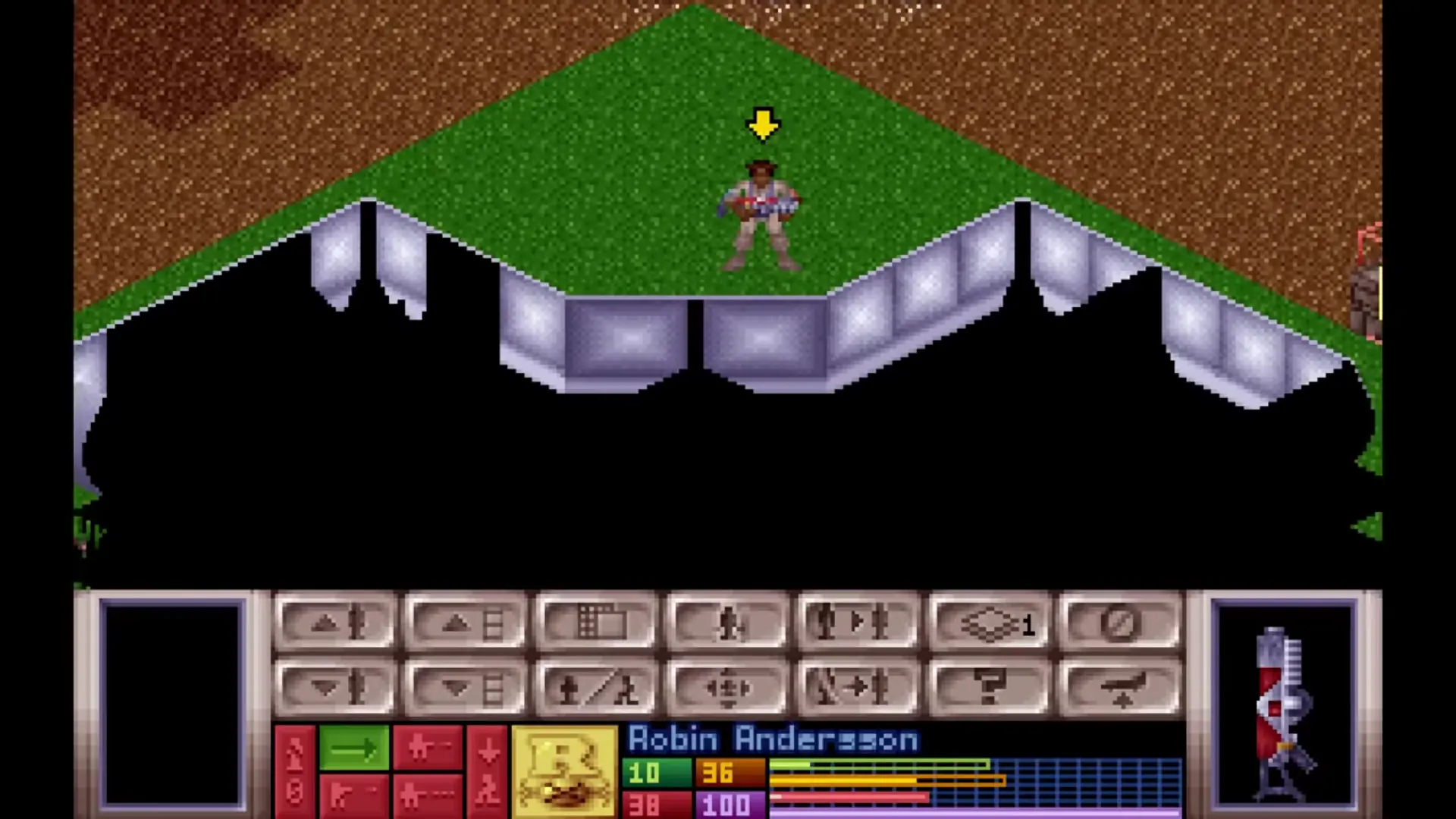
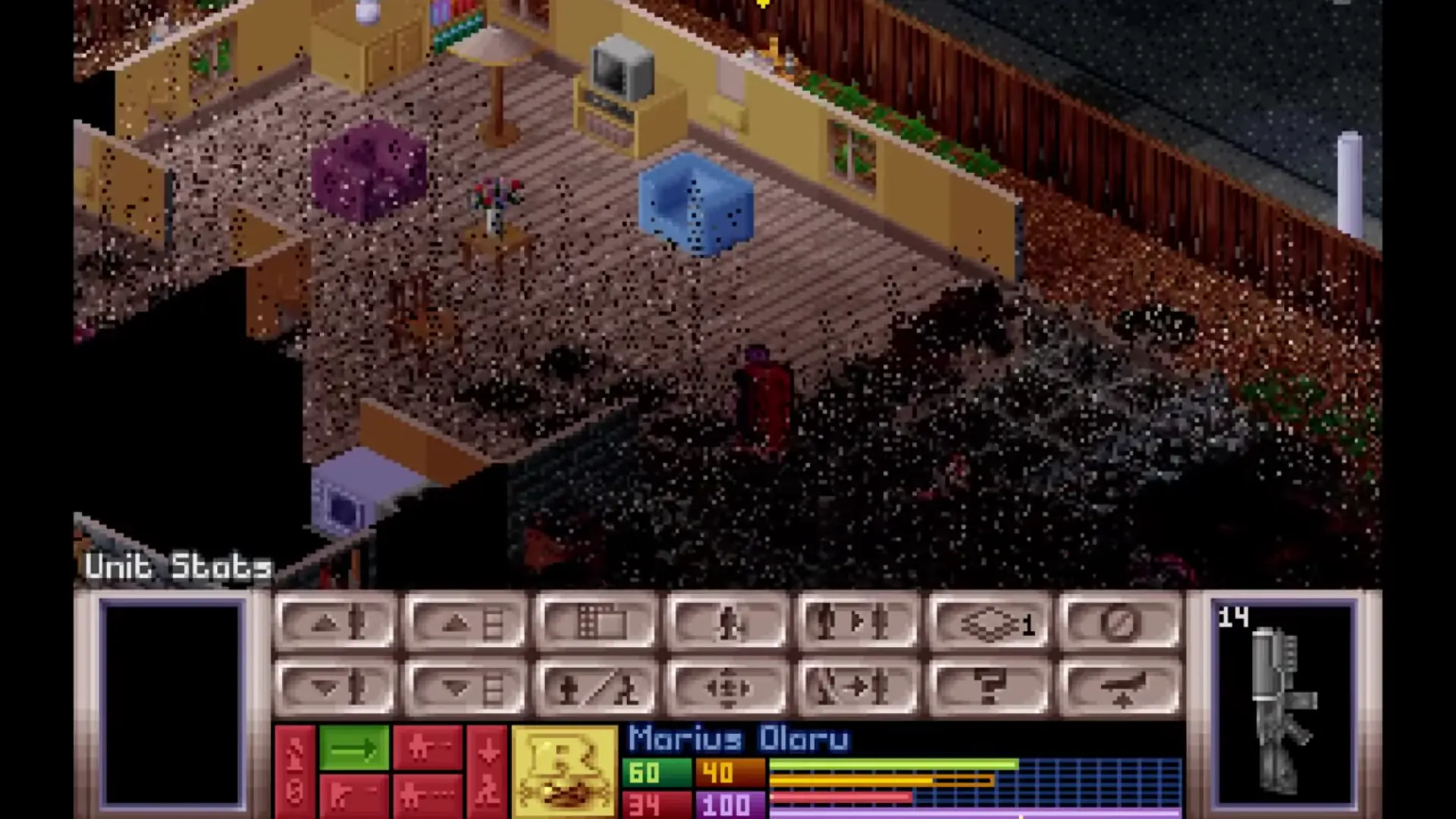
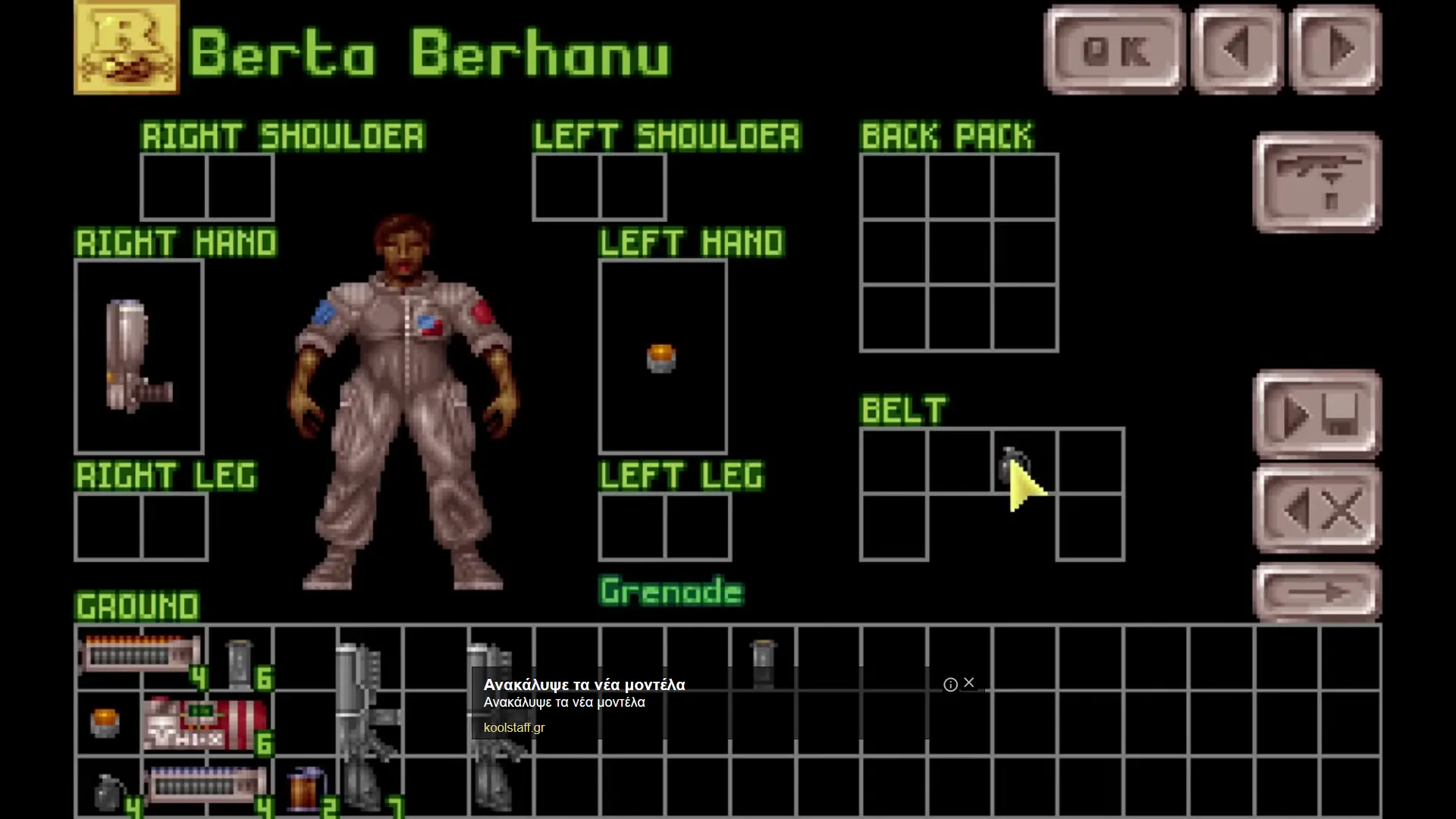
Command Earth's forces against the Alien Terror: you are in control of X-COM, an organization formed by the world's government to fight the ever-increasing alien menace. Shooting down UFO's is just the beginning: you must then lead a squad of heavily armed soldiers across different terrains as they investigate the UFO crash site. Tackle the aliens with automatic rifles, rocket launchers, and even tanks in the struggle to retrieve useful technology, weapons, or life forms. Successful ground assault missions will allow X-COM scientists to analyze alien items. Each new breakthrough brings you a little closer to understanding the technology and culture of the alien races. Once you have sufficient research data on the UFO's superior weapons and crafts, you'll be able to manufacture weapons of equal capability. You must make every crucial decision as you combat the powerful alien forces. But, you'll also need to watch the world political situation: governments may be forced into secret pacts with the aliens and then begin to reduce X-COM funding.
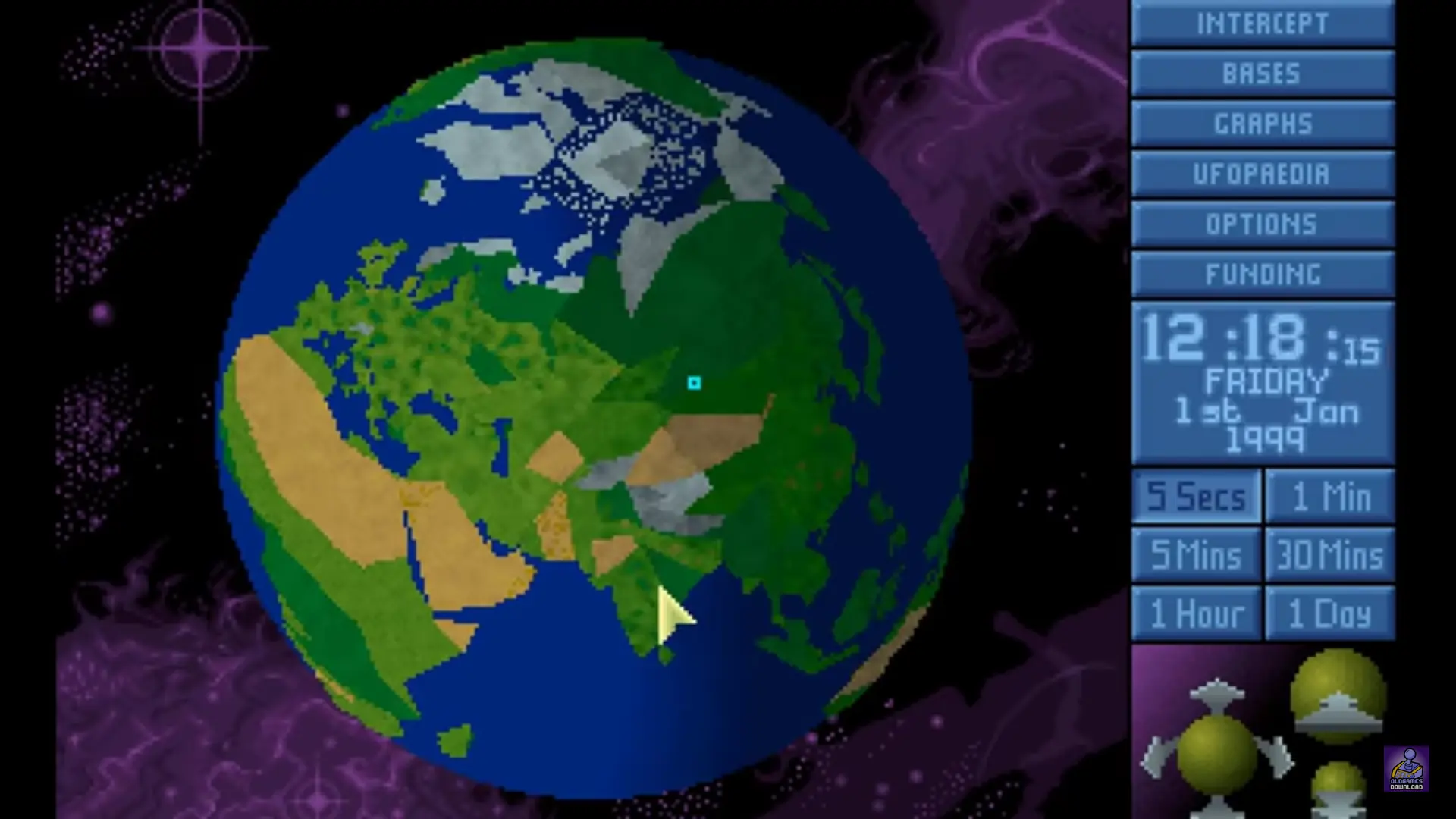
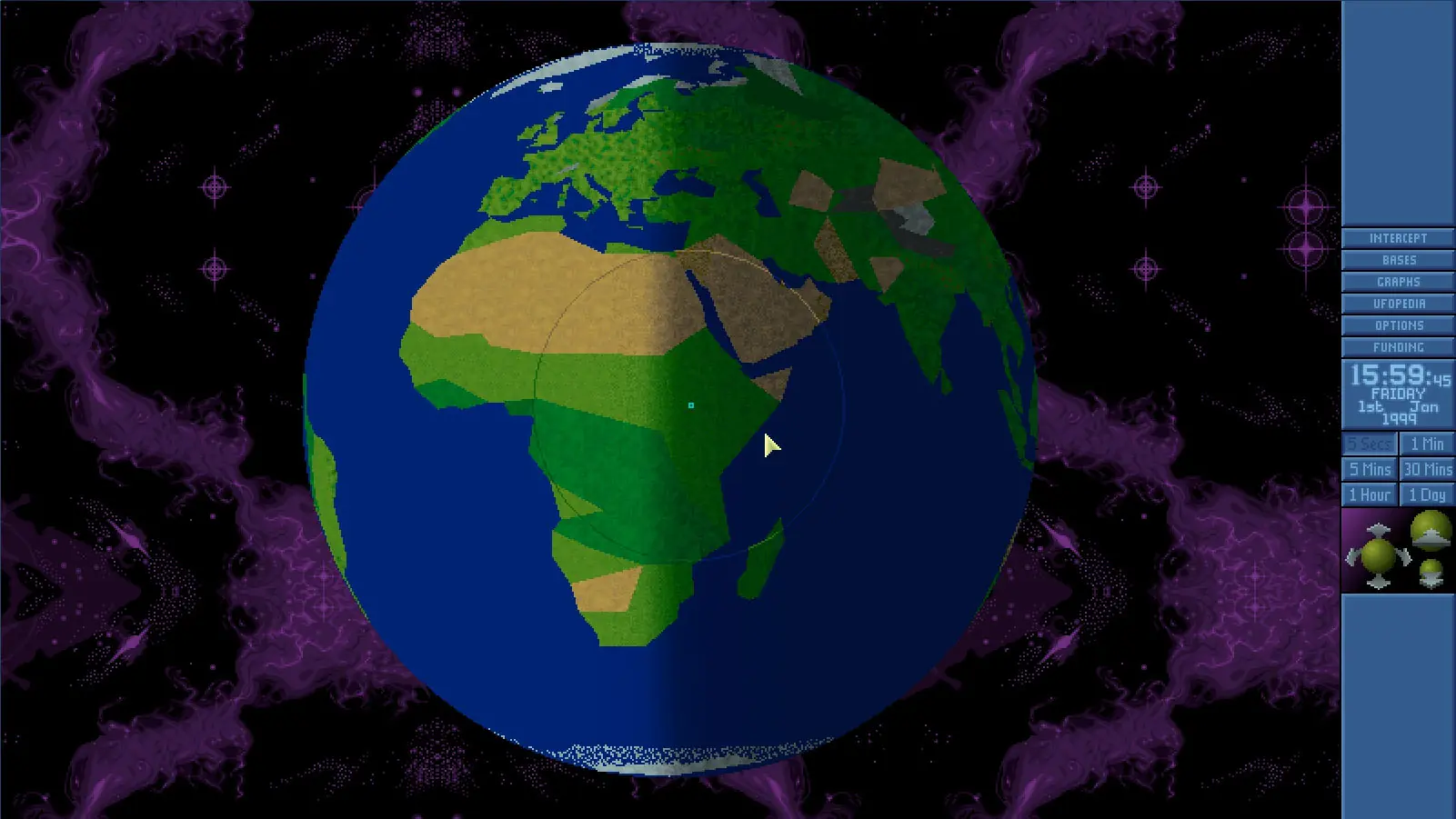
UFO: Enemy Unknown is abandonware and no longer sold or supported by its publishers. Files are archived here for these platforms:
How to play on Windows












how change language?
(UFO enemy unknow)