Home » Games » Sid Meier’s Civilization

Sid Meier’s Civilization

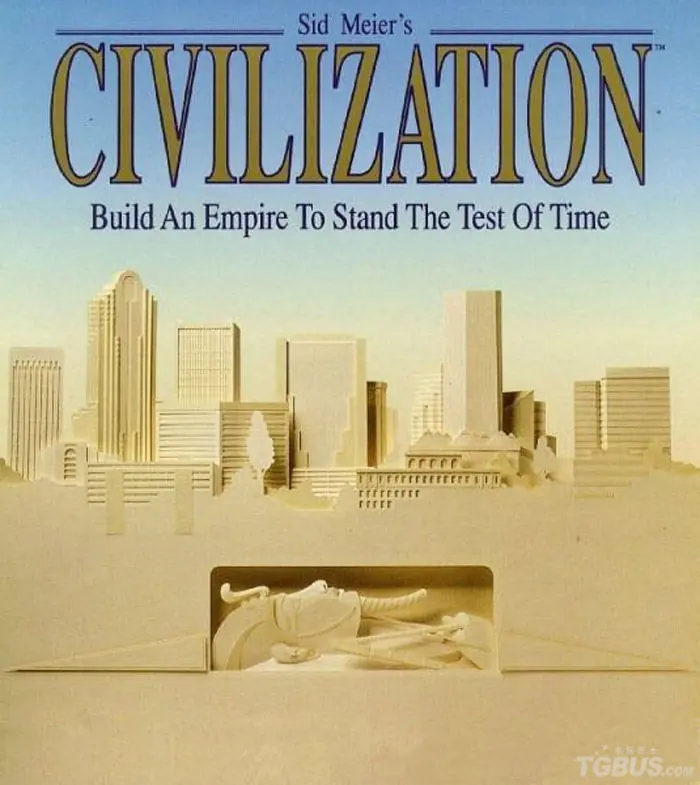
Sid Meier's Civilization Game Cover
4/5 - 9 votes

Sid Meier’s Civilization is a 1991 strategy game developed by MPS Labs and published by MicroProse.

Other Titles

Sid Meier's Civilization: Build an Empire to Stand the Test of TimeCivCiv1CivilizationCivilization ICivilization: Shin Sekai Shichidai BunmeiWenmingシヴィライゼーション 新・世界七大文明文明Civ 1Sid Meier's Civilization: Shin Sekai Nadaibunmeiتمدنسيفيليزيشن문명

Genres
Publishers
Developers
Released
Platforms
Download

About Sid Meier’s Civilization

Sid Meier's Civilization is a 1991 turn-based strategy 4X video game developed and published by MicroProse. The game was originally developed for MS-DOS running on a PC, and it has undergone numerous revisions for various platforms. The player is tasked with leading an entire human civilization over the course of several millennia by controlling various areas such as urban development, exploration, government, trade, research, and military. The player can control individual units and advance the exploration, conquest and settlement of the game's world. The player can also make such decisions as setting forms of government, tax rates and research priorities. The player's civilization is in competition with other computer-controlled civilizations, with which the player can enter diplomatic relationships that can either end in alliances or lead to war.
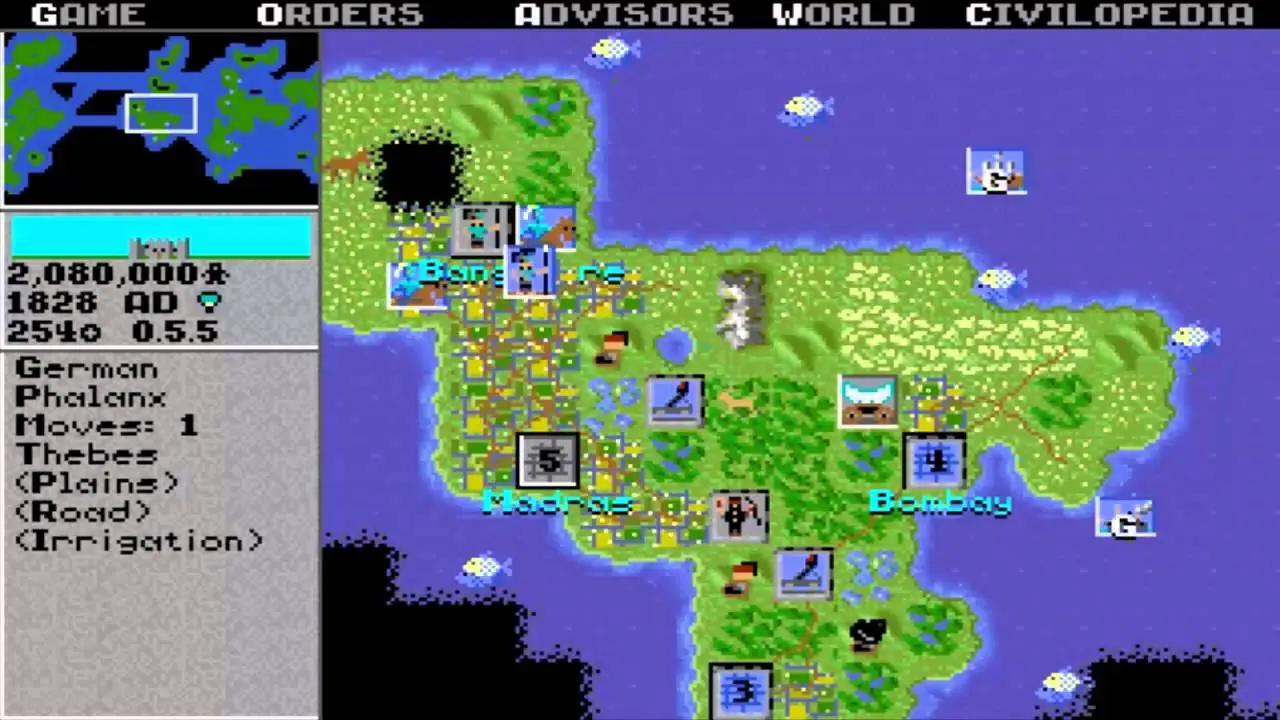
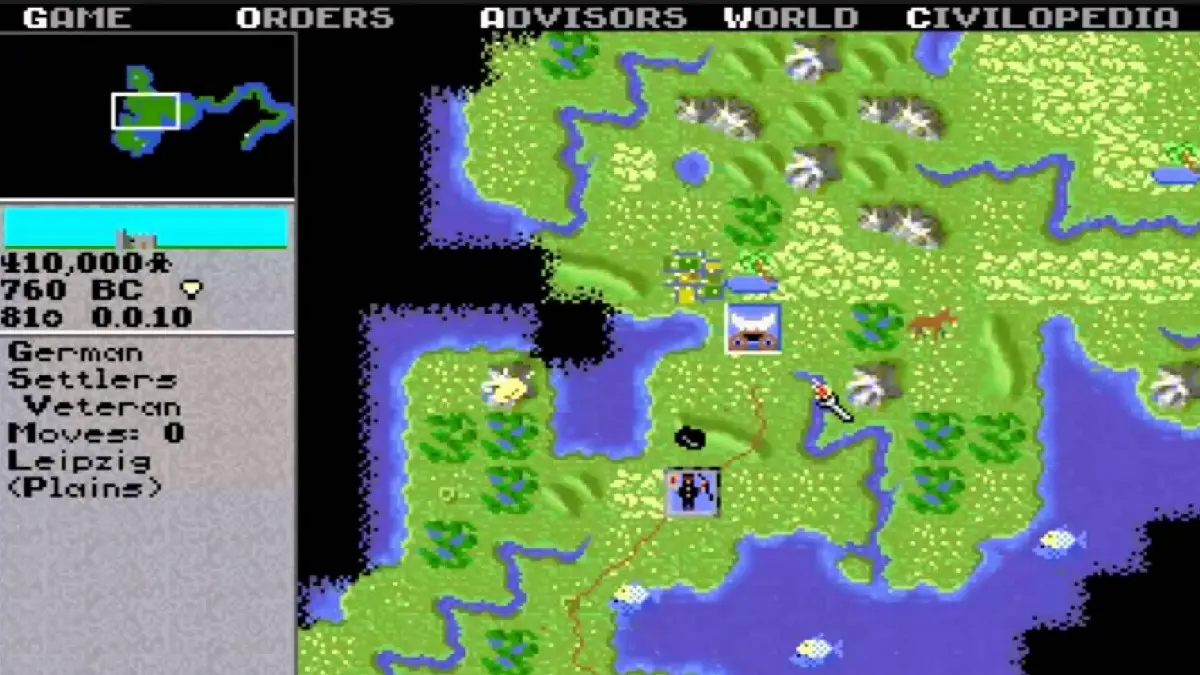
Screenshots

DOS

Sid Meier’s Civilization — DOS screenshot 1Sid Meier’s Civilization — DOS screenshot 2Sid Meier’s Civilization — DOS screenshot 3

Download Sid Meier’s Civilization

Sid Meier’s Civilization is abandonware and no longer sold or supported by its publishers. Files are archived here for these platforms:

DOS (1991)

  • Sid_Meiers_Civilization_DOS_Files_EN.zipEN1.66 MB
  • Instructions Sid_Meiers_Civilization_DOS_Files_EN.zip

    How to play on Windows

    1. Download and extract Sid_Meiers_Civilization_DOS_Files_EN.zip
    2. Download the software DOSBox and put a shortcut for DOSBox on your desktop.
    3. Open the “Sid Meier’s Civilization” folder and then open the “Game Files” folder.
    4. Find the icon called “civ”, and drag it on top of the DOSBox icon which you have on your desktop. The game should now launch in DOSBox.
    5. Enjoy the game!
Tutorial: How to play DOS games on Windows

Other resources

Comments