WWF Safari Adventures

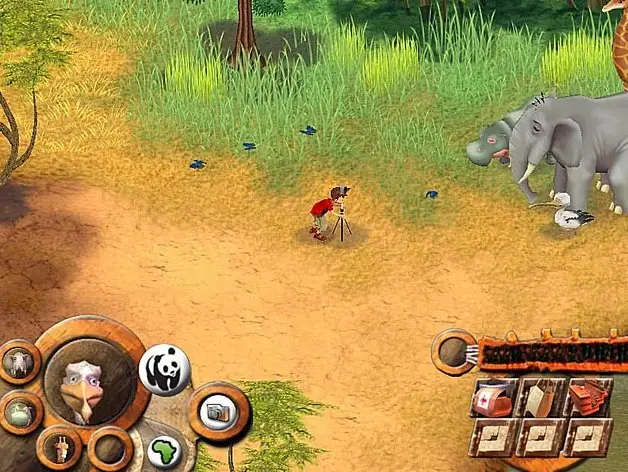
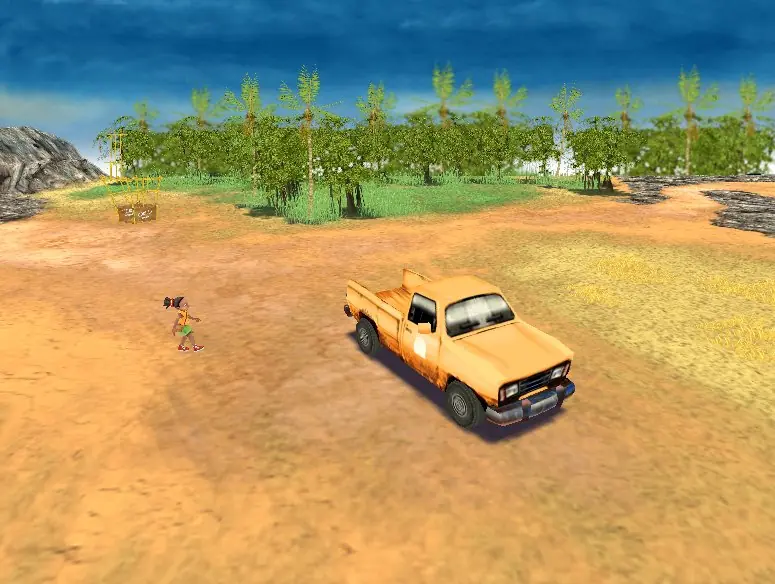
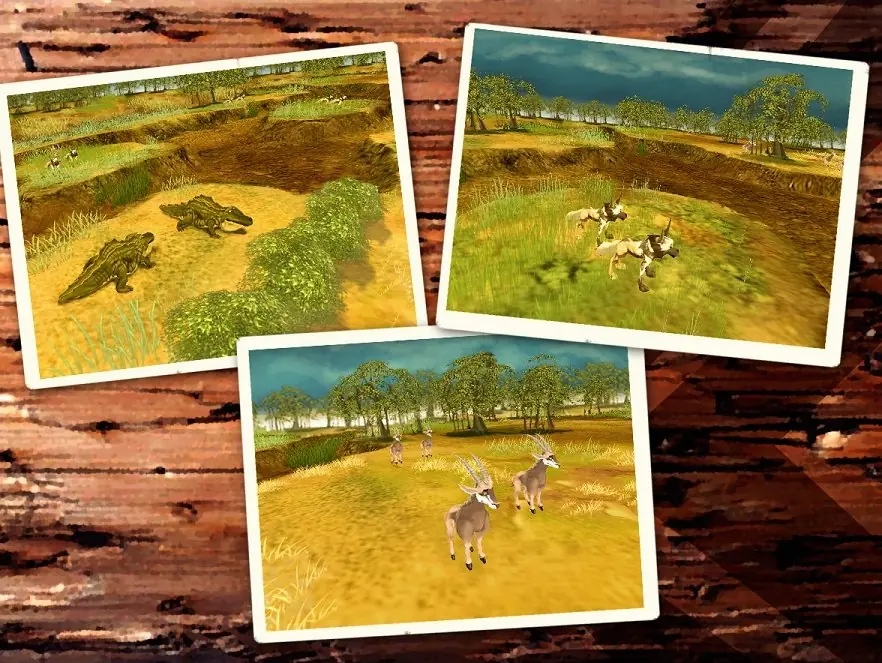
WWF Safari Adventures is a 2005 adventure game developed and published by Take 2 Interactive.
Genres
Publishers
Developers
Released
Platforms
WWF Safari Adventures is a 2005 adventure game developed and published by Take 2 Interactive.
WWF Safari Adventures is abandonware and no longer sold or supported by its publishers. Files are archived here for these platforms:












First step is to download WinCDEmu and install that. Second is to select the BIN file and select to Open With WinCDEmu.
This will create a custom drive for it with any available letter. Select any letter and after that the launcher application should appear in that custom drive and you should be able to install the game as intended.
I hope this helps!