Barbie as Rapunzel: A Creative Adventure
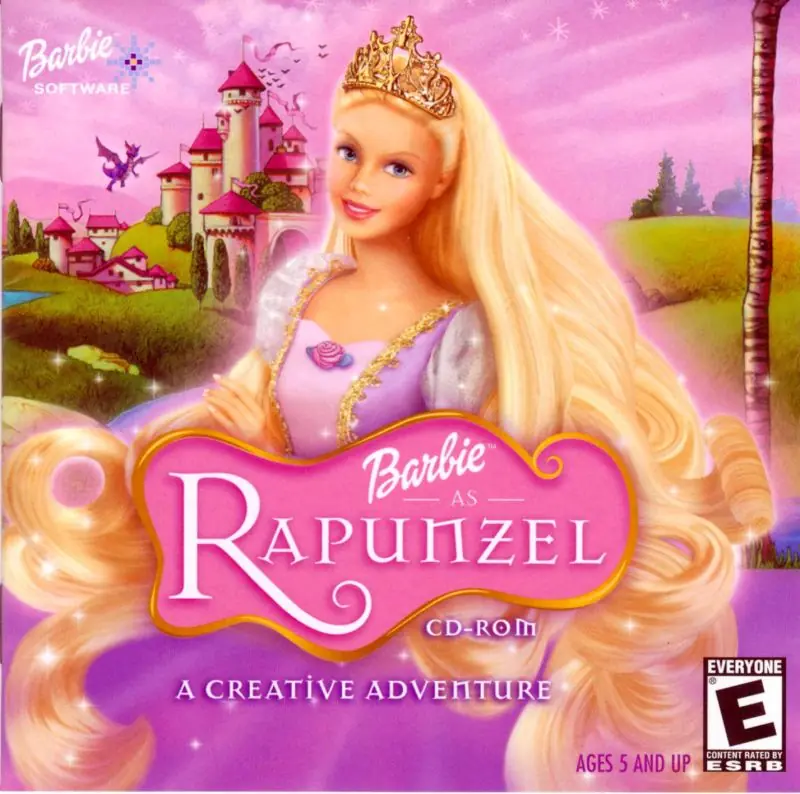
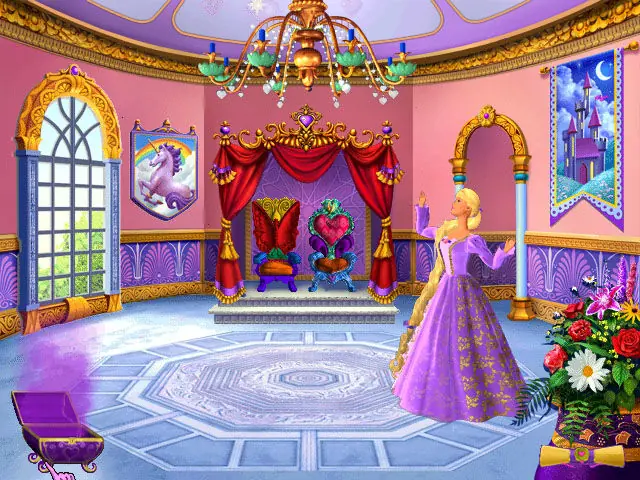
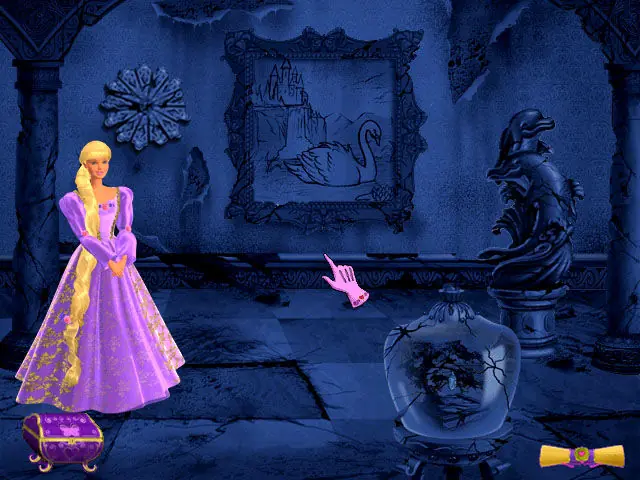
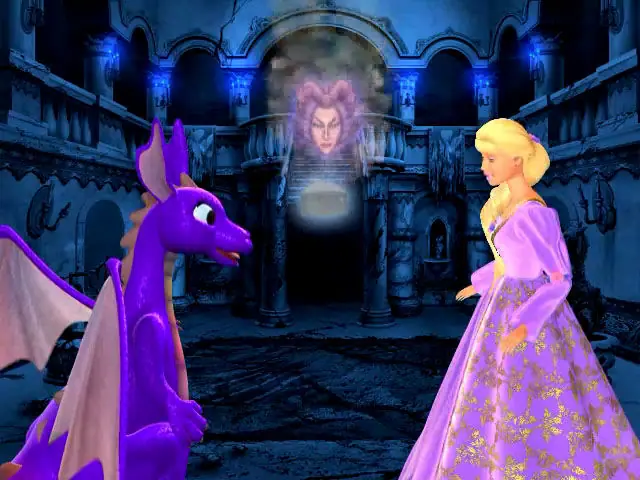
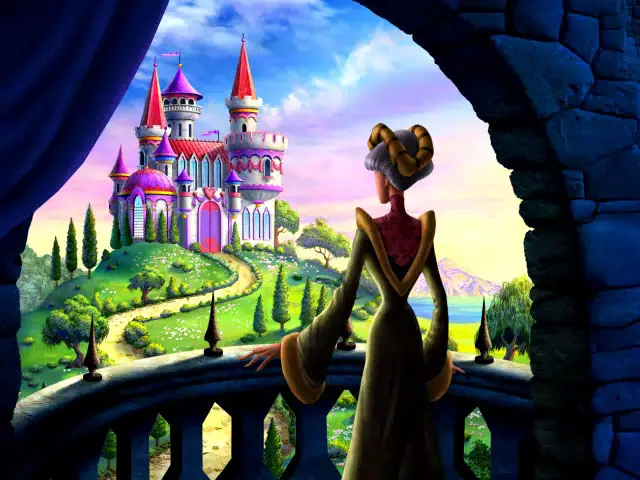
Barbie as Rapunzel: A Creative Adventure is a 2002 educational game developed by Funnybone Interactive and published by Vivendi Universal Games.
Genres
Publishers
Developers
Released
Platforms







Thank you!
The split one is only for compatibility of oldest windows, the rest of it is full blackout. Please help me if someone can solve my problems, i really wanted to play this game :”)
Install the game, along with QuickTime.
Once the game is installed, right-click the desktop shortcut, select “Properties”.
Navigate to the “Compatibility” column.
Once there, check the “Run this program in compatibility mode for” box, then select “Windows 7” from the drop down menu.
Apply the settings, exit from the menu, and run the game.
I hope it works for y’all!
1) Download the Bella Sara link, extract everything.
2) Install the Bella game on your laptop with the Install Wizard.
When you click on the game after installing it, it might give you an error message saying the DVD isn’t right.
3) Go to the Dino R Ownz folder and COPY the game version that is inside that folder.
4) Go to your files and find in “my pc” > Windows SSD > Programs files (mine is called Programs x86) > Codemasters. Inside that codemasters folder, you will find a Bella Sara folder.
5) PASTE the version of the game you took from the Dino R Ownz folder INSIDE the Bella Sara folder that is in the codemasters folder. Inside that folder you will find some read me pages, an fmod.dll file and also a Bella Sara game version. When you will paste what you took from the Dino R Ownz folder into that Bella Sara folder, it will tell you a preexisting file is already named like that and it will ask you if you want to replace it, click yes. Now if you click on that version of the game from inside that folder, it should work!
Here are instructions I found for another cd game.
it might help. Though the file won’t be codemasters it’ll be somethimg else