Grand Theft Auto
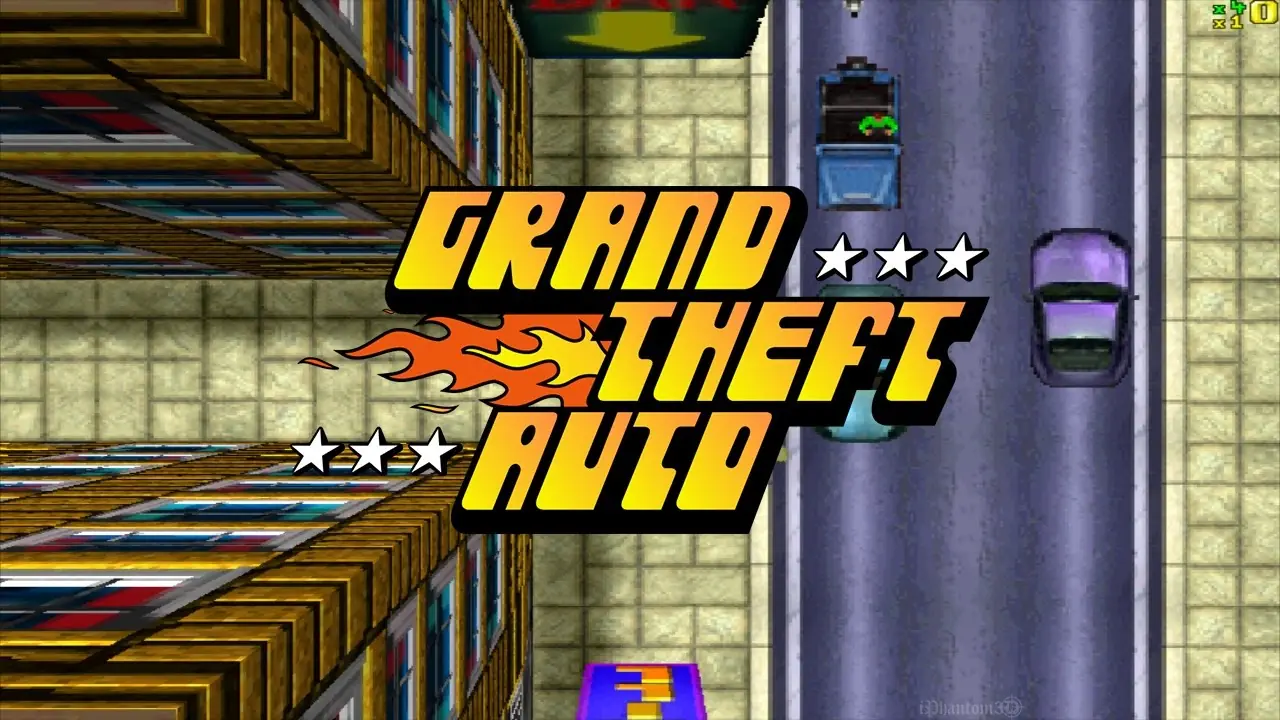
Grand Theft Auto is a 1997 action game developed by DMA Design and published by ASC Games.
Genres
Publishers
Developers
Released
Grand Theft Auto is a 1997 action game developed by DMA Design and published by ASC Games.
Grand Theft Auto is made up of six levels split between three main cities; each locale is based on a real-life city in the United States, with an alternative name: Liberty City (New York City), San Andreas (San Francisco), and Vice City (Miami). The progression is linear, as each level completed automatically unlocks the next one in the chain. Players begin a game choosing a character from among eight—four in the PlayStation version—and naming them, though the choice is purely aesthetic, and does not affect the overall gameplay. In each level, the player's ultimate objective is to reach a target number of points, which starts at $1,000,000 but becomes higher in the later levels, and then reach the level's "goal" to complete the stage. The player is free to do whatever they want, but have limited lives. Points can be gained from anything, such as causing death and destruction amid the traffic in the city, completing special challenges, or stealing and selling cars for profit. However, the more typical means to achieve their target is to perform tasks for the level's local crime syndicate. Jobs can be initiated by visiting and touching a ringing telephone box, with each level's set of jobs on offer being unique.
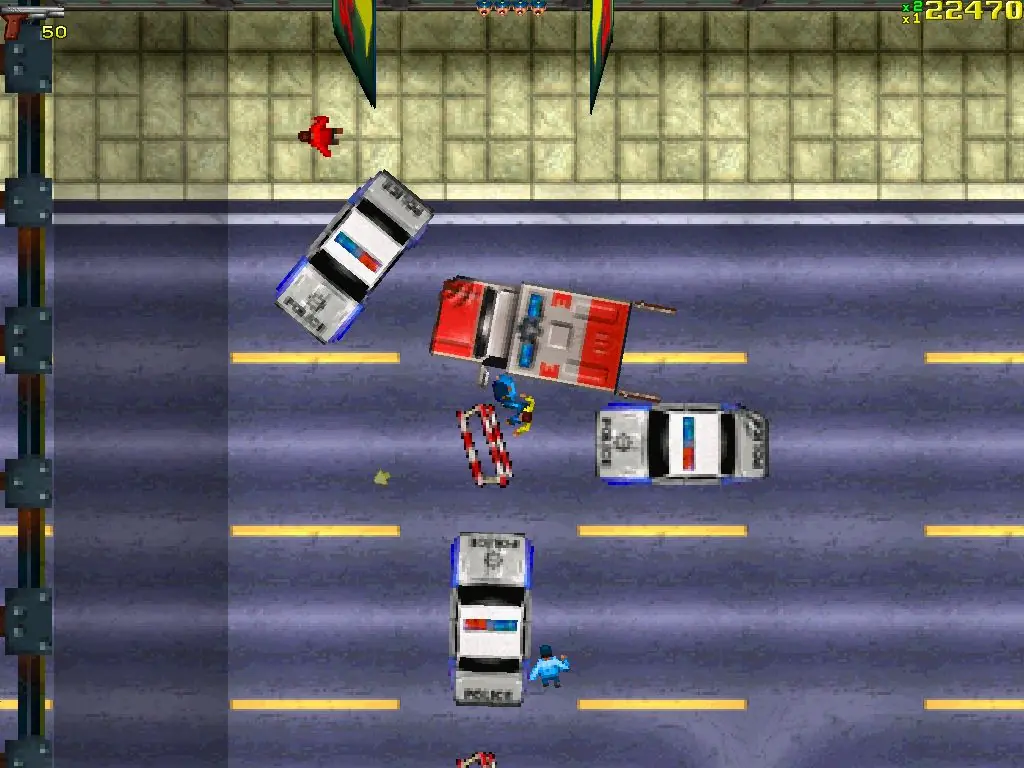
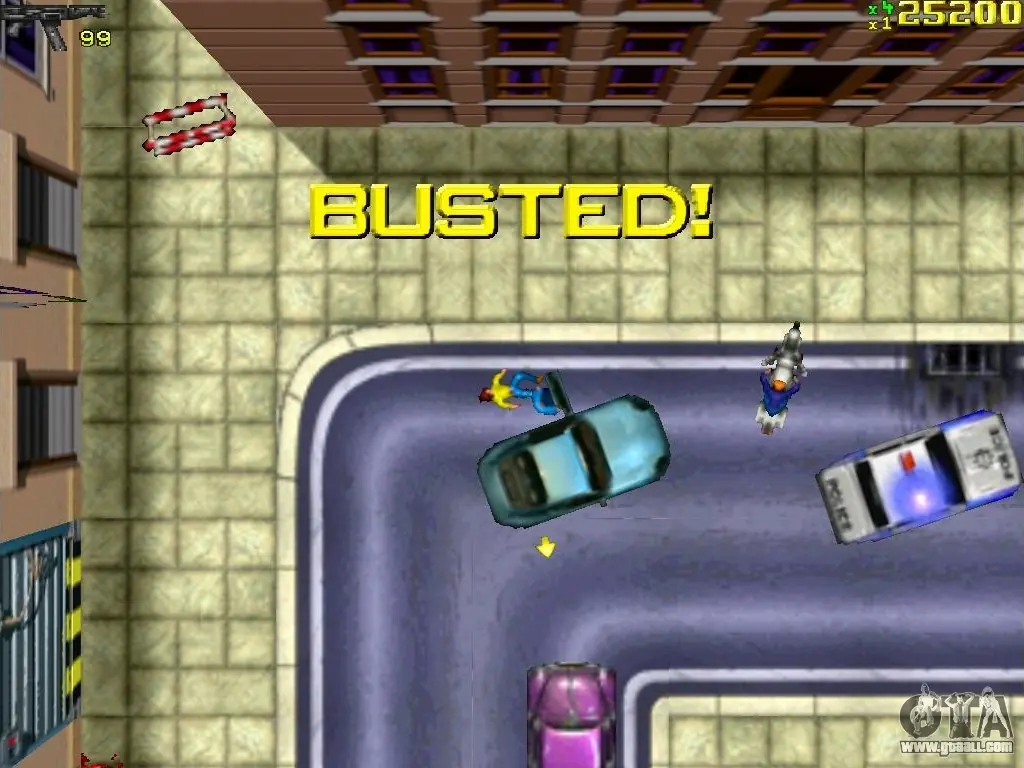
Jobs can be completed in any order, and each has some level of freedom, though each location is fixed. Successful completion of a job awards the player points, unlocks harder missions with greater rewards, and provides a "multiplier"—a bonus that increases the value of points earned from completing jobs and actions. Failing a job by not completing objectives, being arrested, or dying secures no points and can seal off other tasks. Players can find equipment across the level's map to help them with jobs and making points, including weapons and body armour, increasing the player's survival against attacks from enemies. If the player is killed (referred to in the game as "Wasted"), they lose a life, all their current equipment, and have their multiplier bonus reset; losing all their lives will result in players having to restart a level. Law enforcement is present at each level, and committing criminal actions will cause the player to raise their notoriety with the police; the higher the level, the tougher the response. If the player is arrested, they forfeit all equipment and have their multiplier bonus halved. PC versions of the game were released with networked multiplayer gameplay using the IPX protocol.
The player can choose between eight protagonists to control at the beginning of the game, though this choice does not affect the gameplay or story. The player character interacts with prominent criminals throughout the story: Robert "Bubby" Seragliano is the supposed head of the notorious Vercotti crime family and is driven to avenge his father's death; Uncle Fu is the ancient leader of a Chinese gang in conflict with a Latino gang led by El Burro; Samuel Deever is a corrupt Vice City police officer suspected of several crimes; and Brother Marcus is the leader of the Brotherhood of Jah Army of Love and the biggest drug dealer in Vice City.
The protagonist begins their career in Liberty City working for Robert "Bubby" Seragliano's gang. After completing many jobs, they are warned by a rival gang that their actions are causing great harm to their boss, Sonetti. The protagonist continues working for Seragliano and kills Sonetti. After more work, Bubby praises the protagonist's efforts, but warns that the police surround the gang, and it would be a good idea for them to leave town.
As soon as the protagonist arrives in San Andreas, they are contacted by Uncle Fu's gang and begin working for them. After doing some work for the gang, they meet in person with Fu, who expresses his gratitude for their services and states that their actions have brought honour to the family. The protagonist enters the service of El Burro. Again, after several jobs, the protagonist meets the grateful boss in person, who sends them to Vice City.
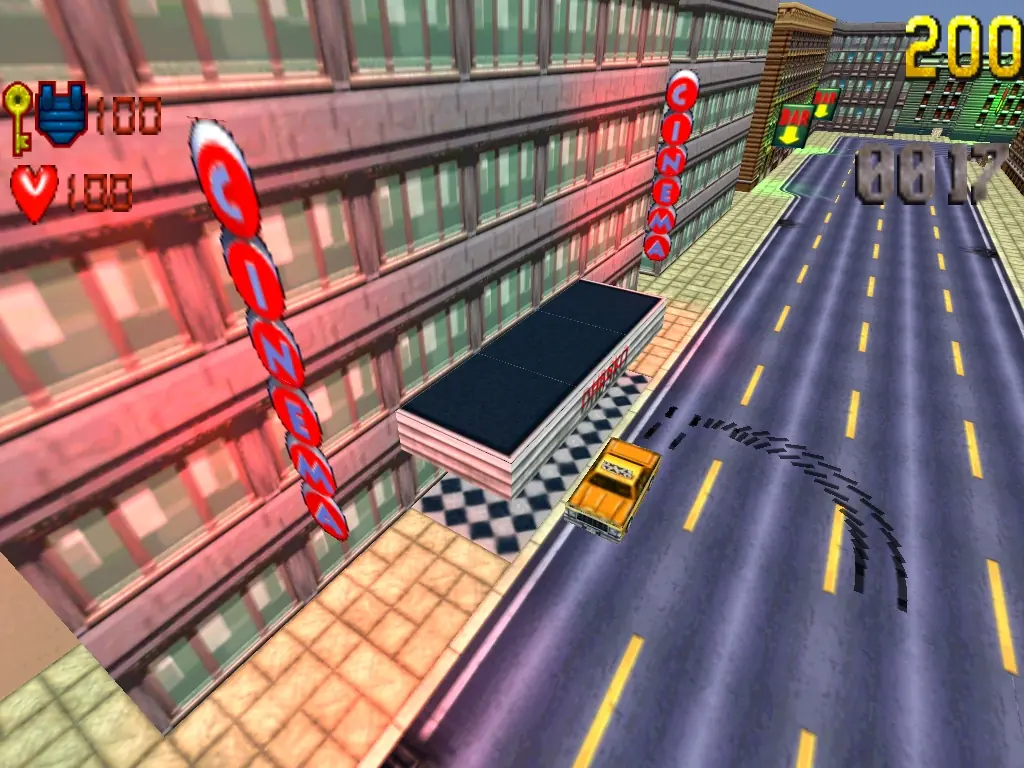
Grand Theft Auto is abandonware and no longer sold or supported by its publishers. Files are archived here for these platforms:
How to play on Windows
How to play on Windows






29 thoughts on “Grand Theft Auto”