Jurassic Park: Operation Genesis

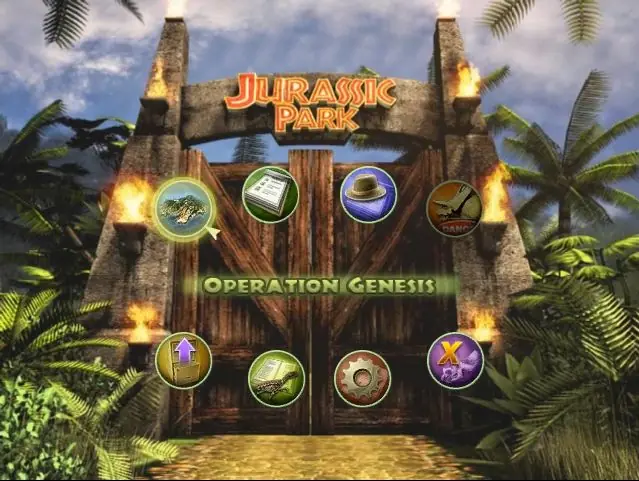
Jurassic Park: Operation Genesis is a 2003 simulation game developed by Blue Tongue Entertainment and published by Konami.
Genres
Publishers
Developers
Released
Platforms
Jurassic Park: Operation Genesis is a 2003 simulation game developed by Blue Tongue Entertainment and published by Konami.
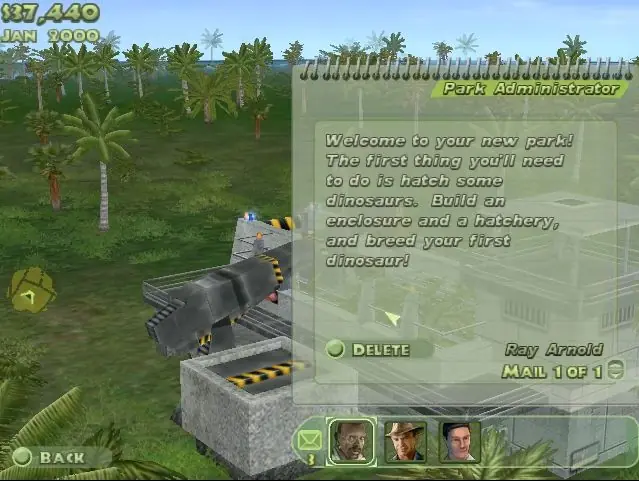
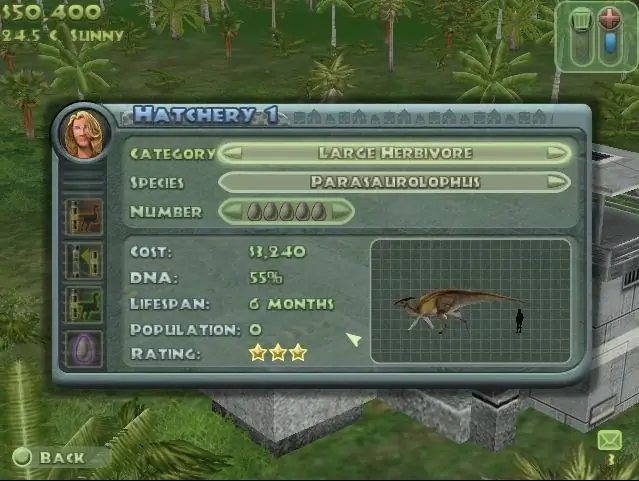
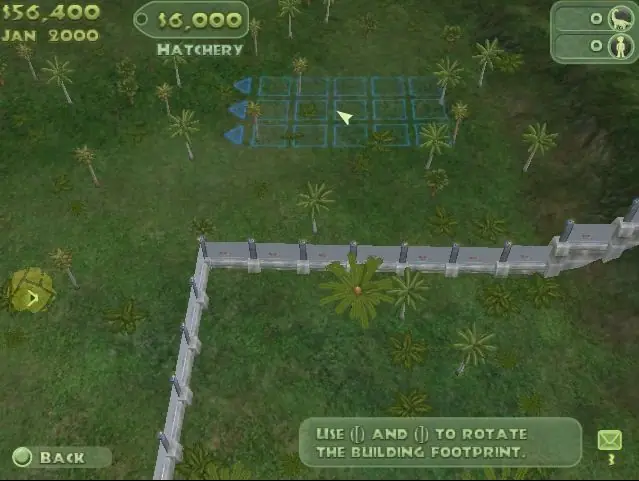
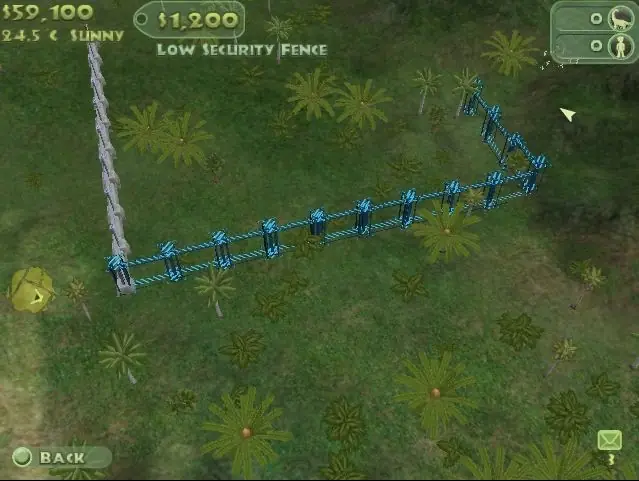
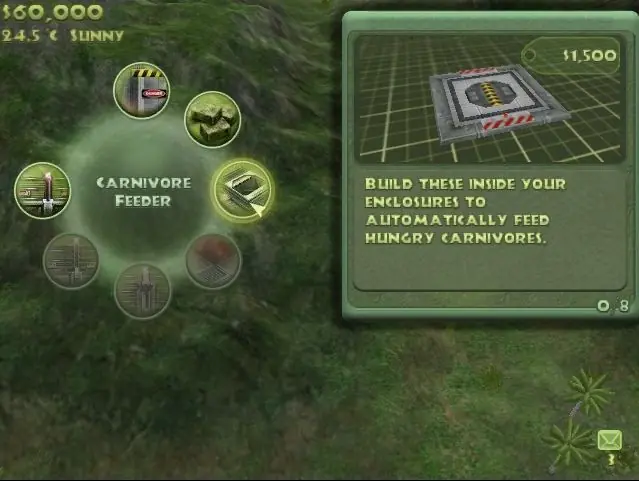
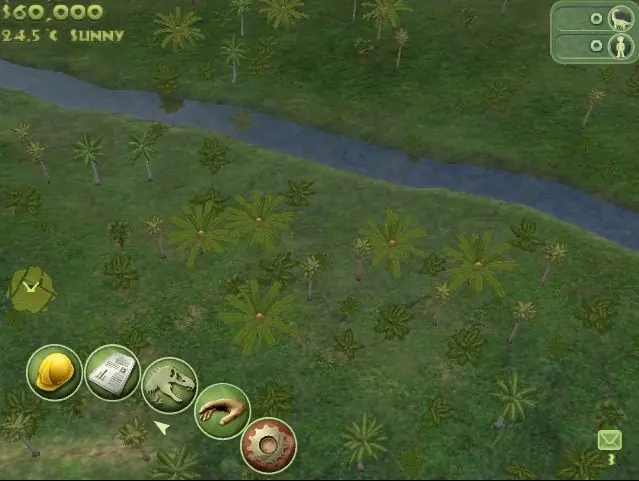
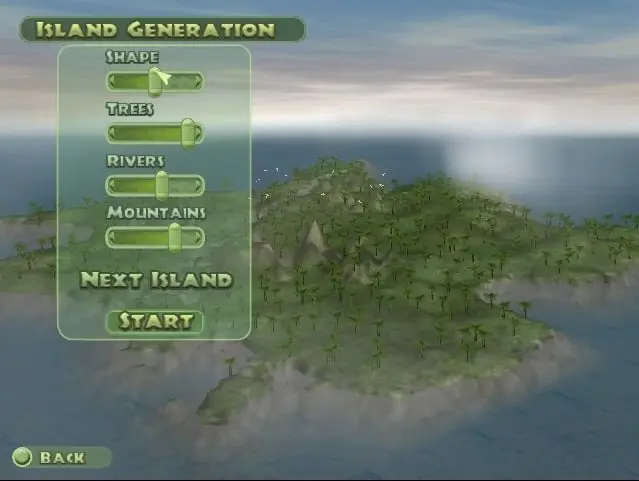
Jurassic Park: Operation Genesis is a construction and management simulation video game based on the Jurassic Park series developed by Blue Tongue Entertainment and published by Universal Interactive, with the console versions being co-published with Konami in Japan. It was released for Windows, Xbox, and PlayStation 2. The game's primary goal is to construct a five-star rated dinosaur theme park named Jurassic Park on custom-generated islands by hatching dinosaurs, building attractions, keeping visitors entertained, and ensuring the park's safety.
Jurassic World Evolution, a 2018 video game developed and published by Frontier Developments, features similar gameplay and has been described as the game's spiritual successor. Two sequels were released in 2021 and 2025, respectively.
Jurassic Park: Operation Genesis is abandonware and no longer sold or supported by its publishers. Files are archived here for these platforms:
How to play on Windows












First you will require: 7zip, and Daemon tools (7zip is free and Daemon tools lite is free too)
For step one you will download the file “Jurassic_Park_Operation_Genesis_Win_ROM_EN.7z” and for extracting you will right click the file, hover over 7zip and select extract files, don’t change anything in the popup and select ok.
For step two, go to “Jurassic_Park_Operation_Genesis_Win_ROM_EN”> Game Files, once you do that rename “rld-jpog.mdf” to “ogd.jpog.iso”. Double left clicking the file should allow Daemon tools to properly mount the file, once that’s done follow steps 3-5 as instructed.
–Correct to mount the file–
1) You must have Daemon Tools to mount the files
2) Rename the file called “rld-jpog.mds” to “ogd.jpog.iso”. IT IS IMPORTANT TO ADD THE ISO WHEN RENAME!
3) After assembling the file, enter it and start “setup.exe” and download the game.
4) Enter the file you extracted in the first part and copy the application called “simjp.exe” that is in the Launcher folder and paste where your game was installed.
The file is not renamed by the program you use to mount. I recommend that you use the Daemon as its use is simplified and easy.
–Correct to mount the file–
1) You must have Daemon Tools to mount the files
2) Rename the file called “rld-jpog.mds” to “ogd.jpog.iso”. IT IS IMPORTANT TO ADD THE ISO WHEN RENAME!
3) After assembling the file, enter it and start “setup.exe” and download the game.
4) Enter the file you extracted in the first part and copy the application called “simjp.exe” that is in the Launcher folder and paste where your game was installed.