Home » Games » Rise of Nations: Rise of Legends
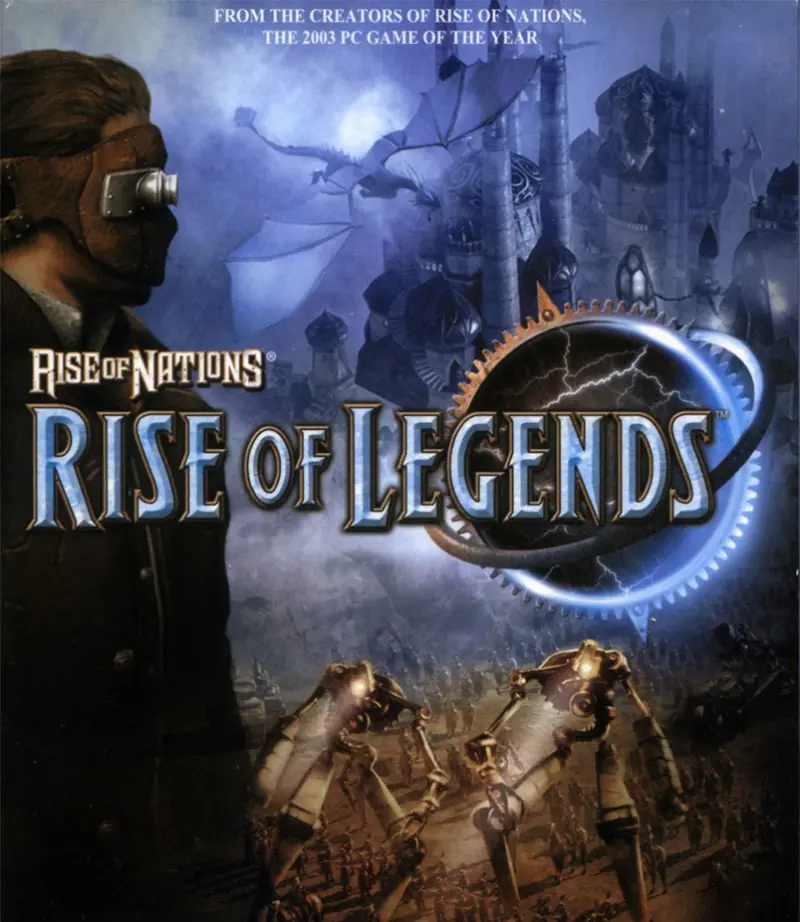
Rise of Nations: Rise of Legends

Rise of Nations: Rise of Legends Game Cover
4.8/5 - 179 votes

Rise of Nations: Rise of Legends is a 2006 strategy game developed by Big Huge Games and published by Microsoft Game Studios.

Other Titles

国家的崛起:崛起传奇王國的興起:傳說再現ROLRON2Rise of Legendsظهور ملل: ظهور افسانه‌هانهضة الأمم:صعود الأساطيرنهضه الامم:صعود الاساطير

Genres
Developers
Released
Platforms
Download

About Rise of Nations: Rise of Legends

Take the next big leap in the real-time strategy genre. Rise of Nations: Rise of Legends is the second installment in the award-winning Rise of Nations franchise. The popular Conquer the World campaign returns with new updates. Cutting-edge technology combines with art design to create detailed gameplay and environments. Rise of Nations: Rise of Legends evolves the franchise's trademark borders, attrition, large armies, and city-building with new twists. Improved army and research interfaces streamline gameplay with less micromanagement. New multiplayer features allow even a 20-minute game to be rewarding. The story follows a young inventor's struggle to unravel his world's ancient past and unite its people against an unimaginable threat.
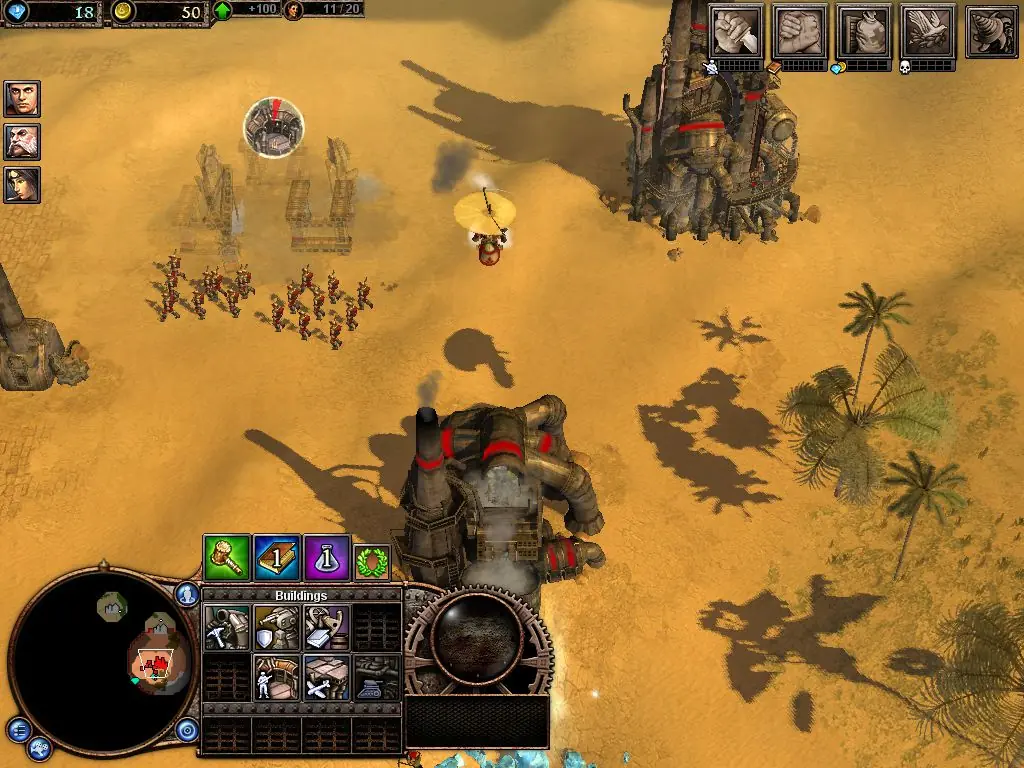
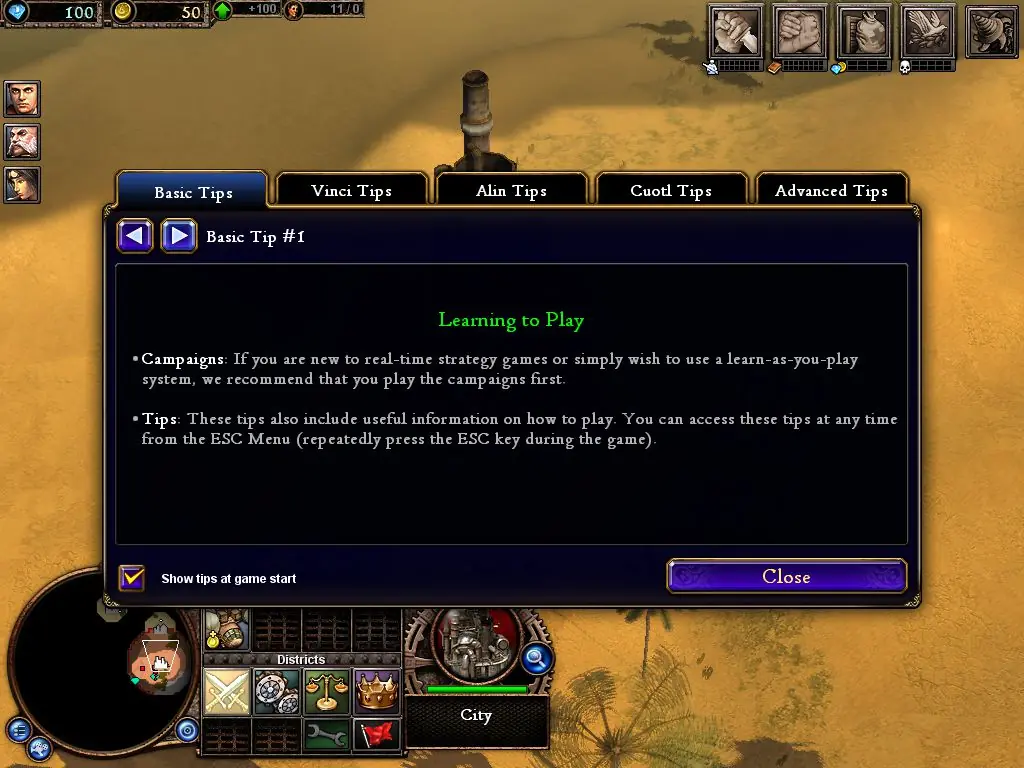
Screenshots

Windows

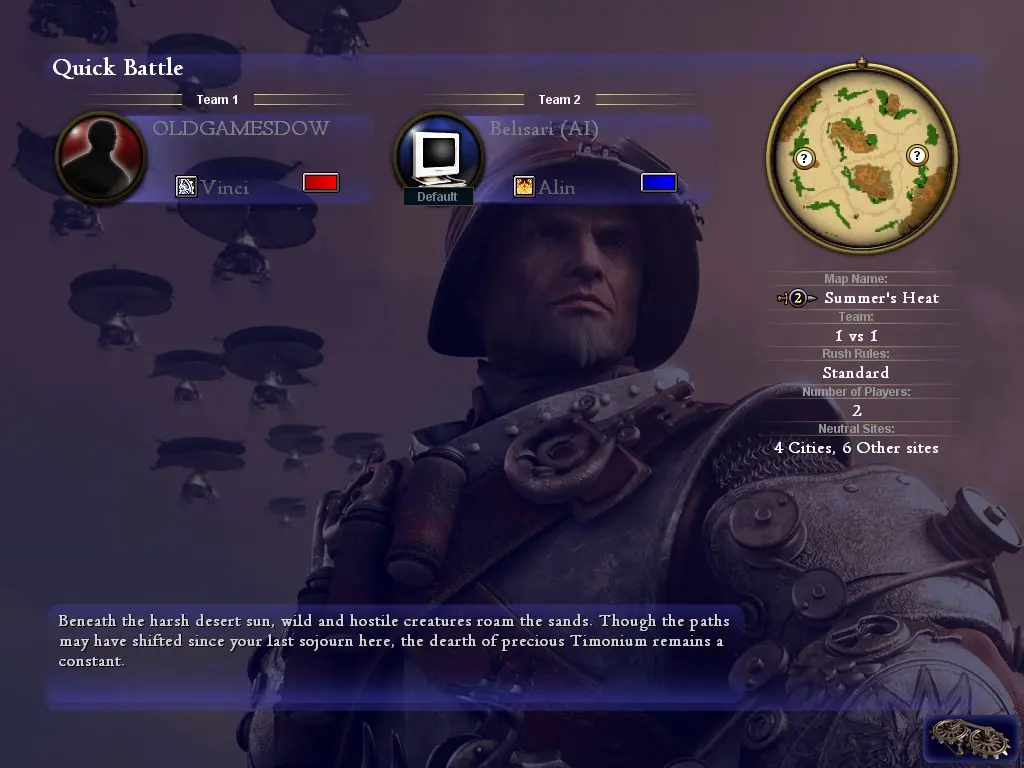
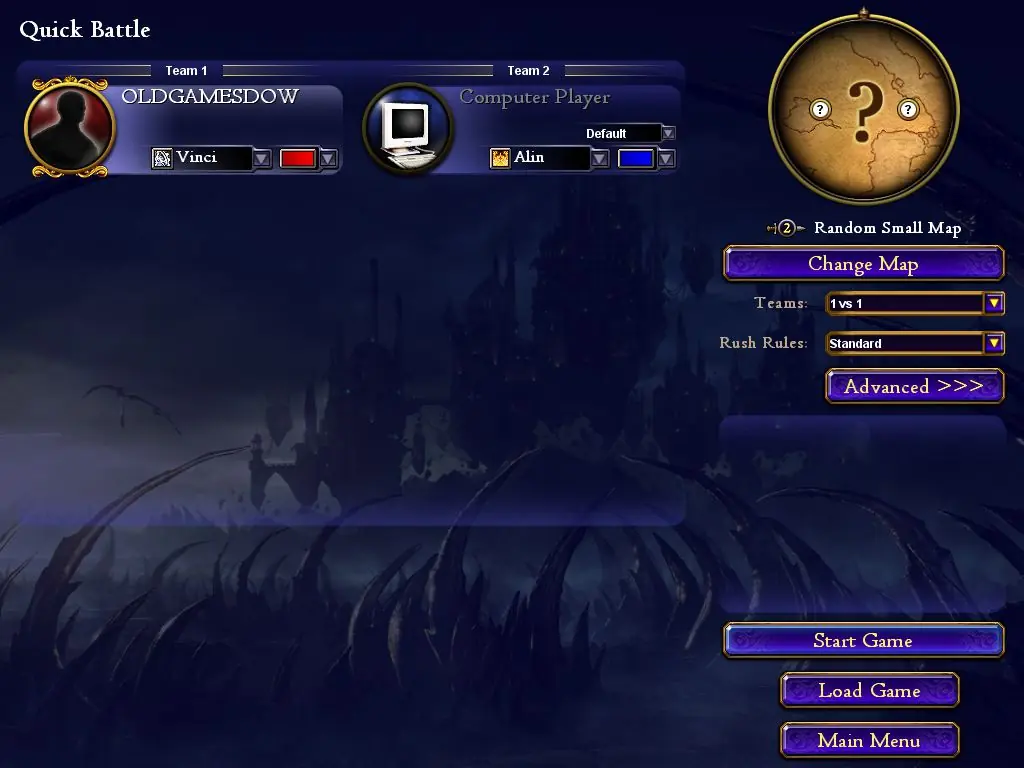
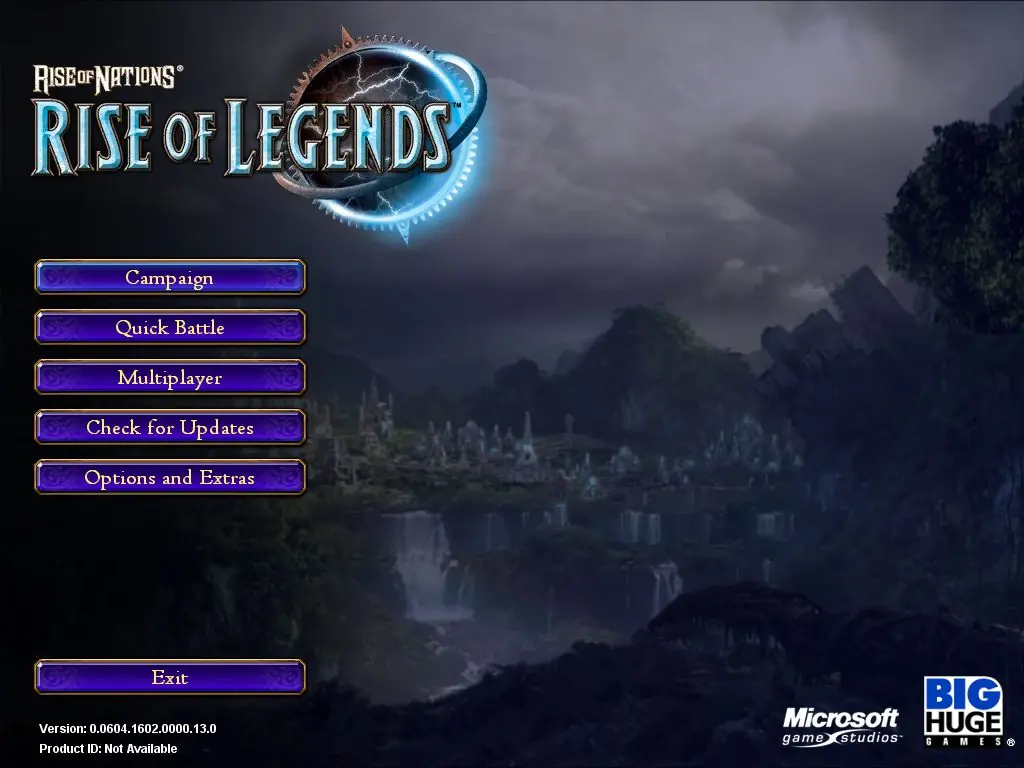
Rise of Nations: Rise of Legends — Windows screenshot 1Rise of Nations: Rise of Legends — Windows screenshot 2Rise of Nations: Rise of Legends — Windows screenshot 3Rise of Nations: Rise of Legends — Windows screenshot 4Rise of Nations: Rise of Legends — Windows screenshot 5Rise of Nations: Rise of Legends — Windows screenshot 6

Download Rise of Nations: Rise of Legends

Rise of Nations: Rise of Legends is abandonware and no longer sold or supported by its publishers. Files are archived here for these platforms:

Windows (2006)

  • Rise_of_Nations_Rise_of_Legends_Win_Files_EN.zipEN2.21 GB
  • Instructions Rise_of_Nations_Rise_of_Legends_Win_Files_EN.zip

    How to play on Windows (preinstalled)

    1. Download and extract Rise_of_Nations_Rise_of_Legends_Win_Files_EN.zip
    2. Open the "Game Files" folder
    3. Launch "legends.exe"
  • Rise_of_Nations_Rise_of_Legends_Win_ROM_EN.zipEN2.6 GB
  • Instructions Rise_of_Nations_Rise_of_Legends_Win_ROM_EN.zip

    How to play on Windows (have to install)
    1. Download and extract Rise_of_Nations_Rise_of_Legends_Win_ROM_EN.zip
    2. Mount CD1, CD2, CD3 and CD4
    3. Run setup.exe to install the game
    4. When installation has completed, the game should automatically launch
    5. Play the game

Comments

56 thoughts on “Rise of Nations: Rise of Legends”

  1. 0
    For those wondering how can we play the game – my advise is to install a software like alcohol 120% which enables creation of a virtual disk drive…
    Reply
  2. 0
    where is setup.exe? I’ve definitely got the right download but can’t find it anywhere. mounted the CDs and tried running the install from CD one, can get the installer started but it freezes before actually installing anything.
    Reply
  3. 0
    First off it you do not have the smarts to play a cracked game then your should by it off ebay.. Trust me all these game can be purchased.
    Here’s how to get the game to work.
    First of dl the first game if you do not have a drive emulator .
    Extract the files.
    Then go download this crack and drop it in the game folder over writing the existing .exe file.
    Here is the link and the password is “lonebullet” remove the ” ”
    https://www.lonebullet.com/cracks/download-rise-of-nations-rise-of-legends-v0060517010100130-v01351701-english-no-cdfixed-exe-free-4060.htm
    If you are running windows 10 make sure to have directx installed or most of these old games will not play without it.
    This game requires MSXML 4.0 and windows 10 does no come stock with it. SO dl it here and install it or you will get a MSXML error upon loading the game.
    https://www.microsoft.com/en-us/download/details.aspx?id=15697
    As you can see it works here is a screenshot of it loaded on windows 10
    https://uploads.disquscdn.com/images/ef11fda81718b2ace6974df00a6fdb0db73c4f00d955dff1bbc75d0ced80076e.jpg
    Reply
  4. 0
    Once installed and with the CD1 image mounted, the game won’t launch. It opens the first screen and then… nothing. Anyone else havng this issue?
    Reply
  5. 0
    I don’t know your problems here but it’s all seems fine to me I can able to play the games without any issues. BTW thanks for the uploads
    Reply
  6. 0
    Don’t Download the preinstalled one! It doesn’t work. Asks for “mount cd1” God knows how to do that! All of BS and wasted time
    Reply
  7. 0
    Just resurrected my DVD version of this game. Running on Win 10 (1903) running in VMWare Fusion (11.5.5) on a Mac Mini (2018). Freaking awesome!
    Reply
  8. 0
    i have a cracked version that do not ask for CD or keys and it works on win 10 64bit with 3440 x 1440 and 32bit color
    how do i upload it to this website?
    Reply