Home » Games » Rise of Nations: Rise of Legends
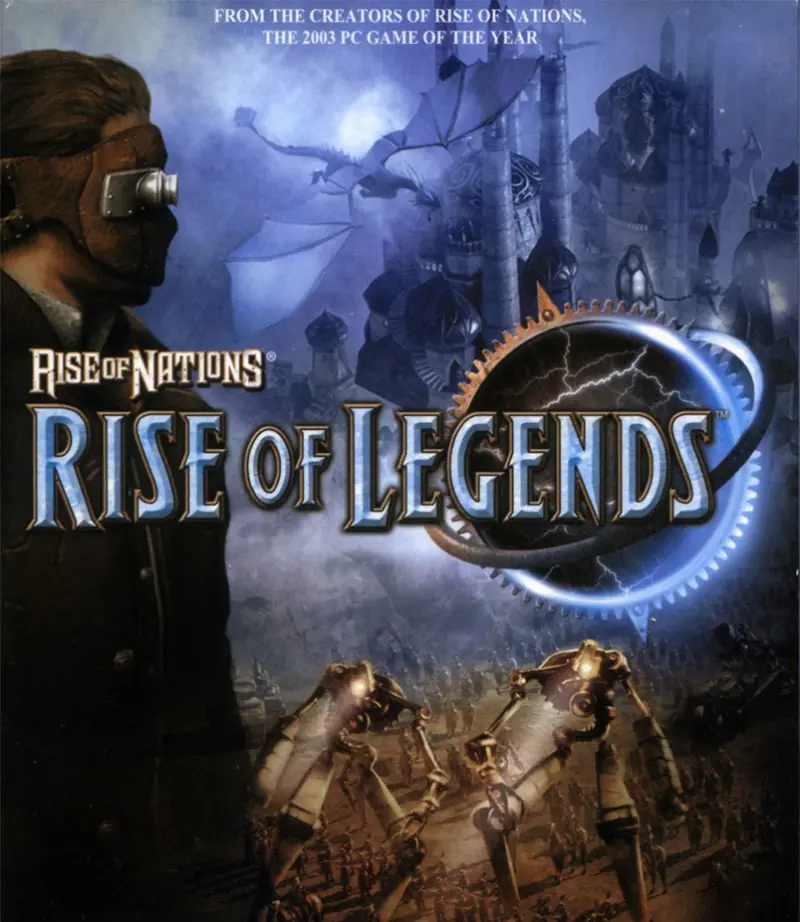
Rise of Nations: Rise of Legends

Rise of Nations: Rise of Legends Game Cover
4.8/5 - 179 votes

Rise of Nations: Rise of Legends is a 2006 strategy game developed by Big Huge Games and published by Microsoft Game Studios.

Other Titles

国家的崛起:崛起传奇王國的興起:傳說再現ROLRON2Rise of Legendsظهور ملل: ظهور افسانه‌هانهضة الأمم:صعود الأساطيرنهضه الامم:صعود الاساطير

Genres
Developers
Released
Platforms
Download

About Rise of Nations: Rise of Legends

Take the next big leap in the real-time strategy genre. Rise of Nations: Rise of Legends is the second installment in the award-winning Rise of Nations franchise. The popular Conquer the World campaign returns with new updates. Cutting-edge technology combines with art design to create detailed gameplay and environments. Rise of Nations: Rise of Legends evolves the franchise's trademark borders, attrition, large armies, and city-building with new twists. Improved army and research interfaces streamline gameplay with less micromanagement. New multiplayer features allow even a 20-minute game to be rewarding. The story follows a young inventor's struggle to unravel his world's ancient past and unite its people against an unimaginable threat.
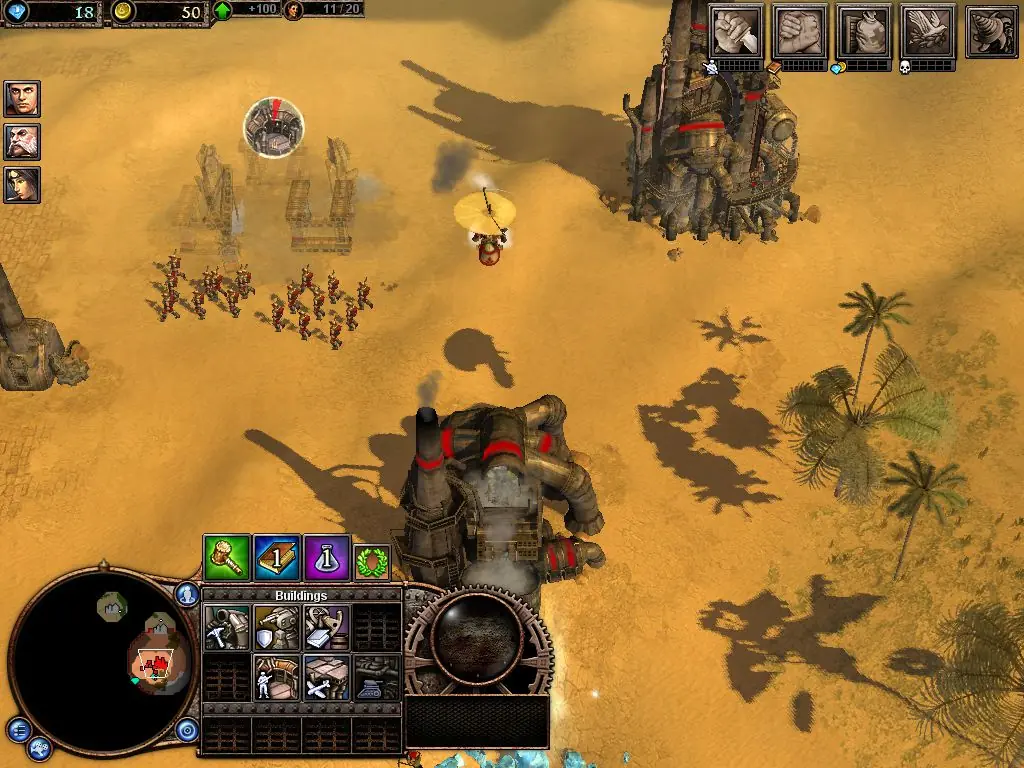
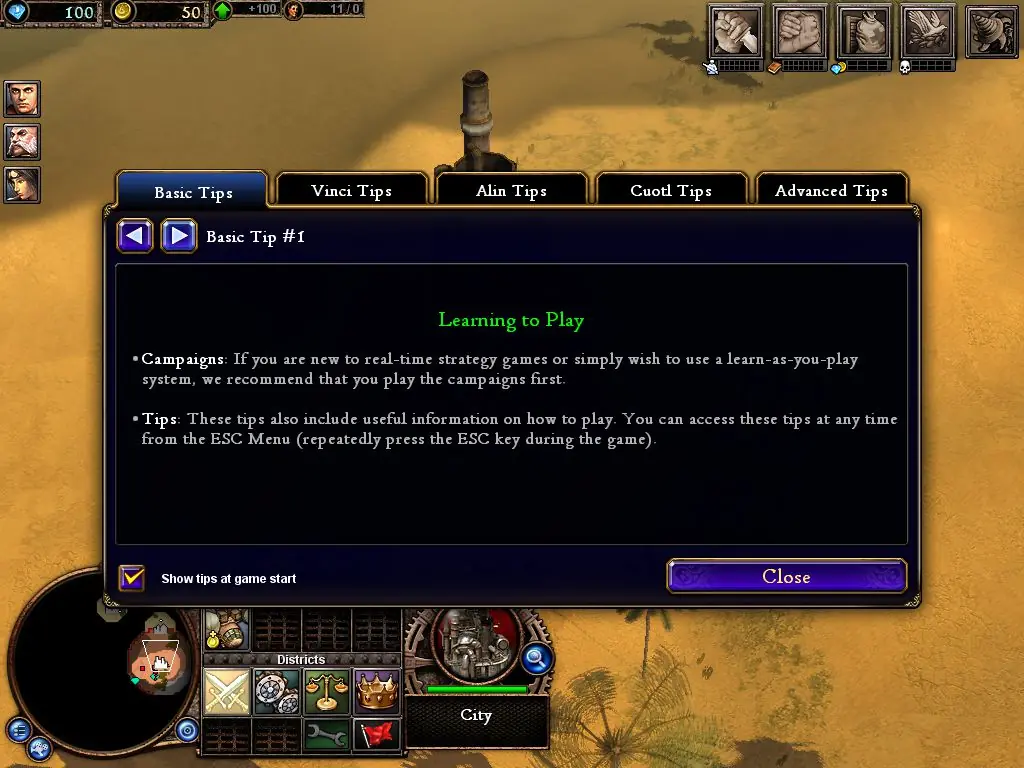
Screenshots

Windows

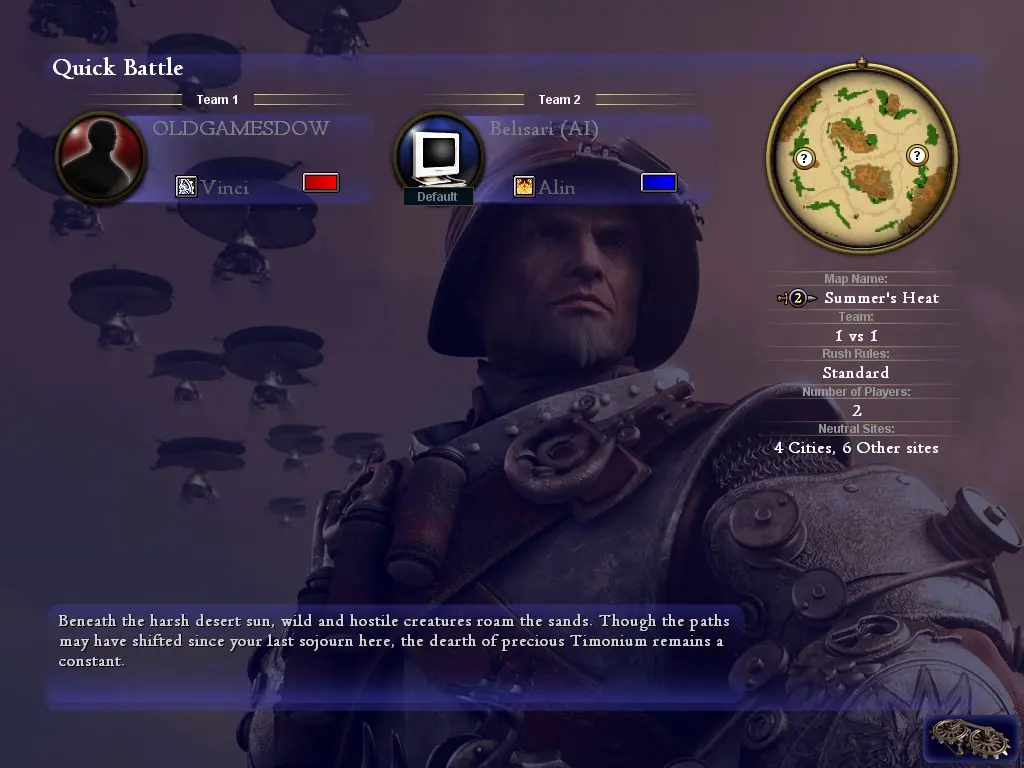
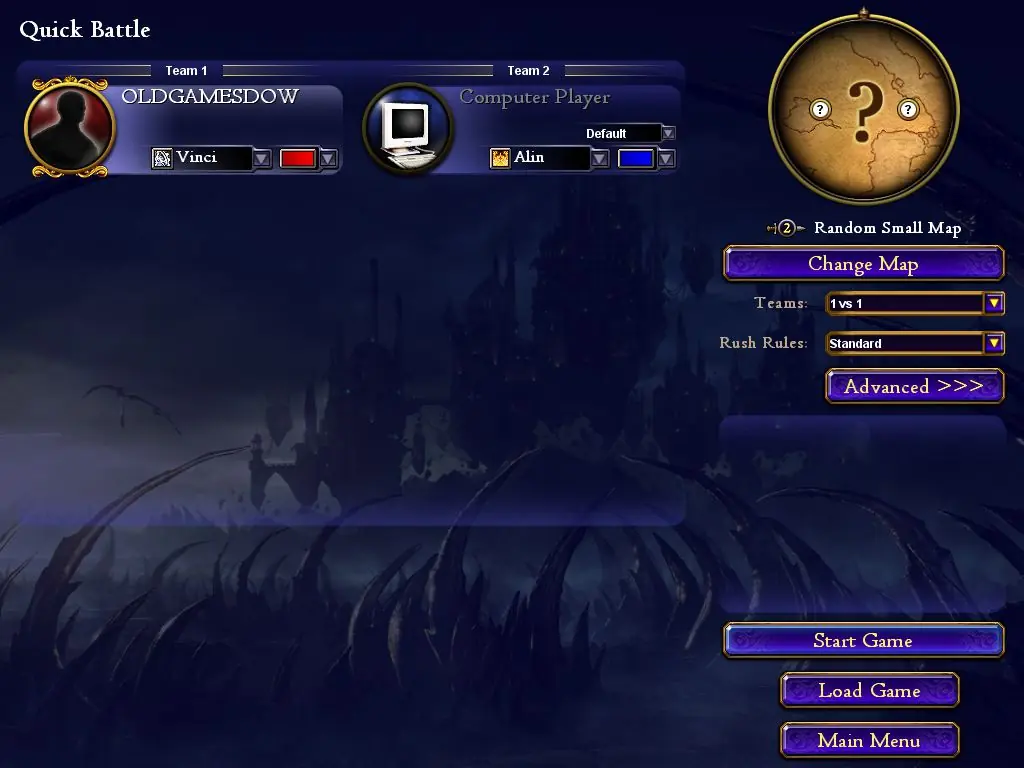
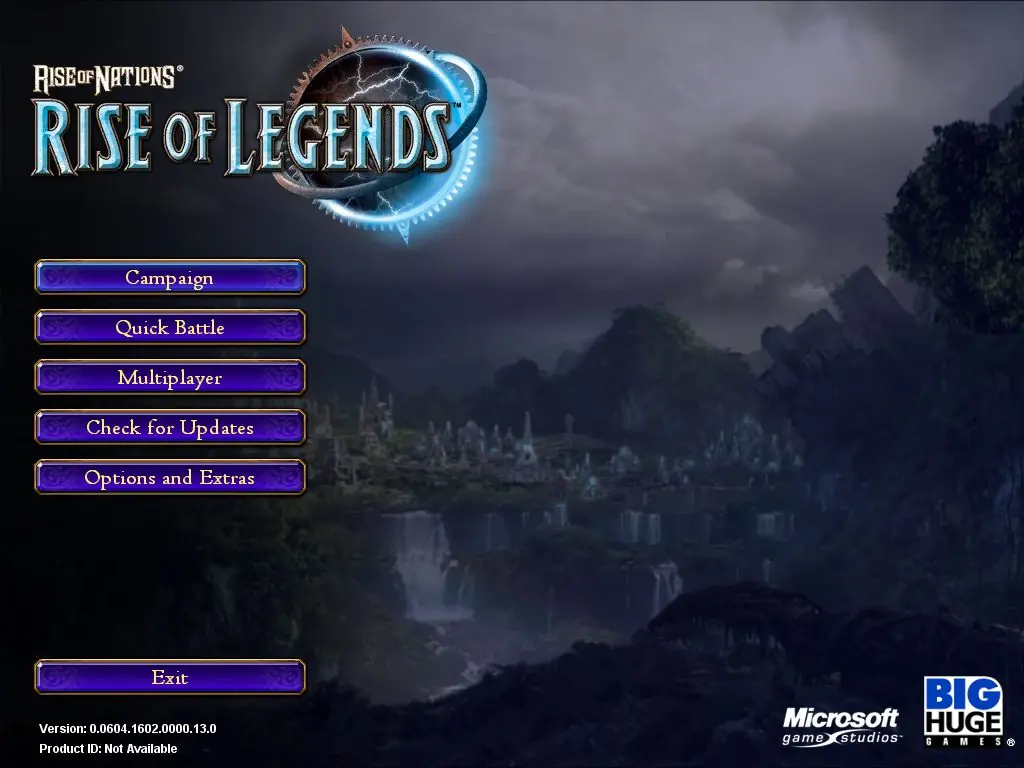
Rise of Nations: Rise of Legends — Windows screenshot 1Rise of Nations: Rise of Legends — Windows screenshot 2Rise of Nations: Rise of Legends — Windows screenshot 3Rise of Nations: Rise of Legends — Windows screenshot 4Rise of Nations: Rise of Legends — Windows screenshot 5Rise of Nations: Rise of Legends — Windows screenshot 6

Download Rise of Nations: Rise of Legends

Rise of Nations: Rise of Legends is abandonware and no longer sold or supported by its publishers. Files are archived here for these platforms:

Windows (2006)

  • Rise_of_Nations_Rise_of_Legends_Win_Files_EN.zipEN2.21 GB
  • Instructions Rise_of_Nations_Rise_of_Legends_Win_Files_EN.zip

    How to play on Windows (preinstalled)

    1. Download and extract Rise_of_Nations_Rise_of_Legends_Win_Files_EN.zip
    2. Open the "Game Files" folder
    3. Launch "legends.exe"
  • Rise_of_Nations_Rise_of_Legends_Win_ROM_EN.zipEN2.6 GB
  • Instructions Rise_of_Nations_Rise_of_Legends_Win_ROM_EN.zip

    How to play on Windows (have to install)
    1. Download and extract Rise_of_Nations_Rise_of_Legends_Win_ROM_EN.zip
    2. Mount CD1, CD2, CD3 and CD4
    3. Run setup.exe to install the game
    4. When installation has completed, the game should automatically launch
    5. Play the game

Comments

56 thoughts on “Rise of Nations: Rise of Legends”

  1. 0
    Heya!

    Just downloaded the game (from the ROM), mounted the CDs, installed the game, everything. However, when I launch it, it “launches” (as in, my task manager recognizes it as launched), but the game never opens and I can’t access it even though it’s supposedly launched. Can someone help? Thank you!

    Reply
  2. 0
    Issue: Unable to play (peinsalled)
    Reason: Please insert Rise of Legends DIsc #1
    This is prompted when trying to launch Legends.exe file.
    PLEASE HELP
    Reply
    • 1
      So I just successfully installed the damn thing. You gotta use the ROM download one way or another. The trick is to go into the CD folders and select the dev-rola.cue file and only then with a left click mount that file on a CD drive. I use WinCDEmu for that stuff. As I have already downloaded the Files download as well I could just open the legends.exe and it recognized the virtual CD mounted as I described before.
      Reply
  3. 0
    The rom option worked for me since I am used to installing a virtual disk image. Converted the bin files to iso with magiciso first though. After that, Windows 11/10 can do the rest.

    Just wanted to get this game running for my brother. We both have the game running now. Thanks for hosting <3

    Reply
  4. 0
    Hi guys, I have a problem and it is that I download a version of this game but it tells me that CD #1 is missing someone can pass me a link just of this disc, it would really help me a lot.
    Thanks for the attention.
    Reply
  5. 0
    Setup.exe is missing from the install version so I tried to download the preinstall version and then mount the CD’s added from the install version but still doesn’t work. Even though I mounted CD1 it just keeps telling me to insert CD1.

    Unless Setup.exe is added somehow I don’t see how to get this to work.

    Reply
  6. 0
    Is this game patched to the latest version? It should include the new High Priest Fane unit for Cuotl, and 140 resource cost for Air Heroes if it is.
    Reply