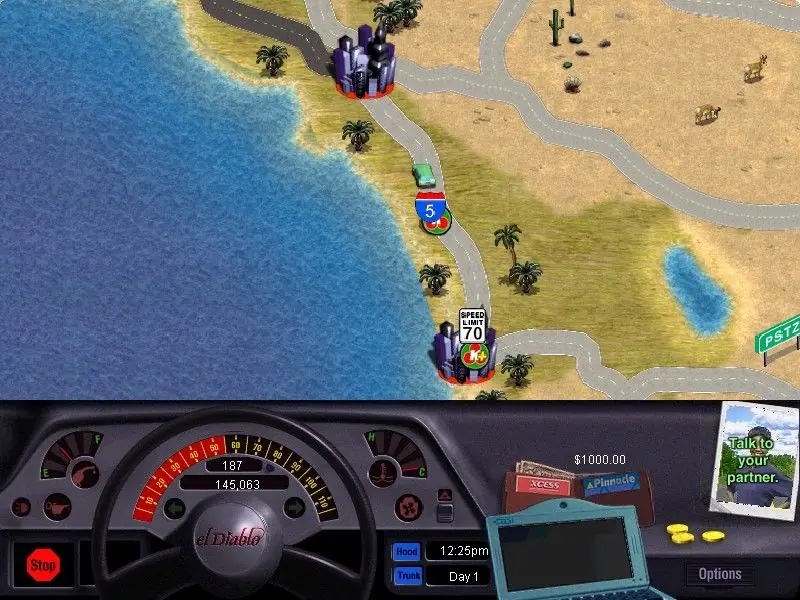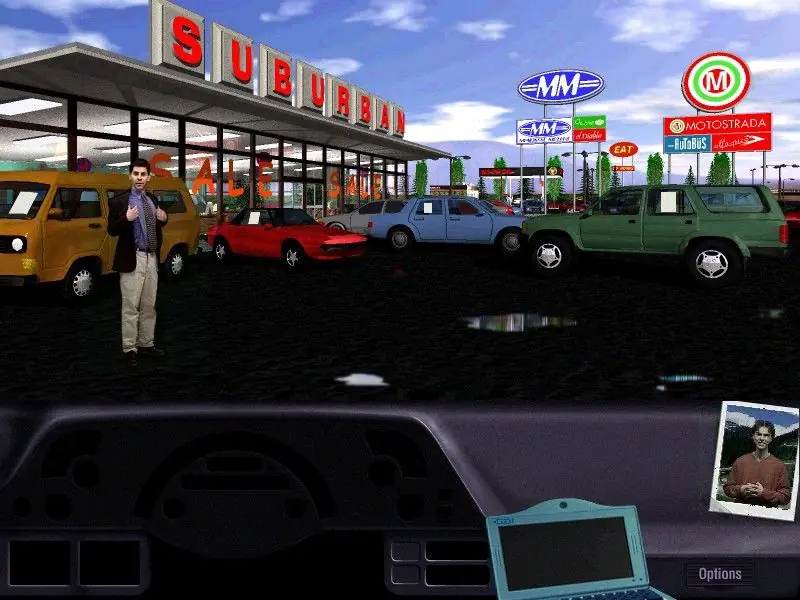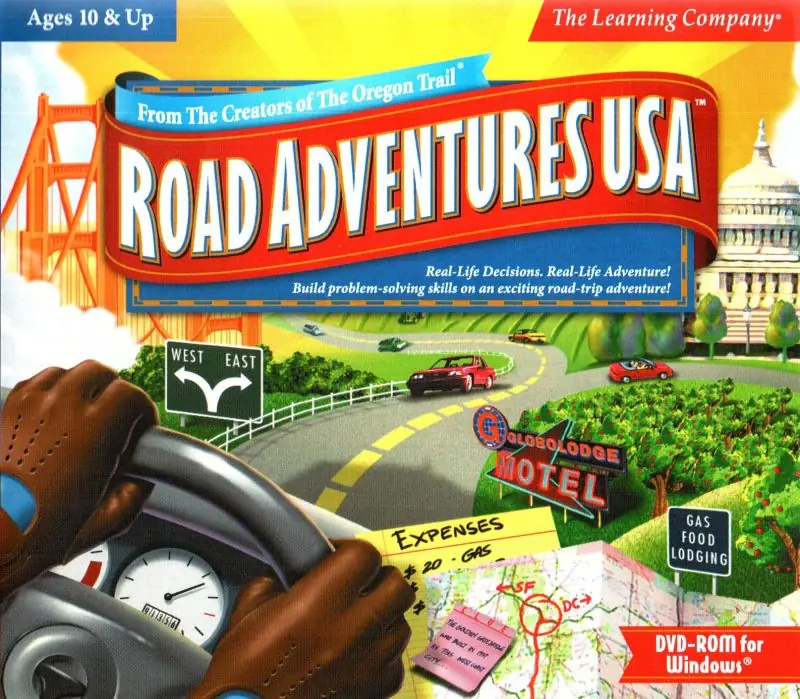
Couldn’t get this to work on Windows 10 using the download from this site. I did get it to work using the 3-disc downloads from this site where I left a comment on how I got it to run using Oracle VM: https://www.myabandonware.com/game/road-adventures-usa-no3
Does anyone have any tips to get this game running optimally? I have 2 methods that each half work. Running it in a Windows 95 PCeM virtual machine works pretty well up until there is any 3D, then it wont even load the gameplay. I got it running natively on windows 10, and the 3D parts all run well, but the audio is very choppy. Any advice to fix either of these methods, or an alternative method would be great!
Hello – I am also getting the Quicktime error, the game is saying that I need Quicktime 3.0 to run the game. If you have any suggestions about how to find a workaround, it would be very helpful. Thanks!
So my gf really wanted to play this game from her childhood and I found your website which has every classic game that’s been forgotten to time. I referenced the FAQ section to make sure I wasn’t missing anything but I’m still getting an error that says “Installer not found.” If you could let me know what’s wrong with the game, I’d really appreciate it. Oh! the game in questions is Road Adventures USA.
Thanks again!